
1. Introduction
Thank you for choosing the ToLife Dehumidifier. This compact and efficient appliance is designed to reduce humidity in your home, creating a more comfortable and healthier environment. Utilizing semiconductor condensation technology, it operates quietly while effectively extracting moisture from the air. This manual provides essential information for safe and proper use, setup, operation, and maintenance of your dehumidifier.
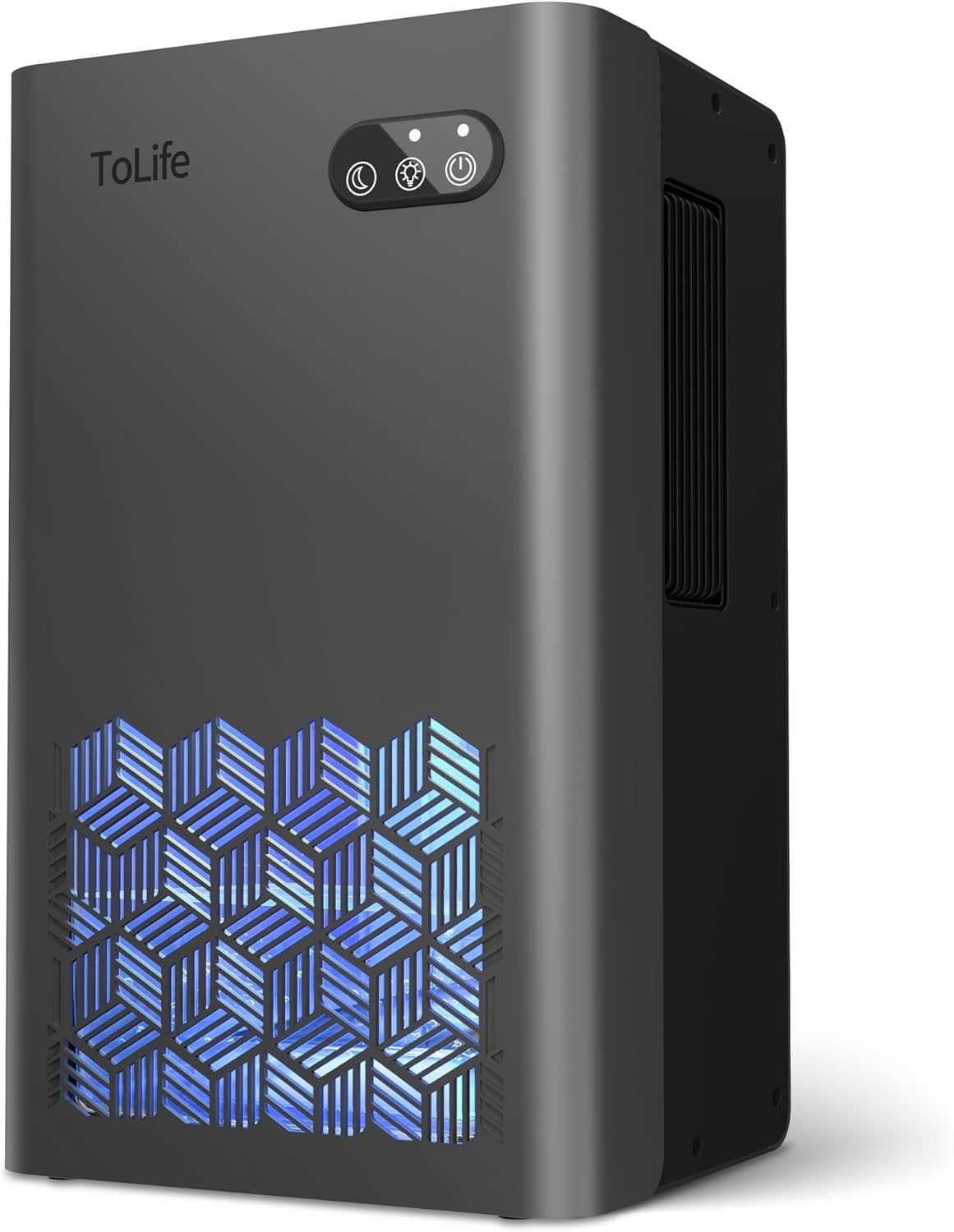
Image 1: Front view of the ToLife Dehumidifier TZ-C1.
2. Safety Instructions
Please read and follow these instructions carefully to ensure safe and proper use of your dehumidifier:
- Only use this dehumidifier indoors; avoid outdoor use.
- Place the appliance on a flat, stable surface away from direct sunlight to prevent damage.
- Keep the appliance upright to prevent water leakage.
- Always unplug the appliance before cleaning or removing the water tank.
- Do not use the power adapter in damp locations to avoid electric shock. Keep the area well-ventilated.
- Keep the power adapter away from high traffic areas, and never place cords under rugs or near heat sources.
- Do not use the appliance if the cord or plug is damaged.
- Do not move or tilt the appliance while in use.
- Keep air inlet and outlet unblocked for proper performance.
- Never insert foreign objects into the air outlet to prevent damage.
- Do not use sharp objects to clean or scrape the appliance.
- Do not place heavy objects on top of the appliance to avoid damage.
- If not in use for an extended period, drain the water tank and turn off the appliance.
- Only allow persons 8 years and above, or persons with supervision, to use the appliance after they have been instructed on safe use and hazards.
- Use the included power supply only.
3. Product Overview and Features
The ToLife Dehumidifier TZ-C1 is designed for effective moisture removal in various indoor spaces. Key features include:
- High-Efficiency Dehumidification: Utilizes semiconductor condensation technology to quietly and effectively extract moisture, aiming to keep humidity levels below 45%.
- Two Operating Modes: Offers a powerful mode for rapid moisture reduction and a low-speed sleep mode for quiet operation (below 30 dB).
- Seven-Color LED Light: Features continuously changing LED lights that can be locked to a preferred color or turned off, serving as an ambient light or night light.
- Automatic Shut-Off Protection: The unit automatically stops operating and flashes a red warning light when the water tank is full or incorrectly placed, preventing overflow.
- Portable Design: Compact size (8.27"L x 5.55"W x 13.78"H) with built-in handles for easy movement between rooms.
- Generous Water Tank: Equipped with a 95 fluid ounce (2.8L) water tank, reducing the frequency of emptying.
- Coverage Area: Effective for spaces up to 1000 square feet.
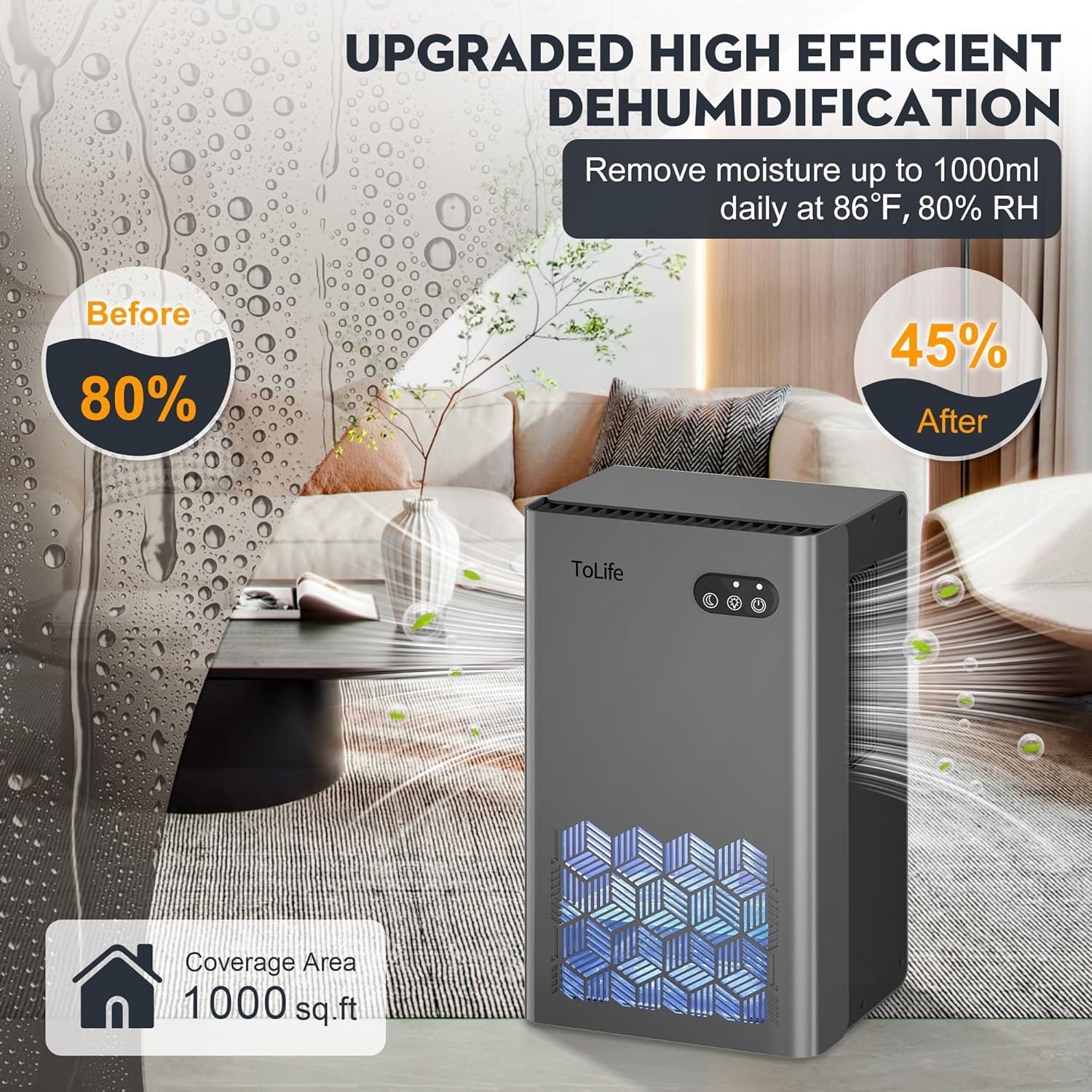
Image 2: Illustration of the dehumidifier's high-efficiency moisture removal.

Image 3: Internal view highlighting dual semiconductor technology and the 95oz water tank.
4. Setup
- Unpack: Carefully remove the dehumidifier and all accessories from the packaging.
- Placement: Place the unit on a flat, stable surface in the desired room. Ensure there is at least 10cm (approximately 4 inches) of clearance around the air inlet and outlet for optimal performance.
- Power Connection: Connect the power adapter to the dehumidifier and then plug it into a suitable AC100-240V 60Hz power socket.
5. Operating Instructions
Your ToLife Dehumidifier features simple controls for ease of use:
-
ON/OFF Button (⏻):
- Tap the button to turn on the dehumidifier. The LED light will illuminate.
- Tap the button again to turn off the dehumidifier.
-
LED Light Button (💡):
- At startup, the dehumidifier displays 7 lights that change continuously.
- When you see your favorite color, press the button to lock that preferred color.
- Press the button again to turn off the light.
- Press the button a third time to return to the 7 continuously changing lights.
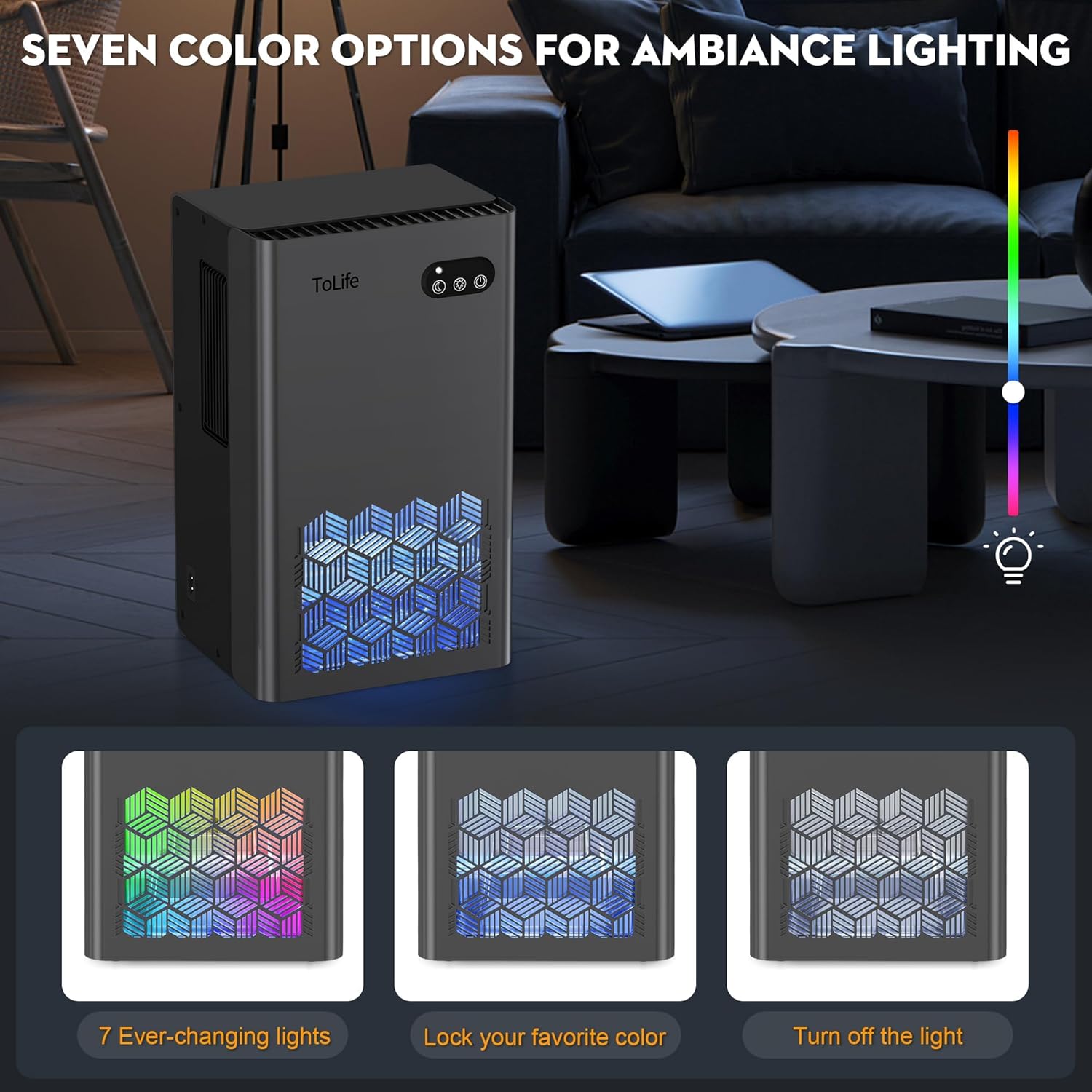
Image 4: Control panel and LED light feature.
-
Sleep Mode Button (🌙):
- Press the button to activate Night mode, which reduces the sound level (below 30 dB) and shifts the gear to a lower setting.
- Press the button again to return to the normal operating mode.
- Note: Night mode may have a weaker dehumidification effect and take longer to dehumidify.

Image 5: Illustration of Powerful and Night Modes.
6. Maintenance
6.1. Emptying the Water Tank
The dehumidifier will automatically stop working and the light on the water tank will flash red when the tank is full. Follow these steps to empty it:
- Unplug the power cord from the wall outlet.
- Carefully remove the water tank from the back of the unit.
- Remove the cover of the water tank and discard the collected water.
- Assemble the water tank cover well, then put the water tank back into the unit. Ensure it is correctly seated to resume operation.

Image 6: Auto shut-off feature and water tank full indicator.
6.2. Cleaning the Appliance
- Clean the machine body with a neutral detergent and a soft cloth to ensure its longevity.
- Dry the machine thoroughly with a soft cloth after cleaning.
- Store the machine in its box after cleaning and drying if not in use for an extended period.
7. Troubleshooting
If you encounter any issues with your ToLife Dehumidifier, please refer to the table below:
| Problem | Possible Cause | Solution |
|---|---|---|
| The 'Red LED' is flashing first when power connected. | The water tank is full. | Empty the water tank. |
| The float gets jammed. | Float mechanism obstructed. | Press the float to release it. |
| The power supply is cut off. | Power adapter unplugged or power outage. | Check if the power adapter is plugged in. |
| AC power socket loose. | Loose connection. | Check the AC power socket and the power cord connection. |
| The dehumidifier does not work. | Air inlet/outlet blocked. | Maintain minimum clearance of at least 10cm around the dehumidifier when the appliance is operating. |
| Dehumidification effect not obvious. | Doors/windows not closed; air inlet/outlet blocked; ambient humidity below 42%RH; space too large. | Ensure doors/windows are closed, clear blockages, note effectiveness varies with humidity/room size. This model is suitable for small spaces. |
| Dehumidifier stops working after a period of use. | Water tank full; product malfunction; automatic 48-hour shutdown. | Empty tank if full. If not, disconnect power for 10 minutes to reset and improve lifespan. If issue persists, contact support. |
| Dehumidification speed is slow. | Effectiveness depends on humidity, room size, and temperature. | Higher humidity levels and smaller rooms lead to better performance. Only collect little water after 8 hours in less humid conditions. |
| Can I keep it running all the time? | Continuous operation can reduce lifespan. | We do not recommend running the dehumidifier continuously. After 48 hours of use, please disconnect the power cord and let it rest for at least 10 minutes to improve its lifespan. |
8. Specifications
- Brand: ToLife
- Model Name: TZ-C1
- Color: Grey
- Floor Area Coverage: Up to 1000 sq.ft
- Water Tank Capacity: 95 Fluid Ounces (approx. 2.8 Liters)
- Product Dimensions: 8.27"D x 5.55"W x 13.78"H
- Number of Speeds: 2 (Powerful, Sleep)
- Special Features: Automatic Shutoff, Portable, Quiet Operation, Removable Tank, Sleep Mode, 7-Color LED Light
- Material: Plastic
- Rated Voltage: AC100-240V 60Hz
- Rated Power: 76.5-93.5W
- Item Weight: 5.81 pounds (approx. 2.64 kg)
9. Warranty and Support
ToLife is committed to customer satisfaction. Please review the warranty information below:
- 1-Year Warranty: Within 1 year after your purchase, if the product has defects, ToLife will provide a refund or send a new replacement.
- Contact for Support: Please email ToLife with your order number or contact the seller on Amazon for inquiries.
- Coverage Exclusions: This warranty does not cover normal wear and tear of the product or damage caused by misoperation. It also does not cover damage resulting from unauthorized attempts to repair or any use not in accordance with this instruction manual.
- Authorized Purchases: This warranty only covers orders from authorized Amazon Stores and the official ToLife website. Purchases from other distribution channels are not covered.
Contact Information:
- Telephone: 1-888-828-8011
- Email: support@tolifeus.com
- Website: www.tolifeus.com