
LELO A0285
LELO Switch Double-Ended Wand Massager User Manual
Model: A0285
Introduction
This manual provides comprehensive instructions for the safe and effective use of your LELO Switch Double-Ended Wand Massager. Please read this manual thoroughly before first use and retain it for future reference.

Image: The LELO Switch massager, highlighting its dual-ended design for versatile use. The image describes it as a compact, elegant, and app-enabled device offering a modern upgrade to classic wands.
Package Contents
Verify that all items are present in your LELO Switch package:
- LELO Switch Double-Ended Wand Massager
- USB Charging Cable
- Satin Storage Pouch
- Personal Moisturizer Sachet (5 ml / 0.17 fl. oz.)
- Warranty Registration Card
- User Manual (this document)

Image: A visual representation of the LELO Switch package contents, including the device, USB charging cable, satin pouch, personal moisturizer, and warranty card.
Setup and First Use
- Initial Charge: Before first use, fully charge the LELO Switch for 2 hours using the provided USB charging cable. Connect the cable to the device's charging port and a USB power source. The indicator light will show charging status.
- App Download: For enhanced features and control, download the LELO app from your device's app store.
- Preparation: Apply a water-based lubricant, such as the included LELO Personal Moisturizer, to the device and your body for comfortable use.

Image: An illustration demonstrating the preparation step, including downloading the LELO app and applying lubricant before use.
Operating Instructions
The LELO Switch features intuitive controls for a personalized experience.
Basic Device Controls:
- To Turn On: Press the '+' button or the central power button.
- To Switch Modes: Press the central button briefly to cycle through the available vibration patterns.
- To Adjust Intensity: Press the '+' or '-' buttons to increase or decrease vibration intensity.
- To Turn Off: Press and hold the central button.
App Connectivity:
Connect your LELO Switch to the LELO app via Bluetooth to unlock additional modes, customize vibration patterns, and engage in partner play.

Image: A hand holding the LELO Switch, illustrating the basic controls for power, mode selection, and intensity adjustment, along with a note on app connectivity.
Usage Guidance:
- Engage: Gently place the ribbed head on external pleasure areas for stimulation, or insert the curved end for internal pleasure.
- Explore: Adjust intensity and modes using the device controls or the app. Experiment with both ends to discover preferred sensations.
- Indulge: Allow sensations to build as you explore different patterns and power levels. Mix and match ends for a full-bodied experience.

Image: An illustration depicting the 'Engage' step, showing how to use the ribbed head for external stimulation.

Image: An illustration for the 'Indulge' step, demonstrating the versatile use of both ends of the LELO Switch for a comprehensive experience.
Care and Maintenance
- Cleaning: The LELO Switch is fully waterproof (IPX7 certified). Clean the device thoroughly after each use with warm water and a toy cleaner or mild soap. Rinse well and pat dry with a lint-free cloth.
- Storage: Store the device in its satin pouch in a cool, dry place, away from direct sunlight and extreme temperatures.
- Charging: Recharge the device when the battery is low. A full charge provides approximately 2 hours of use.
- Travel Lock: To activate the travel lock, press and hold the '+' and '-' buttons simultaneously for 3 seconds. Repeat to deactivate.
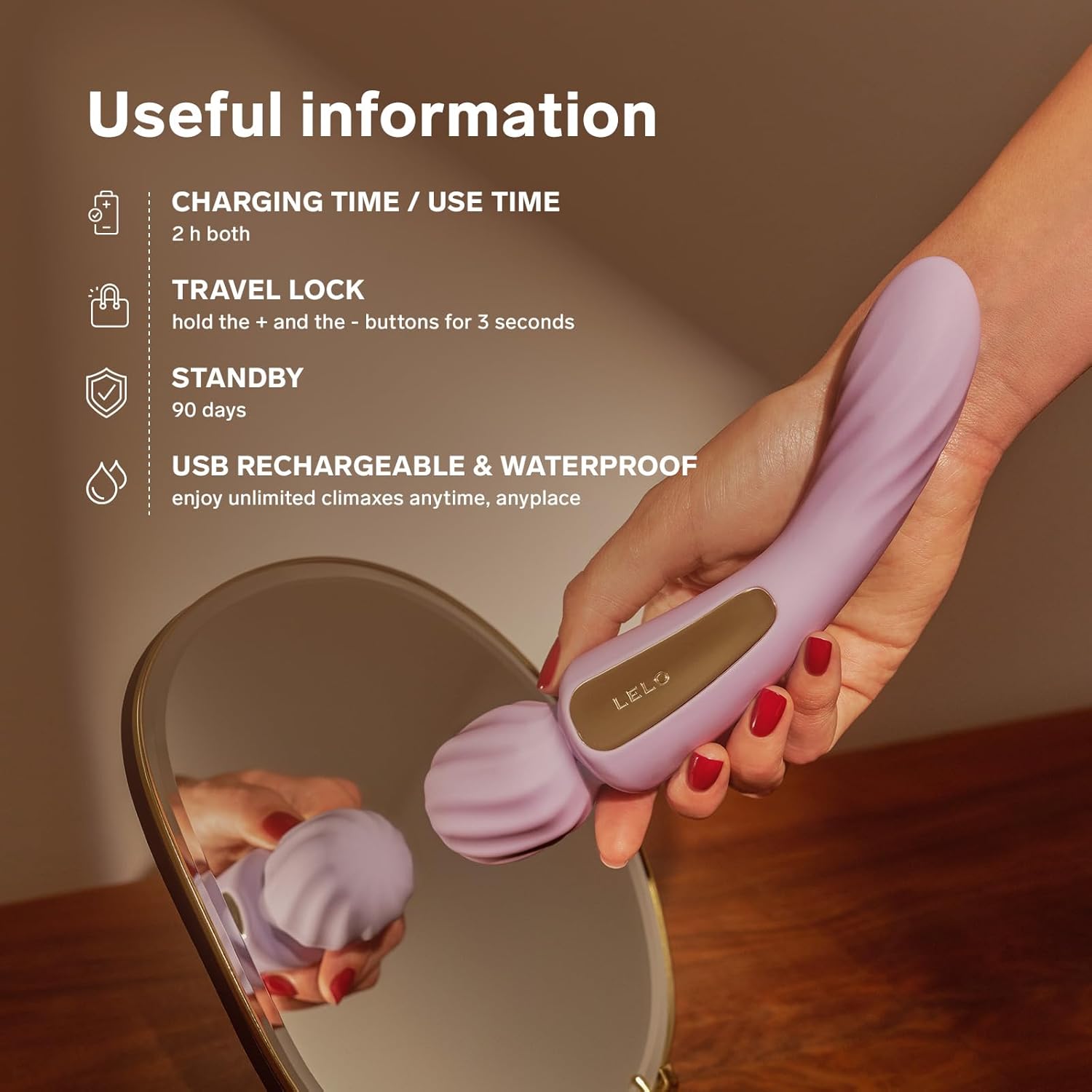
Image: The LELO Switch device accompanied by key information regarding its charging time, usage duration, travel lock function, standby time, and its USB rechargeable, waterproof design.
Troubleshooting
| Issue | Possible Cause | Solution |
|---|---|---|
| Device does not turn on. | Battery is depleted or travel lock is active. | Charge the device for 2 hours. Deactivate travel lock by holding '+' and '-' for 3 seconds. |
| Vibrations are weak. | Low battery or intensity setting is too low. | Recharge the device. Increase intensity using the '+' button. |
| Cannot connect to LELO app. | Bluetooth is off, device is off, or app needs restart. | Ensure device is on and charged. Enable Bluetooth on your phone. Restart the LELO app. |
Specifications
- Model: A0285
- Material: Body-safe Silicone
- Dimensions: 217 x 64 x 43 mm (8.5 x 2.5 x 1.7 inches)
- Insertable Length: 83 mm (3.3 inches)
- Weight: 167 g (5.9 oz)
- Battery: 1 Lithium Polymer (rechargeable)
- Charging Time: 2 hours
- User Time: Up to 2 hours
- Interface: 3-button interface, App-connected
- Modes: 12 pleasure settings (10 on device, 2 additional via app)
- Intensity Levels: 16
- Waterproof: IPX7 certified
- Manufacturer: LELO

Image: A summary graphic detailing the key features and specifications of the LELO Switch, such as its body-safe material, dual stimulation, multiple settings, waterproof rating, and dimensions.
Warranty and Support
LELO products are designed for quality and durability. Please refer to the included Warranty Registration Card for specific warranty terms and conditions.
For product support, troubleshooting assistance, or warranty claims, please visit the official LELO website or contact LELO customer service. Contact information can typically be found on the LELO website or on your warranty card.
Legal Disclaimer: Statements regarding dietary supplements have not been evaluated by the FDA and are not intended to diagnose, treat, cure, or prevent any disease or health condition. This product is not a dietary supplement.
Ask a question about this manual
Ask about setup, troubleshooting, compatibility, parts, safety, or missing instructions. Manuals+ will review the question and use this page’s manual context to help answer it.