
Introduction
This manual provides detailed instructions for the setup, operation, and maintenance of your CrossBeats Blaze B30 Bluetooth Soundbar. Please read this manual thoroughly before using the product to ensure proper function and to maximize your audio experience.
What's in the Box
Upon unpacking, please ensure all items listed below are present and in good condition:
- Blaze Soundbar
- Power Cable
- Quick Start Guide
- Warranty Card
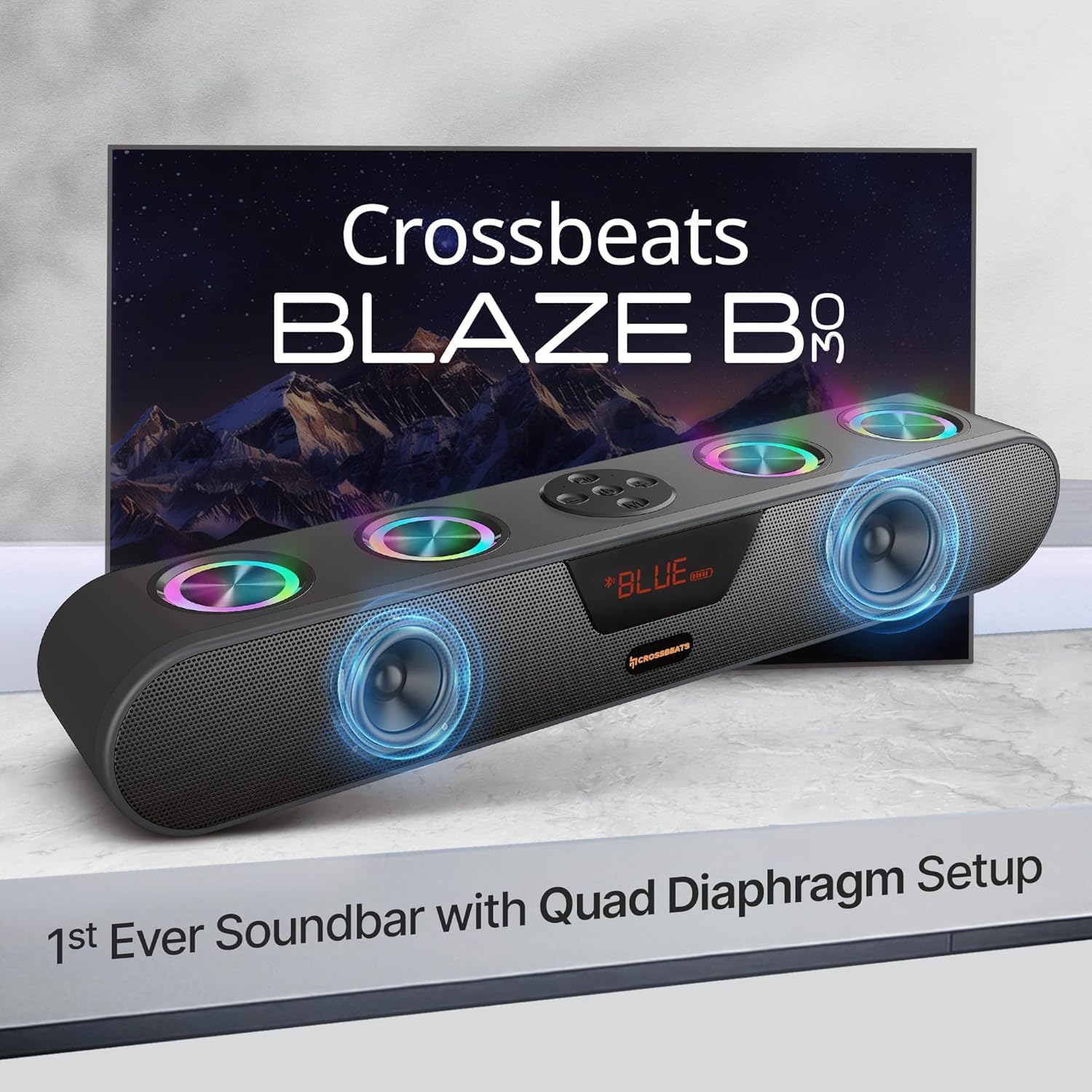
Image: The CrossBeats Blaze B30 Soundbar along with its included accessories: power cable, quick start guide, and warranty card.
Product Overview
The CrossBeats Blaze B30 is a 30W Bluetooth soundbar designed to enhance your audio experience for gaming, movies, and music. It features dual premium speakers with four passive radiators for crisp surround sound and deep bass. The soundbar also includes customizable RGB lighting and multiple connectivity options.

Image: The CrossBeats Blaze B30 Soundbar showcasing its design and RGB lighting, positioned in front of a television.
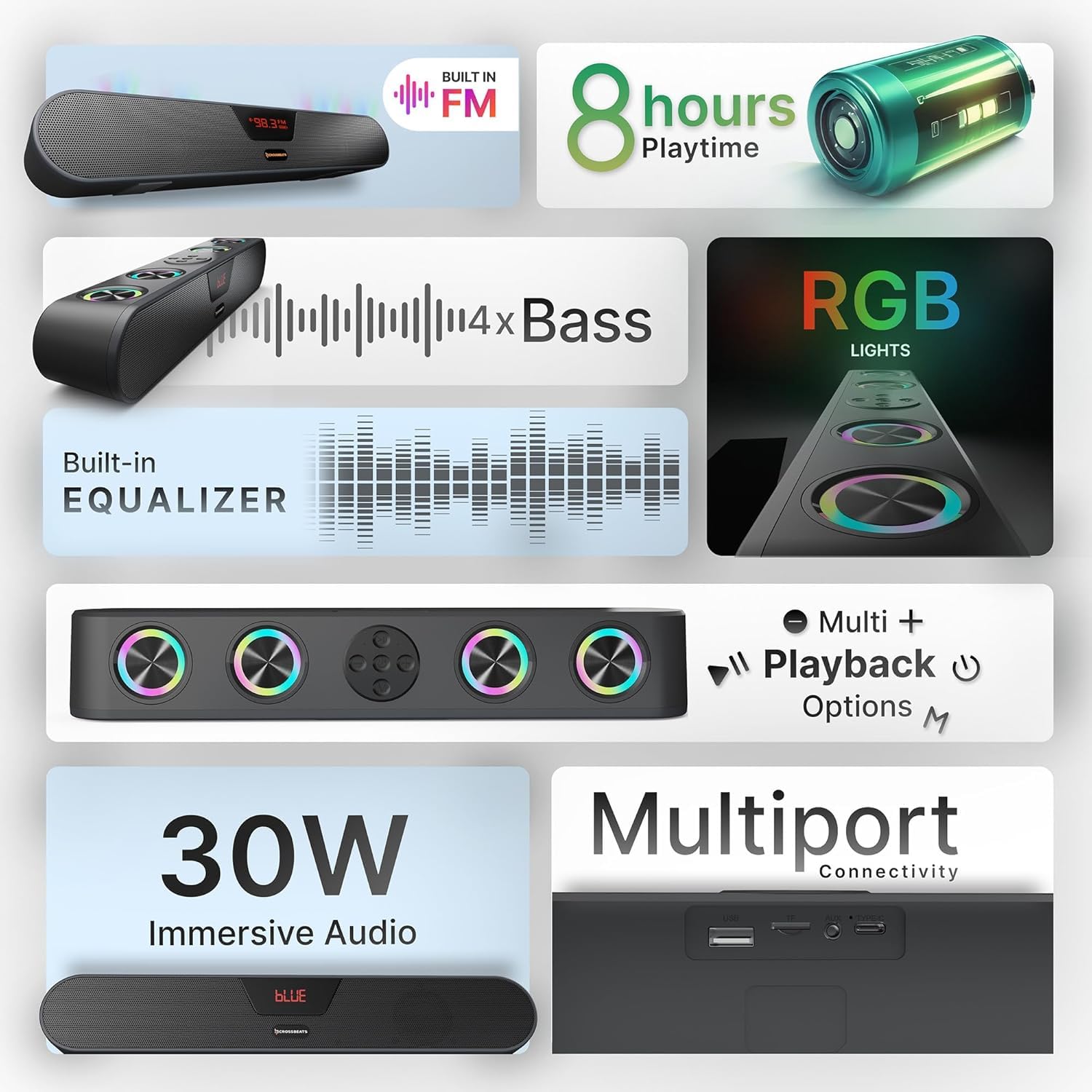
Image: An infographic detailing key features of the Blaze B30, including 30W immersive audio, RGB lights, and various playback options.
Setup
- Unpack the Soundbar: Carefully remove the soundbar and all accessories from the packaging.
- Placement: Place the soundbar on a stable, flat surface, preferably below your TV or monitor for optimal audio projection. Ensure there is adequate ventilation around the device.
- Power Connection: Connect the provided power cable to the soundbar's power input and then to a wall outlet.
- Initial Power On: Press the power button on the soundbar or remote control to turn it on. The LED display will illuminate.
Operating Instructions
Basic Controls
- Power Button: Press and hold to turn on/off. Short press to switch input modes.
- Volume Up/Down: Adjust the master volume.
- Play/Pause: Control media playback in Bluetooth, USB, and SD card modes.
- Previous/Next Track: Skip tracks in Bluetooth, USB, and SD card modes.
- RGB Light Control: A dedicated button allows you to turn the RGB lights on or off.

Image: A top-down view of the CrossBeats Blaze B30 Soundbar, highlighting its control buttons and the integrated RGB lighting.
Connectivity Modes
The Blaze B30 supports multiple input options:
- Bluetooth (BT): For wireless connection to smartphones, tablets, and other Bluetooth-enabled devices.
- AUX: For wired connection to devices with a 3.5mm audio output.
- USB: For playing audio files directly from a USB flash drive.
- SD Card: For playing audio files directly from an SD memory card.
- FM Radio: Built-in FM tuner for listening to radio stations.
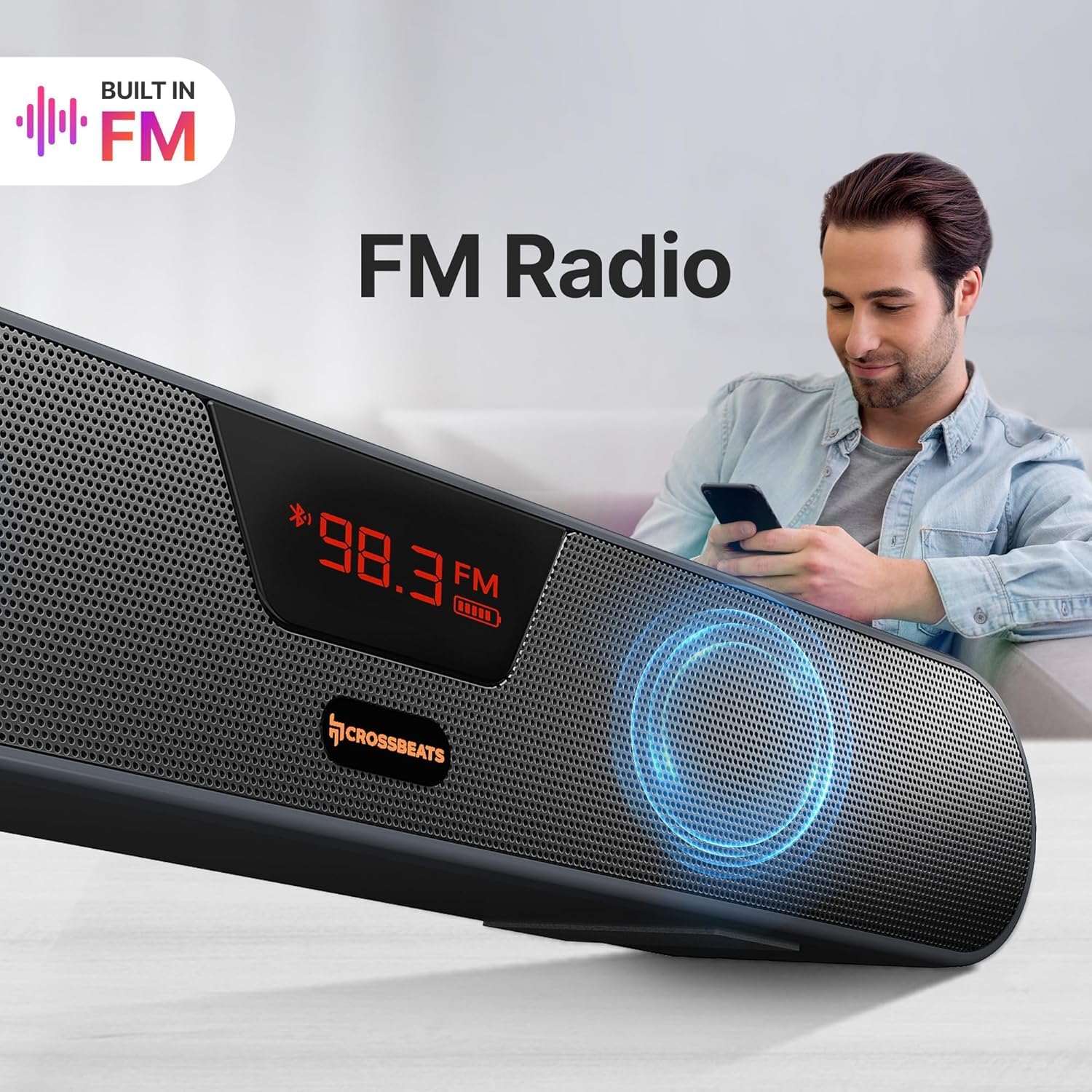
Image: A close-up view of the CrossBeats Blaze B30 Soundbar's rear panel, illustrating its various connectivity ports including AUX, Bluetooth, SD Card, FM Support, and USB port.
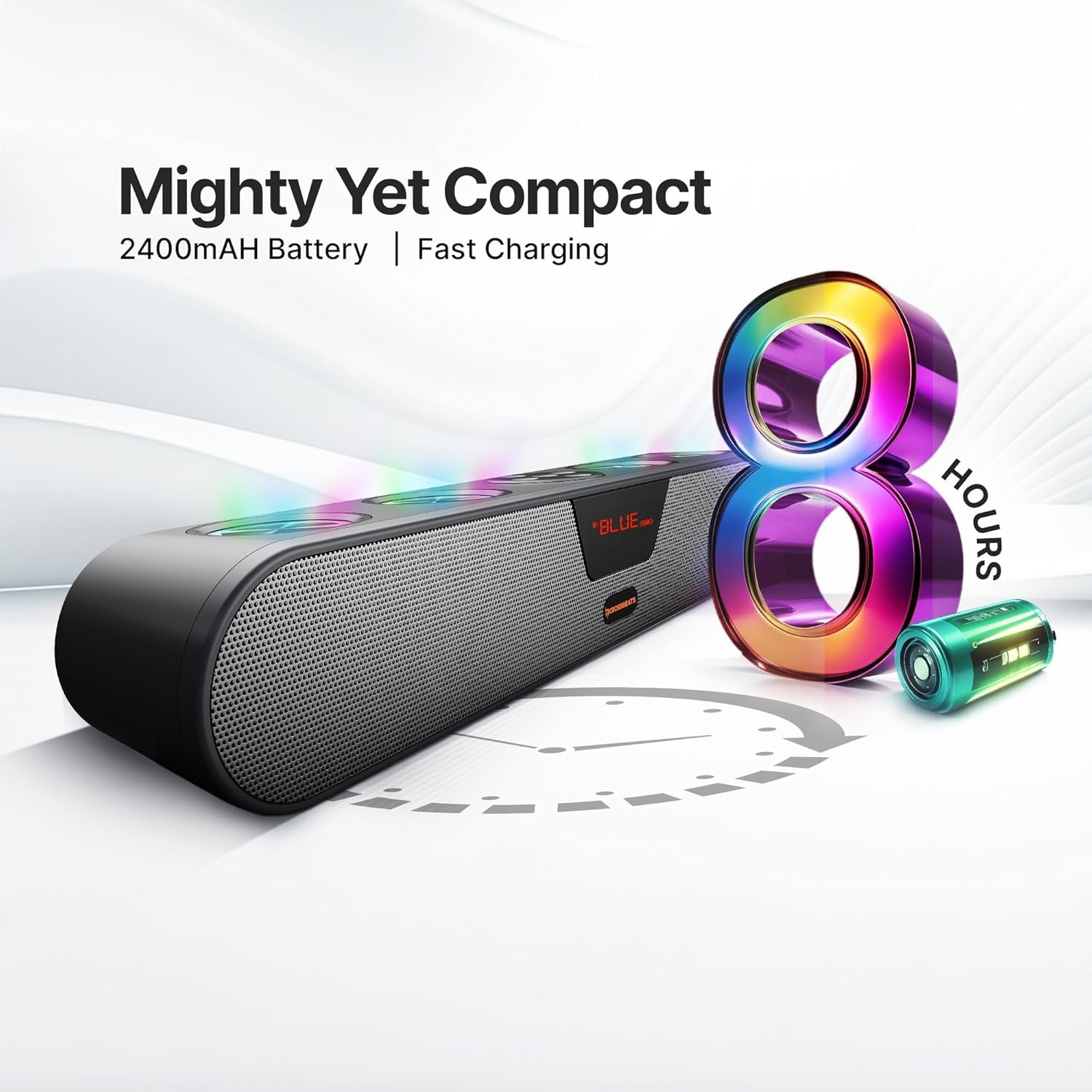
Image: The CrossBeats Blaze B30 Soundbar with its LED display showing an FM radio frequency, indicating its built-in FM radio function.
Bluetooth Connectivity
- Power on the soundbar.
- Press the 'Mode' button (or power button with a short press) until 'BT' appears on the LED display, indicating Bluetooth mode. The soundbar will enter pairing mode automatically.
- On your device (smartphone, tablet, PC), enable Bluetooth and search for available devices.
- Select 'CrossBeats Blaze B30' from the list.
- Once paired, the soundbar will emit a confirmation tone, and the 'BT' indicator will stop flashing.
You can now play audio from your device through the soundbar.
TWS Pairing (True Wireless Stereo)
The Blaze B30 supports TWS pairing, allowing you to connect two Blaze B30 soundbars wirelessly for a stereo sound experience.
- Ensure both Blaze B30 soundbars are powered on and in Bluetooth mode, but not connected to any device.
- On one of the soundbars (this will be the primary unit), press and hold the TWS pairing button (refer to the Quick Start Guide for exact button location).
- The soundbar will search for the secondary unit. Once connected, both soundbars will emit a confirmation tone.
- Now, connect your device to the primary soundbar via Bluetooth as described in the 'Bluetooth Connectivity' section.
Audio will now play in stereo through both connected soundbars.

Image: Two CrossBeats Blaze B30 Soundbars positioned to demonstrate True Wireless Stereo (TWS) pairing, with a smartphone playing music between them.
RGB Lights Control
The soundbar features integrated RGB lights that can be controlled directly from the device. Locate the dedicated RGB light control button on the soundbar. Press this button to cycle through different lighting modes or to turn the lights on/off. The vibrant lighting enhances the music and gaming experience.
Charging and Battery
The CrossBeats Blaze B30 is equipped with a 2400mAh battery, providing up to 8 hours of playtime. To charge the soundbar, connect the provided power cable to the charging port and a power source. The LED indicator will show charging status.
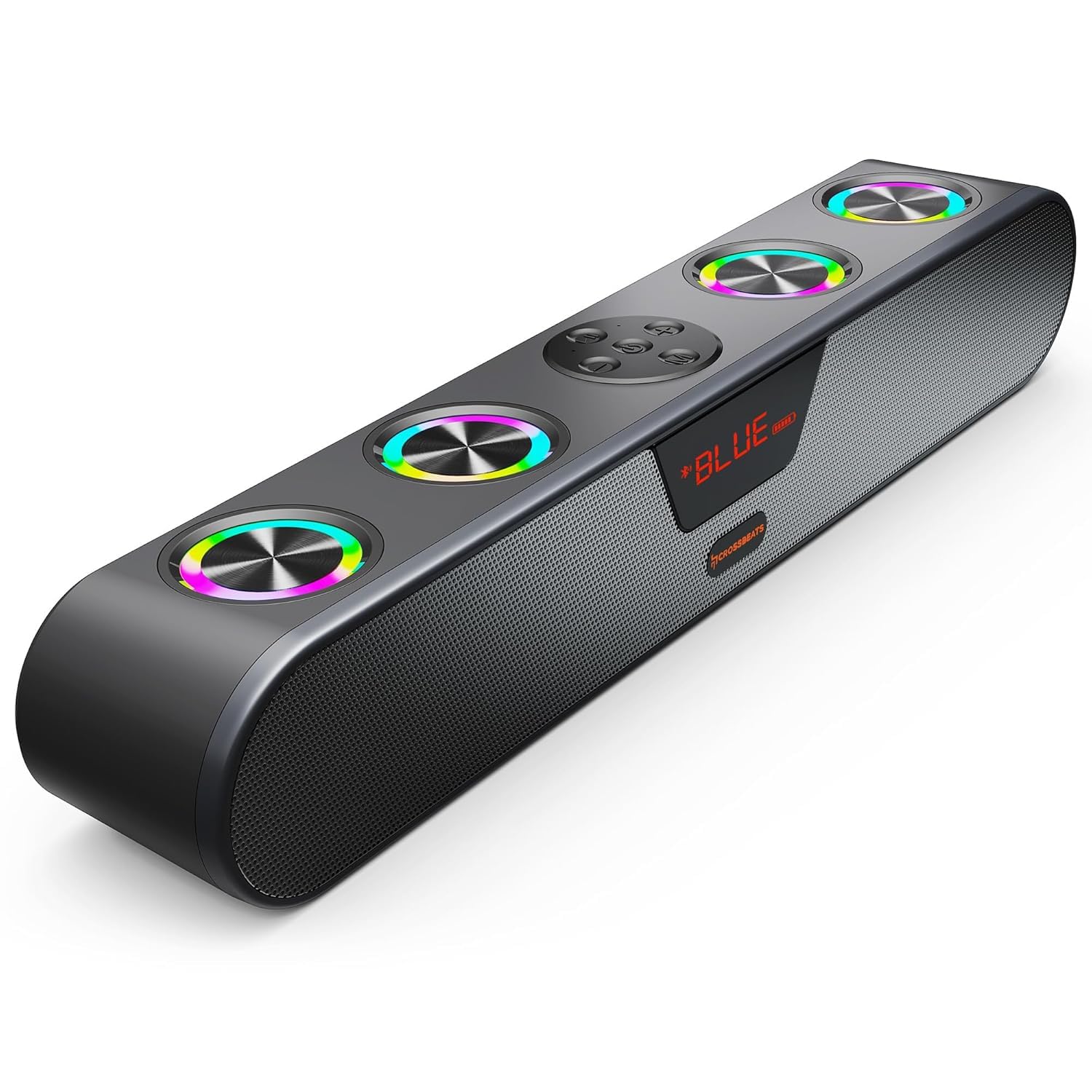
Image: The CrossBeats Blaze B30 Soundbar alongside a graphic illustrating its 8-hour battery life and compact design.
Maintenance
- Cleaning: Use a soft, dry cloth to clean the surface of the soundbar. Do not use liquid cleaners or abrasive materials.
- Storage: When not in use for extended periods, store the soundbar in a cool, dry place away from direct sunlight and extreme temperatures.
- Battery Care: To prolong battery life, avoid fully discharging the battery frequently. Charge the device regularly, even if not in active use.
Troubleshooting
| Problem | Possible Cause | Solution |
|---|---|---|
| No power | Power cable not connected; Battery drained | Ensure power cable is securely connected; Charge the soundbar. |
| No sound | Volume too low; Incorrect input mode; Device not paired (Bluetooth) | Increase volume; Switch to correct input mode (BT, AUX, USB, SD, FM); Re-pair Bluetooth device. |
| Bluetooth pairing failed | Soundbar not in pairing mode; Device too far; Interference | Ensure soundbar is in BT pairing mode; Move device closer; Turn off other Bluetooth devices. |
| Poor sound quality | Low battery; Source audio quality; Obstructions | Charge the soundbar; Use high-quality audio files; Ensure no obstructions between device and soundbar. |
| RGB lights not working | Lights turned off | Press the RGB light control button to turn them on. |
Specifications
| Feature | Detail |
|---|---|
| Brand | CrossBeats |
| Model Number | Blaze B30 - 2025 |
| Speaker Maximum Output Power | 30 Watts |
| Connectivity Technology | Bluetooth, AUX, USB, SD Card, FM |
| Audio Output Mode | Surround |
| Battery Average Life | 8 Hours |
| Battery Capacity | 2400 mAh |
| Bluetooth Range | 15 meters (32 Feet) |
| Control Method | Button, Touch |
| Enclosure Material | ABS + PC |
| Item Dimensions (D x W x H) | 5.5D x 20.1W x 6.5H Centimeters |
| Item Weight | 700 Grams |
| Water Resistance Level | Water Resistant |
| Number of Microphones | 4 |
| Compatible Devices | Android, Windows, iOS |
Warranty and Support
The CrossBeats Blaze B30 comes with a 1-Year Brand Warranty from the date of purchase. For complete warranty details and to register your product for uninterrupted warranty benefits, please visit the official CrossBeats website. For any support or service-related queries, please contact CrossBeats customer service.
Product Video Overview
Video: A brief overview of the CrossBeats Blaze B30 Soundbar, highlighting its key features and specifications. This video provides a visual guide to the product's design and functionality.