
Introduction
This manual provides essential information for the proper setup, operation, and maintenance of your Motorola G96 smartphone. Please read this guide thoroughly to ensure optimal performance and longevity of your device.
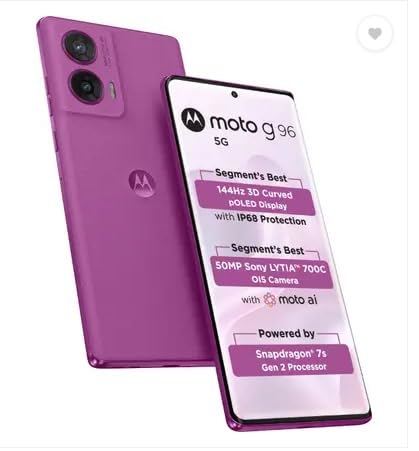
Image: Front and back view of the Motorola G96 smartphone, showcasing its design and camera module.
Setup
1. Unboxing
Carefully remove all components from the packaging. The box typically contains the Motorola G96 smartphone, a charger, a USB cable, and a SIM ejector tool.
2. SIM Card Installation
- Locate the SIM card tray on the side of your device.
- Insert the SIM ejector tool into the small hole on the tray and press gently until the tray pops out.
- Place your Nano-SIM card(s) into the designated slots on the tray. Ensure the gold contacts face downwards.
- Carefully reinsert the tray into the phone.
3. Initial Power On
Press and hold the power button located on the side of the device until the Motorola logo appears. Follow the on-screen instructions to complete the initial setup, including language selection, Wi-Fi connection, and Google account setup.
Operating Your Device
Display Features
The Motorola G96 features a 144Hz 3D Curved pOLED display. This display offers vibrant colors and smooth scrolling. The device also includes IP68 protection for enhanced durability.
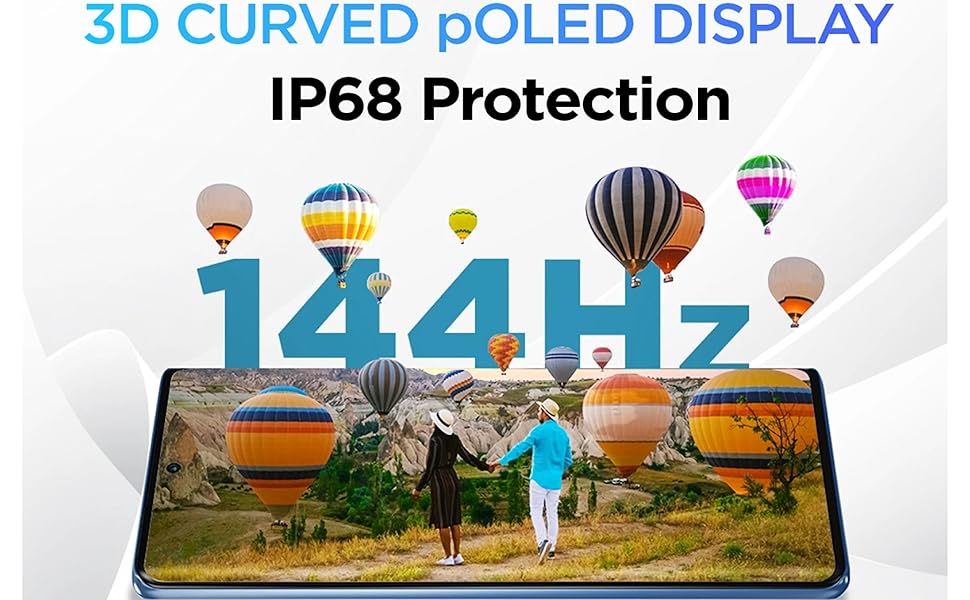
Image: The Motorola G96's 3D Curved pOLED display, highlighting its 144Hz refresh rate and IP68 protection.
Camera Operation
The device is equipped with a 50MP OIS Sony LYTIA 700C camera, enhanced with Moto AI for optimized photography. To access the camera, tap the camera icon on your home screen or lock screen. Select from various modes such as Photo, Portrait, Night Vision, and Pro mode.

Image: Visual representation of the Motorola G96's 50MP OIS camera with Sony LYTIA 700C sensor and Moto AI capabilities.
Performance
The Motorola G96 is powered by the Snapdragon 7s Gen 2 Processor, providing efficient and responsive performance for daily tasks and demanding applications.
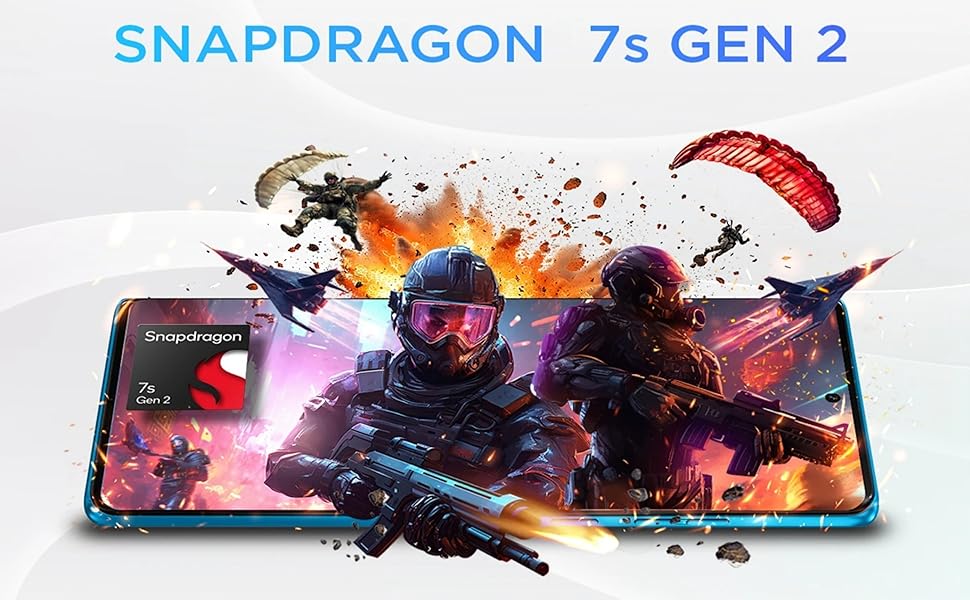
Image: Graphic illustrating the Snapdragon 7s Gen 2 processor, indicating the phone's processing power.
Battery Management
The device includes a 5500mAh battery, designed to provide extended usage. It supports 33W TurboPower charging for quick replenishment.
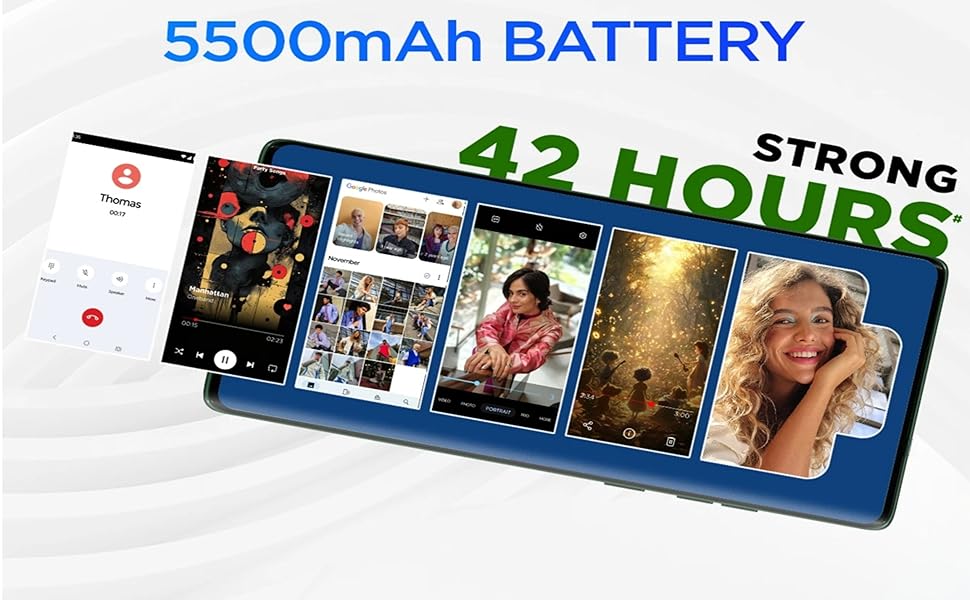
Image: Representation of the 5500mAh battery capacity and its estimated 42-hour usage time.
Audio
Experience enhanced audio with dual stereo speakers featuring Dolby Atmos and Hi-Res Audio support.
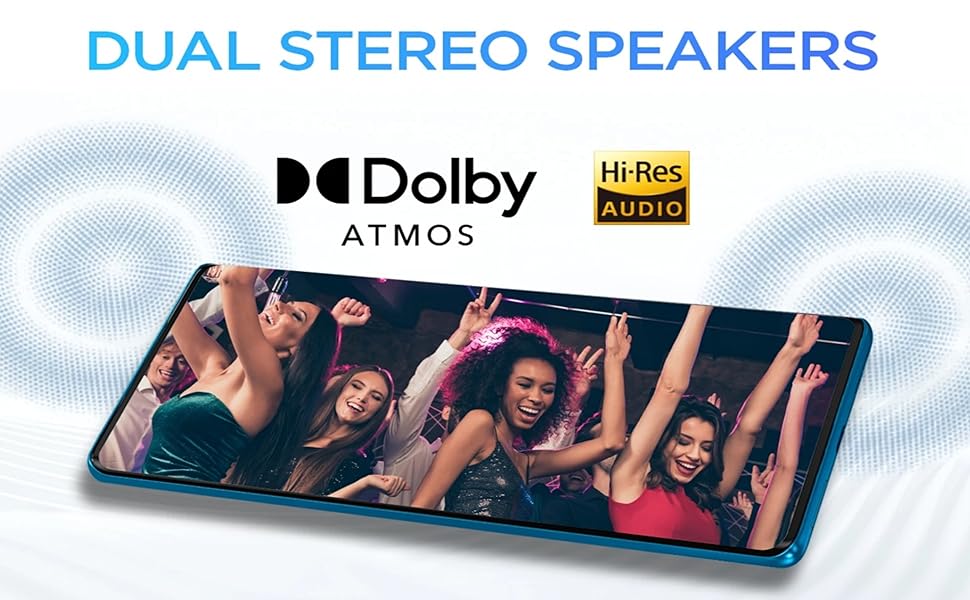
Image: Illustration of the Motorola G96's dual stereo speakers, highlighting Dolby Atmos and Hi-Res Audio capabilities.
Connectivity
The Motorola G96 supports various connectivity options including Bluetooth, Wi-Fi, USB, and GPS for navigation and data transfer.
Maintenance
Water and Dust Resistance
The device features IP68 underwater protection and a display protected by Corning Gorilla Glass 5. While resistant to water and dust, it is not waterproof. Avoid prolonged submersion or exposure to high-pressure water jets.
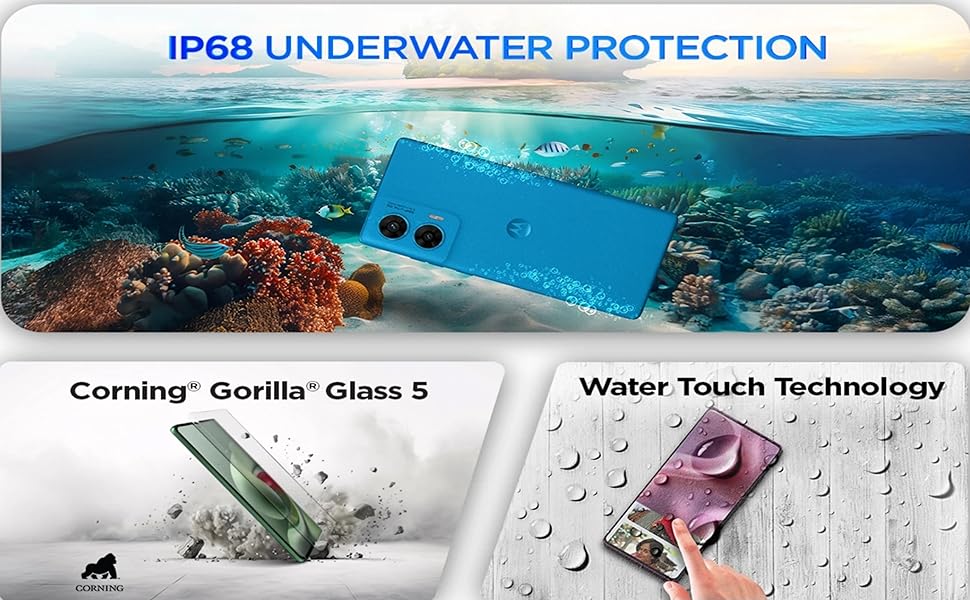
Image: Depiction of the Motorola G96's IP68 water resistance, Gorilla Glass 5 screen protection, and water touch technology.
Cleaning
Use a soft, lint-free cloth to clean your device. Avoid abrasive materials or harsh chemicals. For stubborn smudges, slightly dampen the cloth with water.
Software Updates
Regularly check for and install software updates to ensure your device has the latest features, security patches, and performance improvements. Navigate to Settings > System > System updates to check for available updates.
Troubleshooting
- Device not powering on: Ensure the battery is charged. Connect the device to the charger and wait a few minutes before attempting to power it on again.
- Charging issues: Verify that the charger and USB cable are securely connected and undamaged. Try a different charger or outlet.
- Poor network signal: Check your SIM card installation. Move to an area with better network coverage. Contact your service provider if issues persist.
- App crashes: Clear the cache of the problematic app (Settings > Apps > [App Name] > Storage > Clear cache). If the issue continues, consider reinstalling the app.
Specifications
| Operating System | Android 15 |
| RAM | 8 GB |
| Product Dimensions | 16.11 x 7.3 x 0.76 cm |
| Item Weight | 188 g |
| Battery Capacity | 5500 Milliamp Hours (Lithium Ion) |
| Item Model Numbers | PB8T0009IN | PB8T0003IN | XT2531-2 |
| Connectivity Technologies | Bluetooth, USB, Wi-Fi |
| GPS | True |
| CPU Model | Snapdragon 7 Series |
| CPU Speed | 2.4 GHz |
| Manufacturer | Padget Electronics Pvt Ltd |
Warranty and Support
For warranty information and customer support, please refer to the warranty card included with your product or visit the official Motorola support website. Keep your proof of purchase for warranty claims.
Manufacturer: Padget Electronics Pvt Ltd
Packer/Importer: Motorola India Pvt Ltd, 12th floor, Tower-D DLF phase-3, Cyber Greens, Gurgaon-122001


