
1. Introduction
This manual provides comprehensive instructions for the assembly, operation, and maintenance of your Muvai 59-inch Reversible L-Shaped Electric Standing Desk. Please read this manual thoroughly before installation and use to ensure proper function and safety. This desk features a reversible L-shaped design, electric height adjustment, and memory presets for an optimized workspace.

Figure 1: Muvai 59-inch Reversible L-Shaped Electric Standing Desk.
2. Safety Information
- Always follow the assembly instructions carefully.
- Keep hands and body parts away from moving parts during height adjustment.
- Do not exceed the maximum weight limit of 176 lbs (80 kg).
- Ensure the desk is properly anchored or placed on a stable surface to prevent tipping.
- Always unplug the desk when not in use or when performing maintenance.
- Avoid placing liquids directly on the control panel or near electrical components.
3. Package Contents
Verify that all components are present before beginning assembly. Refer to the detailed parts list in the included printed manual for specific item identification. Key components include:
- Desktop panels (splice board)
- Leg columns with motors
- Crossbars and support beams
- Control panel and power adapter
- Mounting hardware (screws, bolts, tools)
- Cable management accessories (cup holder, headphone hook, cable tray)
4. Assembly Instructions
Assembly typically takes 30-59 minutes. It is recommended to have two people for certain steps. Follow the sequence below carefully.
4.1. Desktop Assembly
The desktop consists of three splice plates. Connect them using the provided screws and accessories. The L-shape is reversible for left or right-handed configurations.
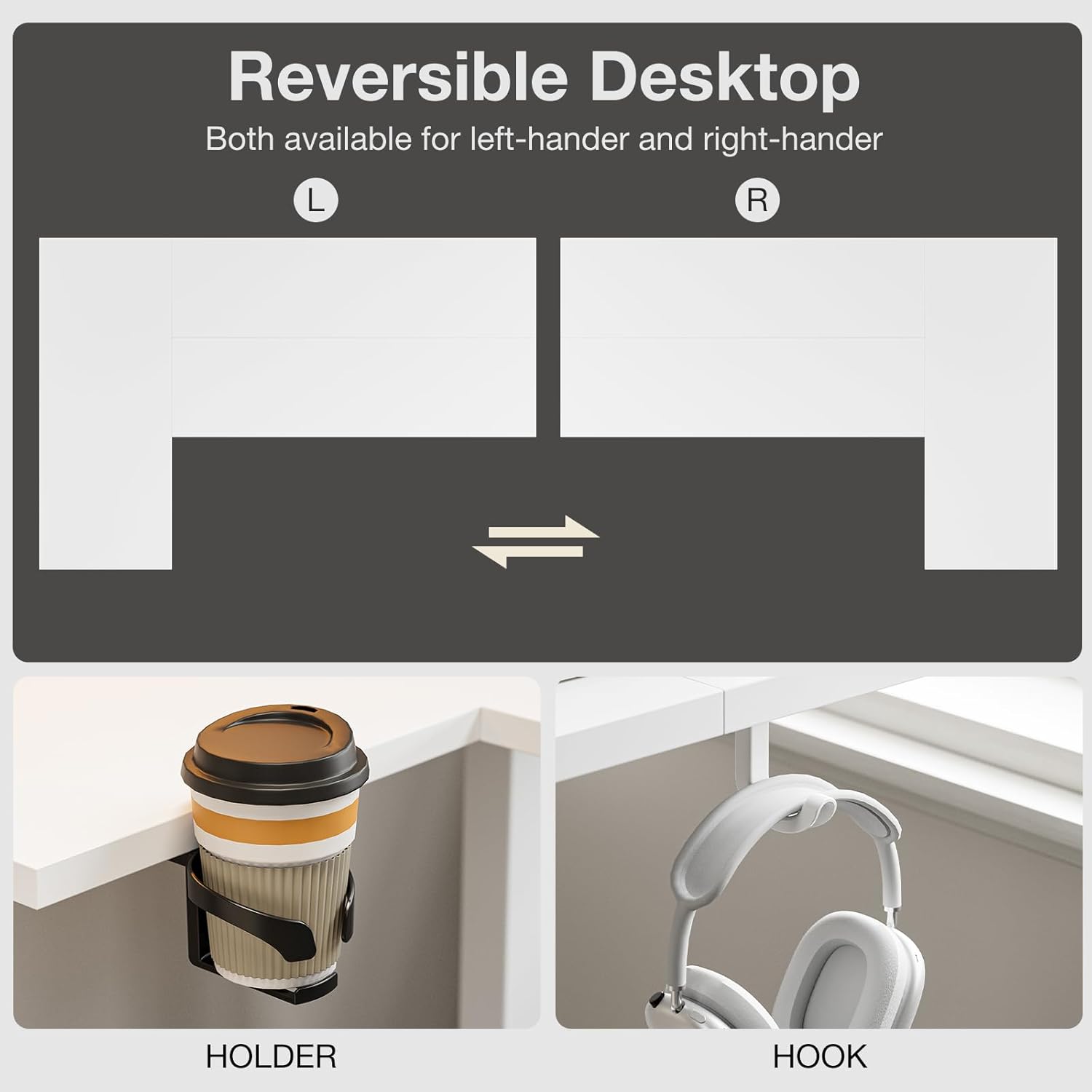
Figure 2: Reversible desktop configuration.
4.2. Frame Assembly
Attach the leg columns and crossbars to form the desk frame. Ensure all connections are secure. The frame is constructed from sturdy SPCC steel.
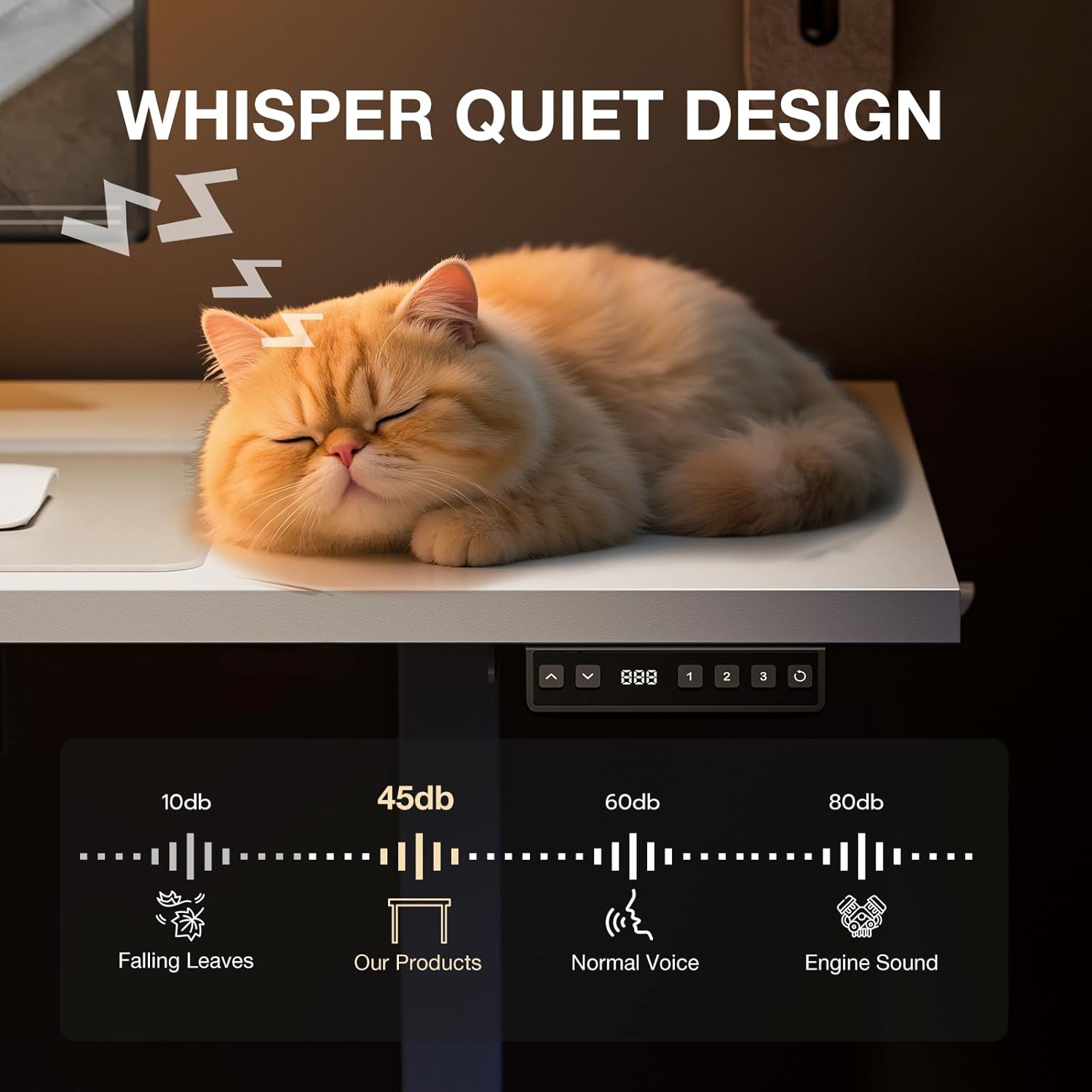
Figure 3: High-carbon steel structure of the desk leg.
4.3. Motor and Control Panel Installation
Install the electric motor and connect the control panel. The control panel allows for easy height adjustments and memory presets.

Figure 4: Intelligent Control Panel.
4.4. Cable Management
Utilize the included cable management tray and clips to organize wires and maintain a tidy workspace.

Figure 5: Cable management solution.
4.5. General Assembly Video Guides
The following videos provide general assembly guidance for L-shaped standing desks. While not specific to the Muvai model, they illustrate common installation techniques.
General L-Shaped Electric Standing Desk Installation Guide (MEXIN)
Video 1: General installation steps for an L-shaped electric standing desk.
Acrolix L-shaped Standing Desk Installation
Video 2: Another general guide for assembling an L-shaped standing desk.
5. Operating Instructions
5.1. Height Adjustment
Use the UP (^) and DOWN (v) buttons on the control panel to adjust the desk height. The desk can be adjusted between 28.3 inches and 46.4 inches (72 cm - 118 cm).
5.2. Memory Presets
The control panel features three preset memory height functions. To save a height setting, adjust the desk to your desired height, then press and hold one of the numbered preset buttons (1, 2, or 3) until you hear a beep or see a confirmation on the display. To recall a saved height, simply press the corresponding preset button.
6. Maintenance
- Regularly check all screws and bolts to ensure they are tight.
- Clean the desktop surface with a soft, damp cloth. Avoid harsh chemicals.
- Keep the motor and electrical components free from dust and moisture.
- Do not lubricate the lifting columns unless specified by the manufacturer.
7. Troubleshooting
7.1. Desk Not Moving
- Check all power connections to ensure they are securely plugged in.
- Verify that the power outlet is functional.
- Perform a reset: Press and hold the 'S' or 'Reset' button (if available) for several seconds until the desk moves to its lowest position and resets.
7.2. Uneven Height Adjustment
- Ensure the desk is not overloaded or unevenly weighted.
- Perform a reset as described above.
7.3. Noise During Operation
- A low noise motor (under 45dB) is normal. Excessive noise may indicate loose connections; check all bolts.
8. Specifications
| Feature | Detail |
|---|---|
| Brand | Muvai |
| Model Number | Muvai |
| Color | White |
| Product Dimensions | 60D x 150W x 72H Centimetres (59 inches width) |
| Material | Metal frame, Engineered Wood top |
| Special Features | Adjustable Height, Reversible L-Shape, Memory Presets, Low Noise Motor |
| Item Weight | 29.9 kg |
| Height Adjustable Range | 28.3" - 46.4" |
| Load Capacity | 176 lbs |
9. Warranty and Support
Muvai provides a 2-Year Manufacturer Warranty for this product. For any questions or concerns, please contact customer support. Friendly technical support is available 7 days a week, 24 hours a day.
Contact information may be found on your purchase receipt or the product packaging.