
1. Introduction
Thank you for choosing the pTron Tangentbeat V2 Wireless In-Ear Earphones. This manual provides detailed instructions for the proper use, setup, and maintenance of your device. Please read this manual carefully before use to ensure optimal performance and longevity of your earphones.
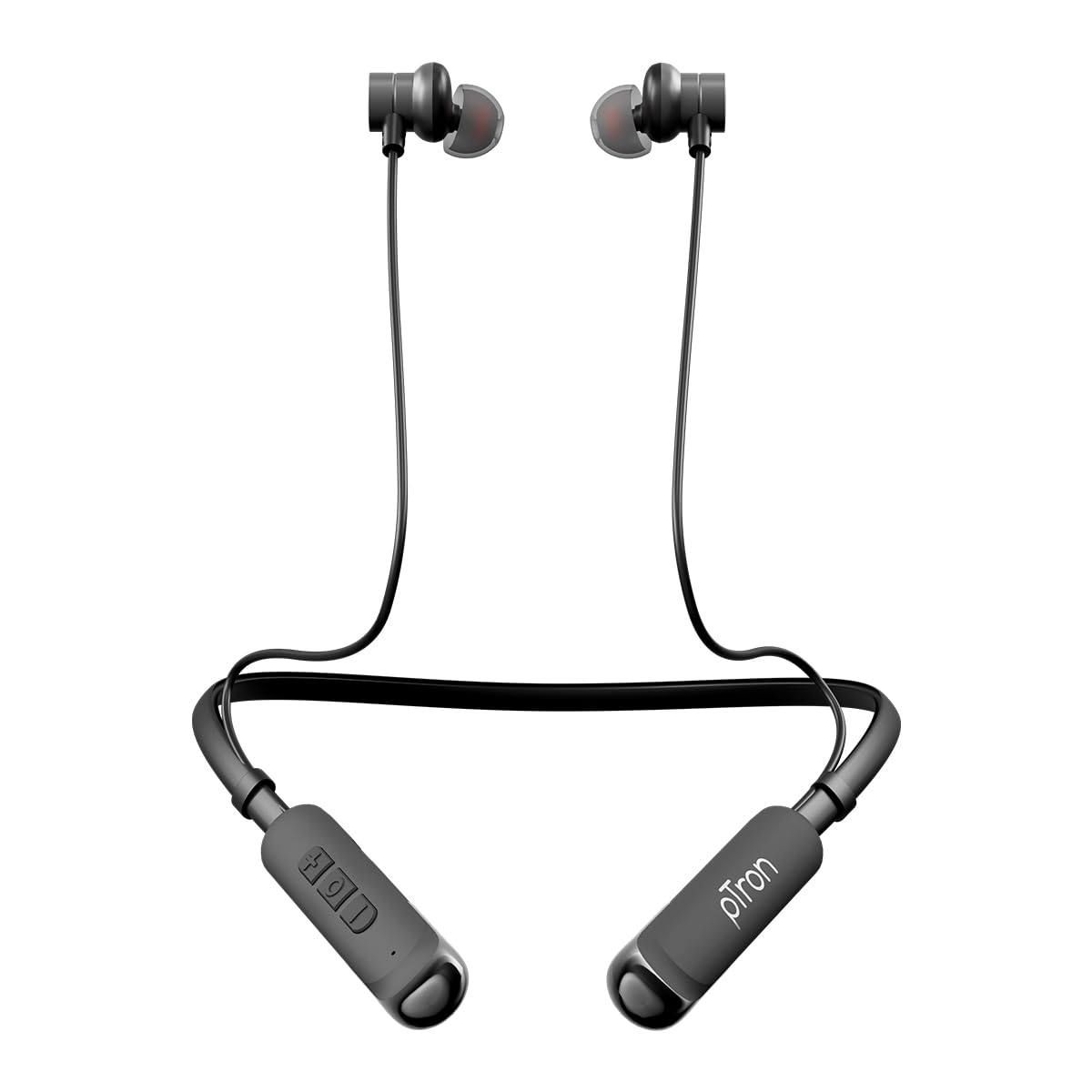
Image 1.1: pTron Tangentbeat V2 Wireless In-Ear Earphones. This image displays the full product, featuring the neckband design with in-ear earbuds and inline controls.
2. Package Contents
Please check the package for the following items:
- pTron Tangentbeat V2 Wireless Earphones
- USB Type-C Charging Cable
- User Manual
- S/M/L Soft Silicone Ear Tips
3. Product Overview
The pTron Tangentbeat V2 features an ergonomic neckband design with magnetic earbuds and inline controls for convenient operation.
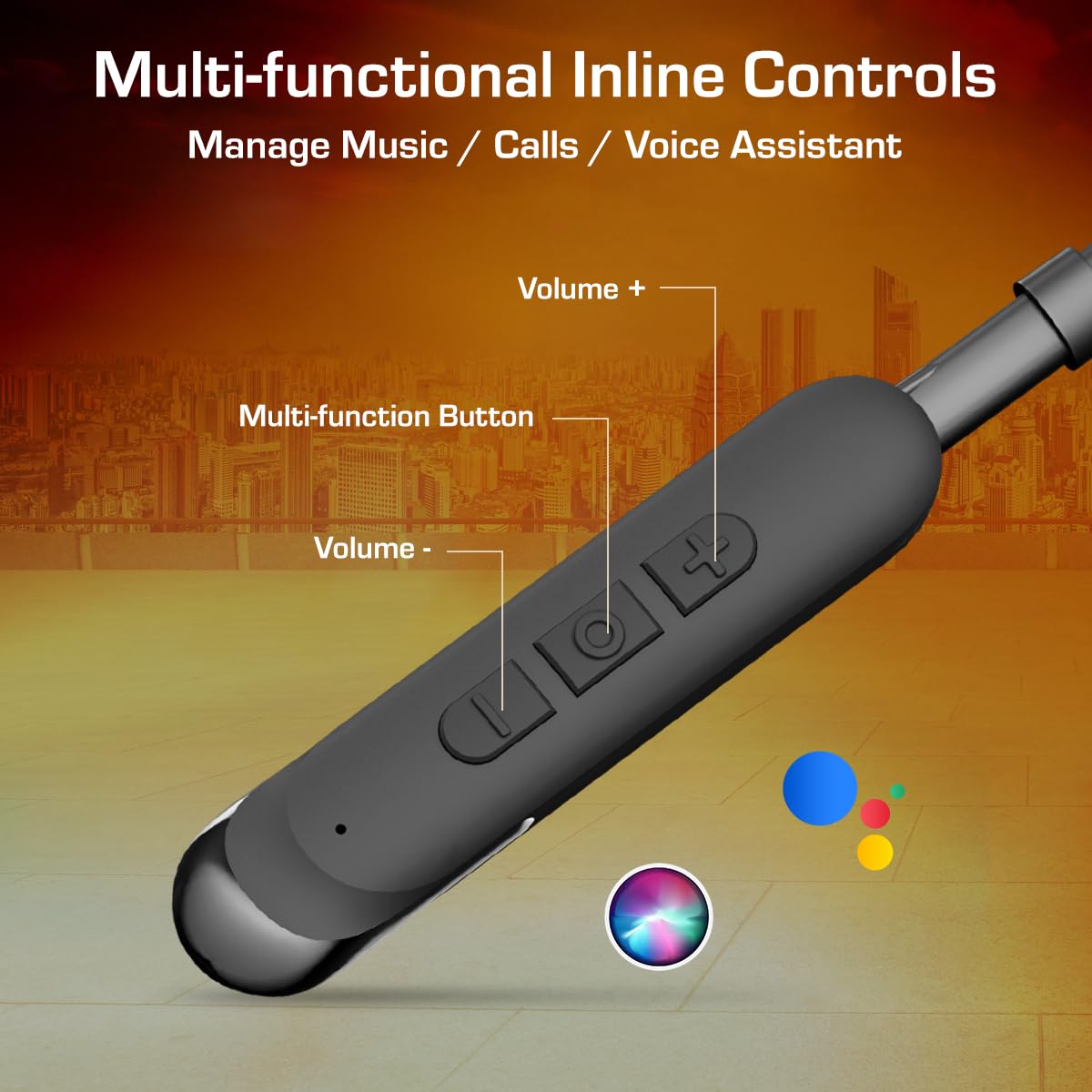
Image 3.1: Multi-functional Inline Controls. This image highlights the inline control panel on the neckband, showing the Volume +, Multi-function Button, and Volume - controls.
4. Setup
4.1 Charging the Earphones
Before first use, fully charge the earphones. Use the provided Type-C charging cable.
- Connect the Type-C end of the charging cable to the charging port on the earphones.
- Connect the USB-A end of the charging cable to a compatible USB power source (e.g., wall adapter, computer USB port).
- The LED indicator will show the charging status. A full charge takes approximately 1.5 hours.
- Once fully charged, disconnect the charging cable. The earphones offer up to 50 hours of playback time on a full charge.
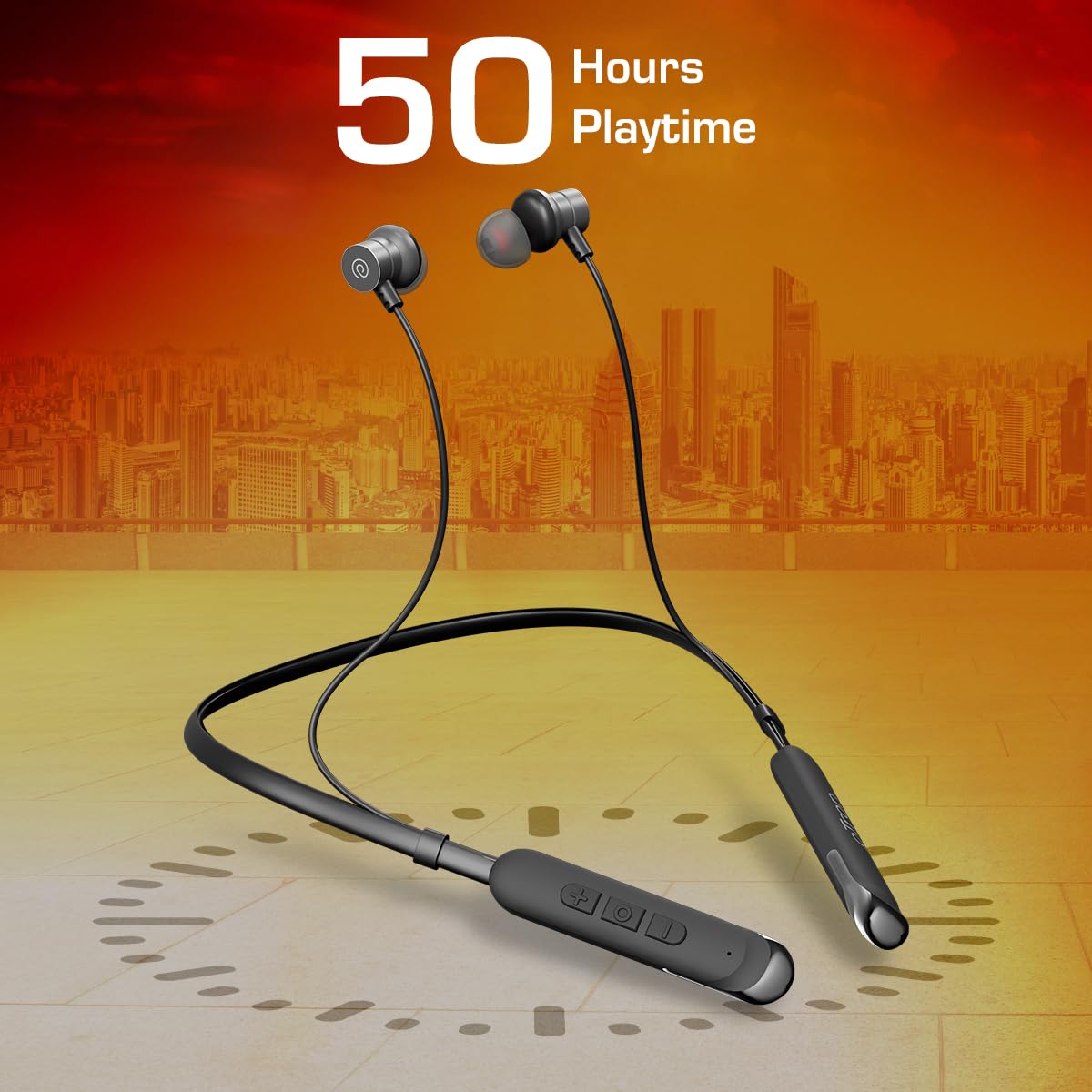
Image 4.1: Earphones with 50 Hours Playtime. This image illustrates the earphones with a visual representation of 50 hours of battery life, emphasizing their extended usage capability.
4.2 Power On/Off
The Tangentbeat V2 features a Hall Switch for convenient power management.
- Power On: Detach the magnetic earbuds from each other. The earphones will automatically power on, and the LED indicator will flash, indicating pairing mode.
- Power Off: Attach the magnetic earbuds together. The earphones will automatically power off.
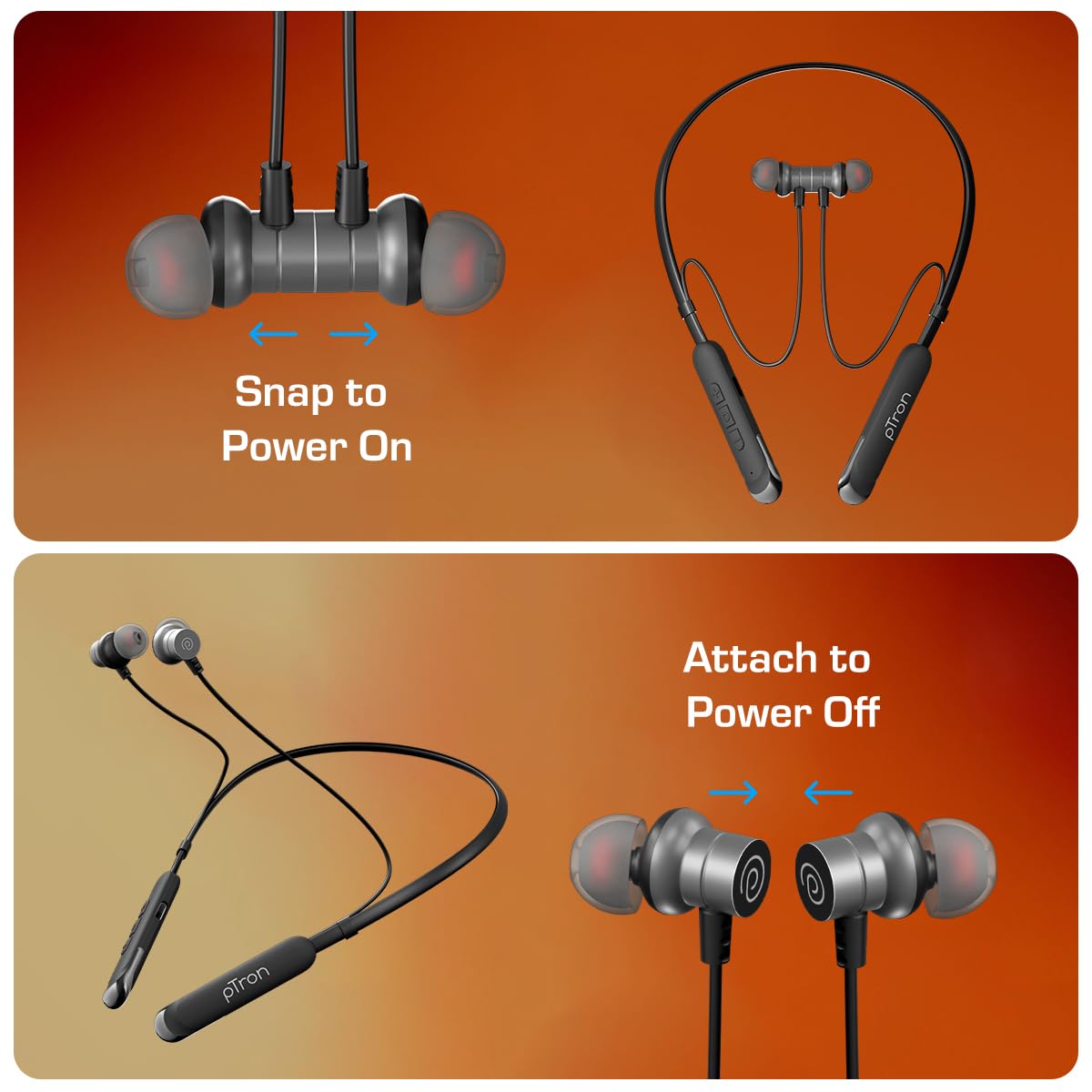
Image 4.2: Magnetic Earbuds for Power On/Off. This image shows two states: earbuds snapped together for power off, and earbuds separated for power on, demonstrating the magnetic hall switch feature.
4.3 Bluetooth Pairing
Pair your earphones with your device for wireless audio.
- Ensure the earphones are charged and powered on (detach earbuds). The LED indicator will flash, signifying pairing mode.
- Enable Bluetooth on your smartphone, tablet, or laptop.
- Search for available Bluetooth devices and select "pTron Tangentbeat V2" from the list.
- Once connected, the LED indicator will stop flashing, and you will hear a confirmation tone.
4.4 Dual-Device Pairing
The Tangentbeat V2 supports simultaneous connection to two devices.
- Pair the earphones with the first device as described in Section 4.3.
- Disable Bluetooth on the first device. The earphones will re-enter pairing mode.
- Pair the earphones with the second device.
- Re-enable Bluetooth on the first device. The earphones should automatically connect to both devices.
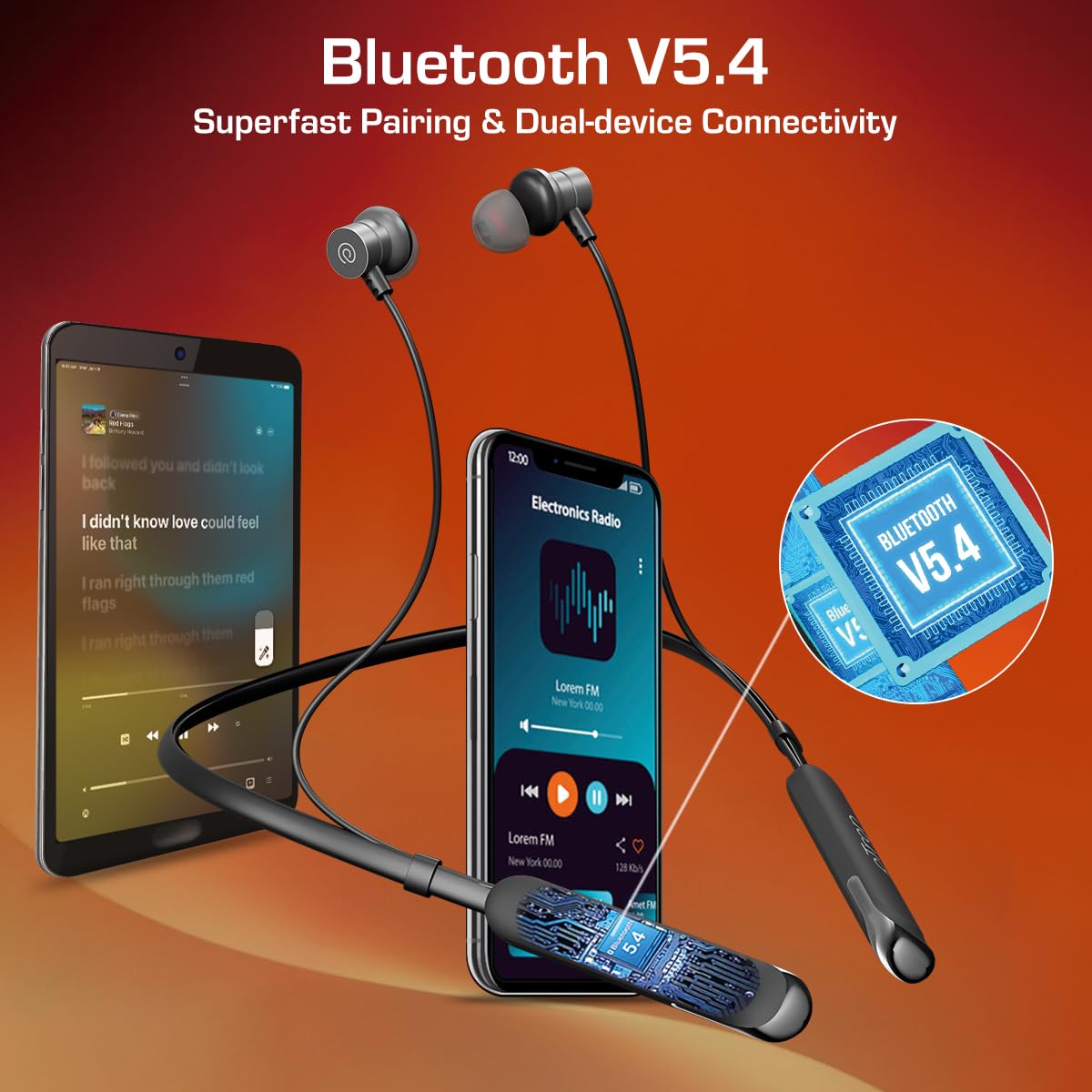
Image 4.3: Bluetooth V5.4 Dual-Device Connectivity. This image shows the earphones connected to both a smartphone and a tablet simultaneously, illustrating the dual-device pairing feature.
5. Operating the Earphones
5.1 Wearing the Earphones
Select the appropriate ear tip size (S/M/L) for a comfortable and secure fit. The snug-fit design helps minimize external noise for an immersive listening experience.

Image 5.1: Ergonomic and Lightweight Design. This image features a person wearing the earphones, highlighting their ergonomic fit and lightweight nature, along with the built-in HD microphone for clear calls.
5.2 Music and Call Controls
Use the in-line multi-function buttons to manage your audio and calls.
| Button/Action | Function |
|---|---|
| Multi-function Button (MFB) - Single Press | Play/Pause music; Answer/End call |
| MFB - Long Press (approx. 2 seconds) | Reject incoming call; Activate Voice Assistant |
| Volume + Button - Single Press | Increase volume |
| Volume + Button - Long Press | Next track |
| Volume - Button - Single Press | Decrease volume |
| Volume - Button - Long Press | Previous track |
5.3 Sound Quality
The earphones are equipped with 13mm dynamic drivers, designed to deliver pristine sound quality with deep bass, crisp treble, and clear vocals.
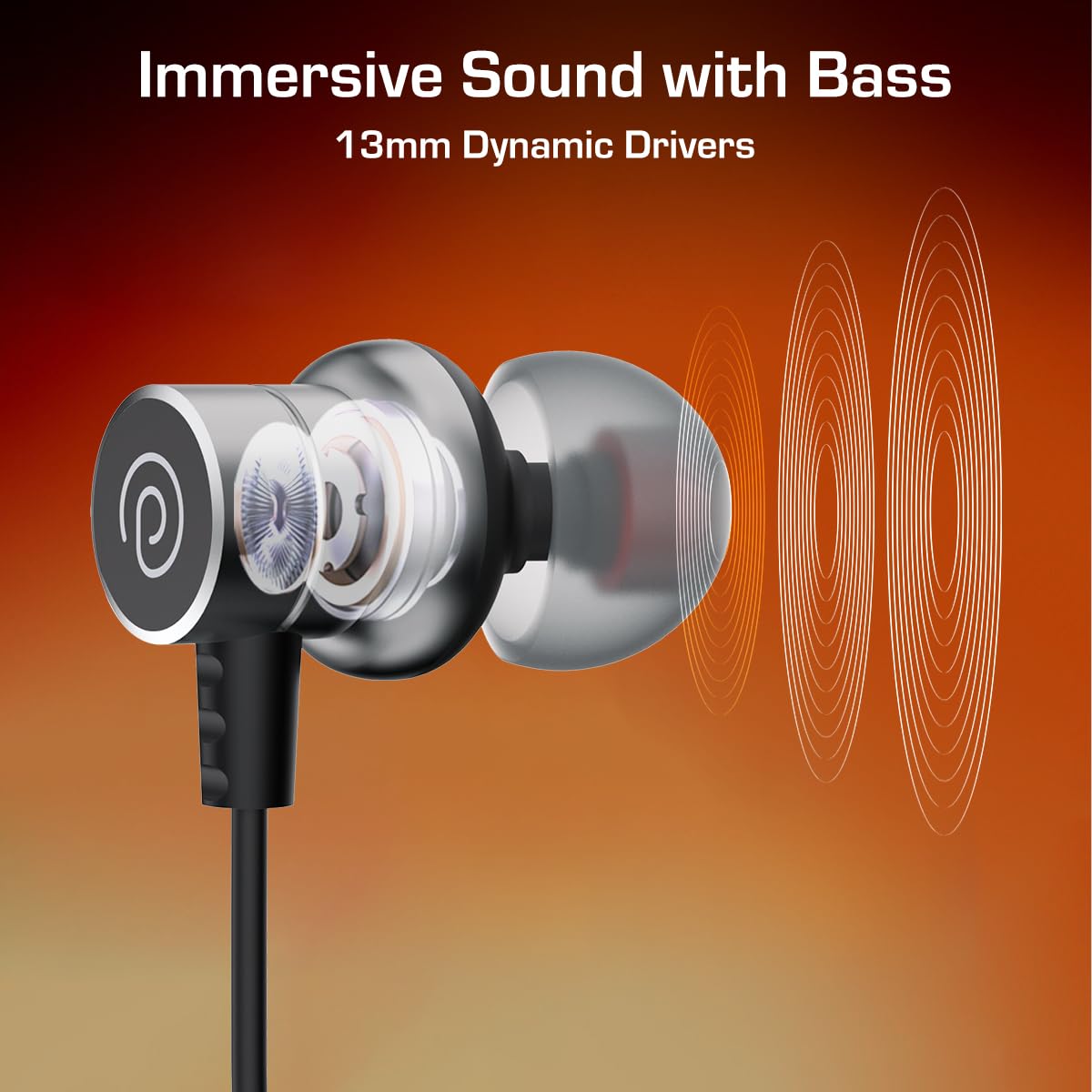
Image 5.2: Immersive Sound with Bass from 13mm Dynamic Drivers. This image provides a close-up, cutaway view of an earbud, illustrating the internal 13mm dynamic driver responsible for sound production.
6. Maintenance and Care
6.1 Water Resistance (IPX5)
The earphones are IPX5 water and splash resistant, meaning they can withstand light splashes of water and sweat. They are not designed for submersion in water. Avoid exposing them to heavy rain or direct water jets.

Image 6.1: IPX5 Water & Sweat Resistant. This image shows the earphones in a setting with water droplets, visually representing their IPX5 water and sweat resistance.
6.2 Cleaning and Storage
- Clean the earphones regularly with a soft, dry cloth.
- Remove ear tips and clean them with mild soap and water if necessary, ensuring they are completely dry before reattaching.
- Store the earphones in a cool, dry place away from direct sunlight and extreme temperatures.
- Avoid using abrasive cleaners or solvents.
7. Troubleshooting
If you encounter issues with your earphones, refer to the following common solutions:
- No Power: Ensure the earphones are charged. Detach the magnetic earbuds to power on.
- Cannot Pair:
- Ensure Bluetooth is enabled on your device.
- Make sure the earphones are in pairing mode (LED flashing).
- Move the earphones closer to your device (within 10 meters).
- Forget/delete "pTron Tangentbeat V2" from your device's Bluetooth list and try pairing again.
- Restart both your device and the earphones.
- No Sound:
- Check the volume level on both the earphones and your connected device.
- Ensure the earphones are properly connected to your device.
- Try playing audio from a different application or source.
- Poor Call Quality:
- Ensure the microphone is not obstructed.
- Move to an area with less background noise.
- Check your device's network signal.
8. Specifications
| Feature | Detail |
|---|---|
| Model Name | Tangentbeat V2 |
| Bluetooth Version | 5.4 |
| Connectivity Technology | Wireless (Bluetooth) |
| Battery Life | Up to 50 Hours |
| Charging Time | Approx. 1.5 Hours |
| Driver Size | 13mm Dynamic Drivers |
| Water Resistance Rating | IPX5 (Water & Splash Resistant) |
| Control Type | Push Button (Inline Controls) |
| Microphone | Built-in HD Microphone |
| Special Features | Hall Switch (Magnetic On/Off), Dual-Device Pairing |
| Material | Acrylonitrile Butadiene Styrene (ABS) |
| Item Weight | 26 Grams |
| Product Dimensions | 77.5 x 2.3 x 1.9 cm |
9. Warranty and Support
9.1 Manufacturer Warranty
The pTron Tangentbeat V2 earphones come with a 6 Months Manufacturer Warranty from the date of purchase. This warranty covers manufacturing defects only. Please retain your proof of purchase for warranty claims.
9.2 Customer Support
For any queries, support, or warranty claims, please contact pTron customer care:
- Phone: 040-67138888
- Email: support@ptron.in


