
Introduction
This manual provides essential instructions for the setup, operation, and maintenance of your TIMEURE TU-2509 Pedometer Watch. Designed for simplicity and accuracy, this watch tracks your steps, calories, and distance without the need for a smartphone app or Bluetooth connection. Please read this manual thoroughly to ensure proper use and to maximize the lifespan of your device.
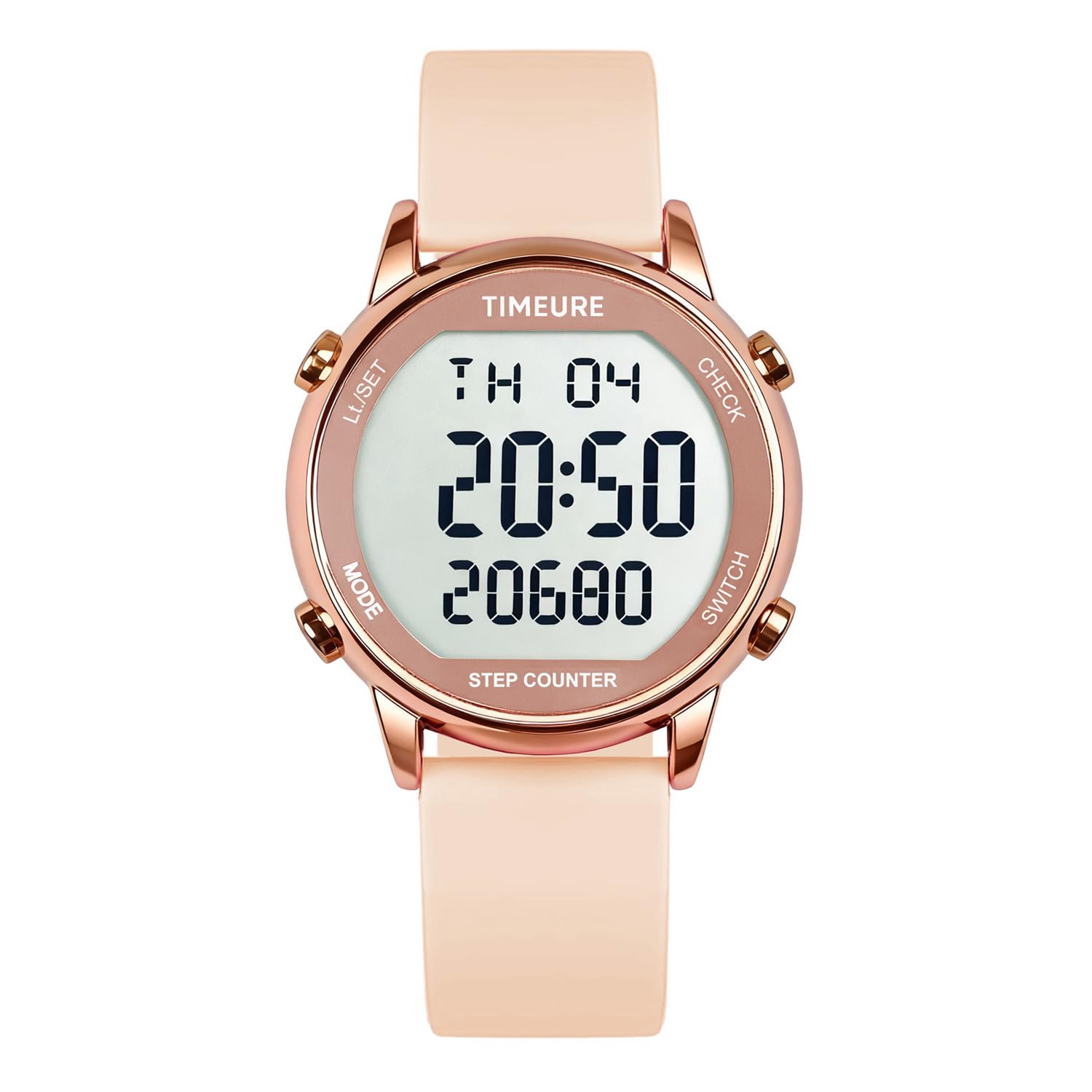
Image: The TIMEURE TU-2509 Pedometer Watch, showcasing its digital display and sleek design.
Setup
Initial Activation
The watch is designed for immediate use. No complex setup or pairing is required. Simply wear the watch on your wrist to begin tracking. If the display is off, press any button to activate it.
Time and Date Setting
- Press the MODE button to cycle through display modes until you reach the time display.
- Press and hold the SET/LIGHT button until the time digits begin to flash.
- Use the CHECK or SWITCH buttons to adjust the hour, then press MODE to move to minutes, and repeat.
- Continue pressing MODE to cycle through setting the year, month, and day, adjusting each with CHECK or SWITCH.
- Once all settings are correct, press SET/LIGHT to save and exit the setting mode.
Unit Settings (Metric/Imperial)
Refer to the detailed instructions in the "Operating Instructions" section for adjusting units for distance and weight, if applicable to your model.
Operating Instructions
Navigating Modes
The watch features multiple display modes. Press the MODE button to cycle through the following: Time, Step Count, Calories Burned, Distance, Alarm, Stopwatch, and Countdown.

Image: Overview of the watch display, highlighting various tracking functions such as steps, calories, and distance.
Step Tracking
The pedometer automatically tracks your steps. To ensure accurate readings, the watch filters out minor movements. Continuous movement exceeding 10 seconds is recorded as steps. Wear the watch securely on your wrist for optimal performance.
Viewing Historical Data
In the step count mode, press the CHECK button to view historical step data for previous days.
Using the Backlight
Press the SET/LIGHT button to activate the 5-second EL backlight for visibility in low-light conditions.

Image: The watch display illuminated by its 5-second EL backlight, showing time and step count in the dark.
Alarm Function
To set the alarm:
- Cycle to the Alarm mode using the MODE button.
- Press and hold SET/LIGHT until the alarm time digits flash.
- Adjust the hour and minutes using CHECK or SWITCH, pressing MODE to switch between hour and minute settings.
- Press SET/LIGHT to confirm.
- To activate/deactivate the alarm, press CHECK in Alarm mode. An alarm icon will appear/disappear on the display.
Stopwatch and Countdown
Access Stopwatch or Countdown modes by pressing the MODE button. Follow on-screen prompts and use CHECK and SWITCH buttons to operate these functions.

Image: Illustrations of the watch displaying Countdown and Stopwatch features, useful for timed activities.
Key Features
- Simple Operation: No smartphone app or Bluetooth pairing required.
- Accurate Step Tracking: Filters out minor movements, recording only continuous activity.
- Large Digital Display: Clear and easy-to-read display for steps, calories, distance, and time.
- Waterproof Design: Rated for 50M water resistance, suitable for showering and light water exposure. Note: Not suitable for hot water or prolonged submersion.
- EL Backlight: 5-second electro-luminescent backlight for night viewing.
- Long Battery Life: Powered by a replaceable CR2032 battery, lasting up to one year.
- Comfortable Wear: Soft silicone strap designed for extended wear.

Image: Visual representation of the watch's water resistance, indicating suitability for swimming, rinsing, bathing, and sweating.
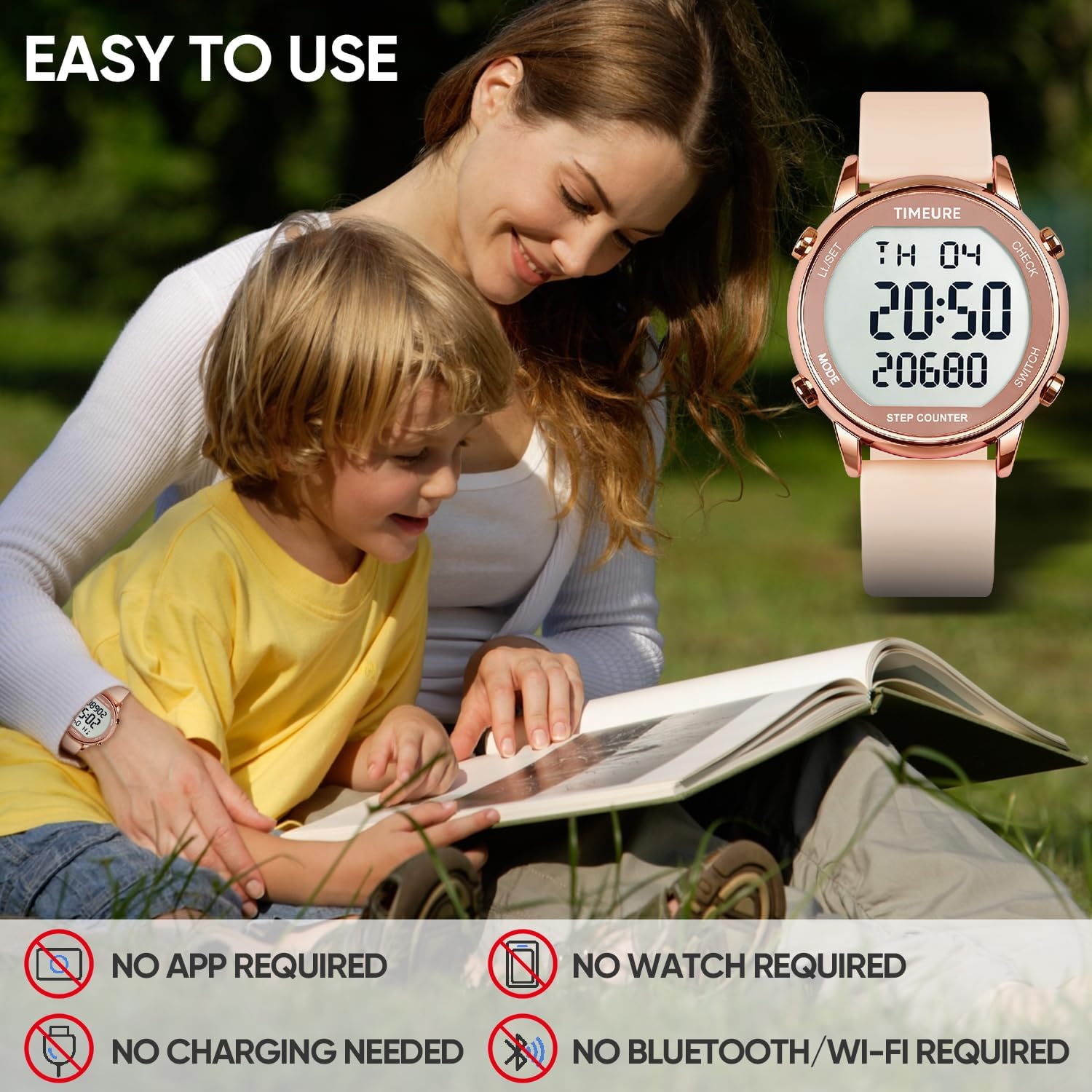
Image: Icons illustrating the watch's user-friendly design: no app, no charging, no Bluetooth, and no phone required.
Maintenance
Cleaning
Wipe the watch regularly with a soft, damp cloth. Avoid using harsh chemicals or abrasive materials, which can damage the display or casing.
Battery Replacement
The TIMEURE TU-2509 Pedometer Watch uses a replaceable CR2032 battery. When the display dims or functions become unreliable, it's time to replace the battery. This typically occurs after approximately one year of use.
- Carefully remove the back cover of the watch using a small screwdriver or appropriate tool.
- Gently remove the old CR2032 battery.
- Insert a new CR2032 battery, ensuring correct polarity (+ side up).
- Replace the back cover securely to maintain water resistance.
Storage
When not in use for extended periods, store the watch in a cool, dry place away from direct sunlight and extreme temperatures.
Troubleshooting
- Display is blank: The battery may be depleted. Replace the CR2032 battery.
- Inaccurate step count: Ensure the watch is worn securely on your wrist. The watch filters out movements shorter than 10 seconds to prevent false readings. If using a walker or performing activities with minimal arm movement, step count may be affected.
- Buttons are unresponsive: The watch may be in a power-saving "SHIP" mode. Press and hold two buttons simultaneously (e.g., MODE and CHECK) to reactivate the watch.
- Water ingress: While the watch is 50M waterproof, exposure to hot water or prolonged submersion can compromise seals. Ensure the back cover is securely fastened after battery replacement.
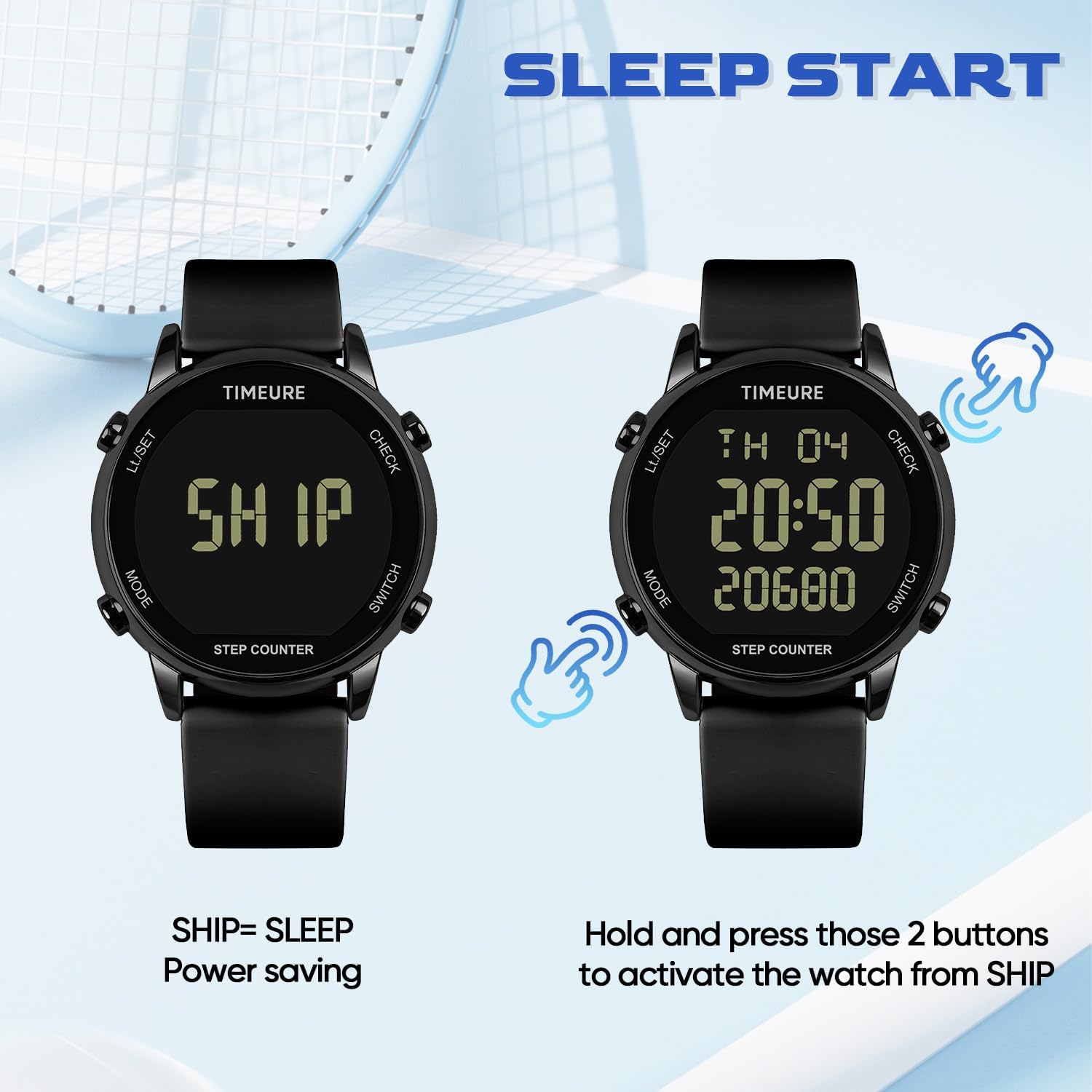
Image: The watch display showing "SHIP" for power-saving mode, with instructions to press two buttons to activate.
Specifications
| Model Number | TU-2509 |
| Brand | TIMEURE |
| Material | Metal (case), Silicone (strap) |
| Display Size | 42 Millimeters |
| Item Weight | 91 g |
| Battery Type | CR2032 (Replaceable) |
| Battery Life | Approximately 1 year |
| Water Resistance | 50M (suitable for showering, not hot water or diving) |
| Wristband Fit | 4.33-7.67 inches (110-195 mm) |
| Included Components | Pedometer Watch, CR2032 Battery (pre-installed) |

Image: Detailed diagram showing the watch dimensions and the adjustable wristband size range.
Warranty & Support
For warranty information and customer support, please refer to the documentation included with your purchase or contact TIMEURE customer service directly. Keep your proof of purchase for any warranty claims.