
Introduction
Thank you for choosing the Electactic F6840 1.7 Cu.ft Mini Fridge with Freezer. This manual provides essential information for the safe and efficient operation, maintenance, and troubleshooting of your new appliance. Please read it thoroughly before use and retain it for future reference.
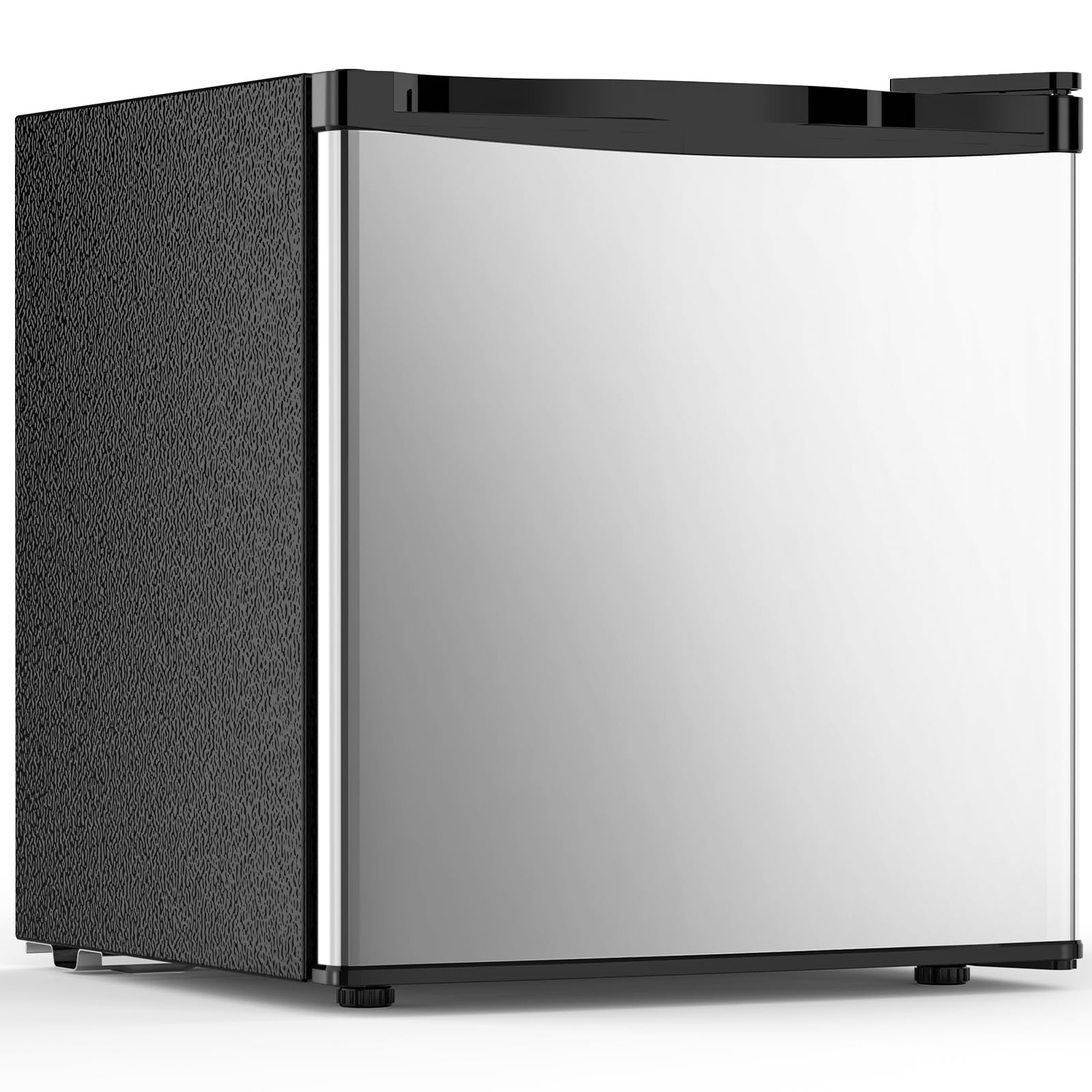
Figure 1: Electactic F6840 1.7 Cu.ft Mini Fridge with Freezer.
Important Safety Information
To reduce the risk of fire, electric shock, or injury when using your appliance, follow these basic precautions:
- Read all instructions before using the appliance.
- Do not store explosive substances such as aerosol cans with a flammable propellant in this appliance.
- This appliance is intended for household use only.
- Keep ventilation openings, in the appliance enclosure or in the built-in structure, clear of obstruction.
- Do not use mechanical devices or other means to accelerate the defrosting process, other than those recommended by the manufacturer.
- Do not damage the refrigerant circuit.
- Do not use electrical appliances inside the food storage compartments of the appliance, unless they are of the type recommended by the manufacturer.
Setup and Installation
1. Unpacking
Carefully remove all packaging materials, including foam and adhesive tape. Inspect the appliance for any damage. Keep packaging materials out of reach of children.
2. Placement
Place the refrigerator on a flat, stable surface away from direct sunlight and heat sources (e.g., stoves, heaters). Ensure adequate air circulation around the unit. Allow at least 4 inches (10 cm) of space on the back and sides for proper ventilation. This unit is designed for freestanding installation only.
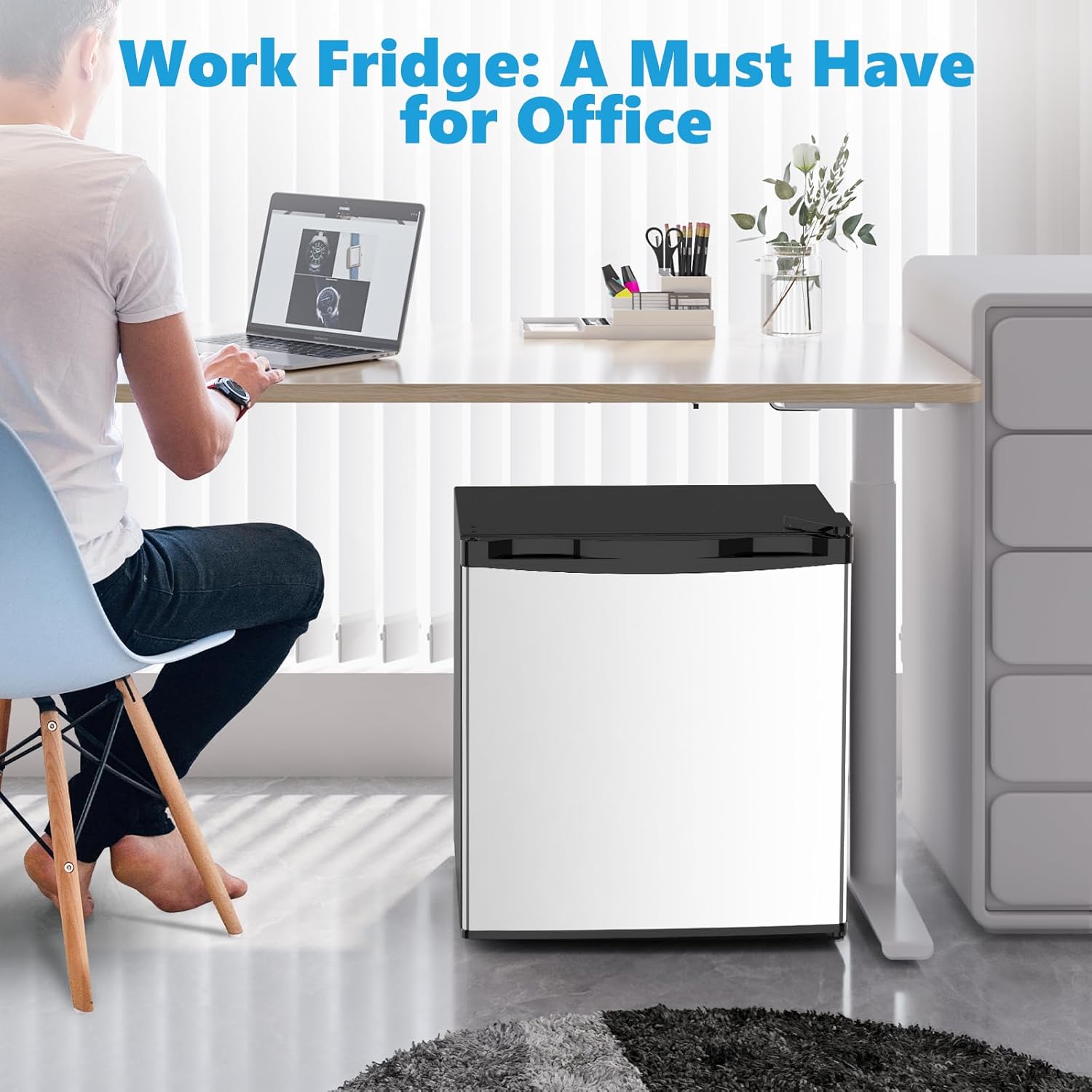
Figure 2: Example of suitable placement in an office environment.
3. Leveling
Adjust the leveling feet at the bottom of the refrigerator to ensure it is stable and level. This helps reduce vibration and noise.
4. Power Connection
Before plugging in, allow the refrigerator to stand upright for approximately 2-4 hours. This allows the refrigerant to settle. Connect the appliance to a dedicated, grounded 115 Volt AC outlet. Do not use extension cords or ungrounded adapters.
5. Reversible Door Installation
The door of your Electactic mini fridge is reversible, allowing it to open from either the left or right side to suit your space. Refer to the detailed instructions provided in the separate door reversal guide for proper installation. This process typically involves removing hinges and reinstalling them on the opposite side.

Figure 3: The reversible door design allows for flexible placement.
Operating Instructions
1. Temperature Control
The refrigerator features a rotary thermostat knob located inside the unit. This knob allows you to adjust the internal temperature. Settings range from 0 (off) to 7 (coldest). For initial use, set the knob to a medium setting (e.g., 4) and adjust as needed. The freezer compartment has a temperature range of 32°F to 50°F (0°C to 10°C) and is not suitable for storing ice cream or items requiring deep freezing.

Figure 4: Internal rotary thermostat for temperature adjustment.
2. Food Storage
Organize items efficiently within the main compartment and the smaller freezer section. The unit includes a plastic shelf for flexible storage. Avoid overfilling to ensure proper air circulation and cooling performance.

Figure 5: Interior layout with shelf and door storage.
3. Quiet Operation
The Electactic F6840 is designed for ultra-quiet operation, typically below 38dB, making it suitable for bedrooms, offices, and dorm rooms where noise levels are a concern.

Figure 6: The mini fridge operates quietly, suitable for various living spaces.
4. Energy Efficiency
This appliance is designed for energy efficiency, with an estimated daily power consumption of approximately 0.5 kWh, contributing to lower electricity bills.
Maintenance
1. Manual Defrosting
The Electactic F6840 features a manual defrost system. Frost will accumulate on the inner walls of the freezer compartment. When the frost layer becomes about 1/4 inch (6 mm) thick, it is time to defrost. To defrost:
- Unplug the refrigerator from the power outlet.
- Remove all food items from the freezer and refrigerator compartments. Place them in a cooler or another refrigerated space.
- Leave the door open to allow the frost to melt naturally. You can place towels at the bottom to absorb water. Do not use sharp objects or heating devices to remove frost, as this can damage the appliance.
- Once all frost has melted, clean and dry the interior thoroughly.
- Plug the refrigerator back in and allow it to cool for a few hours before returning food items.
2. Cleaning
Regularly clean the interior and exterior of your refrigerator. Use a mild detergent and warm water. Avoid abrasive cleaners or solvents. Ensure the appliance is unplugged before cleaning.
Troubleshooting
Before contacting customer service, please check the following common issues and solutions:
| Problem | Possible Cause | Solution |
|---|---|---|
| Refrigerator does not operate. | Not plugged in; circuit breaker tripped; temperature control set to "0". | Ensure plug is secure; reset circuit breaker; adjust temperature control to a higher setting. |
| Temperature is not cold enough. | Door opened too frequently; warm food placed inside; poor ventilation; temperature control set too low. | Minimize door openings; allow hot food to cool before placing in fridge; ensure adequate space around unit; adjust temperature control to a colder setting. |
| Excessive noise. | Refrigerator is not level; contact with wall or other objects. | Adjust leveling feet; move refrigerator away from walls or objects. |
| Water on floor/inside. | Drain tube clogged; door not sealed properly; high humidity. | Clear drain tube; check door gasket for proper seal; this is a manual defrost unit, some condensation is normal. |
Specifications
| Feature | Detail |
|---|---|
| Model Name | F6840 |
| Brand | Electactic |
| Capacity | 1.7 Cubic Feet |
| Product Dimensions (D x W x H) | 17.13"D x 17.52"W x 18.7"H |
| Color | Silver |
| Configuration | Compact Freezer-on-Top |
| Special Feature | Compact, Low Noise |
| Installation Type | Freestanding |
| Number of Doors | 1 |
| Defrost System | Manual |
| Voltage | 115 Volts |
| Shelf Type | Plastic |
| Cooling Method | Compressor |
| Number Of Shelves | 1 |
| Adjustable Temperature Control | Yes |
| Door Orientation | Reversible |
| Freezer Capacity | 0.12 Cubic Feet |
| Item Weight | 28.6 Pounds |
| Annual Energy Consumption | 230 Kilowatt Hours Per Year |

Figure 7: Product dimensions for planning placement.
Product Videos
Compact MEETS Capacity!
Video 1: Demonstrates the interior capacity and how various items can be stored efficiently within the compact refrigerator.
One of the quietest mono fridges out there
Video 2: Highlights the ultra-quiet operation of the mini fridge, suitable for noise-sensitive environments.
Perfect Compact Mini Fridge for Bedroom, Office & Dorm
Video 3: Showcases the versatility and ideal placement of the mini fridge in various small living and working spaces.
Warranty and Support
Warranty Information
This Electactic mini fridge comes with a 1 Year Warranty from the date of purchase. This warranty covers manufacturing defects and workmanship under normal use. Please retain your proof of purchase for warranty claims.
Customer Support
For technical assistance, troubleshooting beyond this manual, or warranty inquiries, please contact Electactic customer support. Contact details can typically be found on the manufacturer's website or on the product packaging.


