
1. Introduction
Thank you for purchasing the Guy-Tech 10W AC/DC Adapter. This manual provides essential information for the safe and efficient use of your new power supply. Please read this manual thoroughly before use and retain it for future reference.
This adapter is designed to provide reliable power for compatible devices, featuring high efficiency, low energy consumption, and robust protection mechanisms against over voltage, over current, and short circuits.
2. Product Overview
The Guy-Tech 10W AC/DC Adapter is a compact and portable power supply designed for various electronic devices. It features a standard American plug and a durable power cord.

Figure 2.1: Front view of the Guy-Tech 10W AC/DC Adapter, showing the main unit and the coiled power cord with the DC barrel connector.

Figure 2.2: Detailed features of the adapter, highlighting the American plug type, the internal thick copper core of the cable for durability and efficient power transfer, and the flexibility of the power cord.

Figure 2.3: Dimensions of the adapter unit, measuring approximately 2.92 inches in length, 1.58 inches in width, and 1.18 inches in height.

Figure 2.4: Illustration of the adapter's portability, showing it being easily packed into a bag, emphasizing its small and lightweight design for travel.
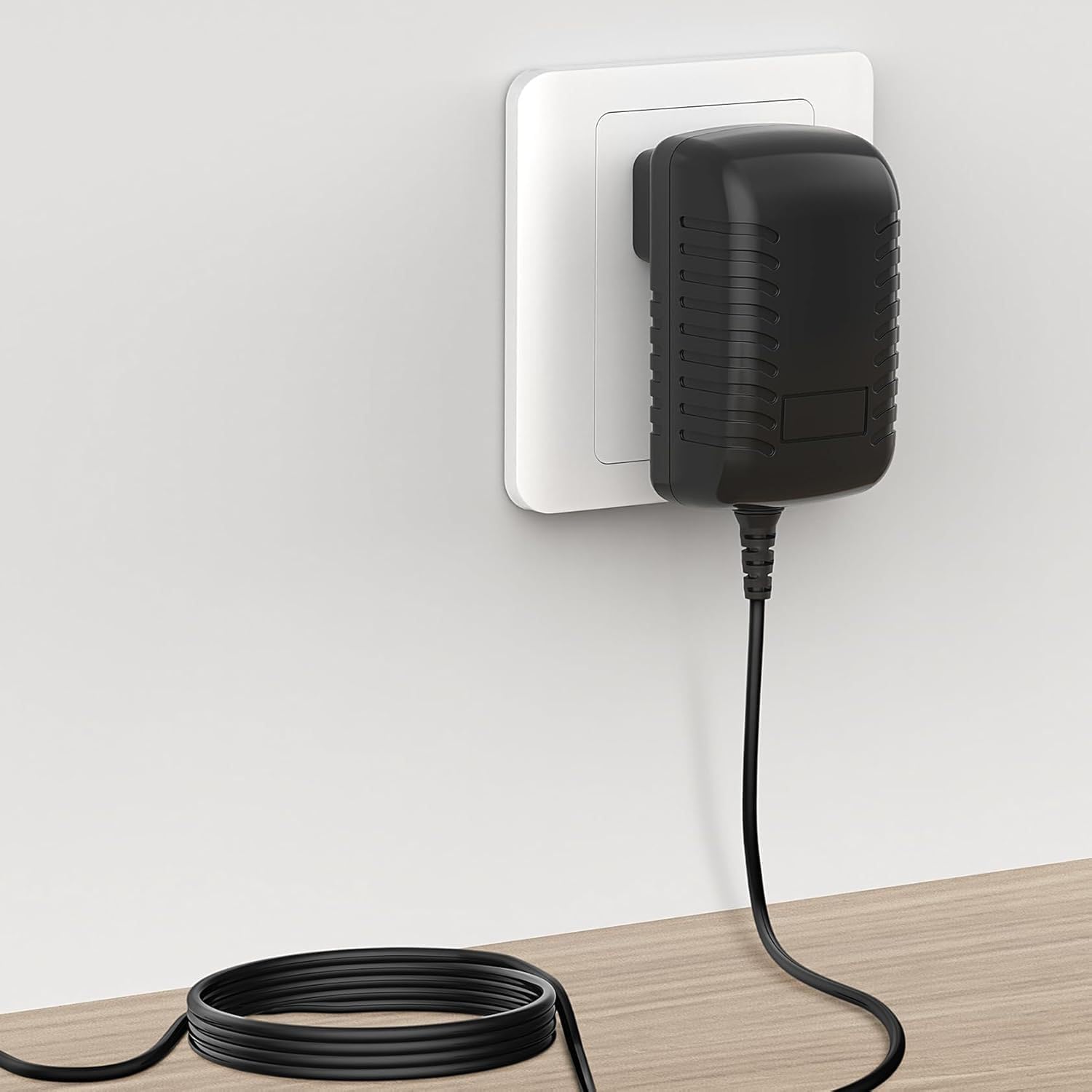
Figure 2.5: The adapter plugged into a standard wall outlet, with its power cord extending downwards, demonstrating its typical use scenario.
3. Specifications
| Feature | Detail |
|---|---|
| Model | Compatible with Azpen A920, A1022, A1023, A1040 (10W AC/DC Adapter) |
| Input Voltage | AC 100V - 240V (Worldwide Use) |
| Output Power | 10W |
| Connector Type | Plug (DC Barrel Connector) |
| Compatible Devices | Monitors, Printers, Speakers, Tablets, and specified Azpen models |
| Color | Black |
| Material | Composite, Metal, Plastic |
| Special Feature | Travel-friendly design |
| Certifications | CCC, CE, RoHS |
| Manufacturer | SHENZHEN XINGSENXIANG |
4. Setup
- Verify Compatibility: Before connecting, ensure that your device requires a 10W AC/DC adapter with the correct voltage and connector type. This adapter is compatible with Azpen A920, A1022, A1023, and A1040 models, as well as other devices like monitors, printers, speakers, and tablets that match the power requirements.
- Connect to Device: Insert the DC barrel connector of the adapter firmly into the power input port of your electronic device.
- Connect to Power Outlet: Plug the AC prongs of the adapter into a standard AC 100V-240V wall outlet.
- Power On: Once connected, your device should begin to charge or power on, depending on its design.
5. Operating Instructions
The Guy-Tech 10W AC/DC Adapter operates automatically once connected to a power source and a compatible device. It is designed for continuous use within its specified parameters.
- Charging: For devices with rechargeable batteries, the adapter will supply power to charge the battery while simultaneously powering the device.
- Direct Power: For devices without batteries or when the battery is fully charged, the adapter will provide direct power for operation.
- Efficiency: The adapter maintains high power exchange efficiency to control its working temperature and ensure stable operation.
6. Maintenance
To ensure the longevity and optimal performance of your Guy-Tech AC/DC Adapter, follow these simple maintenance guidelines:
- Cleaning: Disconnect the adapter from both the power outlet and your device before cleaning. Use a soft, dry cloth to wipe the exterior. Do not use liquid cleaners or abrasive materials.
- Storage: When not in use, store the adapter in a cool, dry place away from direct sunlight and extreme temperatures. Avoid tightly coiling the cable to prevent damage.
- Handling: Avoid dropping the adapter or subjecting it to strong impacts. Do not pull the cable to disconnect it from the outlet; always grasp the plug itself.
7. Troubleshooting
If you encounter issues with your Guy-Tech AC/DC Adapter, please refer to the following common troubleshooting steps:
| Problem | Possible Cause / Solution |
|---|---|
| Device not powering on/charging |
|
| Adapter feels warm during use |
|
| Intermittent power supply |
|
The adapter includes built-in protections for Over Voltage, Over Current, and Short Circuit output. If these protections are triggered, the adapter may temporarily cease operation to prevent damage to itself or your device. Disconnect and reconnect to reset.
8. Safety Information
Please observe the following safety precautions to prevent injury or damage to the product:
- Do not expose the adapter to water, moisture, or extreme temperatures.
- Do not disassemble, modify, or attempt to repair the adapter. Refer all servicing to qualified personnel.
- Use the adapter only with devices that match its specified voltage and current requirements.
- Keep the adapter away from children and pets.
- Ensure the adapter is plugged into a properly grounded and accessible power outlet.
- Unplug the adapter during lightning storms or when unused for extended periods.
WARNING: This product can expose you to chemicals including chemicals known to the State of California to cause cancer and birth defects or other reproductive harm. For more information go to www.P65Warnings.ca.gov.
9. Warranty and Support
This product is a replacement adapter and its warranty terms are subject to the seller's policy. Please refer to your purchase documentation or contact the seller directly for information regarding warranty coverage and support.
For technical assistance or inquiries, please contact the seller or manufacturer through the platform where the product was purchased.
