
Introduction
This manual provides comprehensive instructions for the safe and efficient operation of your VIHELM WH-B26 Digital Kitchen Scale. Please read this manual thoroughly before first use and retain it for future reference.
Important Safety Information
- Do not immerse the scale base in water or other liquids.
- Clean the scale with a damp cloth; avoid abrasive cleaners.
- Place the scale on a flat, stable surface for accurate measurements.
- Do not overload the scale beyond its maximum capacity of 12kg.
- Keep out of reach of children.
- Remove batteries if the scale will not be used for an extended period.
Package Contents
Verify that all items are present in the package:
- VIHELM WH-B26 Digital Kitchen Scale (x1)
- Weighing Bowl (x1)
- USB Charging Cable (x1)
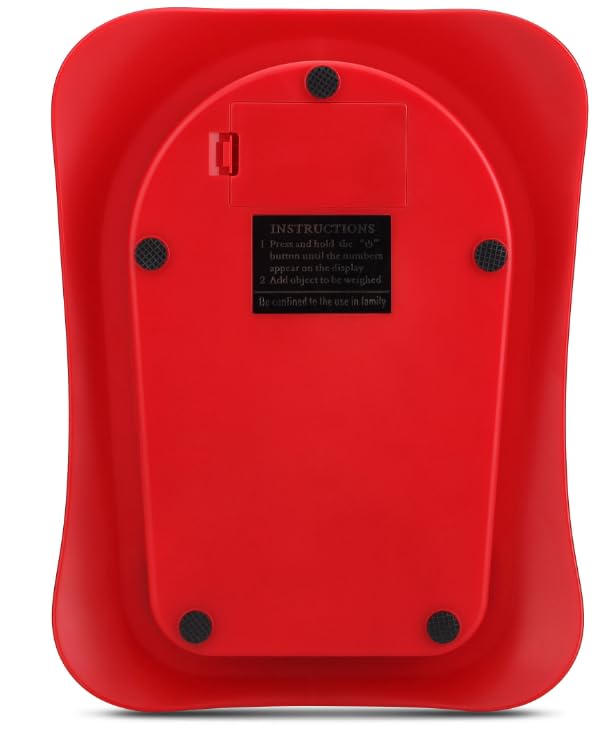
Image: Contents of the VIHELM WH-B26 Digital Kitchen Scale package, including the scale base, clear weighing bowl, and USB charging cable.
Product Overview
The VIHELM WH-B26 is a digital kitchen scale designed for accurate weighing of food ingredients up to 12 kilograms. It features a large, easy-to-read display and simple controls.
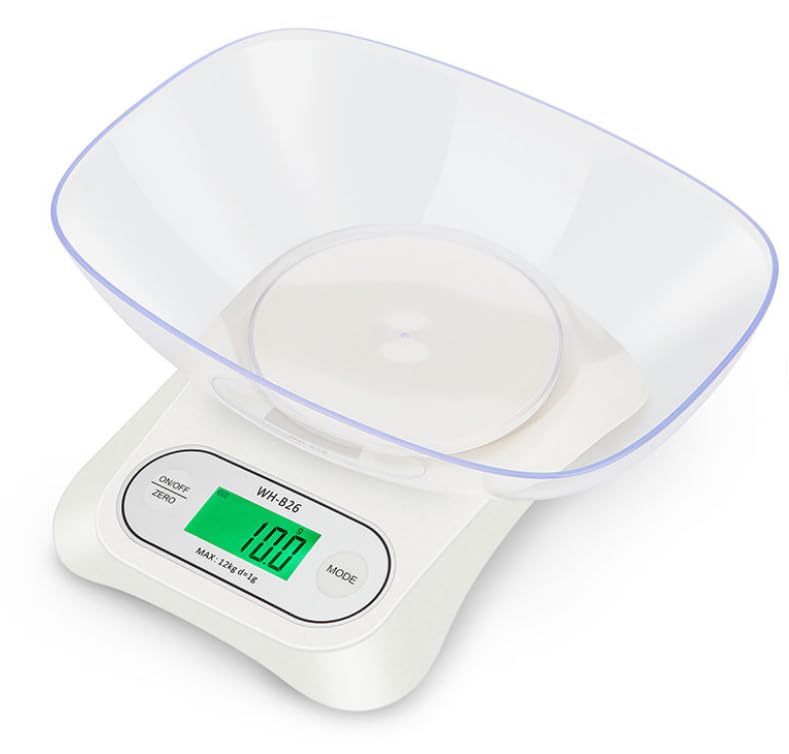
Image: Front view of the white VIHELM WH-B26 Digital Kitchen Scale with its clear weighing bowl attached. The display shows "10.0" grams.
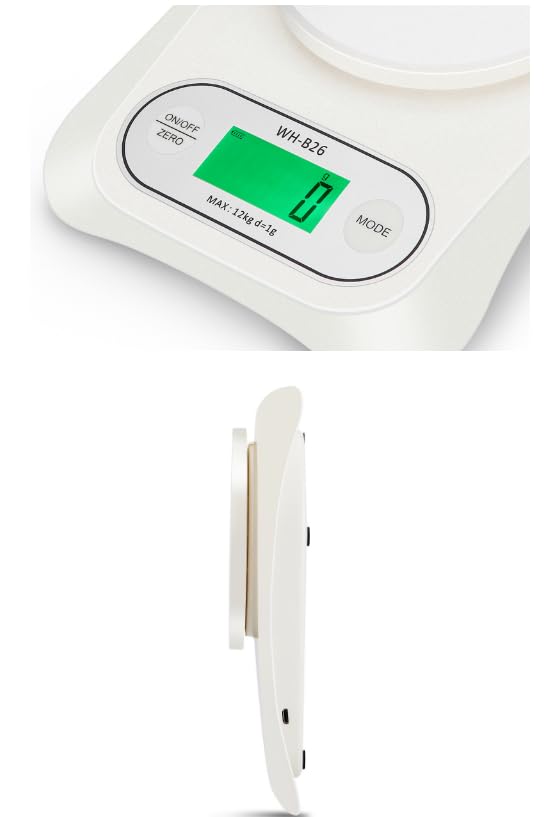
Image: Close-up of the control panel on the VIHELM WH-B26 scale, showing the "ON/OFF ZERO" button, the digital display, and the "MODE" button.
Components:
- Weighing Platform: The circular area where the bowl rests.
- Digital Display: Shows weight measurements and unit indicators.
- ON/OFF ZERO Button: Powers the scale on/off and performs the zero/tare function.
- MODE Button: Changes the unit of measurement (g, lb, oz).
- Weighing Bowl: Detachable bowl for holding items to be weighed.
- USB Charging Port: Located on the side/back for power.
- Battery Compartment: Located on the underside for AAA batteries.
Setup
1. Power Source Installation
The scale can be powered by 3x AAA batteries or via the included USB cable.
- Battery Installation: Open the battery compartment on the underside of the scale. Insert 3 AAA batteries, ensuring correct polarity (+/-). Close the compartment.
- USB Power: Connect the small end of the USB cable to the scale's USB port and the larger end to a compatible USB power adapter (not included) or a computer USB port.
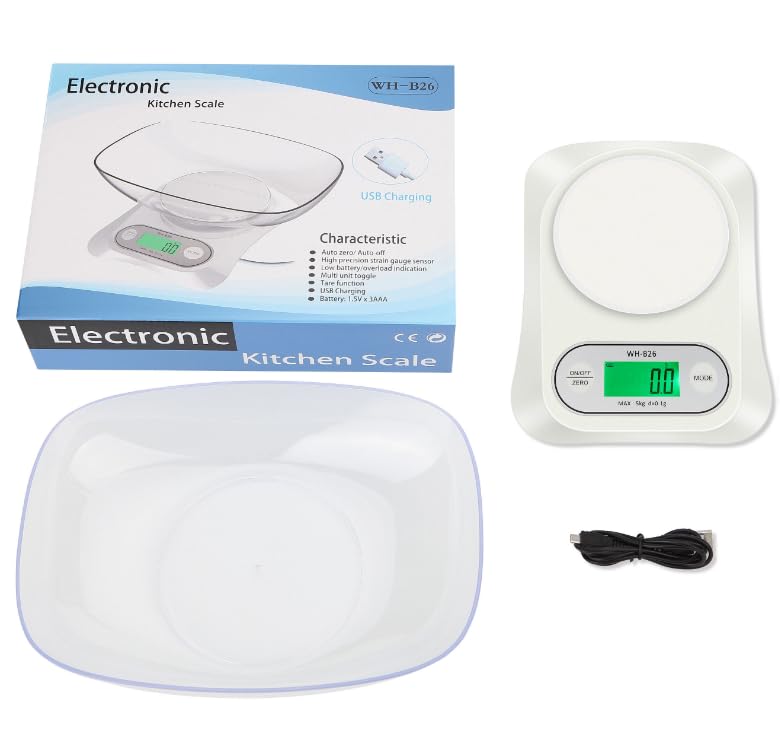
Image: Close-up view of the USB charging port located on the side of the VIHELM WH-B26 Digital Kitchen Scale.
2. Bowl Placement
Place the clear weighing bowl securely onto the circular weighing platform of the scale.
Operating Instructions
1. Power On/Off
- To turn on: Press the ON/OFF ZERO button. The display will light up and show "0g" (or the last used unit).
- To turn off: Press and hold the ON/OFF ZERO button for approximately 3 seconds until the display turns off. The scale also features an auto-off function after a period of inactivity.
2. Unit Conversion
To change the unit of measurement (grams, pounds, ounces):
- With the scale on, press the MODE button repeatedly to cycle through the available units: g (grams), lb (pounds), oz (ounces).
- The selected unit will be displayed next to the weight reading.
3. Zero/Tare Function
The tare function allows you to weigh items in a container by subtracting the container's weight.
- Place the empty weighing bowl (or any container) onto the scale. The display will show its weight.
- Press the ON/OFF ZERO button. The display will reset to "0g" (or the current unit), indicating the container's weight has been tared.
- Add the items you wish to weigh into the container. The display will show only the net weight of the items.
- To clear the tare, remove all items and the container from the scale, then press the ON/OFF ZERO button again.
4. Weighing Items
- Ensure the scale is on and displaying "0g" (or your desired unit).
- Place the item(s) directly onto the weighing platform or into the tared bowl.
- Read the stable weight displayed on the screen.
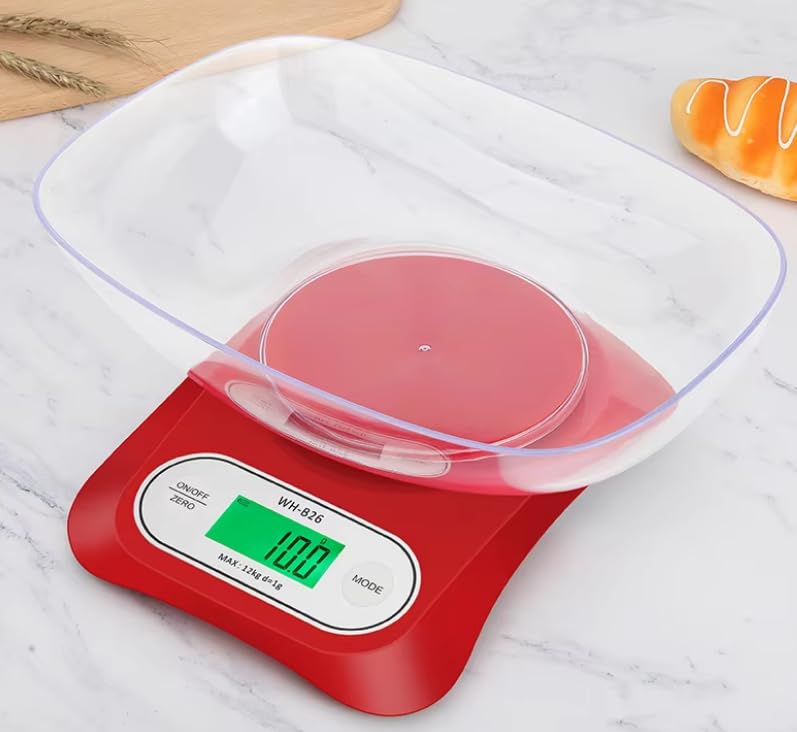
Image: The white VIHELM WH-B26 Digital Kitchen Scale with a clear bowl containing flour and an egg yolk, demonstrating its use for weighing food ingredients.
Maintenance and Care
- Cleaning: Wipe the scale surface and bowl with a soft, damp cloth. Do not use harsh chemicals or abrasive cleaning agents. The weighing bowl can be washed with mild soap and water.
- Storage: Store the scale in a cool, dry place. Avoid extreme temperatures and high humidity.
- Battery Replacement: If the display shows a low battery indicator, replace the AAA batteries promptly.
- Handling: Handle the scale with care. Avoid dropping it or subjecting it to strong impacts, as this can affect accuracy.
Troubleshooting
| Problem | Possible Cause | Solution |
|---|---|---|
| Scale does not turn on. | Low or dead batteries; incorrect battery installation; no USB power. | Replace batteries, ensuring correct polarity. Connect USB cable to a working power source. |
| Inaccurate readings. | Scale on an uneven surface; overloaded; external vibrations; dirty sensors. | Place on a flat, stable surface. Do not exceed 12kg. Avoid vibrations. Clean the scale. |
| "O-Ld" or "EEEE" displayed. | Overload indication. | Remove items immediately. Do not exceed the maximum capacity of 12kg. |
| Display shows "Lo". | Low battery power. | Replace the AAA batteries. |
Specifications
| Feature | Detail |
|---|---|
| Model | WH-B26 |
| Brand | VIHELM |
| Capacity / Division | 12kg / 1g |
| Units of Measurement | g, lb, oz |
| Power Source | 3x AAA Batteries, USB Cable |
| Raw Materials | ABS Plastic body + PC bowl |
| Certificates | CE, RoHS |
| Auto-Off Function | Yes |
| Low Battery Indication | Yes |
| Overload Indication | Yes |
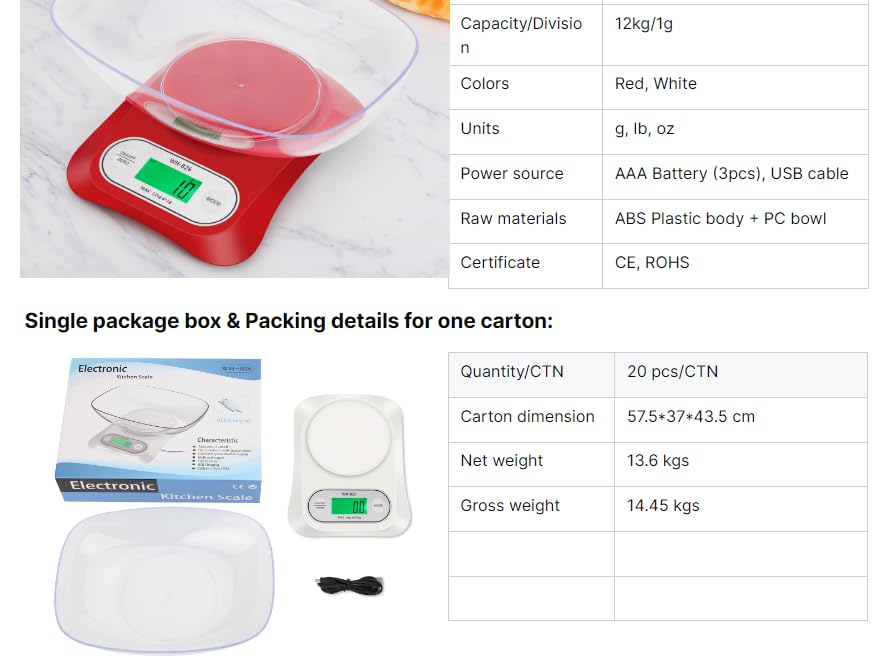
Image: A table detailing the technical specifications of the VIHELM WH-B26 Digital Kitchen Scale, including capacity, units, power source, and materials.
Warranty and Support
For warranty information or technical support, please refer to the retailer where the product was purchased or contact VIHELM customer service through their official channels. Keep your purchase receipt as proof of purchase.