
1. Introduction
Welcome to the XIEBro T8S Robot Vacuum and Mop Combo user manual. This guide provides essential information for the safe and efficient operation, maintenance, and troubleshooting of your new robotic cleaner. Please read this manual thoroughly before first use and retain it for future reference.
2. Product Overview
The XIEBro T8S is a versatile 2-in-1 robotic cleaner designed for both vacuuming and mopping. It features powerful suction, intelligent navigation, and multiple control options to keep your floors clean.
Included Components
- T8S Vacuum Robot
- Remote Control (2 AAA batteries included)
- Charging Base
- Power Adapter
- Water Tank
- Dustbin
- 4 Side Brushes
- User Manual

3. Setup
3.1 Charging Base Placement
Place the charging base against a wall in an open area, ensuring there are no obstacles within 50cm (approximately 20 inches) on either side and 1.5 meters (approximately 5 feet) in front. This allows the robot to easily locate and dock for recharging.
3.2 Initial Charging
Before first use, ensure the robot is fully charged. Connect the power adapter to the charging base and plug it into a wall outlet. Place the robot onto the charging base, aligning its charging contacts. The indicator light on the robot will show its charging status. A full charge can take several hours.

3.3 App Connection
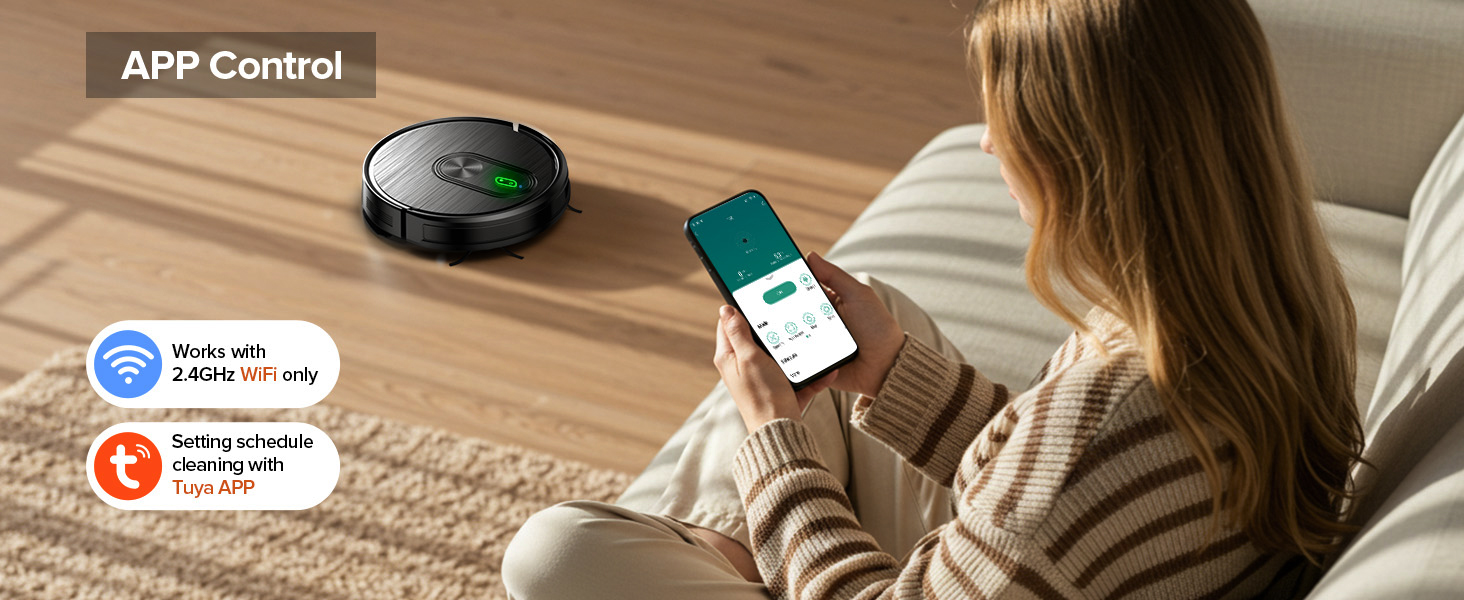
Download the Tuya Smart APP from your smartphone's app store. Follow the in-app instructions to connect your XIEBro T8S robot vacuum. Note that the APP only supports 2.4GHz Wi-Fi networks; 5G Wi-Fi is not supported.
3.4 Remote Control
Insert the included AAA batteries into the remote control. The remote allows for direct control over cleaning modes, direction, suction adjustment, and scheduling without needing the app.
4. Operating Instructions
4.1 Power On/Off
Press and hold the power button on the robot or remote control to turn the unit on or off.
4.2 Cleaning Modes
The XIEBro T8S offers three primary cleaning modes:
- Auto Cleaning: The robot intelligently navigates to clean the entire floor area.
- Spot Cleaning: Focuses on a specific dirty area, cleaning in a spiral pattern.
- Edge Cleaning: Cleans along walls and furniture edges.
Select your desired mode via the Tuya Smart App or the remote control.

4.3 Vacuuming
The robot features 3 levels of adjustable suction power, with a maximum of 3200Pa. It includes a carpet booster function for effective cleaning on various floor types, including tile, wood, carpet, and marble. The 3-layer filter system and bilateral brushes ensure thorough dust and debris collection.
4.4 Mopping
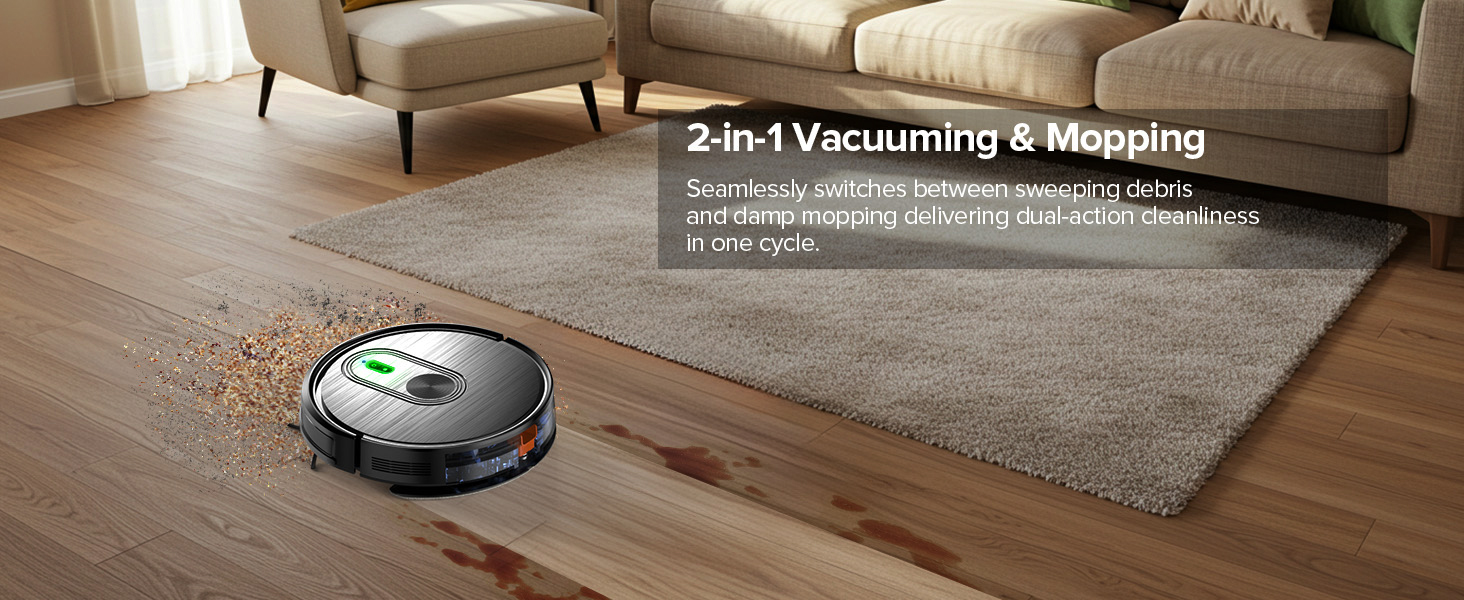
To use the mopping function, fill the 260ml electronically controlled water tank with clean water and attach the mop pad. The water tank has 2-speed water outlet modes, ensuring uniform penetration suitable for all hard floors. Water output can be precisely controlled via the App or remote control.
4.5 Voice Control
The T8S robot vacuum is compatible with Google Assistant and Amazon Alexa. After connecting to the Tuya Smart App, you can control the robot with voice commands for cleaning tasks.

4.6 Navigation and Obstacle Avoidance
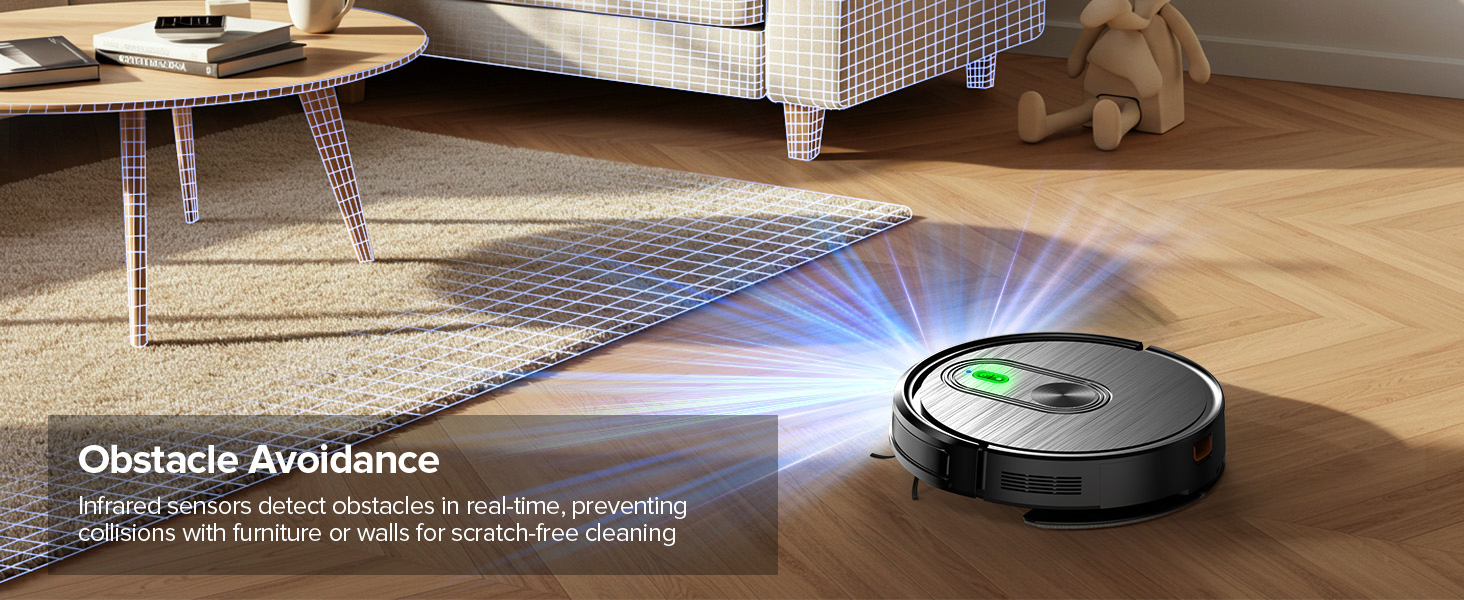
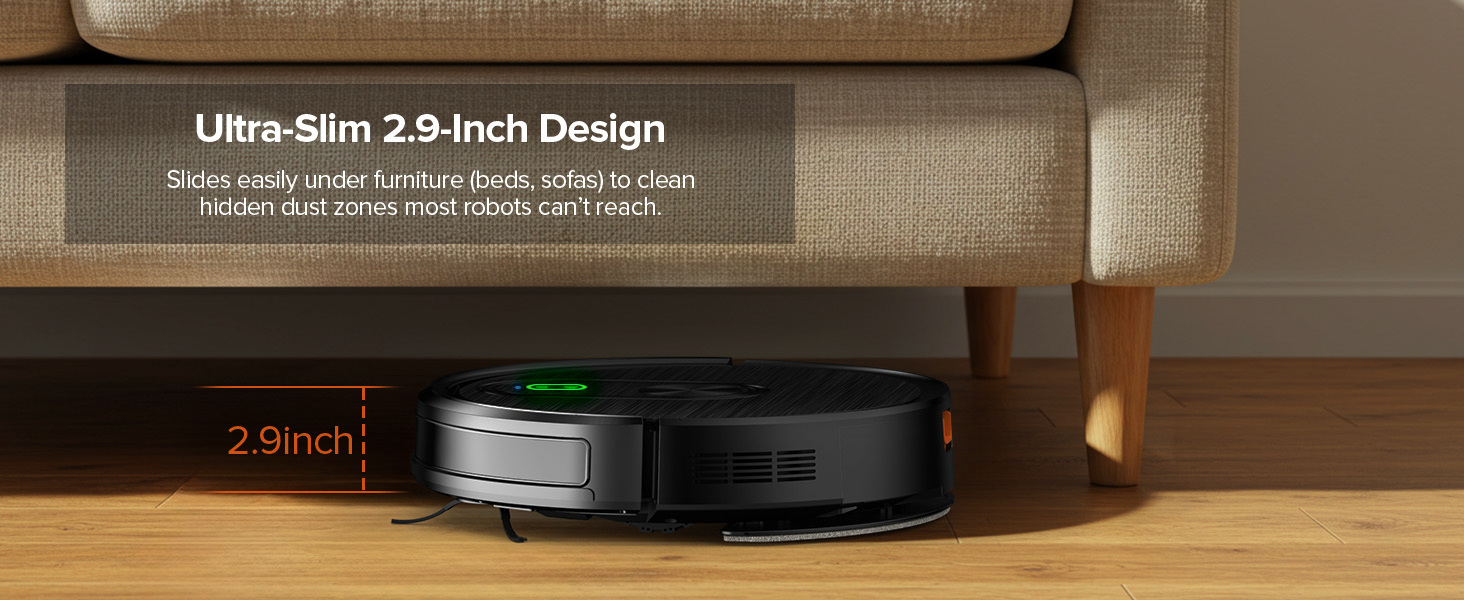
The robot is equipped with advanced 3D precise obstacle avoidance and infrared sensors to identify and avoid obstacles, white walls, and stairs. Its 2.9-inch slim design allows it to clean under furniture and in narrow spaces. It can climb over obstacles up to 15° or 0.59 inches tall.


4.7 Product Video
5. Maintenance
Regular maintenance ensures optimal performance and extends the lifespan of your robot vacuum.
5.1 Dust Box Emptying
Empty the 300ml dust box after each cleaning cycle or when full. Open the robot's top cover, remove the dustbin, and dispose of collected debris.
5.2 Water Tank Cleaning
After mopping, empty any remaining water from the 260ml water tank and rinse it thoroughly. Allow it to air dry before reinserting.
5.3 Filter Cleaning/Replacement
The dust box is equipped with a 3-layer filter system. The high-performance filter is washable; rinse it with water and ensure it is completely dry before reuse. The filter cotton is not washable and should be replaced periodically.
5.4 Side Brush Cleaning/Replacement
Regularly check the side brushes for tangled hair or debris. Remove any obstructions. If brushes are worn or damaged, replace them with new ones.
5.5 Sensor Cleaning
Wipe the downward sensors on the underside of the robot with a clean, dry cloth to ensure proper navigation and anti-drop functionality.
5.6 Charging Contacts Cleaning
Periodically wipe the charging contacts on both the robot and the charging base with a dry cloth to maintain a reliable connection.
6. Troubleshooting
If you encounter issues with your XIEBro T8S, refer to the following common problems and solutions:
6.1 Robot Not Working / Downward Sensors Abnormal
If the robot is not operating correctly and indicates a downward sensor issue, clean the area of the downward sensors on the underside of the unit. Ensure no dust or debris is obstructing them.
6.2 Short Battery Runtime
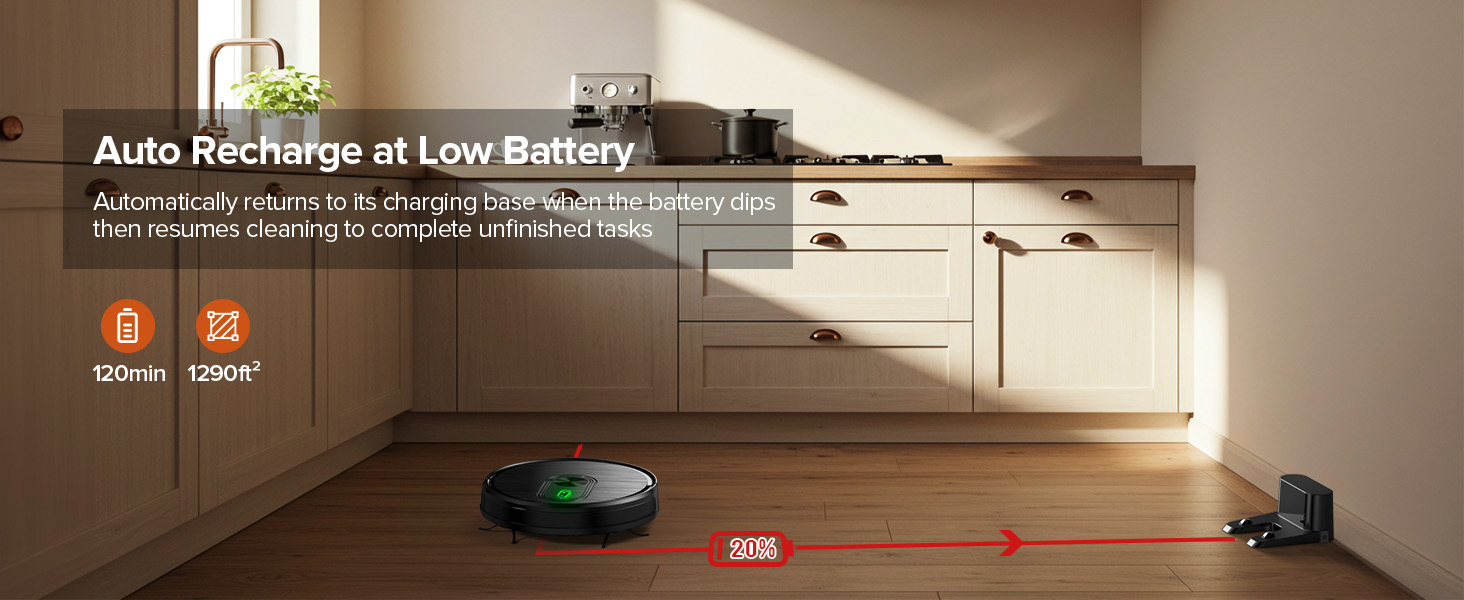
The robot vacuum's battery endurance is optimal when fully charged. If the robot is started with a low charge (e.g., 30%), the battery may drain quickly, resulting in shorter operating times (e.g., just over 30 minutes). For maximum cleaning duration (up to 120 minutes), ensure the robot is charged to 100% before starting a cleaning cycle.
6.3 Cannot Auto-Recharge
If the robot fails to return to its charging base automatically, check the following:
- Confirm the output voltage and current of the power adapter.
- Ensure there are no obstacles within 50cm of the charging base.
- Wipe the charging shrapnel (contacts) on both the robot and the base to ensure a clean connection.
- Confirm that the light on the charging station is on, indicating it is powered.
6.4 No Mapping Function
The XIEBro T8S robot vacuum does not feature a mapping function. It uses intelligent navigation to clean areas but does not create or store a map of your home.
6.5 Circular Rotation / Collision Sensor Abnormal
If the robot is rotating in circles or indicating a collision sensor error (red light flashing + 2 beeps), it may be due to a stuck collision sensor or foreign objects obstructing it. Check the collision sensors on the front bumper of the robot. Lightly tap the collision sensor to ensure it rebounds correctly. Remove any foreign objects that may be causing the sensor to stick.
7. Specifications
| Feature | Specification |
|---|---|
| Brand | XIEBro |
| Model Name | T8S Robot Vacuum and Mop Combo |
| Product Dimensions | 16.14"L x 13.56"W x 4.51"H |
| Item Weight | 4.75 pounds |
| Max Suction Power | 3200Pa |
| Dust Box Capacity | 300ml |
| Water Tank Capacity | 260ml |
| Battery Capacity | 2600mAh |
| Max Runtime | 120 minutes (Quiet Mode) |
| Filter Type | Three-layer high-efficiency filtration (washable) + filter cotton (not washable) |
| Control Method | App, Remote Control, Voice (Google Home, Smartphones) |
| Wi-Fi Compatibility | 2.4GHz only |
| Obstacle Climbing Ability | Up to 15° / 0.59 inches |
| Form Factor | Round |
| UPC | 765452450345 |
8. Warranty and Support
The XIEBro T8S Robot Vacuum and Mop Combo comes with a 12-month warranty. For professional customer service and support, please refer to the contact information provided in your product packaging or visit the official XIEBro website.