
WUPRO Cinema G3
WUPRO Cinema G3 Triple Laser Mini UST Smart Projector User Manual
Model: Cinema G3
1. Introduction
This manual provides essential information for the safe and efficient operation of your WUPRO Cinema G3 Triple Laser Mini UST Smart Projector. Please read this manual thoroughly before using the projector and retain it for future reference.
The WUPRO Cinema G3 is a compact, ultra-short throw smart projector designed for home cinema and outdoor use, featuring a triple laser light source, native 1080P resolution, and integrated Google TV and Android 9.0 operating systems.
2. Product Overview
2.1 Key Features
- Triple Laser Light Source: 600 ANSI lumens for vibrant and eye-friendly projection.
- Native 1080P Resolution: Delivers clear and detailed images.
- Ultra-Short Throw (UST): 0.19:1 projection ratio allows for large screens (up to 100 inches) from a short distance (as little as 19cm).
- Smart Operating Systems: Integrated Google TV and Android 9.0 for access to streaming services and apps.
- Automatic Adjustments: Features Auto Focus, Auto Keystone Correction, and Obstacle Avoidance for quick setup.
- Integrated Audio: Dual 7W speakers provide immersive sound.
- Adaptive Brightness Sensor: Adjusts brightness for optimal viewing in different ambient light conditions.
2.2 Package Contents
- WUPRO Cinema G3 Projector
- Power Adapter
- Remote Control
- User Manual
2.3 Projector Components and Ports

Image: Front view of the WUPRO Cinema G3 projector displaying the Google TV interface.

Image: Rear view of the WUPRO Cinema G3 projector showing connectivity ports including RJ45, S/PDIF, HDMI 2.0, USB 2.0, and Type-C power input.
The rear panel of the projector includes the following ports:
- RJ45: Wired internet connection.
- S/PDIF: Digital audio output.
- HDMI 2.0: Video input for external devices.
- USB 2.0: For USB drives or hard disks.
- Type-C: Power input.
3. Setup
3.1 Placement
Position the projector on a stable, flat surface. Due to its ultra-short throw capability, the projector can be placed very close to the projection surface (wall or screen).

Image: Diagram illustrating the projection distances for various screen sizes (60-100 inches) from the WUPRO Cinema G3 projector.
- For a 100-inch screen, place the projector approximately 19 cm (7.5 inches) from the wall.
- Ensure adequate ventilation around the projector. Do not block air vents.
3.2 Power Connection
- Connect the power adapter to the Type-C port on the projector.
- Plug the power adapter into a suitable electrical outlet.
3.3 Initial Power On
- Press the power button on the projector or the remote control to turn it on.
- Follow the on-screen instructions for initial setup, including language selection, network connection, and Google account login.
3.4 Automatic Adjustments
The projector features automatic focus, keystone correction, and obstacle avoidance to simplify setup.

Image: Graphic highlighting key features of the WUPRO Cinema G3, including automatic keystone correction, auto focus, and obstacle avoidance.
- The projector will automatically adjust the image focus and keystone when moved or powered on.
- Obstacle avoidance helps to prevent projection onto objects in the path.
4. Operating Instructions
4.1 Remote Control
Use the provided remote control to navigate the projector's interface and control playback. Familiarize yourself with the buttons for power, navigation, volume, and source selection.
4.2 Google TV and Android 9.0
The projector operates on a dual system of Google TV and Android 9.0, providing access to a wide range of applications and content.

Image: Comparison of Android and Google TV interfaces, both supported by the WUPRO Cinema G3 projector.
- Navigation: Use the directional pad and select button on the remote to browse menus and select apps.
- App Installation: Download and install applications from the Google Play Store.
- Content Streaming: Access popular streaming services directly through the Google TV interface.
4.3 Connecting External Devices
Use the HDMI 2.0 port to connect devices such as Blu-ray players, gaming consoles, or laptops. The USB 2.0 port can be used for media playback from storage devices.
4.4 Image and Sound Settings
- Brightness: The adaptive brightness sensor automatically adjusts output based on ambient light. Manual adjustments can be made in the settings menu.
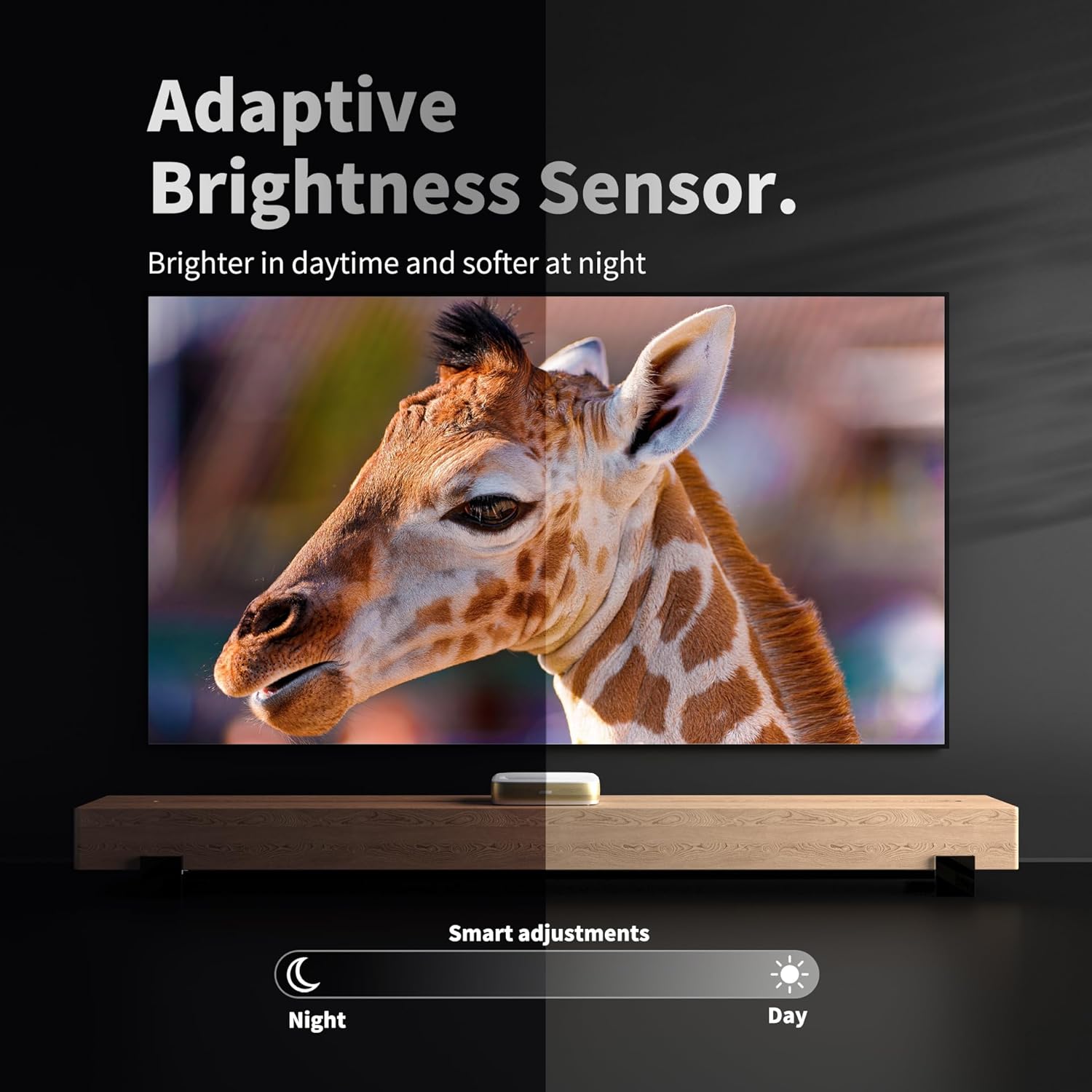
Image: Illustration of the adaptive brightness sensor feature, showing how the projector adjusts output for day and night viewing conditions.
- Audio Output: Utilize the built-in dual 7W speakers or connect external audio systems via the S/PDIF port.
5. Maintenance
5.1 Cleaning the Projector
- Use a soft, dry cloth to clean the exterior of the projector.
- For the lens, use a specialized lens cleaning cloth and solution. Avoid abrasive materials.
- Regularly check and clean the air vents to ensure proper airflow and prevent overheating.
5.2 Storage
When not in use for extended periods, store the projector in a cool, dry place, away from direct sunlight and extreme temperatures. Use the original packaging if available.
6. Troubleshooting
6.1 No Image or Blurry Image
- Ensure the projector is powered on and connected correctly.
- Check the focus. The projector has auto-focus, but manual adjustment might be needed in some cases via settings.
- Verify the projection distance is within the recommended range for a clear image.
- Confirm the input source is correctly selected.
6.2 No Sound
- Check the volume level on the projector and any connected external devices.
- Ensure the audio output settings are configured correctly (e.g., internal speakers vs. external audio system).
- If using an external device, check its audio output settings and cables.
6.3 Remote Control Not Responding
- Replace the batteries in the remote control.
- Ensure there are no obstructions between the remote and the projector.
7. Specifications
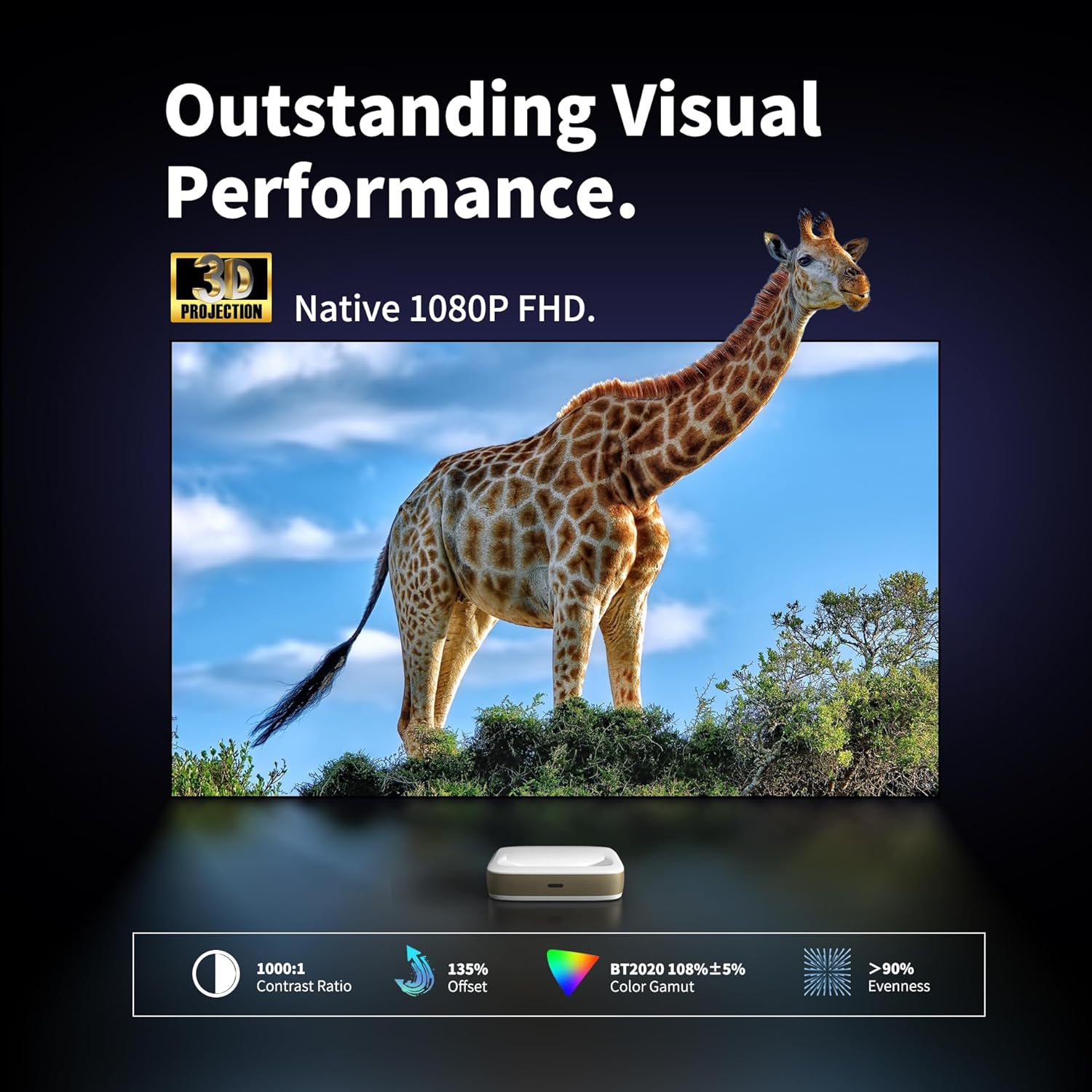
Image: Details on the WUPRO Cinema G3's visual performance, including 1080P FHD, 1000:1 contrast ratio, 135% offset, BT2020 108%±5% color gamut, and >90% evenness.

Image: Diagram explaining the RGB Laser technology used in the WUPRO Cinema G3, highlighting pure colors, reduced speckle, and flicker-free projection.
| Feature | Specification |
|---|---|
| Brand | WUPRO |
| Model | Cinema G3 |
| Product Dimensions | 11 x 7.2 x 2.6 inches |
| Color | White |
| Light Source | Triple Laser |
| Brightness | 600 ANSI Lumens |
| Display Resolution | Native 1920 x 1080 (1080P FHD) |
| Contrast Ratio | 1000:1 |
| Projection Ratio | 0.19:1 (Ultra Short Throw) |
| Recommended Projection Size | 60-100 inches |
| Operating System | Google TV & Android 9.0 |
| Special Features | Built-In Speaker, Ultra Short Throw, Auto Focus, Auto Keystone, Obstacle Avoidance, Adaptive Brightness Sensor |
| Connectivity Technology | HDMI, USB, Type-C, RJ45, S/PDIF |
| Audio | Dual 7W speakers |
8. Warranty and Support
8.1 Product Warranty
The WUPRO Cinema G3 series is covered by a 1-year replacement warranty. Please retain your proof of purchase for warranty claims.
8.2 Customer Support
For technical assistance, troubleshooting beyond this manual, or warranty inquiries, please refer to the contact information provided with your product packaging or visit the official WUPRO website.
Ask a question about this manual
Ask about setup, troubleshooting, compatibility, parts, safety, or missing instructions. Manuals+ will review the question and use this page’s manual context to help answer it.