
1. Introduction
The ANCEL BT410 is a professional automotive battery tester designed to accurately assess the health and performance of 12V and 24V lead-acid and lithium batteries. This device provides comprehensive analysis of battery health, cranking system, and charging system, making it an essential tool for vehicle maintenance and diagnostics. This manual provides detailed instructions for proper operation and care of your BT410 tester.

Image 1.1: The ANCEL BT410 Car Battery Tester, displaying its main menu and connected clamps.
2. Safety Information
Always observe the following safety precautions when using the ANCEL BT410 battery tester to prevent injury or damage to the device or vehicle.
- Eye Protection: Always wear ANSI-approved eye protection when working near batteries.
- Ventilation: Ensure adequate ventilation when working with lead-acid batteries, as they can produce explosive gases.
- Avoid Sparks: Do not smoke or allow sparks or flames near the battery.
- Insulated Tools: Use insulated tools to prevent accidental short circuits.
- Reverse Polarity Protection: The BT410 features reverse polarity protection. However, always ensure correct connection of the clamps (red to positive, black to negative) to avoid potential issues.
- Short Circuit Protection: The device is equipped with short circuit protection. Avoid intentionally shorting the clamps.
- Keep Dry: Do not expose the tester to rain or wet conditions.
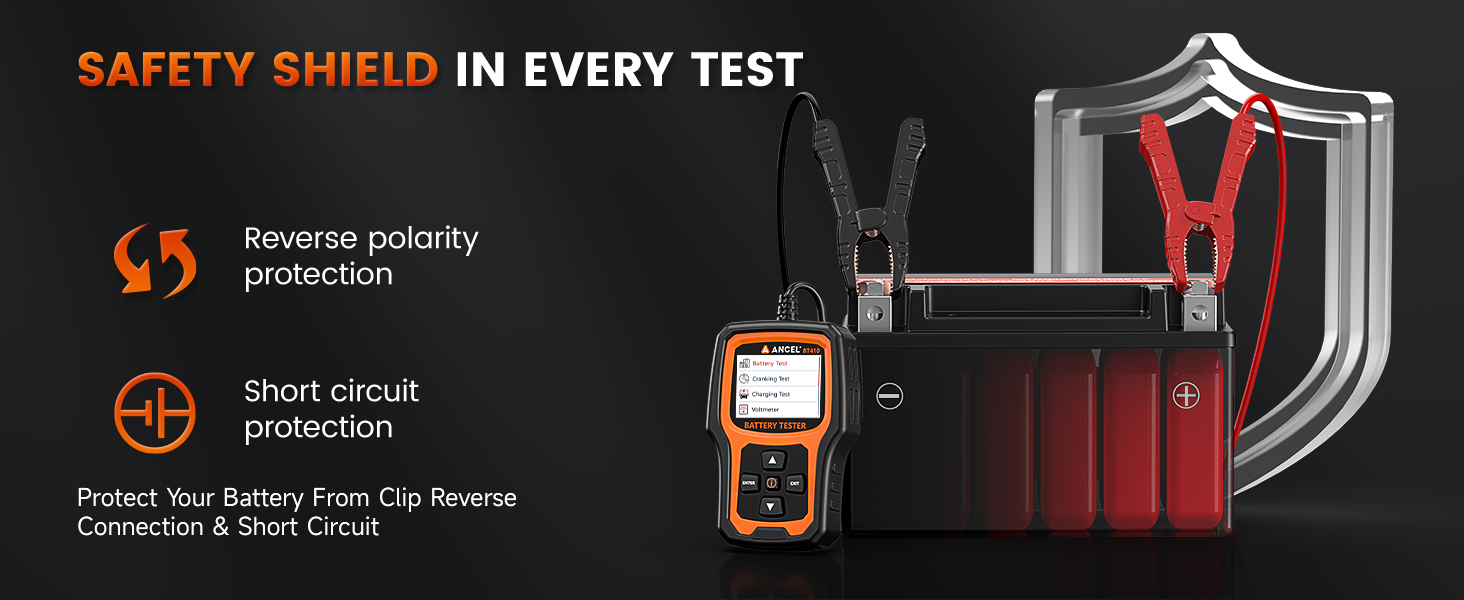
Image 2.1: The ANCEL BT410 incorporates reverse polarity and short circuit protection for safe operation.
3. Product Features
The ANCEL BT410 offers a robust set of features for comprehensive battery and system diagnostics:
- Wide Compatibility: Supports 12V and 24V battery systems. Compatible with various battery types including Lead-Acid (AGM, EFB, Regular Flooded, GEL) and Lithium-ion batteries.
- 4-in-1 Testing: Performs Battery Health Test, Cranking Test, Charging System Test, and provides Real-time Voltmeter readings.
- User-Friendly Interface: Features a 2.4-inch color TFT screen with adjustable contrast and switchable day/night modes for clear readability in various lighting conditions. Supports 8 languages.
- Durable Construction: Equipped with an 800mm (31.5-inch) cable and reinforced ABS clamps for secure connections. Designed to operate reliably in extreme temperatures from -4°F to 158°F (-20°C to 70°C).
- Report Generation: Test data can be converted into a QR code for easy sharing, printing, or record-keeping via a smartphone scan.

Image 3.1: The BT410 is compatible with a wide range of 12V and 24V battery types, including lead-acid and lithium-ion.

Image 3.2: The BT410 features a drop-resistant silicone case and secure, insulated clamps for enhanced durability and safety.
4. Setup and Connection
Follow these steps to connect the ANCEL BT410 to a battery for testing:
- Prepare the Vehicle: Ensure the vehicle's engine is turned off and all electrical loads (lights, radio, etc.) are switched off.
- Connect Clamps: Attach the red clamp to the positive (+) terminal of the battery and the black clamp to the negative (-) terminal. Ensure a secure connection. The tester will power on automatically once connected.
- Select Battery Type: On the tester's screen, navigate to the 'Battery Test' menu. Select the correct battery type (e.g., AGM, Flooded, Lithium) and the Cold Cranking Amps (CCA) rating of your battery. This information is usually found on the battery label.

Image 4.1: Simple three-step process for connecting and initiating a test with the BT410.
5. Operating Instructions
The BT410 offers several testing modes to diagnose your battery and vehicle's electrical system.
5.1. Battery Test
This test assesses the overall health of the battery.
- From the main menu, select Battery Test.
- Follow the on-screen prompts to input battery type and CCA rating.
- The tester will display results including Health (%), Charge (%), Internal Resistance (mΩ), and Rated CCA.
- Interpretation: The screen will indicate if the battery is 'Good', 'Good - Recharge', 'Charge & Retest', 'Replace', or 'Bad Cell'.

Image 5.1: Example of a 'Battery Test' result, indicating a healthy battery with detailed metrics.
5.2. Cranking Test
This test evaluates the vehicle's starting system by monitoring voltage during engine cranking.
- From the main menu, select Cranking Test.
- The tester will instruct you to start the engine.
- It will monitor voltage fluctuations and cranking time.
- Interpretation: The results will indicate if the cranking system is 'Normal' or 'Abnormal', helping identify issues like a weak starter or low battery voltage during start-up.

Image 5.2: The 'Cranking Test' displays voltage patterns during engine start, helping diagnose starter issues.
5.3. Charging Test
This test assesses the vehicle's charging system, including the alternator.
- From the main menu, select Charging Test.
- The test involves three stages: Unloaded Test, Loaded Test (with accessories on), and Ripple Test. Follow the on-screen instructions for each stage.
- Interpretation: The tester will display voltage readings for each stage and provide a conclusion (e.g., 'Voltage Normal', 'Voltage Low', 'Voltage High') to identify potential alternator or wiring faults.

Image 5.3: The 'Charging Test' provides readings for unloaded, loaded, and ripple voltage to evaluate the alternator's performance.
5.4. Voltmeter
This function provides a real-time voltage reading of the connected battery.
- From the main menu, select Voltmeter.
- The screen will continuously display the current battery voltage.
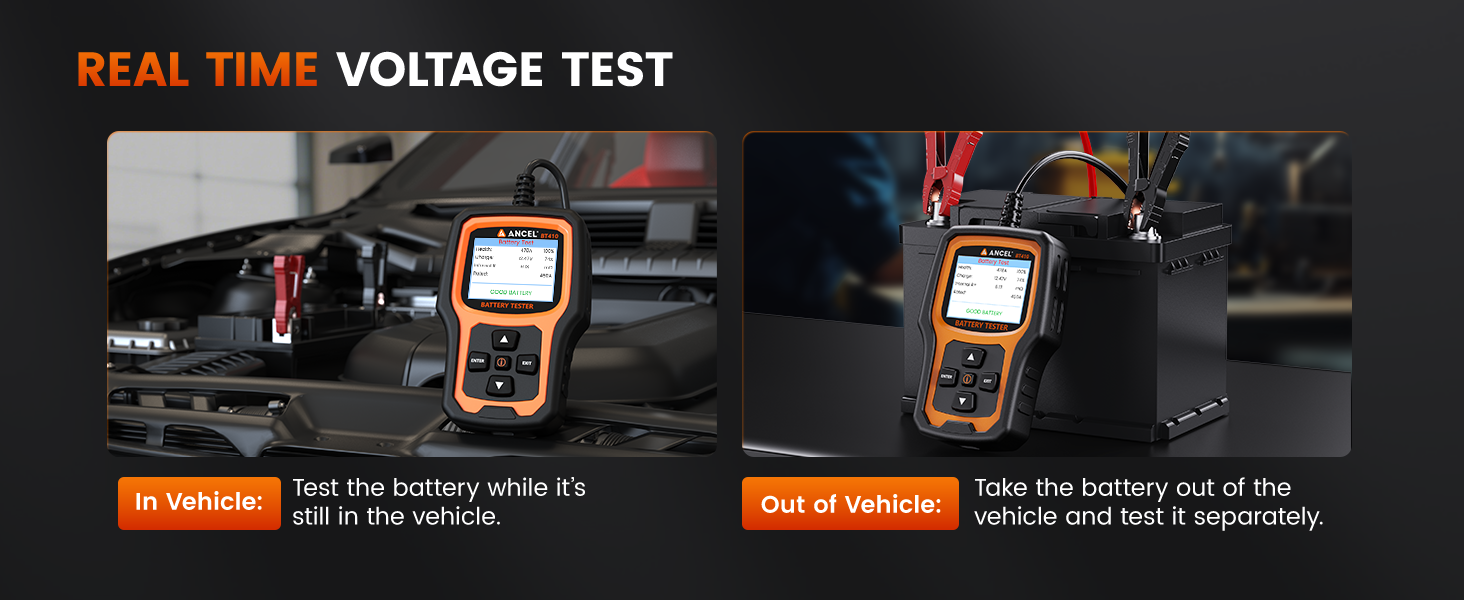
Image 5.4: The real-time voltmeter function allows for voltage monitoring both with the battery in the vehicle and when tested separately.
5.5. Report Retrieval
The BT410 automatically saves test results. You can retrieve and share these reports:
- Press the 'i' (Information) button on the device.
- Select 'View on device' to review past test records directly on the screen.
- Select 'View on mobile phone' to generate a QR code. Scan this QR code with your smartphone to access a detailed report online, which can then be saved or printed.

Image 5.5: The 'i' button provides quick access to saved test reports and the QR code generation feature.
5.6. Day/Night Modes
The display offers switchable day and night modes for optimal visibility.
- Navigate to the settings menu to switch between day (brighter) and night (dimmer) display modes.
- This feature enhances readability in varying light conditions, from bright sunlight to dark garages.
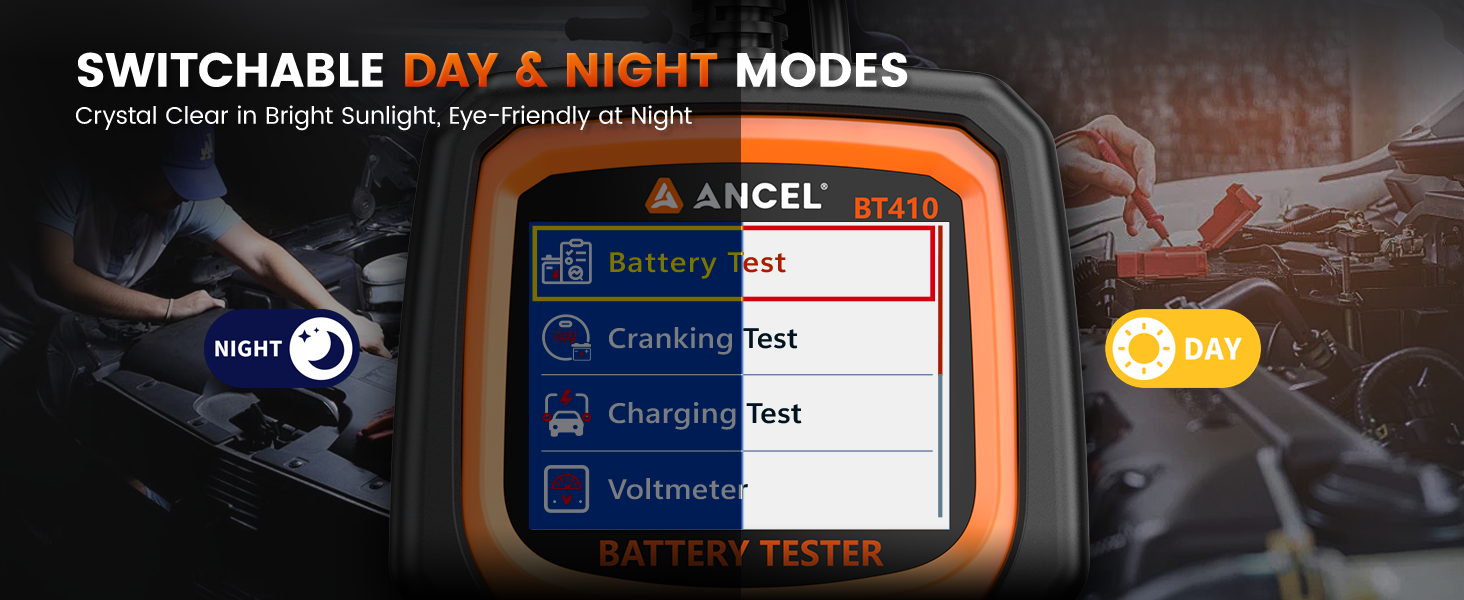
Image 5.6: The BT410 features switchable day and night display modes for improved visibility in any environment.
6. Maintenance
To ensure the longevity and accurate performance of your ANCEL BT410:
- Cleaning: Wipe the device with a soft, dry cloth. Do not use abrasive cleaners or solvents.
- Storage: Store the tester in a clean, dry environment away from direct sunlight and extreme temperatures.
- Cable Care: Avoid bending or kinking the cables excessively. Inspect clamps and cables regularly for damage.
7. Troubleshooting
If you encounter issues with your BT410, refer to the following common problems and solutions:
| Problem | Possible Cause | Solution |
|---|---|---|
| Tester does not power on | Loose connection; Battery completely dead; Damaged cable/clamps | Ensure clamps are securely connected to battery terminals. Test on a different, known-good battery. Inspect cables for damage. |
| Inaccurate readings | Incorrect battery type/CCA input; Poor connection; Battery surface corrosion | Verify battery type and CCA settings. Clean battery terminals and ensure clamps have good contact. |
| Screen is difficult to read | Incorrect display mode (Day/Night); Glare | Adjust screen contrast or switch between Day/Night modes in the settings. Reposition the tester to reduce glare. |
8. Specifications
- Model: BT410
- Product Dimensions: 6.69 x 2.64 x 3.66 inches
- Item Weight: 14.11 ounces (0.4 Kilograms)
- Supported Battery Types: Lead-Acid (AGM, EFB, Regular Flooded, GEL), Lithium-ion
- Voltage Range: 12V, 24V
- CCA Range: 100-2000 CCA
- Operating Temperature: -4°F to 158°F (-20°C to 70°C)
- Cable Length: 800mm (31.5 inches)
- Display: 2.4-inch Color TFT Screen
- Power Source: Plug and Play (powered by battery being tested)
9. What's in the Box
Upon opening the package, you should find the following items:
- 1 x ANCEL BT410 Battery Tester
- 1 x User Manual
- 1 x Type-C Cable (for potential future firmware updates, not for charging)
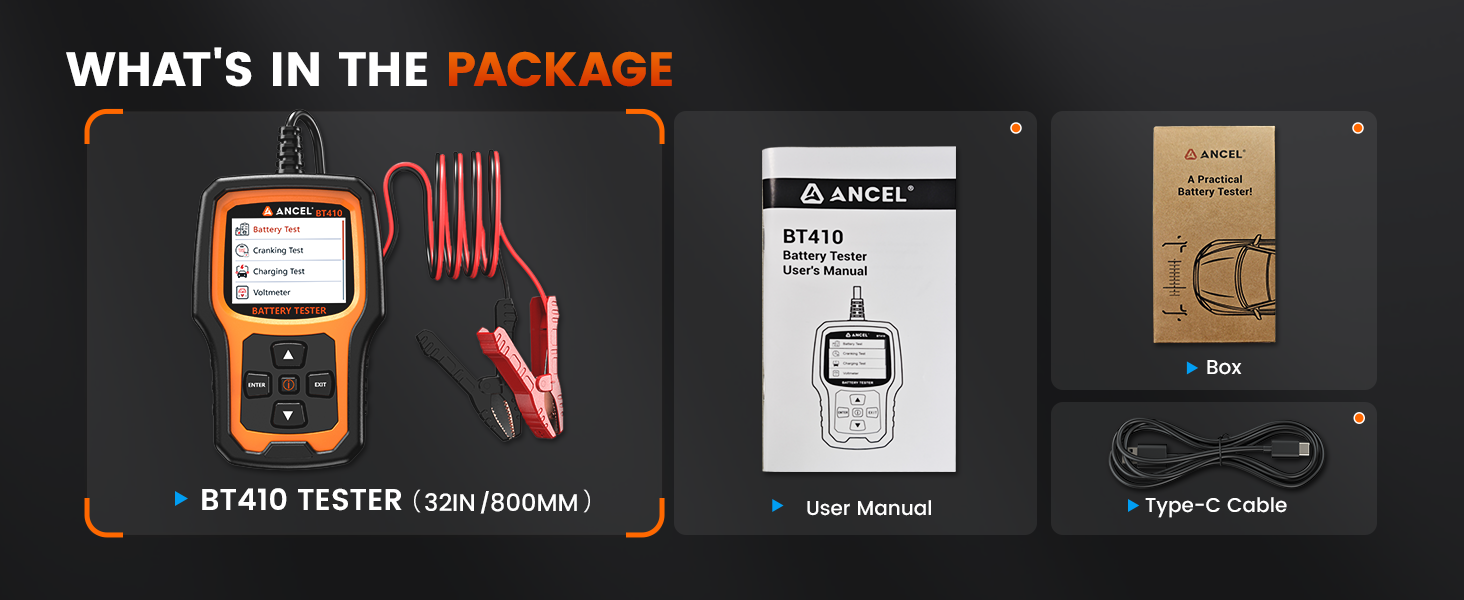
Image 9.1: The ANCEL BT410 package includes the tester unit, a user manual, and a Type-C cable.
10. Warranty and Support
The ANCEL BT410 comes with a 12-month warranty from the date of purchase, covering manufacturing defects. For technical support, warranty claims, or further assistance, please contact ANCEL customer service through their official channels or visit the ANCEL Store on Amazon.


