
1. Product Overview
The Sanorum 1.83" Smartwatch Fitness Tracker is designed to help you monitor your health, track your fitness activities, and stay connected. It features a large 1.83-inch HD display, Bluetooth calling, comprehensive health monitoring, and over 120 sport modes.
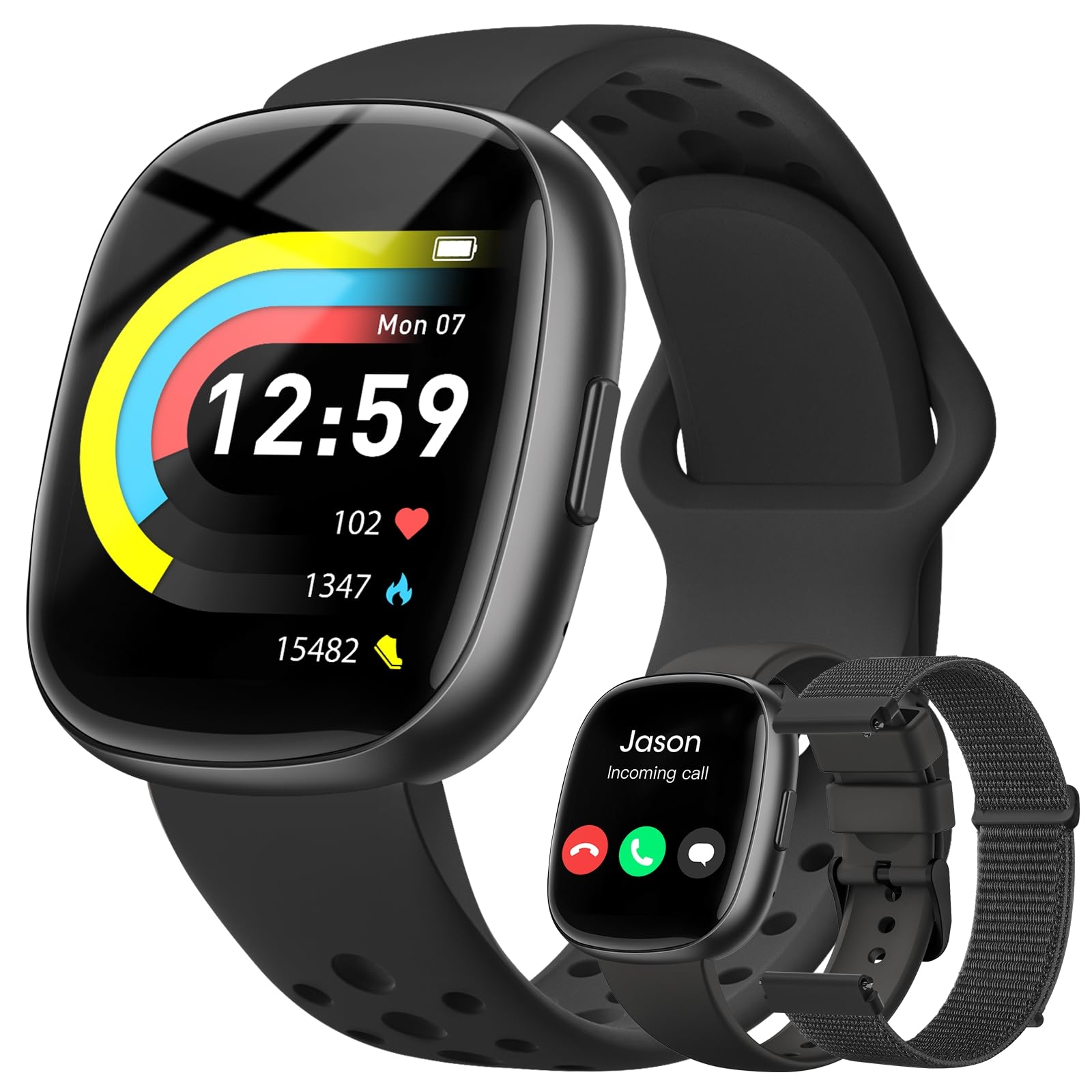
Image 1.1: The Sanorum 1.83" Smartwatch Fitness Tracker.
What's in the Box
- Smartwatch (1 unit)
- Instruction manual (1 unit)
- Charging cable (1 unit)
- Three bands (Nylon, Sport, Silicone)

Image 1.2: Contents of the product packaging.
2. Setup
2.1 Charging the Smartwatch
Before initial use, fully charge your smartwatch. Connect the provided charging cable to the charging port on the back of the watch and to a USB power source. A full charge typically takes approximately 2.5 hours. The watch offers a battery life of 7-10 days with normal use and up to 30 days on standby.
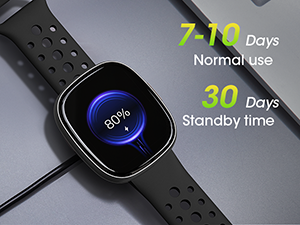
Image 2.1: Smartwatch charging and battery life indicators.
2.2 App Installation and Pairing
To utilize all features of your smartwatch, download and install the GloryFit APP on your smartphone. The app is compatible with iOS 10.0+ and Android 6.0+ devices.
- Scan the QR code in the instruction manual or search for "GloryFit" in your smartphone's app store.
- Install the app and create an account.
- Enable Bluetooth on your smartphone.
- Open the GloryFit app, navigate to the device section, and search for your smartwatch.
- Select your smartwatch from the list to pair. Follow any on-screen prompts to complete the pairing process.

Image 2.2: Smartwatch compatibility with various smartphone brands.
3. Operating Instructions
3.1 Basic Navigation
- Touchscreen: Swipe left, right, up, or down to navigate through menus and features. Tap to select.
- Side Button: Press to return to the home screen or wake the device.
3.2 Communication Features
Once paired with your smartphone, the smartwatch enables Bluetooth calls and message notifications.
- Bluetooth Calls: Make or answer calls directly from your wrist. Access your contacts and call records on the watch.
- Message Notifications: Receive SMS and app messages (e.g., Facebook, WhatsApp, Twitter) directly on your smartwatch. Ensure message and call notifications are enabled in the GloryFit APP.
- Voice Assistant: Utilize the integrated voice assistant for quick commands, setting reminders, and controlling smart devices.

Image 3.1: Bluetooth call and message notification display.
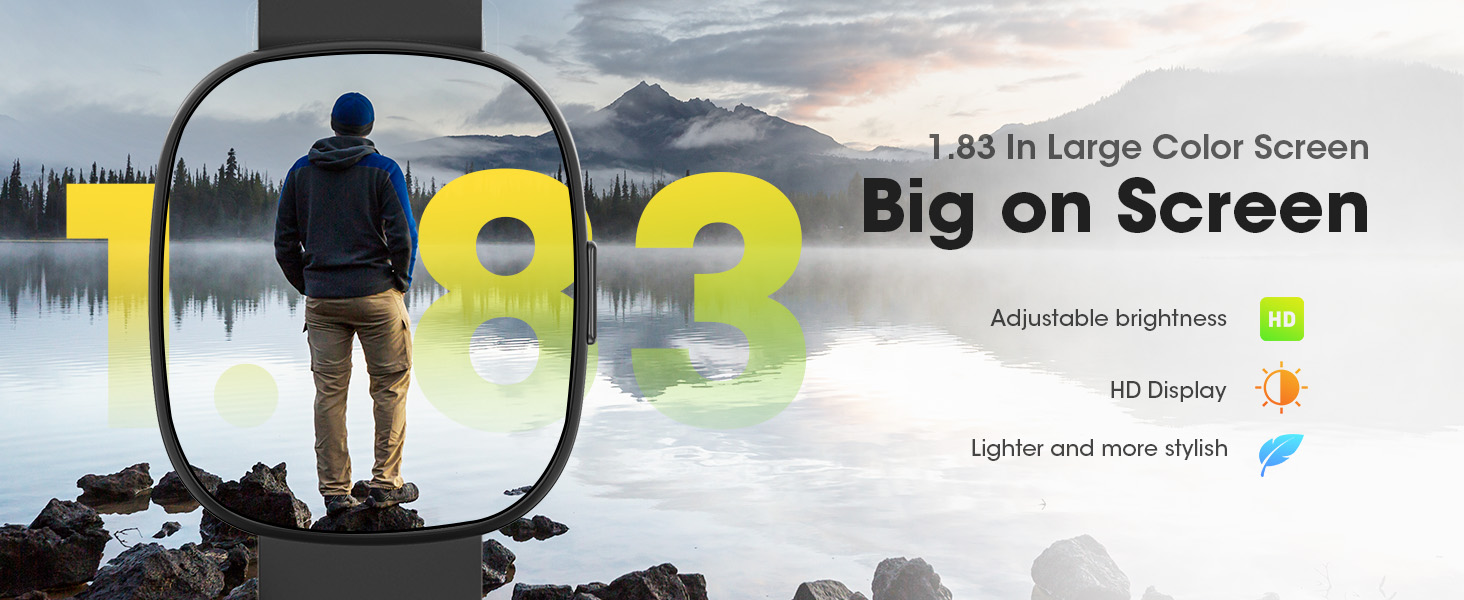
Image 3.2: Bluetooth call functionality on the smartwatch.
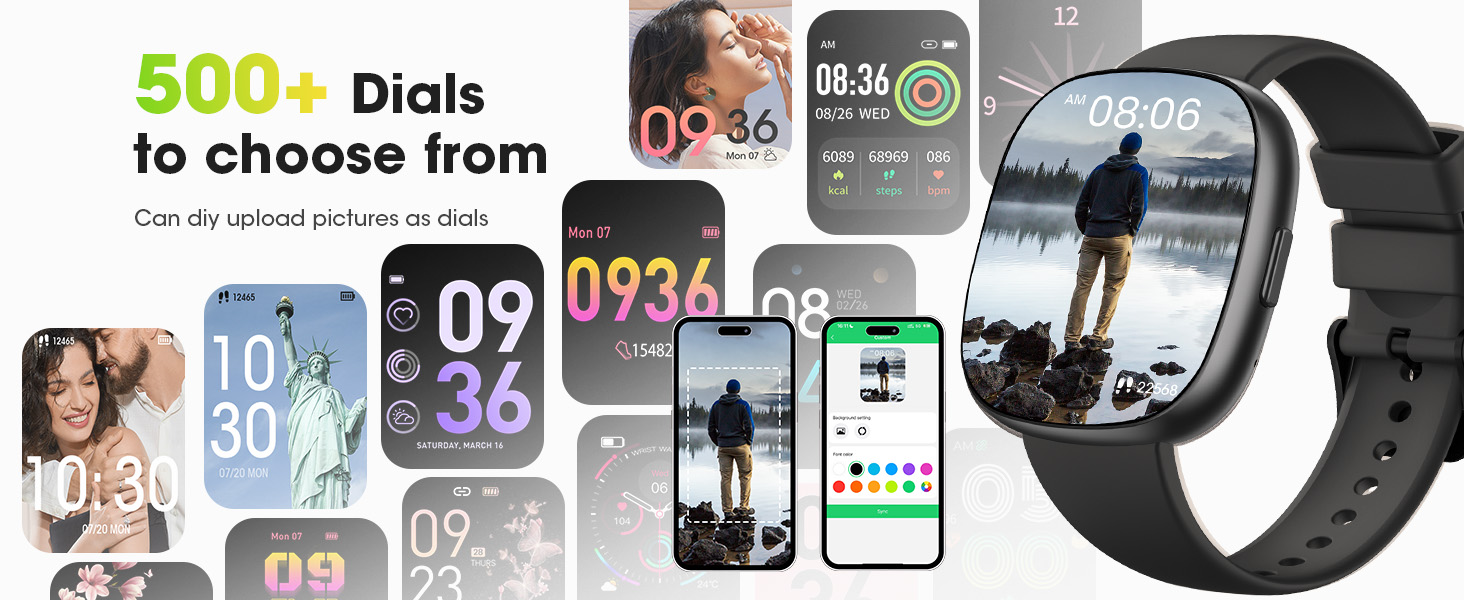
Image 3.3: Text and app message notifications.
3.3 Health Monitoring
The smartwatch provides continuous health monitoring to help you stay informed about your well-being.
- Heart Rate Monitoring: Tracks your heart rate 24/7.
- Blood Oxygen (SpO2) Monitoring: Measures your blood oxygen levels.
- Sleep Tracking: Monitors your sleep patterns, including deep sleep, light sleep, and REM analysis, to help improve sleep habits.
- Blood Pressure Monitoring: Provides blood pressure readings.
- Breathing Training: Guided breathing exercises to help you relax.
- Women's Health: Tracks the female physiological cycle.

Image 3.4: 24-hour health follow-up data display.

Image 3.5: Real-time heart rate monitoring.
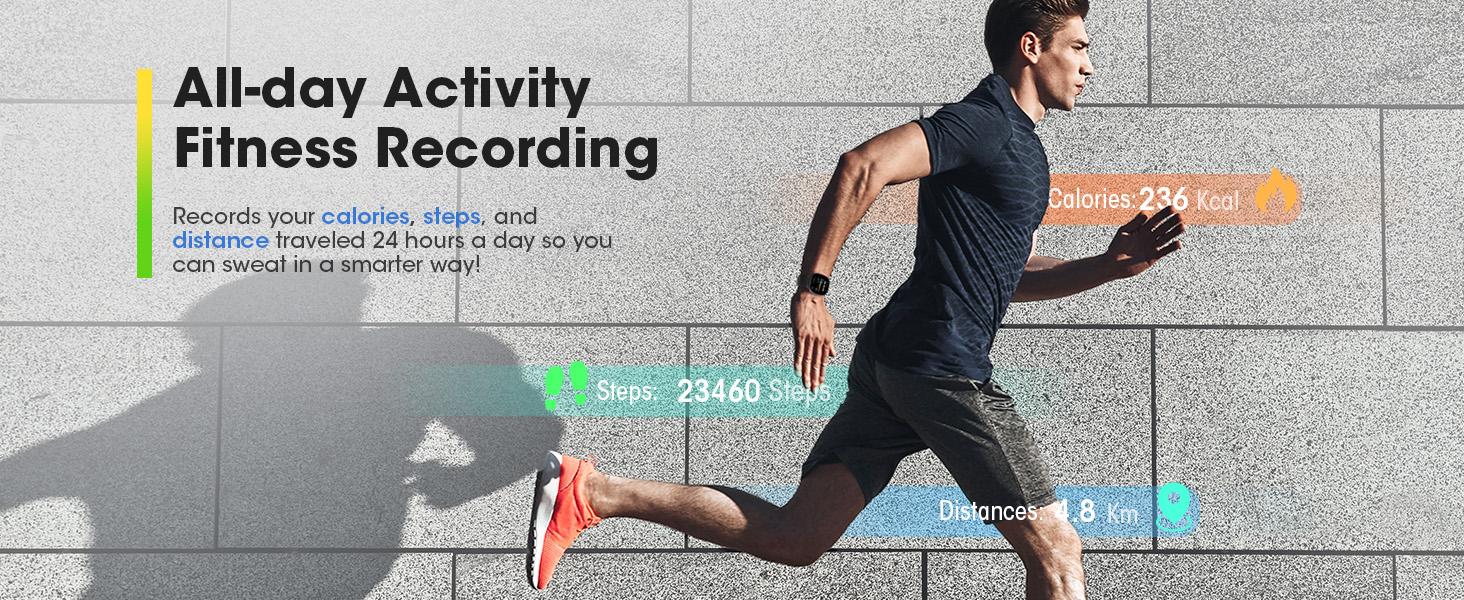
Image 3.6: Blood oxygen monitoring during activity.

Image 3.7: Sleep insights for better nights.
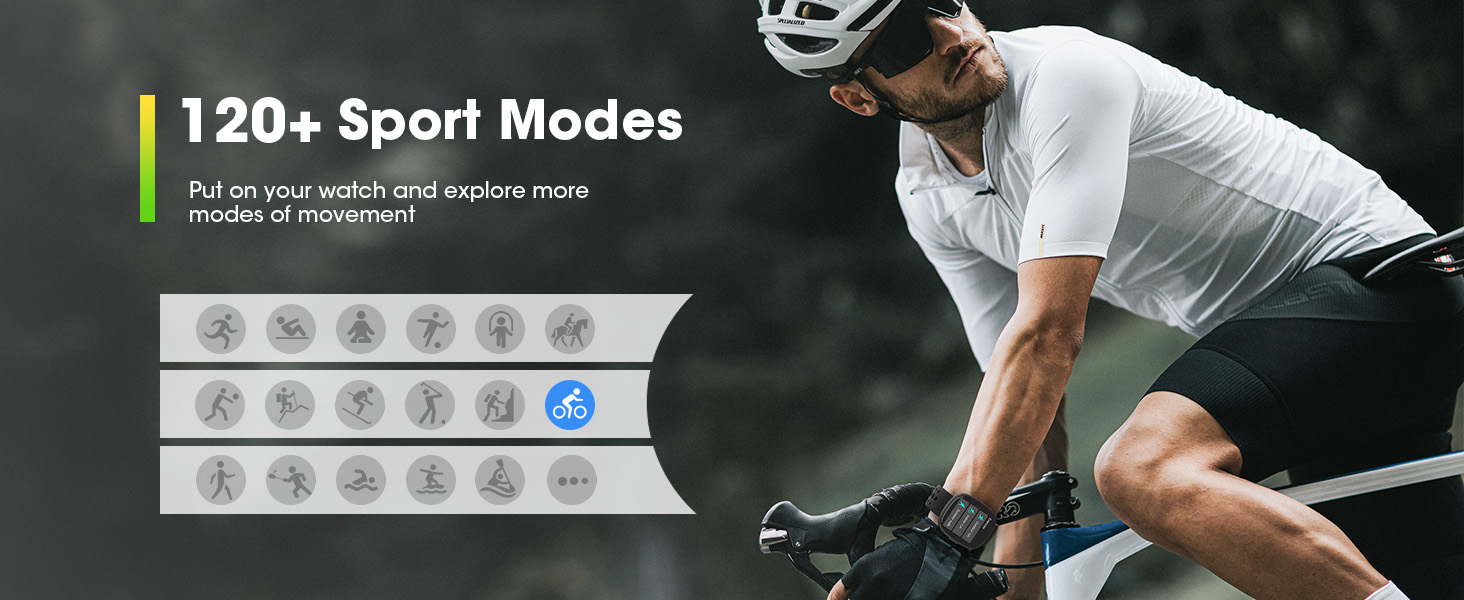
Image 3.8: Breathing training feature.
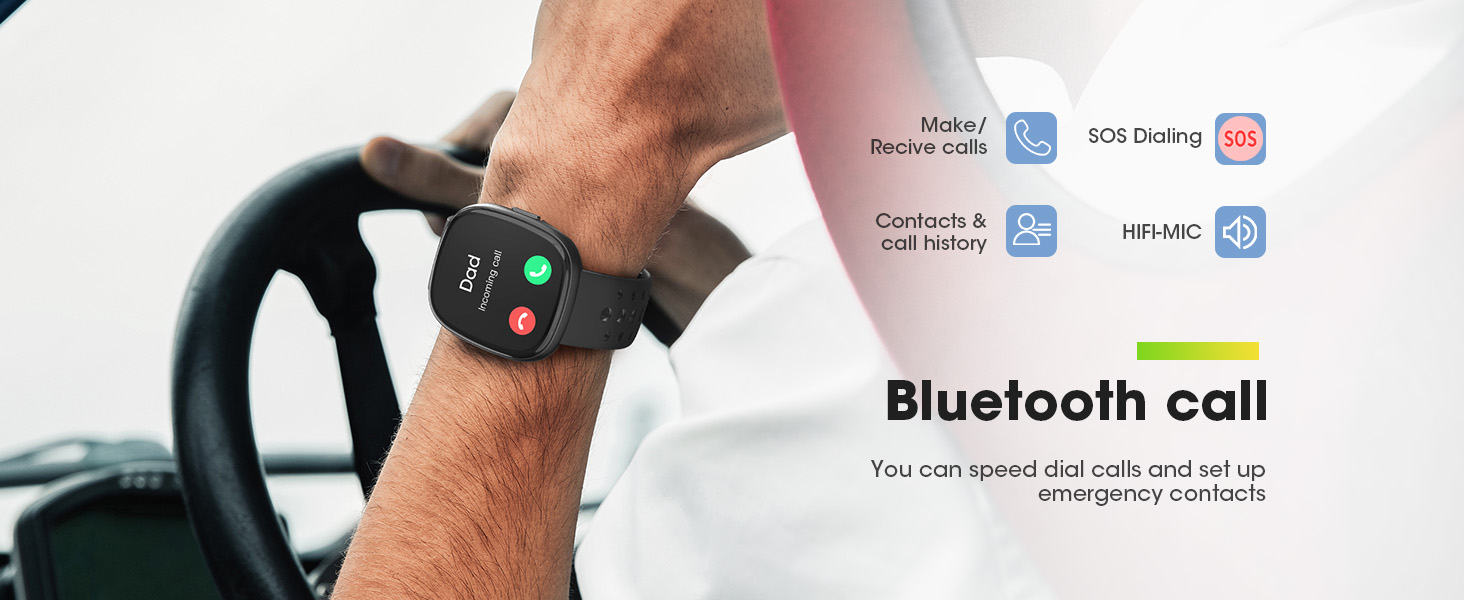
Image 3.9: Women's health tracking feature.
3.4 Activity Tracking and Sport Modes
The smartwatch supports over 120 sport modes and records your daily activity data.
- 120+ Sport Modes: Select from a wide range of activities like snowboarding, running, cycling, and swimming. The watch records calories burned, steps taken, and distance traveled.
- All-day Activity Recording: Continuously tracks your steps, calories, and distance.

Image 3.10: Activity tracking and sport modes.
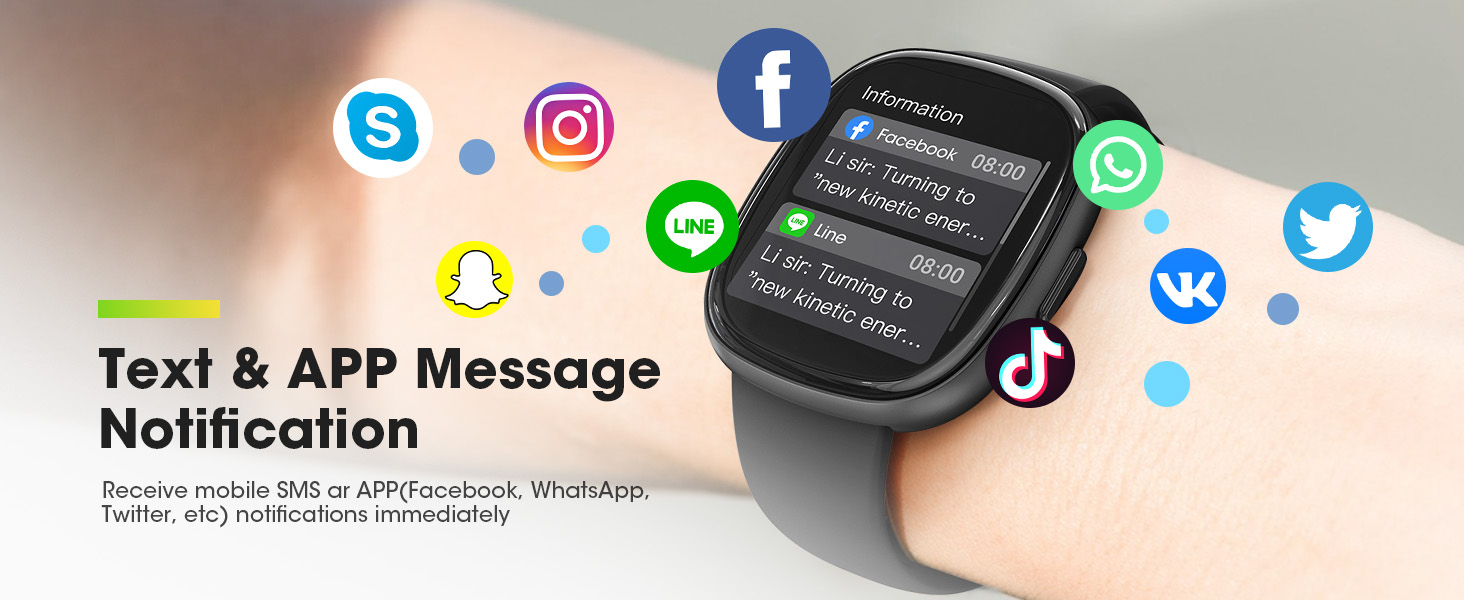
Image 3.11: All-day activity fitness recording.
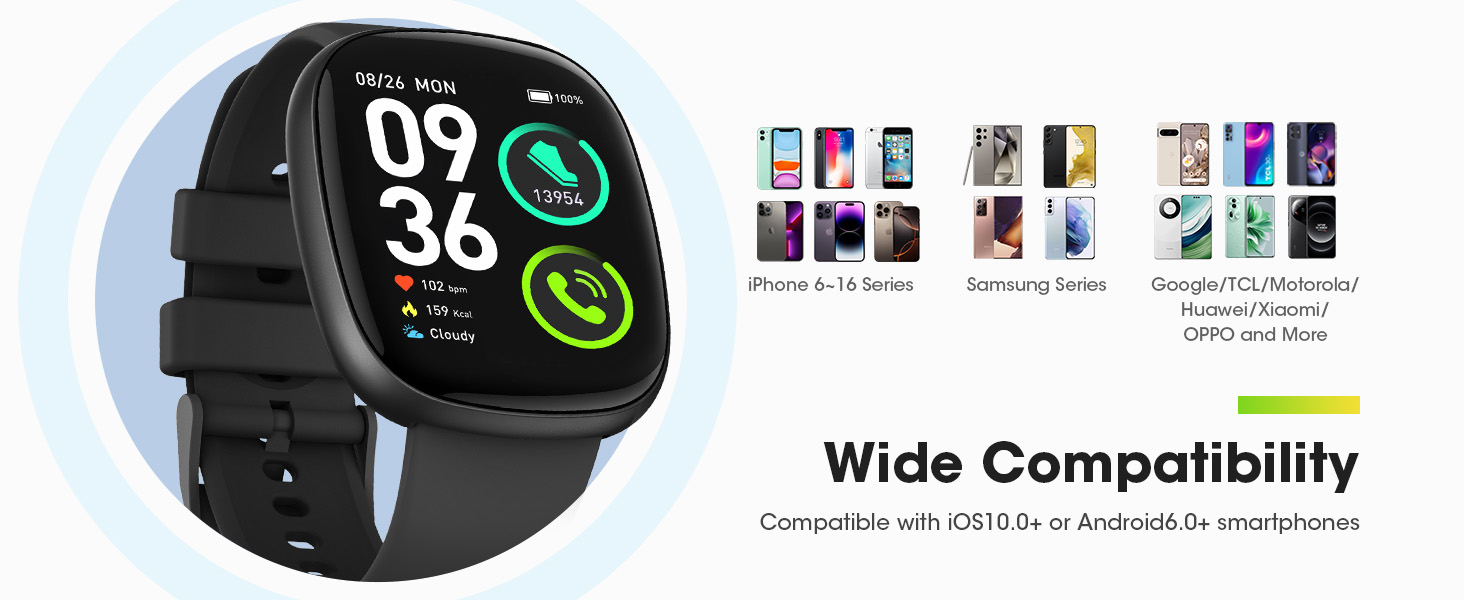
Image 3.12: Selection of over 120 sport modes.
3.5 Other Features
- Custom Watch Faces: Choose from over 500 dials or upload your own photos to personalize your watch face.
- Weather Forecast: View current and future weather conditions.
- Music Control: Control music playback on your smartphone directly from the watch.
- Camera Control: Use your watch as a remote shutter for your smartphone camera.
- Tools: Includes flashlight, alarm clock, stopwatch, timer, phone finder, and mini-games.

Image 3.13: 1.83" HD display with over 500 customizable dials.
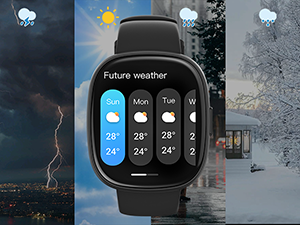
Image 3.14: Weather forecast display.
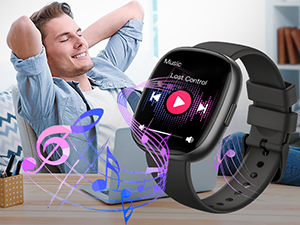
Image 3.15: Music control feature.
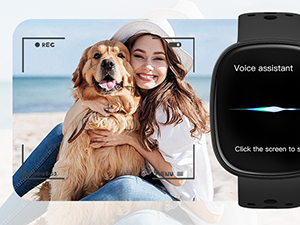
Image 3.16: Camera control feature.
4. Maintenance
4.1 Waterproof Rating
The smartwatch is rated IP68 waterproof, making it suitable for daily use and various sports activities, including swimming. However, it is not applicable to high humidity and corrosive places such as spas and seawater.
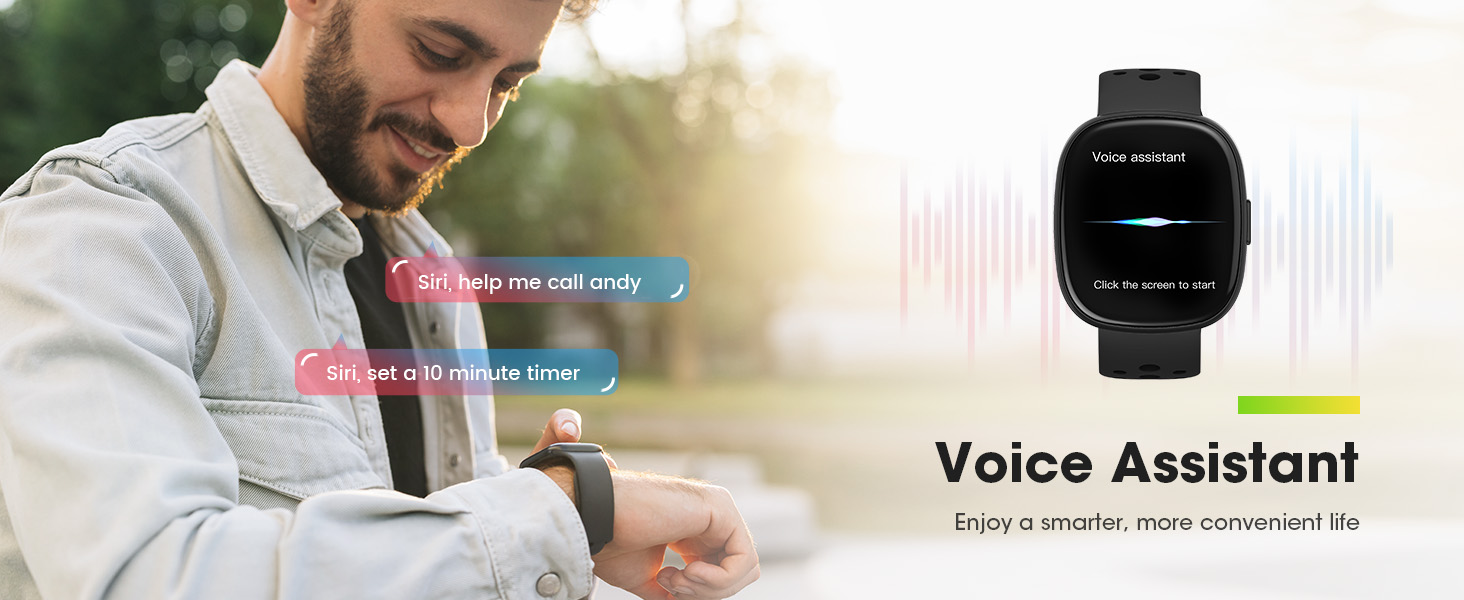
Image 4.1: 5 ATM Waterproof feature for various activities.
4.2 Cleaning and Care
- Regularly clean the watch screen and bands with a soft, dry cloth.
- Avoid using harsh chemicals or abrasive materials.
- Ensure the charging contacts are clean and dry before charging.
5. Troubleshooting
If you encounter issues with your smartwatch, please refer to the following common solutions:
- Pairing Issues: Ensure Bluetooth is enabled on your phone and the watch is within range. Restart both devices and try pairing again through the GloryFit app.
- Notifications Not Received: Check that message and call notifications are enabled in the GloryFit app settings and your phone's system settings for the app.
- Inaccurate Health Readings: Ensure the watch is worn snugly on your wrist, not too tight or too loose. Clean the sensor on the back of the watch.
- Battery Draining Quickly: Reduce screen brightness, disable unnecessary notifications, and limit continuous heart rate monitoring if not needed.
- Watch Not Turning On: Ensure the watch is fully charged. If it still doesn't turn on, contact customer support.
For more detailed troubleshooting or specific issues, consult the GloryFit app's help section or contact Sanorum customer support.
6. Specifications
| Feature | Detail |
|---|---|
| Display Size | 1.83 Inches |
| Battery Capacity | 300mAh (Lithium Polymer) |
| Battery Life | 7-10 days (normal use), 30 days (standby) |
| Connectivity | Bluetooth |
| Compatibility | iOS 10.0+ and Android 6.0+ |
| Waterproof Rating | IP68 |
| Memory Storage | 128 MB |
| Item Weight | 4.2 ounces |
| Package Dimensions | 10.91 x 3.58 x 0.75 inches |
| GPS | Via Smartphone |
7. Warranty and Support
Sanorum is committed to providing excellent customer service and product reliability.
- Warranty: 2 Years Free Replacement.
- Return Policy: 30 Days No Reason to Return.
- Customer Support: Lifetime support and satisfied solutions. Quick service via email within 24 hours.

Image 7.1: Sanorum brand commitment.