Introduction
This manual provides essential information for the safe and efficient use of your E GATE Atom 4X+ Fully Automatic Projector. Please read these instructions carefully before operating the device and retain them for future reference. This projector is designed for home cinema use, offering a native 1080p resolution with 4K input support, Android 12 OS, and automatic adjustments for an optimal viewing experience.
Package Contents
Verify that all items are present in the package:
- 1x E GATE Atom 4X+ Projector
- 1x Power Cable
- 1x Remote Control
- 1x User Manual with Warranty Card
Setup
1. Placement
Position the projector on a stable, flat surface. The integrated Flex Angle stand allows for versatile placement, enabling projection onto walls or ceilings from various angles. Ensure adequate ventilation around the projector.

The projector features a built-in stand for flexible placement and instant projection without additional mounts.

The rotatable Flex Angle design allows projection onto any surface, including ceilings.
2. Power Connection
Connect the provided power cable to the projector's power input and then to a suitable electrical outlet.
3. Initial Connection (Optional)
For external devices, use the available ports:
- HDMI: Connect gaming consoles, Blu-ray players, laptops, or streaming sticks (e.g., Fire TV Stick) using an HDMI cable. The projector supports HDMI 2.1 with ARC/eARC and CEC.
- USB: Insert USB drives for direct playback of photos, videos, music, or documents.
- Audio Out (3.5mm): Connect external speakers or headphones if desired.

Multiple connectivity options including HDMI, USB, and Wi-Fi for various devices.
Operating Instructions
1. Power On/Off
Press the power button on the projector or the remote control to turn the device on or off.
2. Remote Control
Use the provided remote control to navigate the user interface, adjust settings, and control playback. Dedicated hotkeys provide quick access to common functions.

The remote control features hotkeys for convenient operation.
3. Automatic Adjustments
The Atom 4X+ features fully automatic focus and keystone correction. Upon startup or movement, the projector will automatically adjust the image for clarity and geometric accuracy. Manual 4-point and 6D keystone correction (30° Horizontal + Vertical) is also available for fine-tuning.

The projector offers fully automatic focus and keystone correction for a perfect projection alignment.
Effortless setup with automatic focus and keystone correction, plus 4-point digital adjustments.
4. Android 12 OS and Apps
The projector runs on a stable Android 12 operating system, providing access to over 9000 applications, including popular streaming services like Netflix, Prime Video, and YouTube. The WhaleTV+ feature offers hundreds of free live TV channels without registration or subscription.

Access endless entertainment with the built-in Android 12 OS and over 9000 apps.
5. Screen Mirroring
Utilize the Dual Band Wi-Fi 6 for lag-free screen mirroring from your Windows, iOS, or Android devices. This allows you to cast content directly from your smartphone, tablet, or laptop to the projector screen.

Effortlessly cast content from your devices using Dual Band Wi-Fi 6 for smooth screen mirroring.
Maintenance
1. Lens Cleaning
To maintain optimal image clarity, regularly clean the projector lens. Use a soft, lint-free cloth specifically designed for optical lenses. Avoid abrasive materials or harsh chemicals. The projector features easy lens access for hassle-free cleaning.

Easy lens access simplifies cleaning to maintain sharp images.
2. General Cleaning
Wipe the exterior of the projector with a soft, dry cloth. Do not use liquid cleaners or sprays directly on the device.
3. Lamp Life
The projector utilizes an LED light source with an estimated lifespan of 60,000 hours, requiring no lamp replacement under normal usage conditions.
Troubleshooting
No Image or Poor Image Quality
- Check Power: Ensure the projector is properly connected to a power source and turned on.
- Input Source: Verify that the correct input source (HDMI, USB, etc.) is selected.
- Focus/Keystone: Allow the automatic focus and keystone correction to complete. If needed, manually adjust using the remote control.
- Lens Cleanliness: Clean the projector lens as described in the Maintenance section.
- Resolution: Ensure the input device's resolution is compatible. The projector's native resolution is 1080p, supporting 4K input which is downscaled to 1080p.
No Sound
- Volume: Check the projector's volume settings and ensure it is not muted.
- External Audio: If using external speakers, ensure they are properly connected to the 3.5mm audio out port or via Bluetooth.
- Source Device: Verify the audio output settings on your connected source device.
Remote Control Not Responding
- Batteries: Replace the batteries in the remote control.
- Obstruction: Ensure there are no obstructions between the remote control and the projector's IR receiver.
Specifications

Overview of the E GATE Atom 4X+ Projector's core specifications.
| Feature | Specification |
|---|---|
| Brand | E GATE |
| Model | EO9022 (Atom 4X Plus) |
| Display Technology | LCD |
| Display Type | LED |
| Native Resolution | 1920 x 1080 (Full HD) |
| Supported Resolution | Up to 3840 x 2160 (4K input, downscaled to 1080p) |
| Image Brightness | 400 ISO Lumens (840 Candela) |
| Image Contrast Ratio | 6000:1 |
| Aspect Ratio | 16:9 |
| Lamp Life | 60,000 Hours |
| Operating System | Android 12 |
| Processor | HiSilicon V252, Quad Core |
| GPU | ARM Cortex 431 |
| Memory/Storage | 1GB RAM / 8GB Storage |
| Wi-Fi | Dual Band Wi-Fi 6 (2.4 + 5 GHz) |
| Bluetooth | Bi-Directional Bluetooth 5.4 |
| Connectivity | HDMI 2.1 (ARC/eARC/CEC), USB, 3.5mm Audio Out |
| Speakers | 5 Watt Inbuilt Speakers |
| Automatic Features | Auto Focus, Auto Keystone (4P & 6D correction) |
| Throw Ratio | 1.25:1 (Short Throw) |
| Max Screen Size | 762 cm (300 inches) |
| Product Dimensions | 12.5 x 11 x 22.5 cm |
| Item Weight | 800 g |
| Special Features | HDR+HLG, ScreenLess Lanthanide Glass Lens, Whale TV+ Live TV |
Understanding Lumens
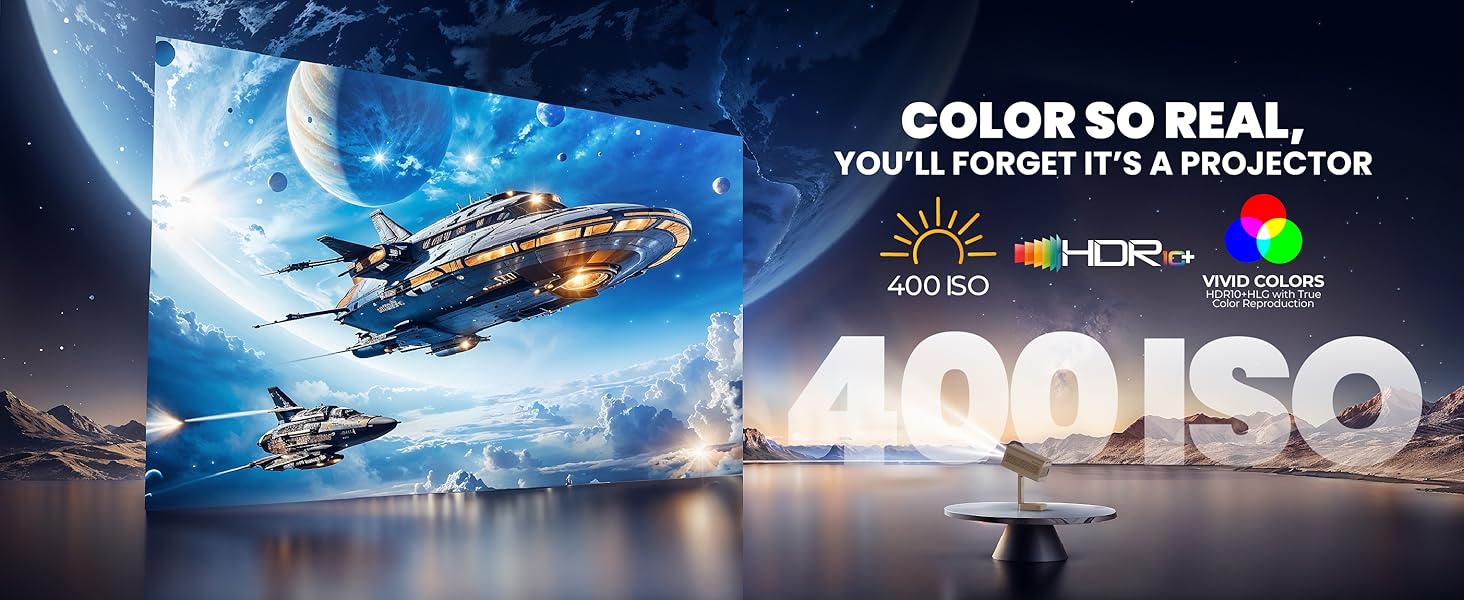
The E GATE Atom 4X+ Projector uses ISO Lumens (400 ISO Lumens) as a standardized measure of brightness. ISO Lumens are based on an established international standard (ISO21118) and provide a reliable, verifiable metric for projector brightness, unlike some non-standardized 'LED ANSI' or 'Source Lumens' claims.

Comparison of ISO Lumens (on-screen brightness) with non-verifiable source lumens.
Warranty Information
The E GATE Atom 4X+ Projector comes with a 1-year warranty from the date of purchase. To avail warranty benefits, it is mandatory to register your product. EGate provides a free home pickup and drop service during the warranty period. For detailed warranty terms and conditions, please visit the official EGate website.
Support
For technical assistance, product inquiries, or warranty claims, please refer to the contact information provided on your warranty card or visit the official E GATE website. Ensure you have your product model number (EO9022) and purchase details ready when contacting support.