
1. Product Overview
This USARemote keyless entry remote fob is designed as a replacement part for compatible vehicles. It provides remote access functions such as locking and unlocking your vehicle. The remote comes with a pre-installed battery and internal electronics, ready for professional programming.
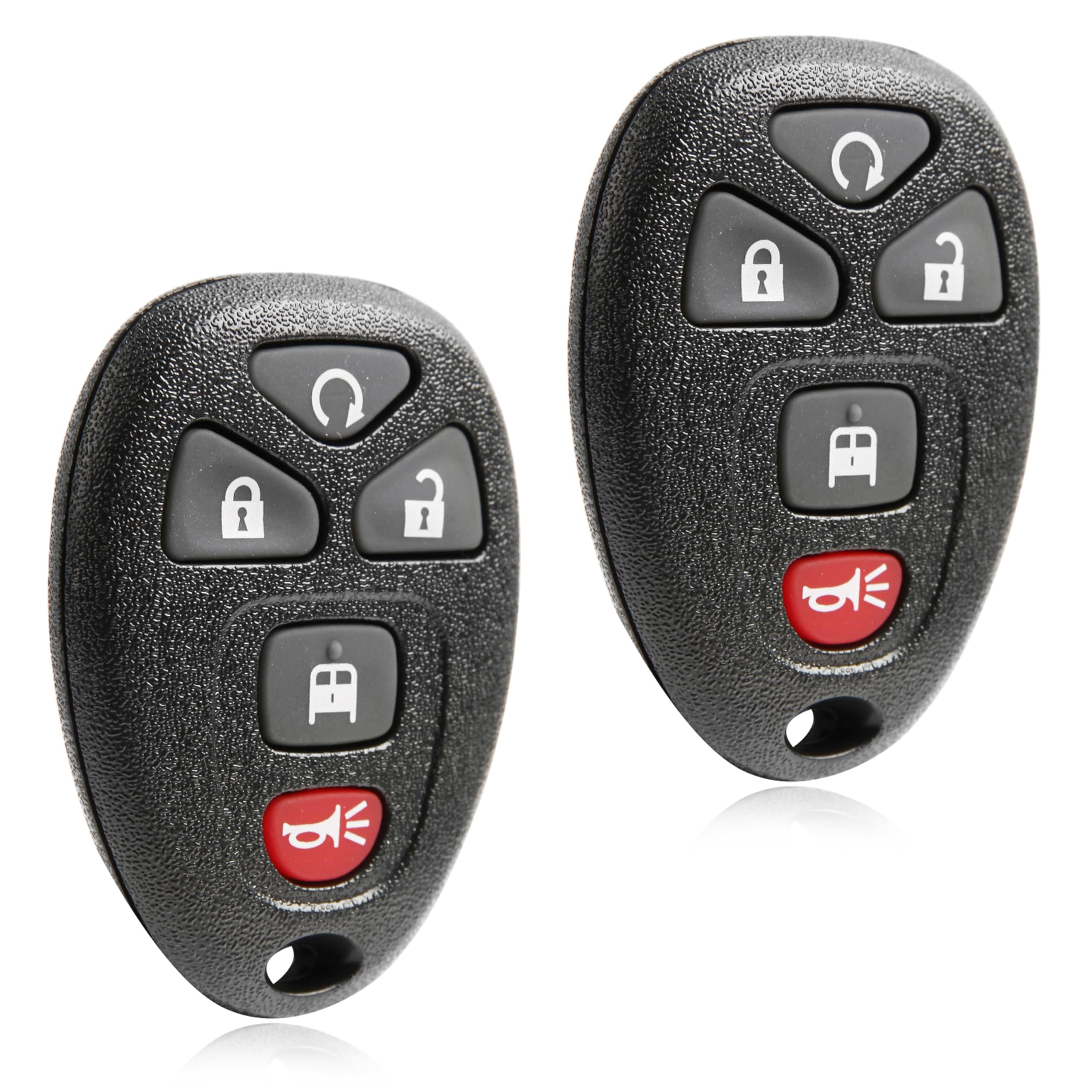
Image 1.1: Front view of the USARemote keyless entry remote fob, showing its compact design and button layout.
2. Compatibility
This remote fob is compatible with Chevrolet Express models manufactured between 2010 and 2024. To ensure proper fitment, verify that your vehicle's year, make, and model match this listing before proceeding with programming. You can find this information on your insurance card, vehicle registration, owner's manual, driver's side door jamb, or vehicle title records.
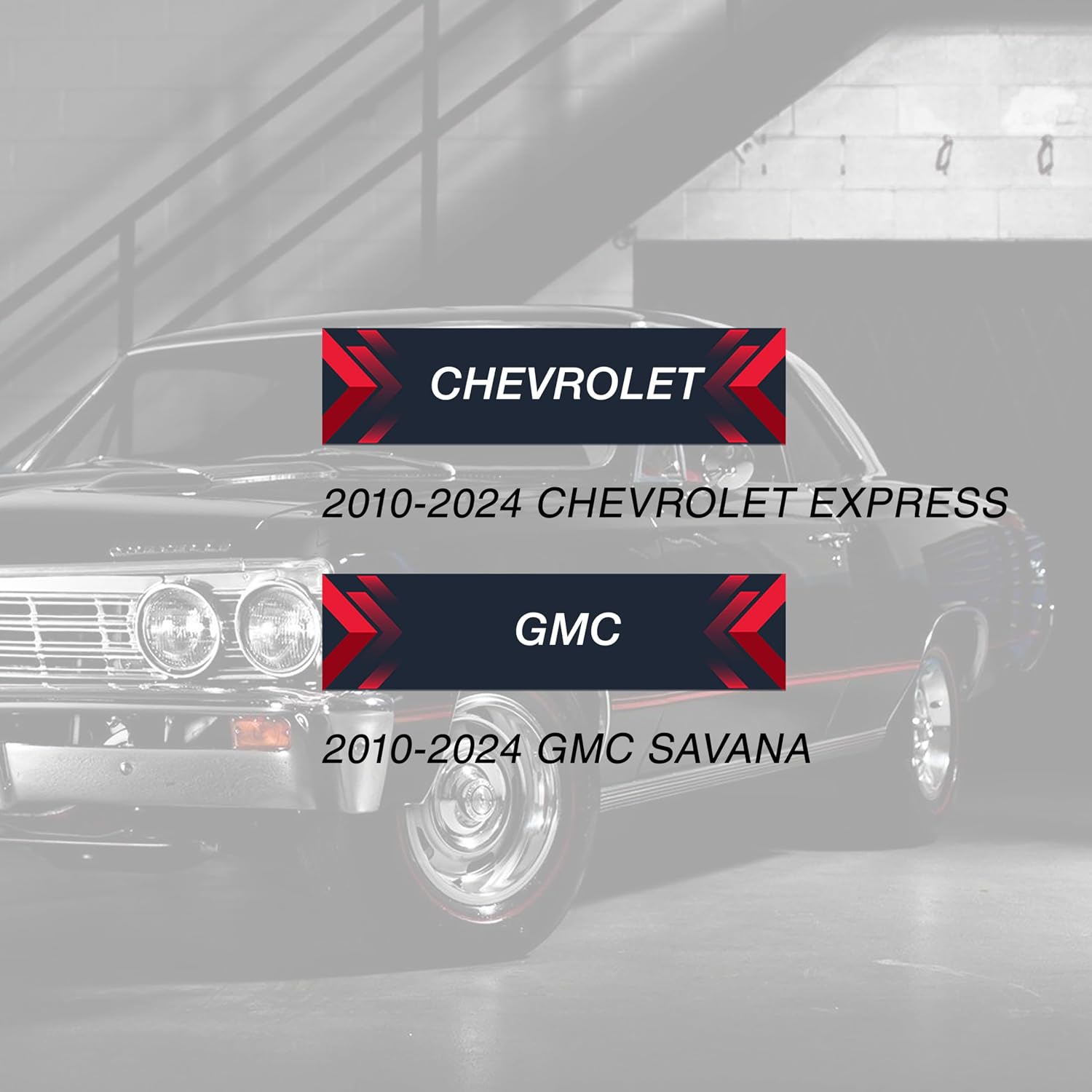
Image 2.1: Visual guide indicating compatibility with Chevrolet Express and GMC Savana models from 2010-2024.
3. Setup and Programming
This keyless entry remote requires professional programming. It cannot be self-programmed and will not function until it has been correctly programmed to your vehicle. It is essential to have this remote programmed by a qualified automotive locksmith or a dealership.
The physical key for your car door or ignition is separate and not included with this fob. You must reuse your existing physical key or obtain one separately.
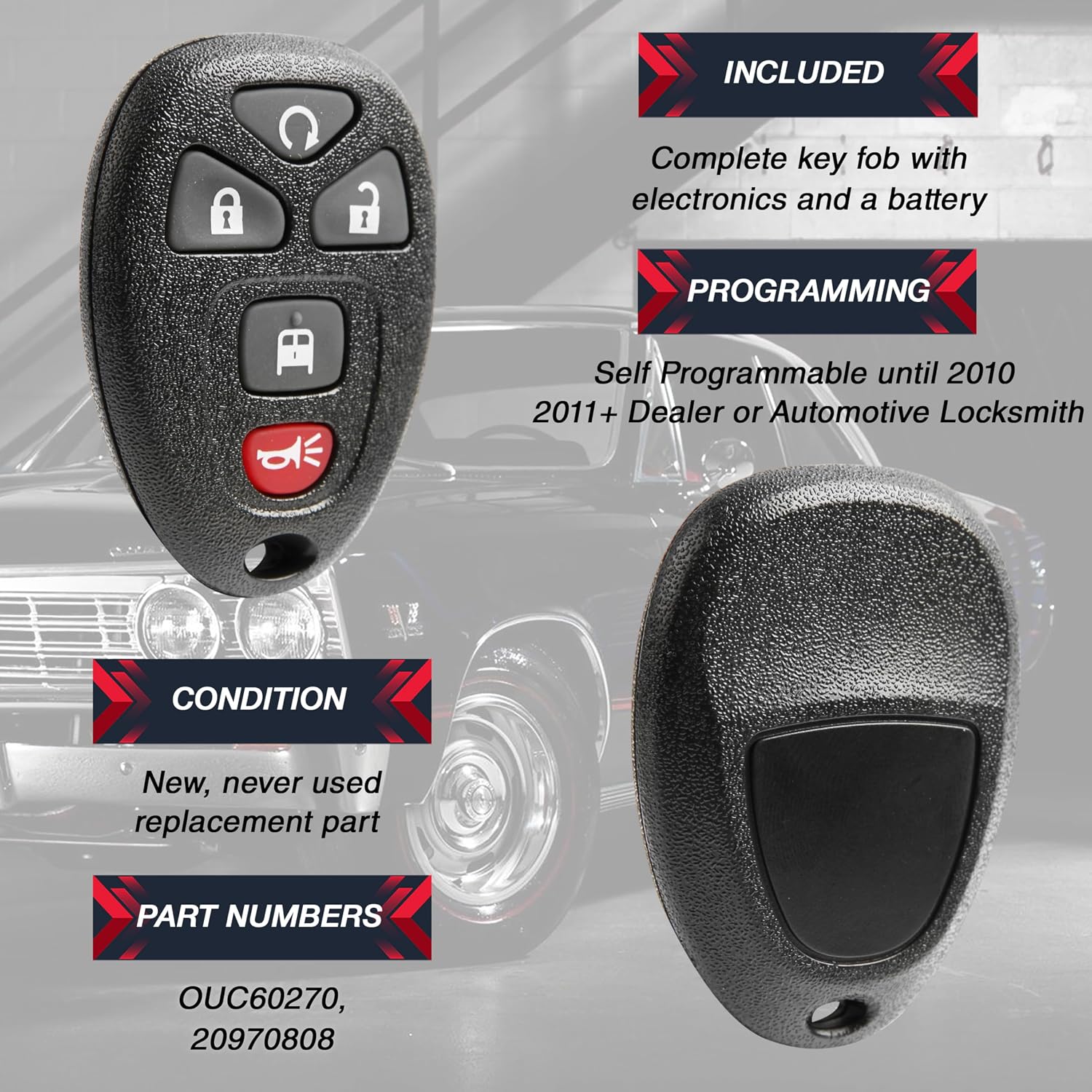
Image 3.1: Diagram illustrating that the key fob includes electronics and a battery, and requires professional programming for models 2011 and newer.
4. Operating Instructions
Once programmed, the remote fob allows you to control your vehicle's locking mechanisms. The fob features 5 buttons for various functions:
- Lock Button: Press to lock all vehicle doors.
- Unlock Button: Press to unlock all vehicle doors.
- Panic Button: Press and hold to activate the vehicle's alarm.
- Trunk Release Button: Press to open the vehicle's trunk or rear hatch (if equipped).
- Remote Start Button: Press to remotely start the vehicle (if equipped and programmed for this function).
Refer to your vehicle's owner's manual for specific instructions on how each button interacts with your vehicle's features.
5. Maintenance
The remote fob comes with a pre-installed lithium-metal battery. When the battery eventually depletes, the remote's range may decrease, or it may stop functioning. To replace the battery, carefully open the fob casing (refer to your vehicle's owner's manual or a professional guide for specific instructions) and replace the old battery with a new CR2032 lithium coin cell battery.
The durable construction of the fob is designed to withstand daily wear. Avoid exposing the remote to extreme temperatures, water, or physical impact to ensure its longevity.
6. Troubleshooting
Remote Not Functioning After Programming
- Verify Compatibility: Double-check that your vehicle's year, make, and model are listed as compatible.
- Professional Programming: Ensure the remote was programmed by a certified automotive locksmith or dealership. Self-programming is not supported for this model.
- Battery Check: Although pre-installed, a faulty battery can occur. Consider having the battery checked or replaced by a professional.
- Contact Professional: If issues persist, contact the professional who performed the programming or another qualified automotive locksmith for diagnosis.
7. Specifications
| Model Number | USAR-G-808-2X |
| Number of Buttons | 5 |
| Vehicle Fit Type | Vehicle Specific Fit |
| Manufacturer | USARemote |
| Product Weight | 28.3 grams (1 ounce) |
| Package Dimensions | 7.62 x 7.62 x 5.08 cm |
| Batteries | 1 Lithium-metal battery (included) |
| Material | Acrylonitrile Butadiene Styrene (ABS) |
| Automotive Service Type | Van |
8. Warranty and Support
This product is designed for reliability and performance. For any questions regarding compatibility, programming, or product functionality, please contact USARemote customer support. While specific warranty details are not provided in this manual, standard consumer rights and return policies apply. Please refer to your purchase documentation for return and exchange information.