1. Product Overview
The PZSUNLY SL-F27 Motion Sensor Toilet Light is designed to provide convenient and energy-efficient illumination for your toilet bowl. It features dual-core sensing technology (PIR + photosensitive) to automatically detect movement in dark environments, lighting up when a person approaches and turning off 90 seconds after they leave. This helps prevent nighttime collisions and eliminates the need for harsh overhead lights.
Key Features:
- Smart Motion Sensor: Employs PIR and photosensitive technology for automatic activation in the dark.
- USB Rechargeable & Energy Saving: Built-in 500mAh battery with automatic sensor deactivation during daylight hours to conserve power.
- 8 Color Options: Customizable lighting with colorful gradient, warm light, orange, pink, red, green, cyan, and blue modes.
- Easy Installation: Flexible neck design allows for easy fitting on various toilet shapes without wiring.
- IP65 Waterproof: Resistant to water splashes and suitable for bathroom environments.
2. What's in the Box
- Toilet Lamp (x2)
- USB Charging Cable (x1)
- User Manual (x1)
3. Installation
Follow these steps to install your PZSUNLY SL-F27 Motion Sensor Toilet Light:
- Choose a location: Identify a suitable spot on the toilet rim where the sensor can detect motion effectively.
- Bend the hose: Flex the light's arm to fit securely over the edge of the toilet bowl. The sturdy material allows it to maintain its shape.
- Hang the lamp: Place the light unit on the toilet rim, ensuring the LED light is positioned inside the bowl and the sensor unit is facing outwards for optimal motion detection.

Image: Installation steps for the PZSUNLY SL-F27 Motion Sensor Toilet Light.
Installation Video:
Video: This video demonstrates the installation process of the PZSUNLY Motion Sensor Toilet Light, showing how to bend the flexible arm and place the unit on the toilet rim.
4. Operating Instructions
Motion Sensor Functionality:
The toilet light is equipped with a dual-core motion and photosensitive sensor. It will automatically activate in dark environments when motion is detected. The light will remain on for approximately 90 seconds after the last detected motion before turning off.
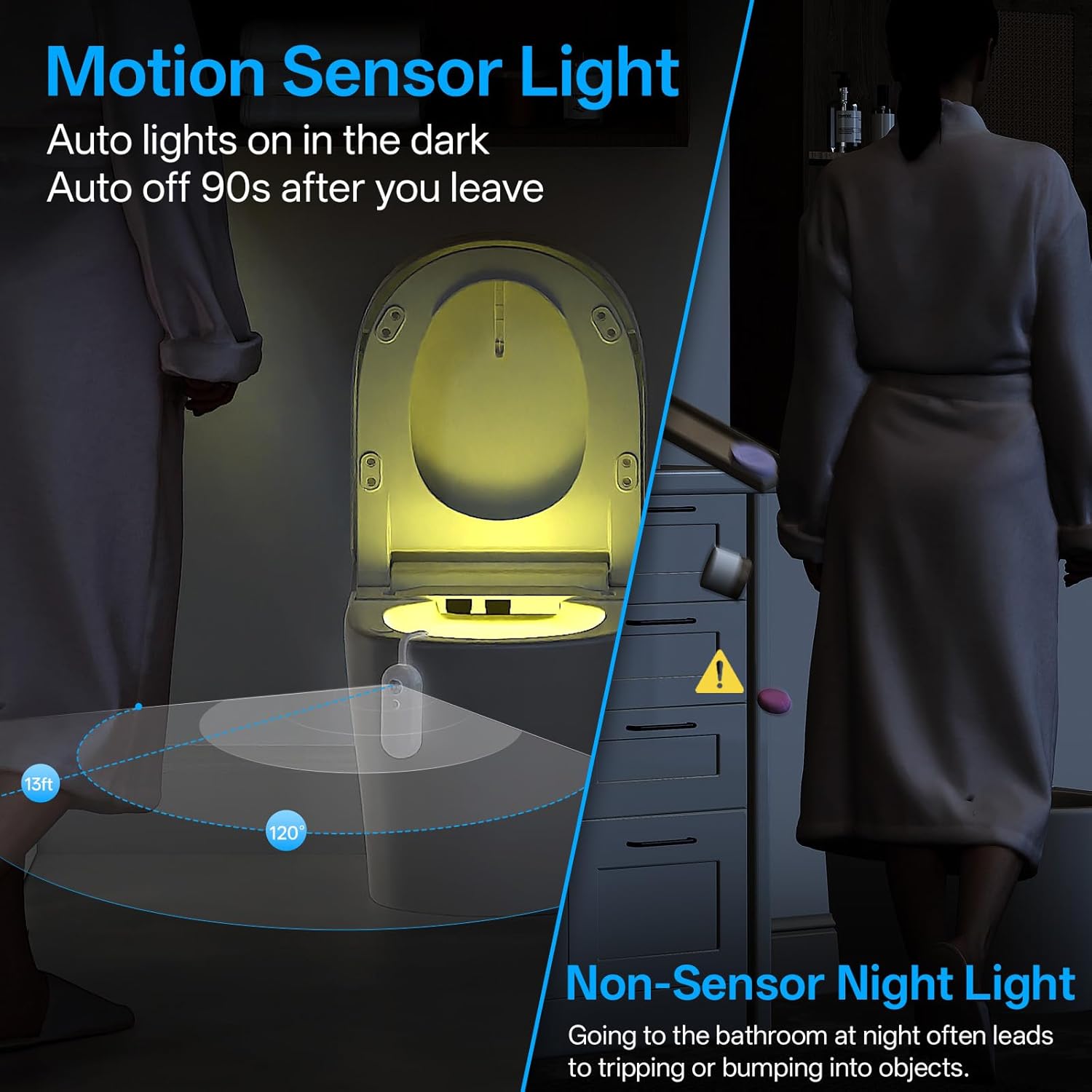
Image: The motion sensor light automatically illuminates the toilet bowl when movement is detected in the dark.
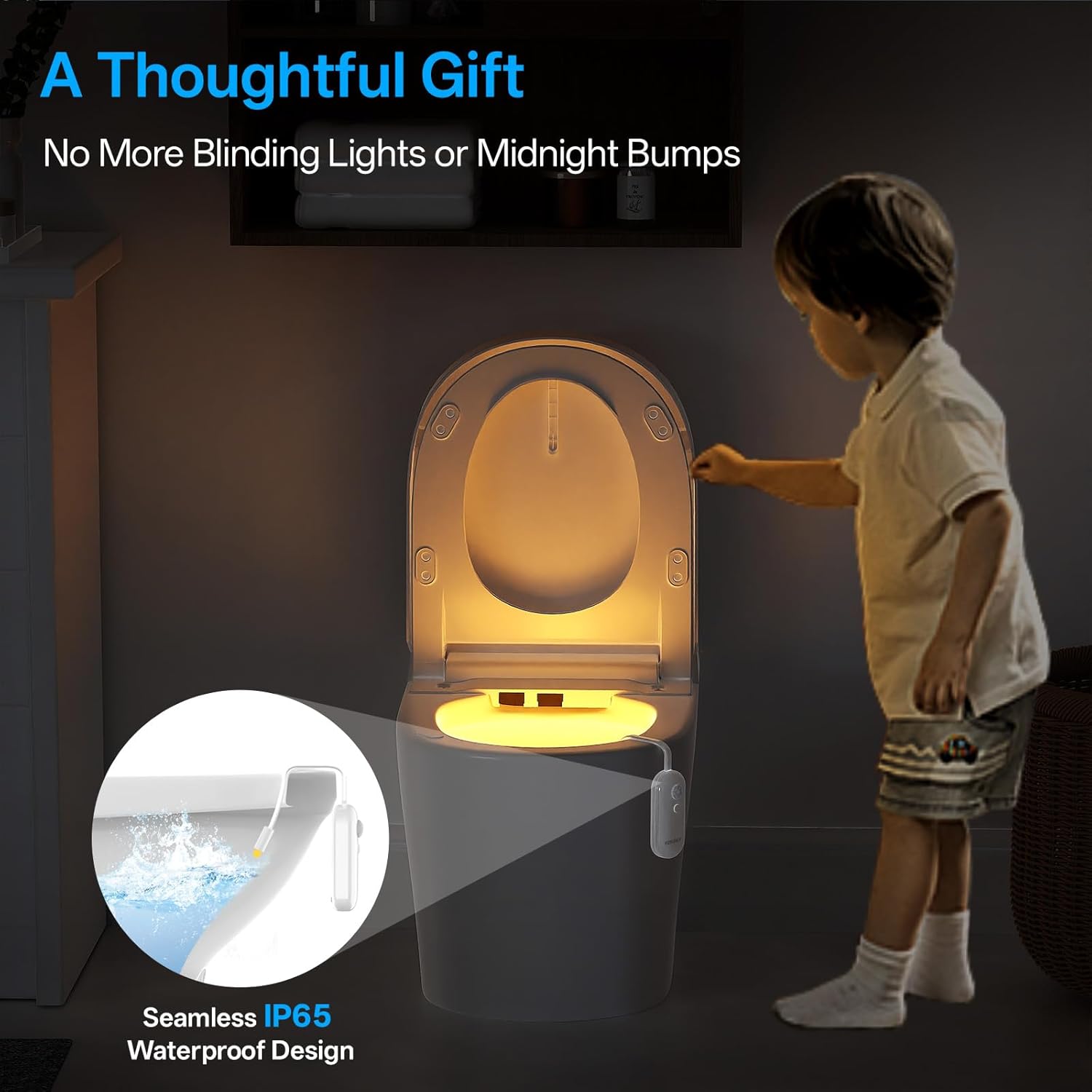
Image: The light automatically turns off during the day and turns on when motion is detected in the dark, turning off after 90 seconds of inactivity.
Color Selection:
The device offers 8 different color options and a colorful gradient mode. To change colors:
- Tap once: To turn on the light.
- Tap again: To cycle through the available colors (colorful gradient, warm light, orange, pink, red, green, cyan, blue).
- Second tap on preferred color: To lock the light on your desired color effect.
- Long press: To power off the device.

Image: The toilet light offers 8 distinct color options to suit personal preferences.
5. Charging and Battery Life
The PZSUNLY SL-F27 features a built-in 500mAh rechargeable battery. A single charge can last up to a whole month, depending on usage frequency.
Charging Instructions:
- Locate the charging port on the device.
- Connect the provided USB charging cable to the device and a suitable USB power source.
- A charging indicator light will illuminate during charging.
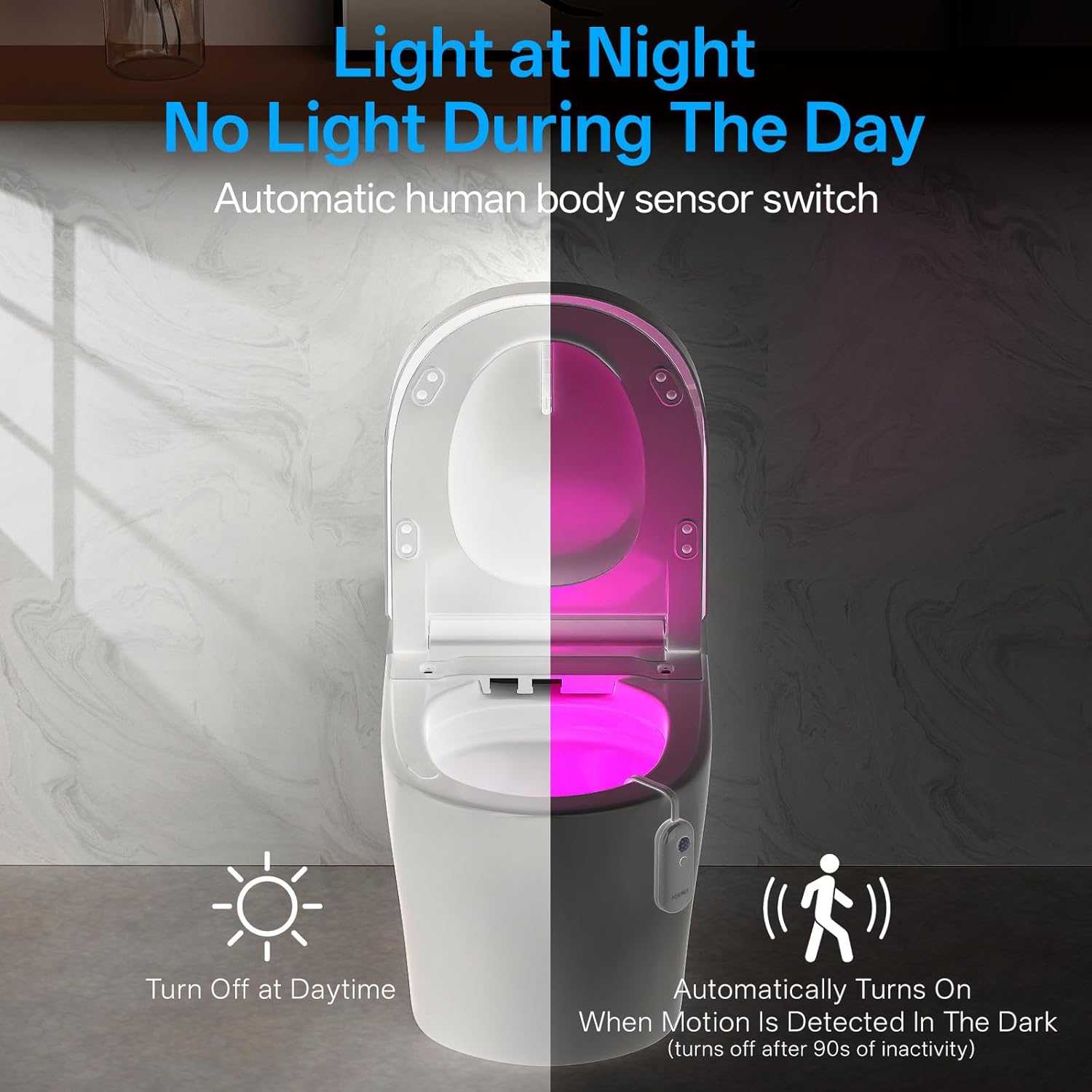
Image: Detailed view of the device showing the charging port and other components.
6. Maintenance
The PZSUNLY SL-F27 is designed with an IP65 waterproof rating, making it resistant to splashes and easy to clean. To maintain the device:
- Wipe the device with a damp cloth as needed.
- Avoid submerging the entire unit in water.
- Ensure the charging port cover is securely closed to maintain water resistance.
7. Troubleshooting
- Light not turning on:
- Ensure the device is charged. Connect it to the USB charging cable and a power source.
- Verify the environment is dark enough for the photosensitive sensor to activate. The light will not turn on in bright conditions.
- Check if the motion sensor is obstructed. Ensure it has a clear line of sight.
- Light is dim:
- The battery may be low. Recharge the device fully.
- Light not changing colors:
- Ensure you are tapping the button correctly to cycle through colors. A long press will turn the device off.
8. Product Specifications
| Brand | PZSUNLY |
| Model Name | SL-F27 |
| Product Dimensions | 0.78"D x 1.3"W x 3.94"H |
| Item Weight | 1.28 ounces |
| Light Source Type | LED |
| Light Color | RGB (8 Colors) |
| Power Source | Battery Powered (Rechargeable) |
| Battery Type | 1 Lithium Ion battery (included) |
| Battery Capacity | 500mAh |
| Sensor Technology | PIR + Photosensitive |
| Water Resistance Level | IP65 Waterproof |
| Material | Acrylonitrile Butadiene Styrene |
9. Warranty and Support
For warranty information or technical support, please refer to the contact details provided with your purchase or visit the official PZSUNLY website. Keep your proof of purchase for any warranty claims.


