Yihou B3 Fitness Tracker User Manual
Model: B3
1. Introduction
This manual provides essential information for the safe and effective use of your Yihou B3 Fitness Tracker. Please read it thoroughly before using the device and keep it for future reference. The Yihou B3 is designed to help you monitor various aspects of your health and fitness, including heart rate, sleep patterns, and activity levels.
Video: An overview of the Smart Bracelet ZGY B3, showcasing its design and basic functionalities.
2. What's in the Box
- Yihou B3 Fitness Tracker
- Charging Cable
- User Manual
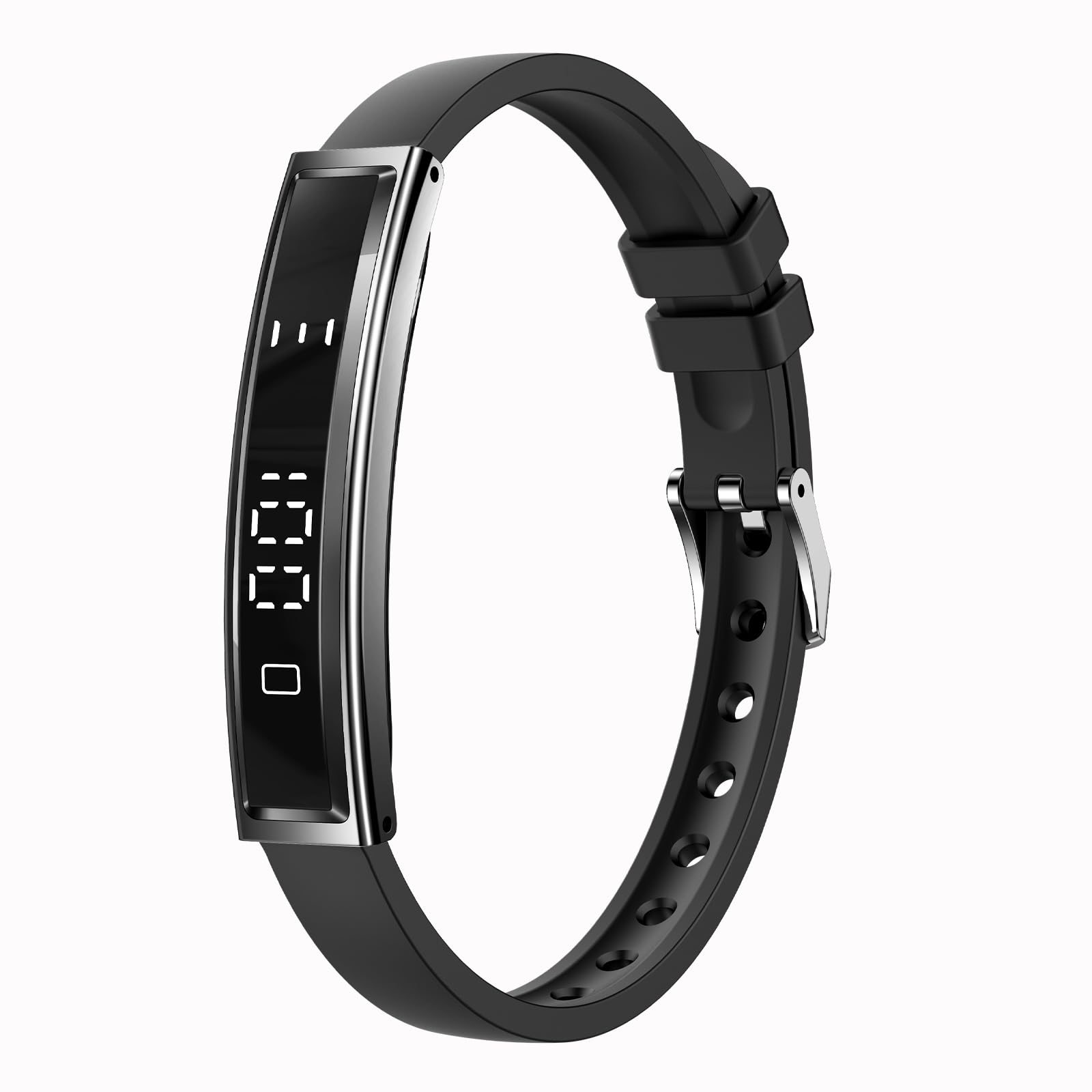
Image: The Yihou B3 Fitness Tracker along with its charging cable and user manual, neatly packaged in its box.
3. Setup
3.1 Initial Charging
Before first use, fully charge your Yihou B3 Fitness Tracker. Connect the provided charging cable to the charging port on the back of the device and plug the USB end into a compatible power source (e.g., computer USB port, USB wall adapter).
3.2 App Download and Pairing
The Yihou B3 Fitness Tracker operates with the 'NX Wear' app. Scan the QR code provided in the manual or search for 'NX Wear' in your smartphone's app store (compatible with Android 6.0+ and iOS 11.0+). Follow the in-app instructions to pair your device via Bluetooth.
Video: Demonstrates the easy setup process, including app download and device connection.
4. Operating Instructions
4.1 Basic Navigation
The device features a touch-sensitive screen. Swipe up, down, left, or right to navigate through different functions and menus. A single tap selects an option or confirms an action. Press and hold the touch button for 3 seconds to enter the main function menu or change the watch face.
4.2 Accessing Features
From the main watch face, swipe to access features such as step count, heart rate, temperature, blood pressure, blood oxygen, and sport modes. Tap on an icon to enter the specific function. For detailed data and settings, use the 'NX Wear' app on your smartphone.
Video: A guide on how to use the Efolen Fitness Tracker, demonstrating screen navigation and feature access.
5. Key Features
5.1 Heart Rate Monitoring
The Yihou B3 continuously monitors your heart rate throughout the day. View real-time data on the device or detailed trends in the 'NX Wear' app.

Image: The fitness tracker showing a heart rate graph and current heart rate, indicating 24-hour intelligent monitoring.
5.2 Sleep Tracking
Automatically tracks your sleep patterns, including deep sleep, light sleep, and awake times. The 'NX Wear' app provides a detailed sleep analysis to help you understand and improve your rest quality.

Image: The fitness tracker displaying a sleep overview with deep sleep, light sleep, and awake times, alongside a person sleeping.
5.3 Multiple Sport Modes
Choose from various sport modes to track your workouts accurately. The device records calories burned, steps taken, and distance covered. You can select and add preferred sport modes via the app.

Image: A collage showing the fitness tracker's capabilities, including incoming call reminders, menstrual period tracking, and pressure monitoring.
5.4 Female Health Tracking
Monitor your female physiological cycle directly through the 'NX Wear' app, providing predictions and insights.
5.5 Pressure Detection
The device includes a pressure detection feature to help you manage stress levels throughout your day.
5.6 Camera Remote
Control your smartphone's camera remotely by shaking the fitness tracker, allowing for convenient photo capture.
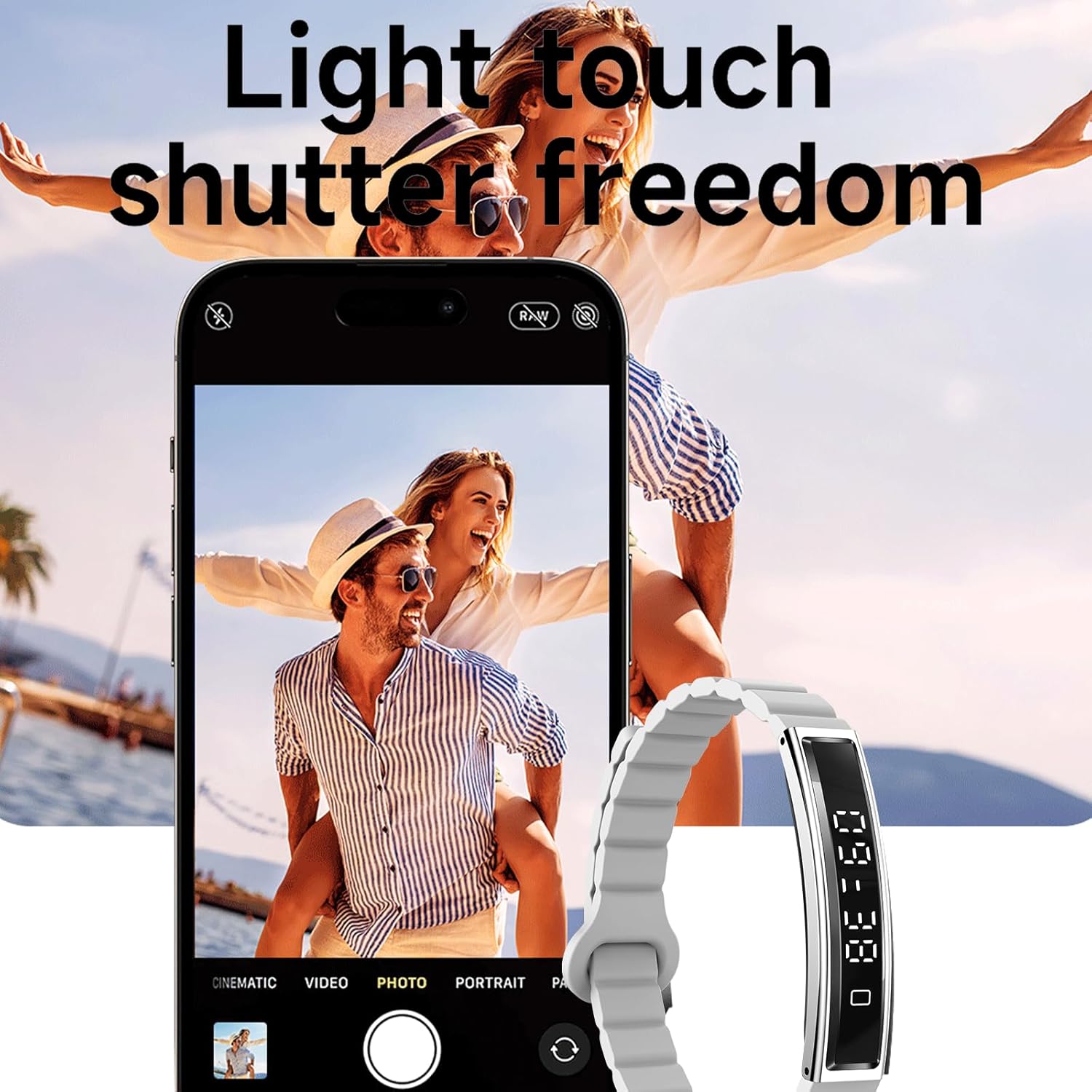
Image: The fitness tracker being used as a remote shutter for a smartphone camera, labeled 'Light touch shutter freedom'.
5.7 Water Resistance
Designed for daily use, the Yihou B3 is water-resistant, capable of withstanding splashes, rain, and handwashing. It is suitable for swimming but not for diving or hot water activities.

Image: The fitness tracker on a wrist in a swimming pool, illustrating its 'Life waterproof' feature for swimming and rain.
5.8 Ultra-Light & Ultra-Thin Design
Weighing just 16.5g and with a slim profile of 5.6mm, the tracker is comfortable for all-day wear and barely noticeable on your wrist.

Image: The fitness tracker on a wrist, emphasizing its 'Fashionable and versatile' design, being light (16.5g) and thin (5.6mm).
6. Maintenance
6.1 Cleaning
Regularly clean your fitness tracker and strap with a soft, damp cloth. Avoid using harsh chemicals or abrasive materials that could damage the device.
6.2 Charging
Charge the device when the battery indicator shows low power. A full charge typically lasts several days depending on usage. Avoid overcharging or leaving the device uncharged for extended periods.
6.3 Water Resistance Care
While water-resistant, avoid exposing the device to hot water, steam, or high-pressure water jets. Ensure the charging port is dry before charging to prevent damage.
7. Troubleshooting
- Device not turning on: Ensure the device is fully charged.
- Not pairing with app: Make sure Bluetooth is enabled on your smartphone and the device is within range. Restart both the device and the app.
- Inaccurate readings: Ensure the tracker is worn snugly on your wrist, not too tight or too loose. Clean the sensors regularly.
- Screen unresponsive: Try restarting the device by pressing and holding the power button (if applicable) or performing a soft reset via the app.
8. Specifications
| Feature | Detail |
|---|---|
| Model Name | B3 |
| Brand | Yihou |
| Compatible Systems | Android 6.0+, iOS 11.0+ |
| App | NX Wear |
| Battery Capacity | 18 mAh |
| Strap Material | Silicone |
| Item Weight | 16.5 Grams |
| Thickness | 5.6mm |
| Water Resistance | Daily water-resistant (splashes, rain, handwashing, swimming) |
9. Warranty and Support
9.1 Warranty Coverage
This product comes with a 12-month limited warranty from the date of purchase, covering manufacturing defects and hardware failures under normal use.
9.2 Warranty Exclusions
The warranty does not cover damage caused by misuse, accidents, unauthorized repairs, normal wear and tear (e.g., scratches, dents), or water damage beyond the specified waterproof rating.
9.3 Customer Support
For any questions, troubleshooting assistance, or warranty claims, please refer to the contact information provided with your purchase documentation or visit the official Yihou support website.


