
Bukumo 20G safe box
Bukumo 0.5 Cuft Small Safe Box User Manual
Model: 20G safe box | Brand: Bukumo
1. Introduction
Thank you for choosing the Bukumo 0.5 Cuft Small Safe Box. This compact and secure safe is designed to protect your valuable items such as passports, documents, medicine, and cash. Featuring an electronic keypad, a dual alarm system, and a spare key for emergency access, it offers reliable protection for home or office use. Please read this manual carefully before operating the safe to ensure proper use and to maximize its security features.
2. Package Contents
Please verify that all components are present in the package:
- 1 x Bukumo 0.5 Cuft Small Safe Box
- 2 x Spare Keys
- 4 x Expansion Bolts (for mounting)
- 1 x User Manual (this document)
- 1 x Mat (for interior protection)

Image: All components included in the Bukumo safe box package.
3. Product Overview and Dimensions
The Bukumo 0.5 Cuft Small Safe Box is constructed from durable alloy steel, providing a robust enclosure for your valuables. It features an electronic keypad for digital access and a traditional key lock for backup. The compact design allows for discreet placement in various locations.
Dimensions:
- External Dimensions: 13.78" W x 7.87" D x 7.87" H (35cm W x 20cm D x 20cm H)
- Internal Dimensions: 13.30" W x 7.32" D x 7.32" H
- Capacity: 0.5 Cubic Feet
- Weight: Approximately 11 pounds (5 Kilograms)

Image: External dimensions of the safe box.

Image: The Bukumo safe box with its door open, showcasing internal space.
4. Setup
4.1 Battery Installation
The electronic keypad requires batteries to operate. The battery compartment is located on the external password panel of the safe. Open the battery cover and insert the required batteries (not included) according to the polarity indicators. Ensure the batteries are securely placed before closing the cover.
4.2 Initial Code Setting
Upon first use, you will need to set your personal access code. Refer to the detailed instructions provided in the 'Operating Instructions' section for setting and changing your passcode.
4.3 Mounting the Safe
For enhanced security, the safe can be mounted to a wall or floor using the provided expansion bolts. The safe has pre-drilled holes inside for this purpose. Choose a secure and concealed location for mounting.
- Step 1: Position the safe in the desired location and mark the drilling points through the pre-drilled holes inside the safe.
- Step 2: Drill holes at the marked points using an appropriate drill bit.
- Step 3: Insert the expansion bolts into the drilled holes.
- Step 4: Align the safe with the bolts and secure it tightly using a wrench or appropriate tool.

Image: Steps for wall or floor mounting the safe.
5. Operating Instructions
5.1 Unlocking Methods
Your Bukumo safe offers two convenient ways to unlock it:
- Electronic Keypad (Daily Use): Enter your preset password on the keypad, then press 'ENTER'. The safe will unlock, and you can turn the knob to open the door.
- Spare Key (Emergency Use): In case of forgotten password or depleted batteries, insert the spare key into the emergency keyhole (usually concealed behind a cover on the keypad panel) and turn it while simultaneously turning the main knob to open the safe.

Image: Illustration of the two unlocking methods.
5.2 Changing Passcode
To change your passcode, open the safe door. Locate the reset button (usually a small button on the inside of the door or near the hinge). Press the reset button, then enter your new desired code on the keypad, followed by 'ENTER'. Test the new code with the door open before closing it.
5.3 Alarm System Operation
The safe is equipped with a dual security alarm system to deter unauthorized access:
- If an incorrect password is entered three times consecutively, the safe will trigger an alarm sound and lock for 20 seconds.
- If an incorrect password is entered six times consecutively, the safe will trigger an alarm sound and lock for 5 minutes.
This system is designed to alert you to tampering attempts and prevent brute-force password guessing.
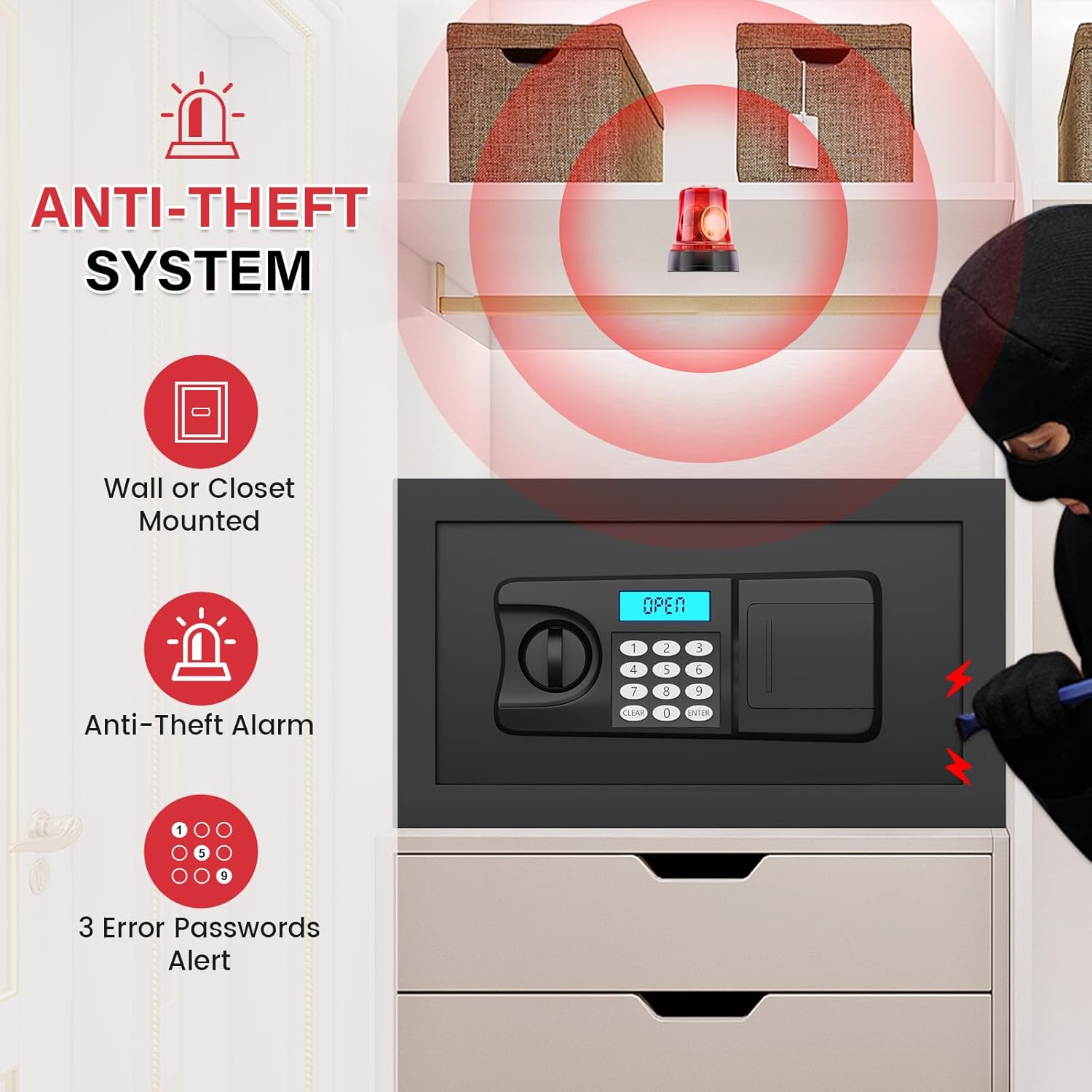
Image: The safe's anti-theft and alarm system features.
6. Maintenance
To ensure the longevity and proper functioning of your Bukumo safe, follow these maintenance guidelines:
- Cleaning: Wipe the exterior of the safe with a soft, damp cloth. Avoid using abrasive cleaners or solvents that could damage the finish.
- Battery Replacement: Replace batteries promptly when the low battery indicator appears or if the keypad becomes unresponsive. Always use new, high-quality batteries.
- Key Storage: Store spare keys in a secure location away from the safe and out of reach of unauthorized individuals.
- Door Mechanism: Periodically check the door hinges and locking bolts for any obstructions or signs of wear. Do not lubricate the electronic components.
7. Troubleshooting
If you encounter any issues with your Bukumo safe, please refer to the following common troubleshooting steps:
| Problem | Possible Cause | Solution |
|---|---|---|
| Safe does not open with passcode. | Incorrect passcode entered; Low batteries; Keypad malfunction. | Re-enter passcode carefully. Replace batteries. Use the spare key to open. |
| Keypad is unresponsive. | Dead or low batteries; Loose battery connection. | Replace batteries. Ensure batteries are correctly inserted. |
| Alarm sounds unexpectedly. | Incorrect passcode attempts; Vibration/tampering detected. | Wait for the alarm to reset (20s or 5min lock-out). Ensure safe is stable and not being tampered with. |
| Door does not close or lock properly. | Obstruction in the door frame; Misalignment of locking bolts. | Check for any items blocking the door. Gently push the door to ensure proper alignment before turning the knob. |
8. Specifications
| Feature | Detail |
|---|---|
| Brand | Bukumo |
| Model Number | 20G safe box |
| Product Dimensions | 7.87"D x 13.78"W x 7.87"H |
| Lock Type | Electronic Combination Lock, Key |
| Capacity | 0.5 Cubic Feet |
| Material | Alloy Steel |
| Special Features | Alarm System, Anti-Theft, Combination Lock, Portable, Sensor Light |
| Mounting Type | Wall Mount (with included expansion bolts) |
| Item Weight | 11 pounds (5 Kilograms) |
| Batteries Required? | Yes (not included) |
9. Warranty and Support
Bukumo is committed to providing high-quality products and customer satisfaction. We offer long-term technical support for your safe box. If you experience any issues, require replacement accessories (such as spare keys), or have questions not covered in this manual, please contact our customer support team.
For assistance, please refer to the contact information provided on the product packaging or the retailer's website where you purchased the safe.
Note: This safe is designed to provide a certain degree of protection and organization for common items. It is not fireproof.
Ask a question about this manual
Ask about setup, troubleshooting, compatibility, parts, safety, or missing instructions. Manuals+ will review the question and use this page’s manual context to help answer it.