
pasapair TSH-TP2-BK
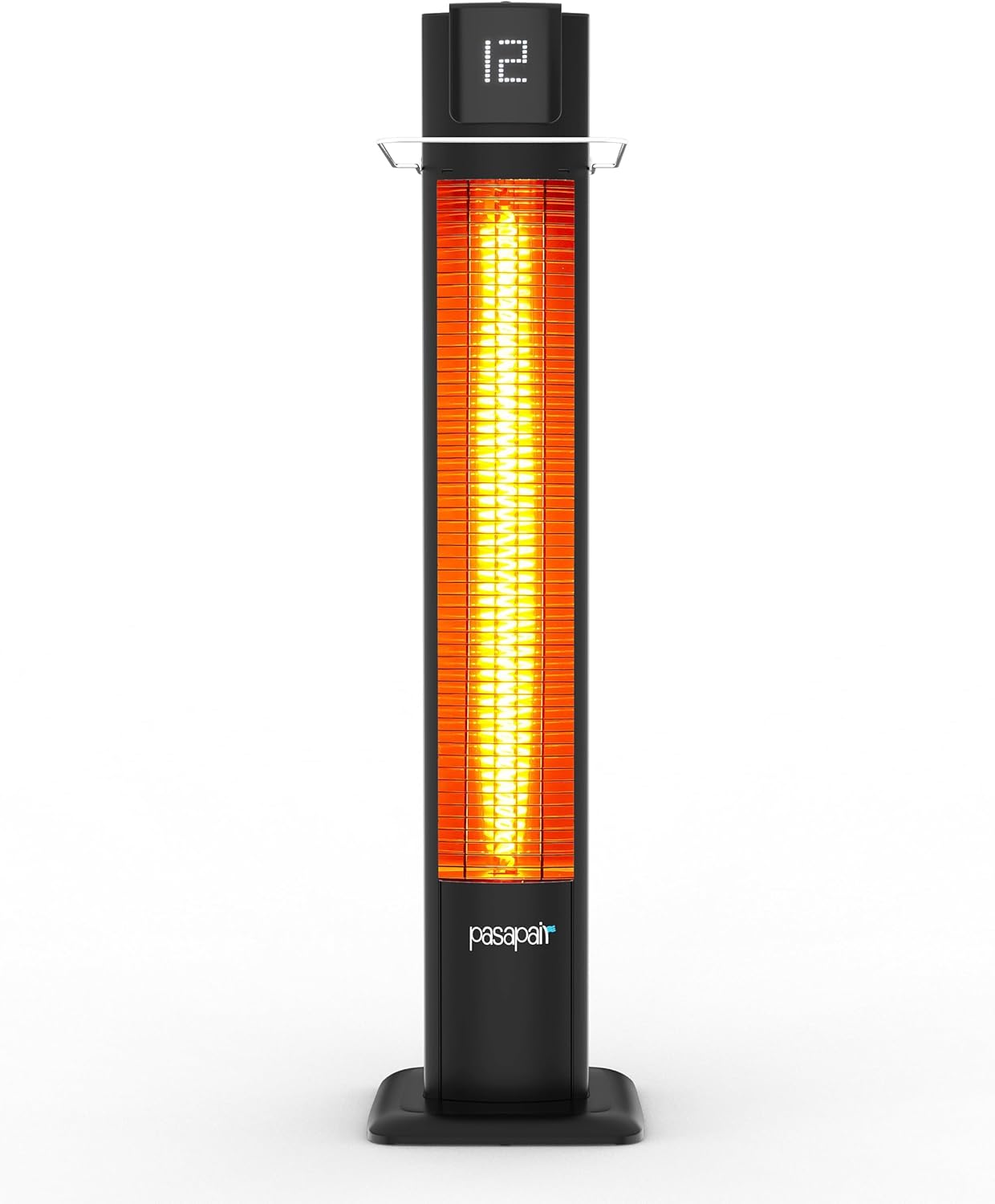
Pasapair 42-inch 1500W Infrared Tower Heater User Manual
Model: TSH-TP2-BK | Brand: Pasapair
Introduction
This manual provides essential information for the safe and efficient operation of your Pasapair 42-inch 1500W Infrared Tower Heater. Please read all instructions carefully before use and retain this manual for future reference.
Important Safety Information
Always follow basic safety precautions when using electrical appliances to reduce the risk of fire, electric shock, and injury to persons.
- Overheat Protection: The heater is equipped with an automatic overheat protection system. If the internal temperature exceeds a safe limit, the heater will automatically shut off.
- Tip-Over Protection: For your safety, the heater includes a tip-over switch that automatically turns off the unit if it is accidentally knocked over.
- IP55 Waterproof Rating: This heater is rated IP55, making it suitable for use in damp outdoor environments. However, avoid direct exposure to heavy rain or submerging the unit in water.
- ETL Certified: The product is ETL certified, ensuring it meets recognized safety standards.
- Do not cover the heater.
- Caution: Hot surface. Avoid direct contact with the heating elements during operation.
Product Features
- 3S Fast Heating: Rapidly heats your space.
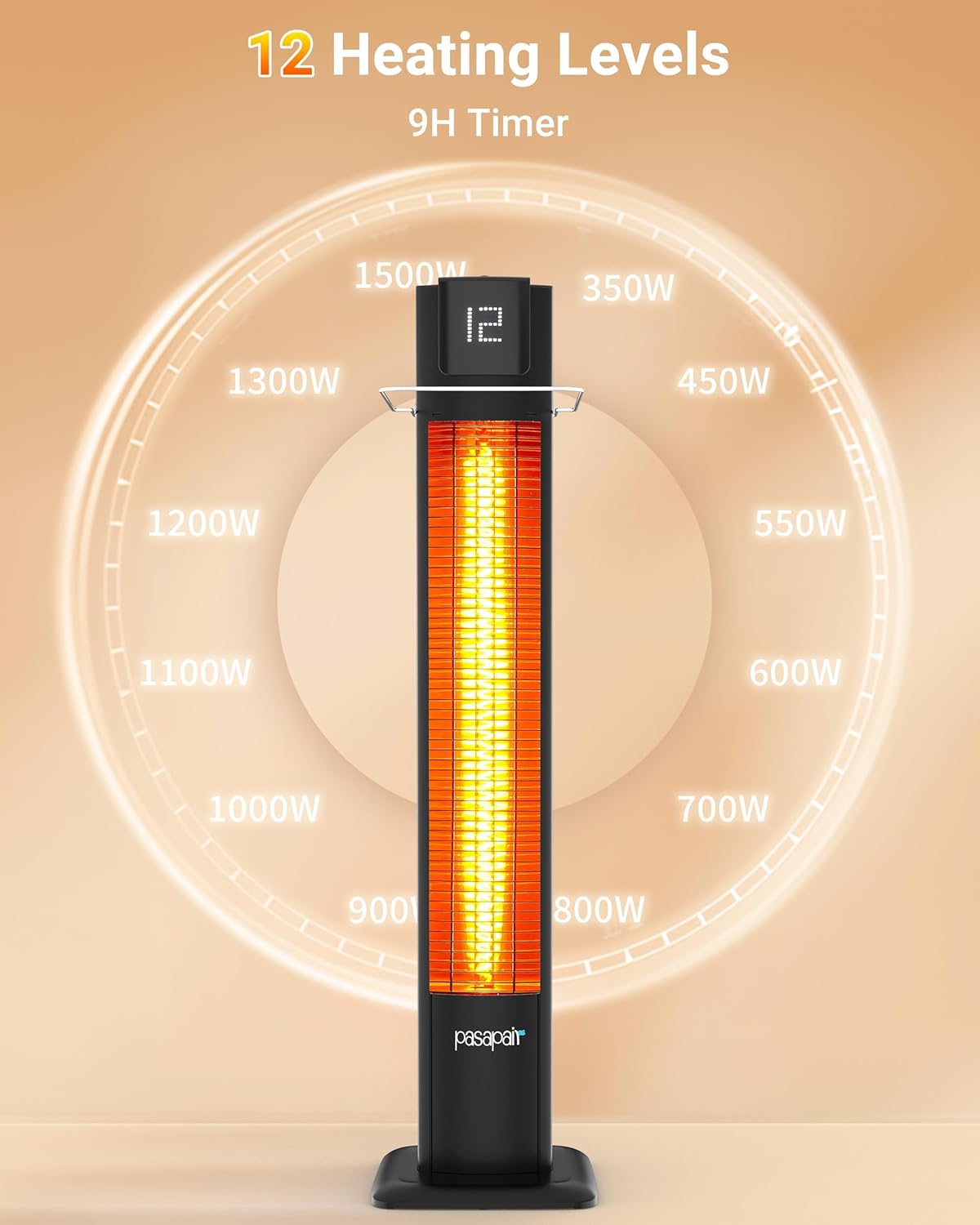
- 12 Adjustable Heat Levels: Ranging from 350W to 1500W for customizable warmth.
- Remote Control: Adjust settings conveniently from a distance.
- 9-Hour Timer: Set the heater to operate for a specific duration and automatically shut off.
- Quiet Operation: Designed for minimal noise during use.
- Portable Design: Lightweight and easy to move between indoor and outdoor locations.

Setup and Installation
Follow these steps to assemble and prepare your heater for use.
- Unpack Components: Carefully remove all parts from the packaging. Ensure all accessories, including the remote control and user manual, are present.
- Assemble Base:
The base consists of two halves. Align and secure them using the provided screws. Ensure the power cord is routed correctly through the base.
Video 1: Heater Installation Guide. This video demonstrates the step-by-step process of assembling the heater, including attaching the base and safety guard. 
Figure 4: Base Assembly. This image illustrates the process of attaching the two halves of the base to the main body of the heater, ensuring stability. - Install Safety Guard:
Loosen the screws on the side of the heater, position the safety guard, and then re-secure the screws to hold it in place.

Figure 5: Safety Guard Installation. This image illustrates how to attach the safety guard to the heater, providing an additional layer of protection. - Placement: Place the heater on a firm, level surface. Ensure there is adequate clearance from combustible materials (at least 3 feet from furniture, curtains, etc.).
Operating Instructions
Your Pasapair heater can be operated using the control panel on the unit or the included remote control.
- Power On/Off:
Locate the main power switch on the back of the heater and turn it to the 'ON' position. Then, press the power button on the top of the unit or on the remote control to turn the heater on.

Figure 6: Remote Control. The remote allows for convenient operation of the heater from a distance, including power, heat level adjustment, and timer settings. - Adjust Heat Levels:
Use the '+' and '-' buttons on the remote or the control panel to cycle through the 12 heat levels (P1-P12). The current level will be displayed on the LED screen.
- Set Timer:
Press the timer button on the remote control to set the desired operating time, up to 9 hours. The heater will automatically shut off once the timer expires.
- Screen Display Switch:
Use the screen display button on the remote to turn the LED display on or off.

Maintenance
Regular maintenance ensures optimal performance and longevity of your heater.
- Cleaning: Always unplug the heater and allow it to cool completely before cleaning. Use a soft, damp cloth to wipe the exterior. Do not use abrasive cleaners or allow water to drip into the interior.
- Storage: When not in use, store the heater in a cool, dry place.
Troubleshooting
If your heater is not operating correctly, please refer to the following common issues before contacting customer support.
| Problem | Possible Cause | Solution |
|---|---|---|
| Heater does not turn on. | Main power switch is off, unit is unplugged, or tip-over/overheat protection activated. | Ensure main power switch is ON. Check power cord connection. Ensure heater is upright and not overheated. |
| No heat output. | Heat level set too low, or heating element issue. | Increase heat level using remote or control panel. If issue persists, contact customer support. |
| Remote control not working. | Batteries are dead or remote is out of range. | Replace remote control batteries. Ensure remote is pointed at the heater and within operating range. |
Specifications
| Feature | Detail |
|---|---|
| Brand | pasapair |
| Model Number | TSH-TP2-BK |
| Special Feature | Remote Control |
| Color | black |
| Form Factor | Cabinet |
| Product Dimensions | 43"D x 10"W x 7"H |
| Mounting Type | Floor Mount |
| Fuel Type | Electric |
| Number of Speeds | 12 |
| Max Temperature Setting | 40 Degrees Celsius |
| Item Weight | 18.26 pounds |
| Manufacturer | PASAPAIR |
| ASIN | B0FGX7MK11 |
| UPC | 850074107590 |
Warranty and Support
For warranty information or customer support, please refer to the contact details provided in your product packaging or visit the official Pasapair website.
Ask a question about this manual
Ask about setup, troubleshooting, compatibility, parts, safety, or missing instructions. Manuals+ will review the question and use this page’s manual context to help answer it.