
1. Introduction
The Retevis A3 Ham Radio Handheld is a versatile communication device designed for amateur radio enthusiasts, emergency preparedness, and outdoor activities. It offers quad-band transmission, wideband reception including SSB, and essential features like NOAA weather alerts. This manual provides detailed instructions for setting up, operating, maintaining, and troubleshooting your Retevis A3 radio.
2. Product Overview
2.1 Package Contents
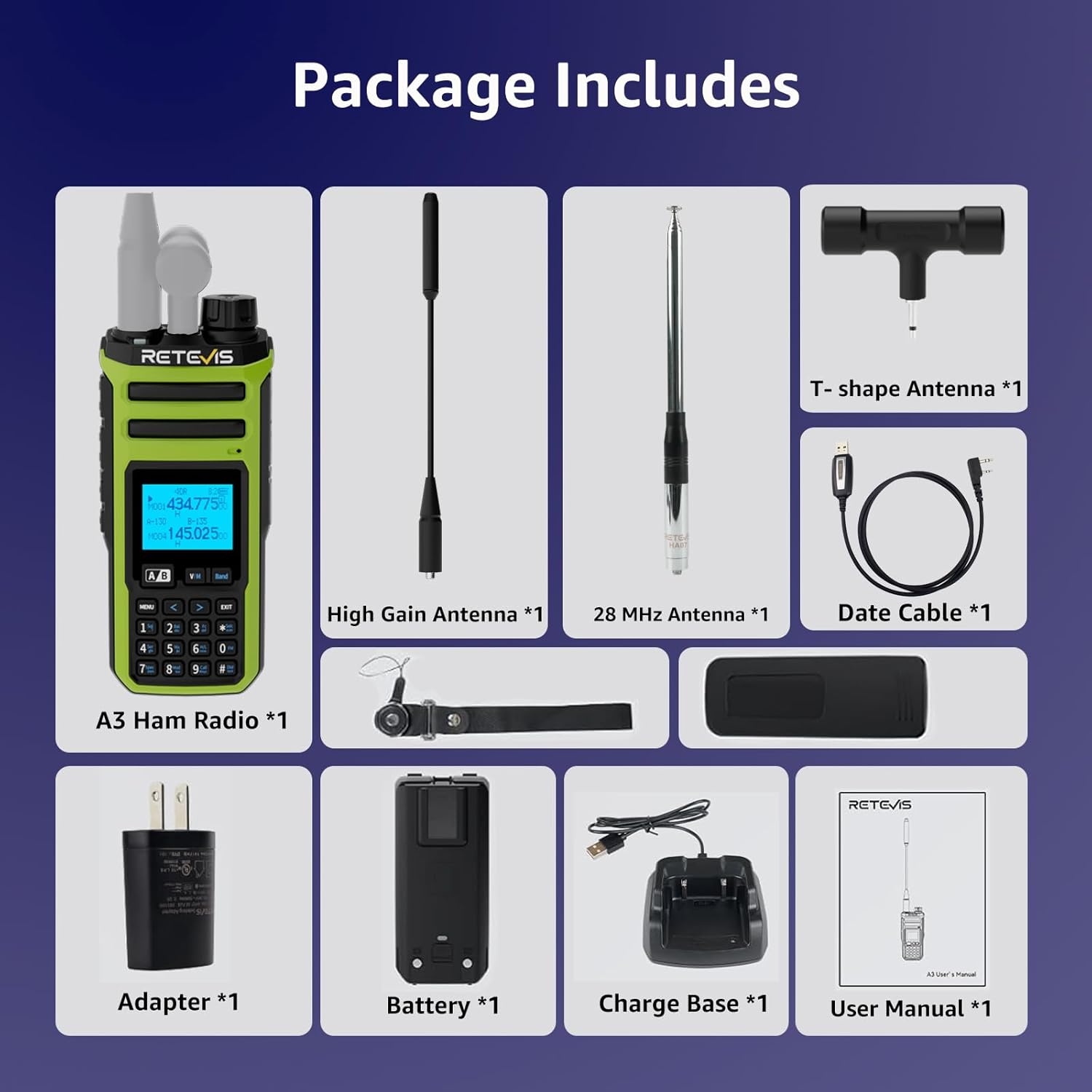
The Retevis A3 package includes the following items:
- A3 Ham Radio (x1)
- High Gain Antenna & T-shape Antenna (x1)
- 28 MHz Antenna (x1)
- 2500 mAh Battery & Desk Charger (x1)
- Date cable (x1)
2.2 Key Features
- Quad-Band Transmission: Supports 10m, 6m, 2m, and 70cm amateur radio bands.
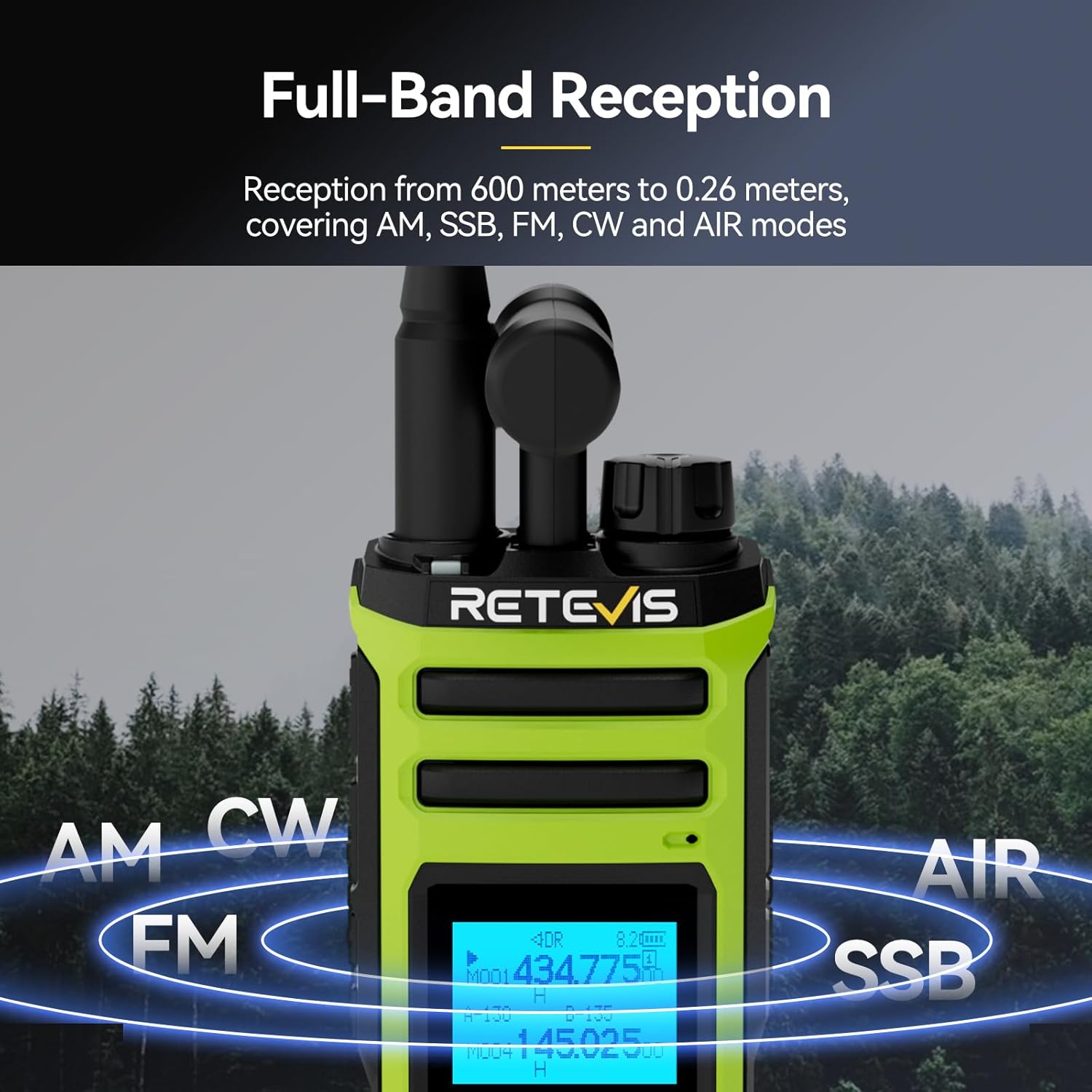
- Wideband Reception: Covers AM, SSB, FM, CW, and AIR modes from 600 meters to 0.26 meters.
- Dual Watch & PTT Control: Monitor two channels simultaneously with independent PTT buttons and volume control.
- NOAA Weather Alerts with SAME: Receive precise emergency weather warnings for your county.
- High Power Output: Boost signal range on 2m/70cm for clear communication in challenging environments.
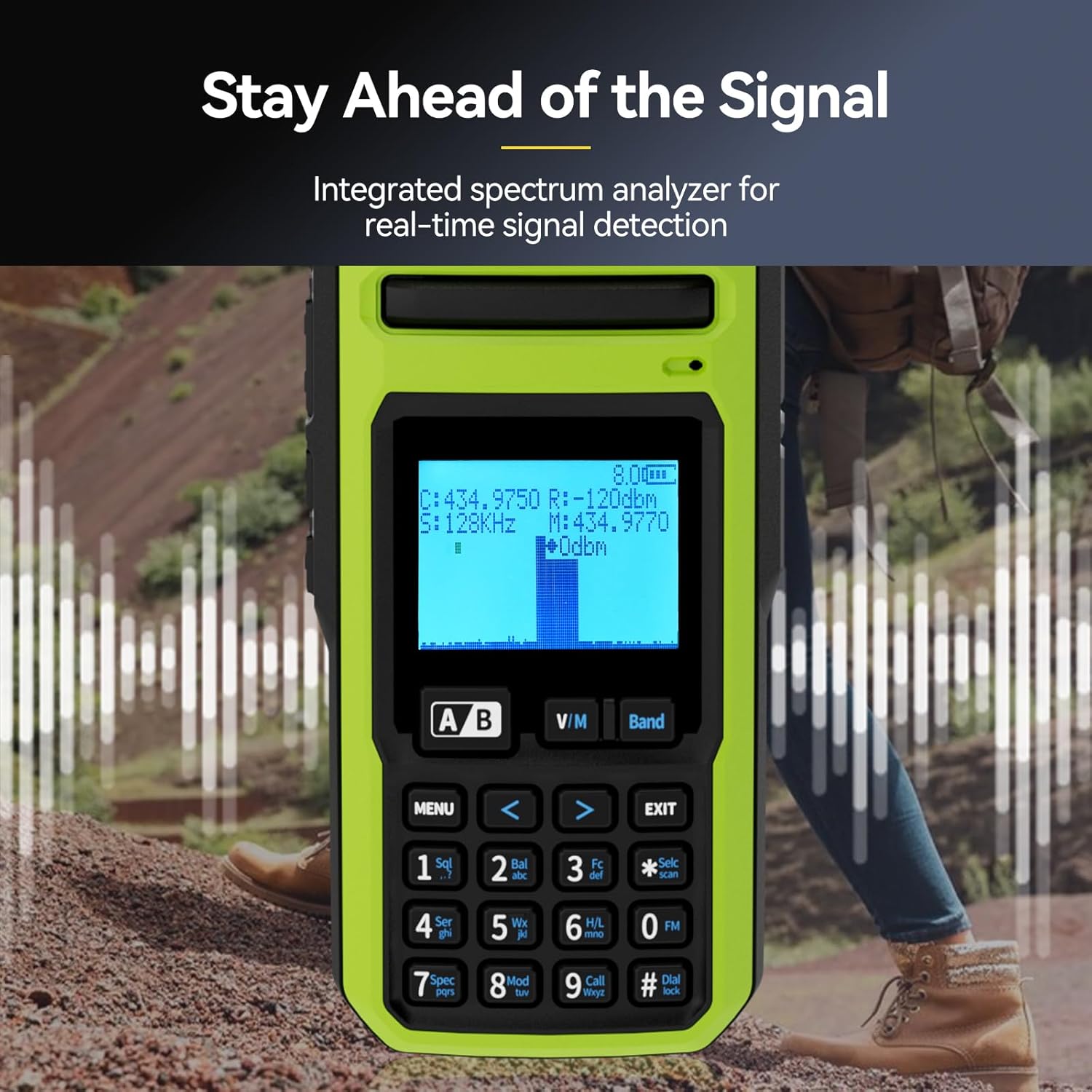
- Integrated Spectrum Analyzer: Real-time signal detection for enhanced situational awareness.
- Long-Life 2500mAh Battery: Provides up to 16 hours of runtime.
- Customizable Side Keys: Assign functions like High/Low Power, FM, VOX, 1750Hz tone, Flashlight, and Emergency alarm.
- Wireless Duplicate: One-key pairing for easy radio cloning.



3. Setup
3.1 Battery Installation and Charging
- To install the battery, align the battery pack with the grooves on the back of the radio and slide it upwards until it clicks into place.
- To remove, press the release button at the bottom of the battery and slide it downwards.
- Connect the USB-A cable from the charging cradle to the charging brick, then plug the brick into a standard wall outlet.
- Place the radio into the charging cradle. The indicator light on the cradle will show charging status.
- Alternatively, you can charge the battery directly via the USB-C port located under the rubber flap on the back of the radio.
3.2 Antenna Attachment
The Retevis A3 comes with multiple antennas for different frequency bands:
- A tri-band antenna for 2m, 70cm, and 6m.
- A 28MHz antenna for 10m.
- A T-shape antenna for HF reception.
To attach an antenna, screw it clockwise onto the SMA male connector on top of the radio until it is finger-tight. Ensure the correct antenna is used for the desired frequency band.

3.3 Initial Power-On
Turn the rotary knob on top of the radio clockwise to power it on and adjust the volume. The LCD display will illuminate.
Setup Video: How to set up the Retevis A3 walkie talkie
This video provides a step-by-step guide on how to set up your Retevis A3 walkie talkie, covering initial assembly and basic configurations.
4. Basic Operation
4.1 Power On/Off and Volume Control
The top rotary knob controls both power and volume. Turn clockwise to power on and increase volume; turn counter-clockwise to decrease volume and power off.
4.2 Frequency and Channel Selection
The radio operates in two main modes: VFO (Variable Frequency Oscillator) mode for direct frequency input and Memory mode for stored channels.
- VFO Mode: Press the 'Band' button to cycle through different frequency segments. Use the arrow keys or the numeric keypad to enter a desired frequency.
- Memory Mode: Press the 'V/M' button to switch between VFO and Memory modes. Use the arrow keys to navigate through stored channels.
4.3 Dual Watch and Dual PTT
The Retevis A3 features dual watch capability, allowing you to monitor two different frequencies or channels simultaneously. The two PTT buttons on the side correspond to the upper (VFO A) and lower (VFO B) displays, enabling independent transmission on either frequency.
4.4 NOAA Weather Alerts
The radio supports NOAA weather alerts with SAME (Specific Area Message Encoding). To access NOAA weather channels, use the 'Band' button to navigate to the NOAA band. The radio will provide precise emergency warnings for your county.

5. Advanced Features
5.1 SSB/AM/FM/CW Reception
The Retevis A3 is capable of receiving various modulation modes beyond standard FM, including Single Sideband (SSB), Amplitude Modulation (AM), and Continuous Wave (CW). This allows for monitoring a wider range of radio communications, including shortwave broadcasts and amateur SSB signals.
5.2 Spectrum Analyzer
An integrated spectrum analyzer provides real-time visual feedback of signal activity across the frequency band. This feature is useful for identifying active frequencies and understanding band conditions.
5.3 Customizable Side Keys
The side keys on the radio can be programmed to quickly access frequently used functions such as:
- High/Low Power adjustment
- FM radio activation
- VOX (Voice Operated Transmit)
- Sending 1750Hz tone
- Flashlight activation
- Emergency alarm
Refer to the detailed menu options in the user manual for programming these keys.
5.4 Wireless Duplicate
The wireless duplicate function allows for quick and easy cloning of settings from one Retevis A3 radio to another. This is particularly useful for groups or teams using multiple devices.
6. Maintenance
6.1 Battery Care
- Always use the provided charger and battery.
- Avoid exposing the battery to extreme temperatures.
- Do not disassemble, strike, squeeze, or put the battery into fire.
- If the battery gets wet, do not use it.
6.2 Cleaning
Clean the radio's exterior with a soft, damp cloth. Do not use harsh chemicals or abrasive cleaners. Ensure all ports are covered by their rubber flaps when not in use to prevent dust and moisture ingress.
6.3 Antenna Care
Ensure antennas are securely attached but do not overtighten. Avoid bending or stressing the antennas, as this can damage the connector or the antenna itself.
7. Troubleshooting
This section addresses common issues you might encounter with your Retevis A3 radio. For more detailed troubleshooting, refer to the comprehensive user manual.
| Problem | Possible Cause | Solution |
|---|---|---|
| Radio does not power on. | Battery is depleted or not properly installed. | Charge the battery or ensure it is correctly installed. |
| Cannot transmit or receive. | Incorrect frequency/channel, antenna not attached, or low power. | Verify frequency/channel settings, attach antenna, check battery level, ensure transmit power is set to 'High' if needed. |
| Poor audio quality on transmit. | Transmit bandwidth set to 'Narrow'. | Ensure transmit bandwidth (W/N) is set to 'Wide' for amateur radio use. |
| Programming software not connecting. | Driver issues or cable connection problems. | Install correct drivers, ensure programming cable is fully seated and not damaged. |
| Limited 6-meter band transmission. | Out-of-band transmit is disabled. | Refer to advanced settings in the manual to enable out-of-band transmit via button combination. |
8. Specifications
| Feature | Specification |
|---|---|
| Item Weight | 1.94 pounds |
| Package Dimensions | 8.98 x 8.74 x 3.54 inches |
| Item Model Number | A3 |
| Batteries | 1 AA batteries required. (included) - Note: Product description states 2500mAh Li-ion battery. Please verify. |
| Brand | Retevis |
| Color | Green |
| Number of Channels | 999 |
| Special Feature | 999 Channels, Dual Receiving, Long Range |
| Frequency Range | 28-29.7Mhz, 50-52Mhz, 144-148Mhz, 420-450Mhz |
| Water Resistance Level | Not Water Resistant |
| Battery Life | 15.9 Hours |
9. Warranty and Support
9.1 Warranty Information
Retevis provides a 2-year warranty for the radio body and a 1-year warranty for accessories. A 30-day no-reason return policy is also offered. For service beyond the warranty period, maintenance services are available, with buyers responsible for corresponding costs.
9.2 Customer Support
For any inquiries or support needs, please contact Retevis customer service on Amazon. Responses are typically provided within 12 hours.


