
Introduction
This manual provides detailed instructions for the Jectse 2.8-inch WiFi Electronic Eyepiece. This device is designed to enhance observation and recording capabilities for both telescopes and microscopes, offering a 2.8-inch display, HD video recording, and WiFi connectivity for smartphone integration. It is suitable for various applications, including astronomical observation, microscopic study, and wildlife viewing.
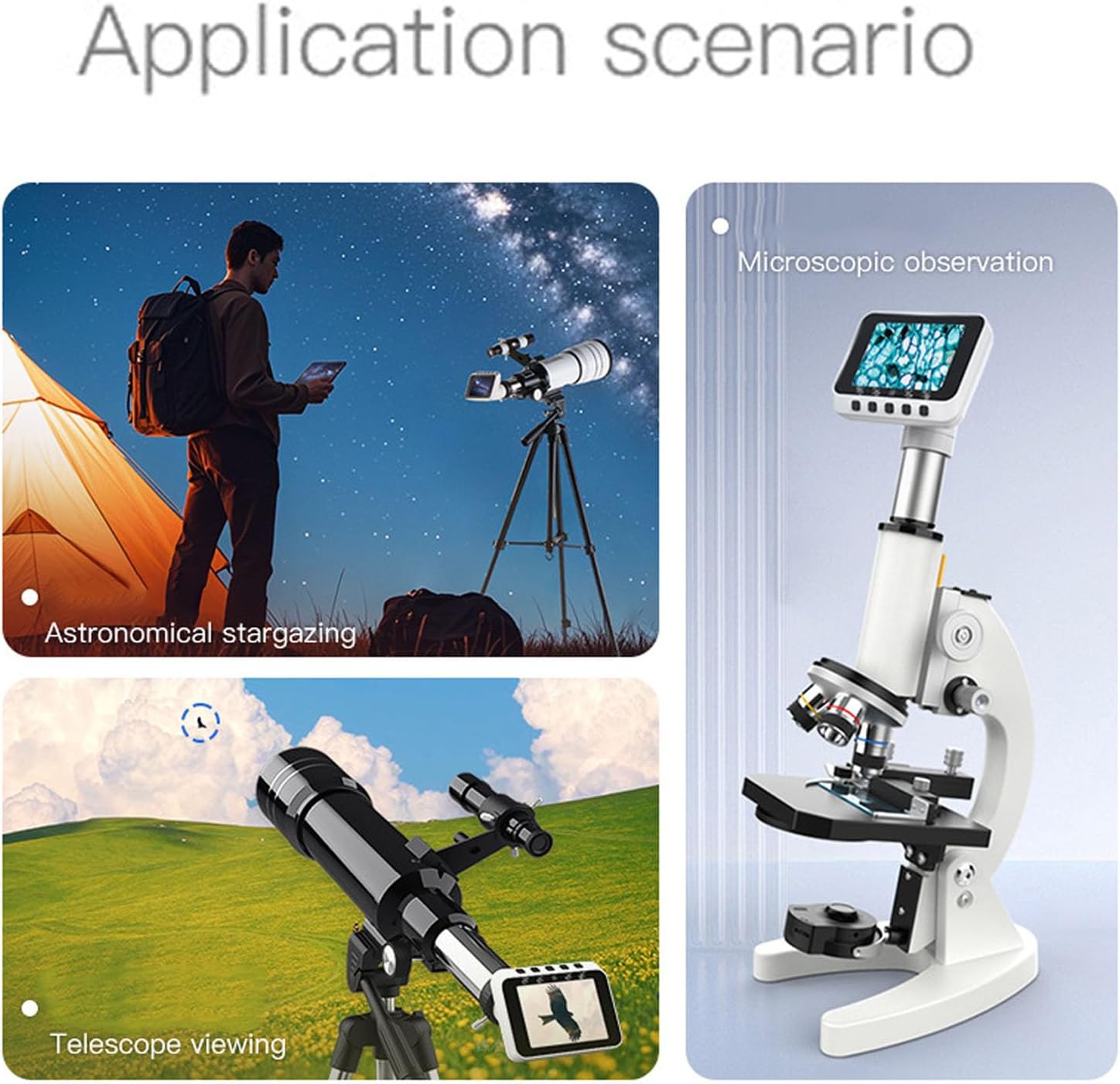
Image: The Jectse electronic eyepiece shown in various application scenarios, including astronomical stargazing, microscopic observation, and general telescope viewing, highlighting its versatility.
Product Features
- HD Video and Smartphone Connectivity: Features a 2.8-inch screen and a 2MP HD lens, supporting 1080p photos and videos. Connects to smartphones via a dedicated application for easy sharing and control.
- WiFi Enabled and Portable: Integrated WiFi allows for easy setup and connection to your devices. Its compact design makes it suitable for outdoor activities like bird watching or hiking.
- Easy Mounting and Versatile Interfaces: Can be effortlessly attached to optical telescopes or microscopes using various interfaces, providing a straightforward method for observing astronomical or microscopic scenes.
- Biological Recording Tool: Facilitates capturing distant bird observations and recording migration patterns without disturbance. Ideal for nature enthusiasts and astrophotography.
- Long Battery Life and Charging Options: Equipped with a 650mAh battery, offering up to 4 hours of continuous use. The convenient USB-C port allows for charging during operation.

Image: A collage illustrating key features of the electronic eyepiece, including WiFi connectivity, USB-C charging, compatibility with various devices, and its high computing power chip.
Package Contents
Verify that all items are present in the package:
- 1 x Electronic Eyepiece
- 2 x Adapters (for 1.25 inch and 0.965 inch telescope/microscope interfaces)
- 1 x USB Cable (Type-C)
- 1 x User Manual (this document)

Image: The Jectse electronic eyepiece displayed alongside its included accessories: two adapters (1.25 inch and 0.965 inch) and a USB-C charging cable.
Setup
1. Charging the Device
Before initial use, fully charge the electronic eyepiece using the provided USB-C cable. Connect the cable to the USB-C port on the eyepiece and a standard USB power adapter (not included). The device can be used while charging.
2. Attaching to a Telescope or Microscope
- Identify the eyepiece barrel size of your telescope or microscope. The Jectse electronic eyepiece is compatible with 1.25-inch, 0.965-inch, and 23.2mm interfaces.
- Select the appropriate adapter from the package.
- Insert the electronic eyepiece into the chosen adapter.
- Carefully insert the assembled eyepiece and adapter into the eyepiece holder of your telescope or microscope. Secure it gently, ensuring a stable fit.

Image: The Jectse electronic eyepiece shown with its interchangeable adapters, indicating compatibility with 1.25-inch, 23.2mm, and 0.965-inch eyepiece barrels for telescopes and microscopes.
3. Smartphone Application Installation
To utilize smartphone connectivity features, download the 't cam' application from your device's app store (iOS or Android). Follow the on-screen instructions to install the application.
Operating Instructions
1. Powering On/Off
Press and hold the power button (usually marked with a power symbol) for a few seconds to turn the device on. The 2.8-inch display will illuminate. To power off, press and hold the power button again until the display turns off.
2. Using the Onboard Display
Once powered on, the 2.8-inch display will show the live view from the connected telescope or microscope. Use the navigation buttons on the device to adjust settings or switch between photo and video modes if available.

Image: A close-up front view of the Jectse electronic eyepiece, displaying a detailed microscopic image on its 2.8-inch screen, with control buttons visible below.
3. Connecting to a Smartphone via WiFi
- Ensure the electronic eyepiece is powered on.
- On your smartphone, go to WiFi settings and search for the device's WiFi network (usually named 'Jectse_Eyepiece' or similar).
- Connect to the device's WiFi network. No password is typically required for direct connection.
- Open the 't cam' application on your smartphone. The live view from the eyepiece should now be displayed on your phone screen.

Image: The Jectse electronic eyepiece displaying the moon, with a smartphone and tablet also showing the same image, illustrating its WiFi multi-screen interaction capability.
4. Capturing Photos and Videos
Using either the device's physical buttons or the 't cam' app, you can capture 1080p resolution photos and videos. Refer to the app's interface for specific controls for recording, playback, and saving media.

Image: The Jectse electronic eyepiece connected to a laptop, displaying a microscopic image on both the eyepiece screen and the laptop monitor, demonstrating its functionality with external displays.

Image: The Jectse electronic eyepiece mounted on a telescope, with a smartphone held nearby displaying the same celestial view, indicating wireless connectivity for observation.
Maintenance
- Cleaning: Use a soft, dry cloth to clean the exterior of the eyepiece. For the lens and screen, use a specialized lens cleaning cloth and solution to avoid scratches. Do not use abrasive cleaners.
- Storage: Store the device in a cool, dry place away from direct sunlight and extreme temperatures. When not in use for extended periods, ensure the battery is partially charged (around 50%) to prolong its lifespan.
- Battery Care: Avoid fully discharging the battery frequently. Recharge the device regularly, even if not in constant use.
Troubleshooting
- Device not powering on: Ensure the battery is charged. Connect the USB-C cable and try powering on again.
- No image on display: Check if the eyepiece is correctly attached to the telescope/microscope and that the optical path is clear. Ensure the device is powered on.
- Cannot connect to WiFi: Verify that the eyepiece's WiFi is enabled. Ensure your smartphone's WiFi is on and you are selecting the correct network. Try restarting both the eyepiece and your smartphone.
- Poor image quality: Adjust the focus of your telescope or microscope. Ensure the lens of the electronic eyepiece is clean. Check ambient lighting conditions.
Specifications
| Model Number | Jectsebm7tganfo9 |
| Material | ABS |
| Screen Size | 2.8 inches |
| Image Sensor | CMOS |
| Photo Resolution | Maximum 1080P |
| Video Resolution | Maximum 1080P |
| Video Format | MP4 |
| Data Transfer Mode | WiFi |
| Power Port | USB-C |
| Battery Type | Li-ion (built-in) |
| Battery Capacity | 650mAh |
| Continuous Use Time | Approx. 4 hours |
| Adjustable Eyepiece Angle | 75° |
| Adaptation | 1.25 inch, 0.965 inch monocular or binocular telescope; 23.2mm astronomical telescope and microscope |
| Application | 't cam' app |
Warranty and Support
For warranty information and technical support, please refer to the documentation provided at the time of purchase or contact Jectse customer service through their official website. Keep your purchase receipt as proof of purchase.