1. Introduction
Welcome to the user manual for your new Infinix Note 50s 5G+. This guide provides essential information on setting up, operating, maintaining, and troubleshooting your device. The NOTE 50s 5G+ is a feature-packed smartphone designed for power, durability, and immersive experiences. It boasts a stunning 6.78" FHD+ 144Hz AMOLED display with 2160Hz touch sampling and TÜV certification for eye comfort. Powered by the MediaTek Dimensity 7300 Ultimate Processor and supported by XArena, it offers ultra-smooth gaming at up to 90 FPS, enhanced by JBL dual speakers with DTS audio. The 64MP Sony dual rear camera and 13MP selfie camera, paired with AI tools like AI Eraser, deliver exceptional photography. Its gem-cut camera design with Active Halo lighting adds both style and function. Built to last, it features MIL-STD-810H certification and IP64 rating for protection against drops, dust, and water. With a massive 5500mAh battery, 45W fast charging, and ample memory, the NOTE 50s 5G+ is ready for any challenge. Additional highlights include the updated XOS 15 interface, the One-Tap Infinix AI features like Folax and AI Writing Assistant, and robust privacy features for a complete flagship-like experience.

2. Package Contents
Please check the box for the following items:
- Phone Case
- Power Adapter
- SIM Tray Ejector
- USB Cable
3. Product Overview
Key Features
- SLIM 3D CURVED AMOLED DISPLAY: Immerse yourself in stunning clarity with a 144Hz 3D Curved FHD+ AMOLED display, offering ultra-fast touch response and vibrant 10-bit color. With 1300nits peak brightness, TUV-certified eye comfort, and Gorilla Glass 5 protection, it’s as durable as it is dazzling.
- 64MP SONY AI CAMERA: The NOTE 50s 5G+ features a 64MP Sony dual rear camera, 13MP selfie lens, and AI-powered tools for bright, flawless photos and next-level creativity.
- UNIQUE DESIGN: The gem-cut camera module with integrated Active Halo Lighting blends elegant design and smart functionality, lighting up for notifications, calls, charging, and photo countdowns.
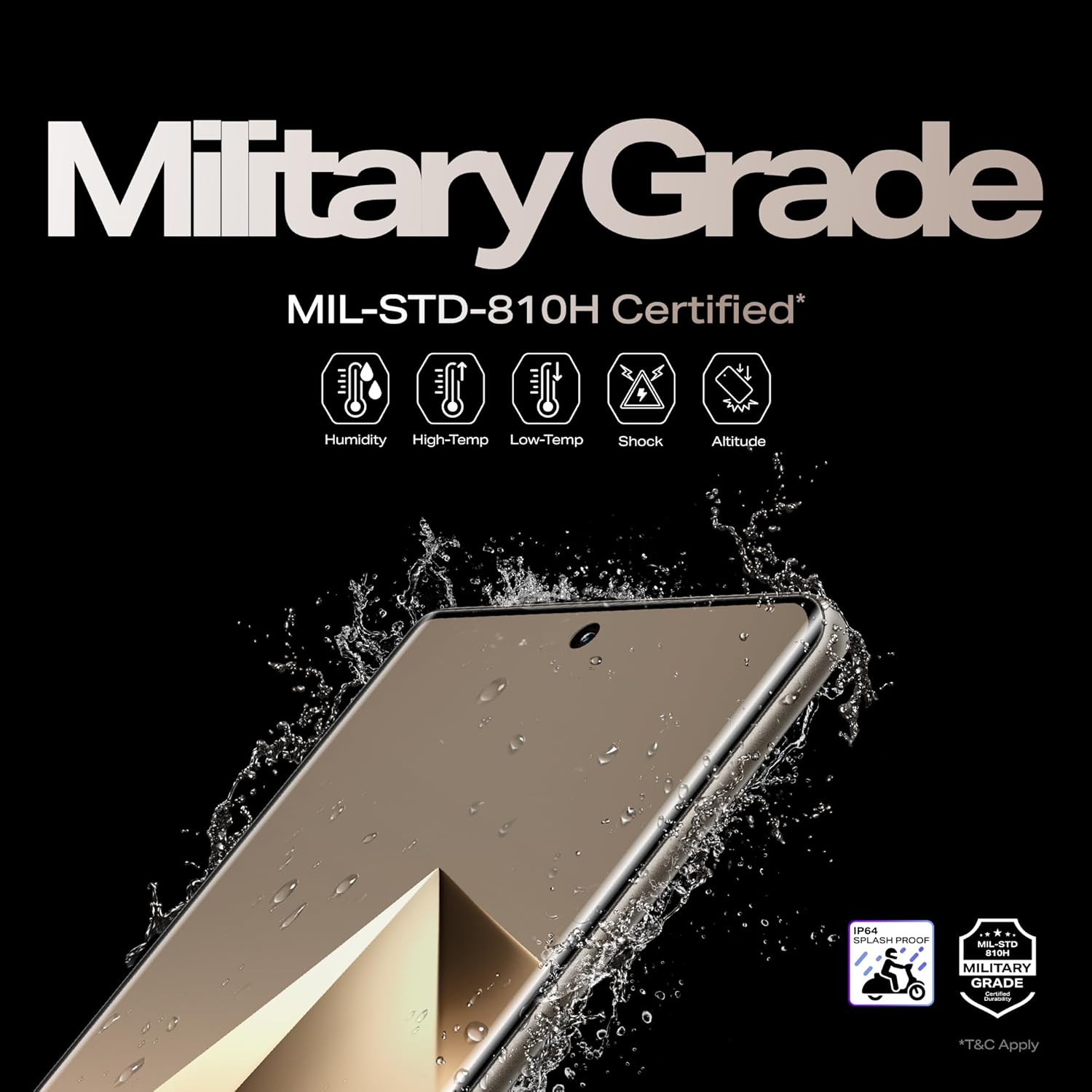
- MILITARY GRADE DURABILITY: The NOTE 50s 5G+ is MIL-STD-810H certified and IP64 rated, built to withstand drops, dust, water, and extreme conditions for worry-free durability anywhere.
- BEST GAMING EXPERIENCE: Powered by the MediaTek Dimensity 7300 Ultimate and 144Hz display, the NOTE 50s 5G+ delivers ultra-smooth 90FPS gaming with XArena optimizations and immersive DTS audio.


4. Setup Guide
4.1 Initial Setup
- Insert SIM Card: Use the provided SIM tray ejector tool to open the SIM card slot. Insert your Nano-SIM card(s) and/or microSD card (if supported) into the tray, ensuring correct orientation. Close the tray securely.
- Power On: Press and hold the Power button on the side of the device until the Infinix logo appears.
- Follow On-Screen Prompts: The device will guide you through the initial setup process, including language selection, Wi-Fi connection, Google account setup, and security settings.
4.2 Charging the Device
Before first use, it is recommended to fully charge your device. Use only the original power adapter and USB cable provided with your Infinix Note 50s 5G+.
- Connect the USB cable to the power adapter.
- Plug the power adapter into a wall outlet.
- Connect the USB-C end of the cable to the charging port on your phone.
- The charging indicator will appear on the screen.
The device supports 45W wired fast charging, allowing for rapid replenishment of the 5500mAh battery.

5. Operating Instructions
5.1 Display and Navigation
The Infinix Note 50s 5G+ features a 6.78-inch FHD+ 144Hz AMOLED display. Navigate the device using touch gestures: tap to select, swipe to scroll, pinch to zoom. The 144Hz refresh rate ensures smooth scrolling and fluid animations.

5.2 Camera Usage
Your device is equipped with a 64MP Sony dual rear camera and a 13MP selfie camera. Open the Camera app to capture photos and videos. Explore various modes like Portrait, Night, and Pro mode for enhanced photography. AI tools like AI Eraser can help refine your shots.

5.3 Audio Features
Experience rich audio with the dual speakers tuned by JBL, featuring DTS audio technology. Adjust volume using the volume buttons on the side of the device. For optimal audio experience, ensure speakers are not obstructed.
5.4 Performance and Gaming
The MediaTek Dimensity 7300 Ultimate Processor, combined with XArena optimizations, provides an ultra-smooth gaming experience at up to 90 FPS. For best performance, close unnecessary background applications before launching demanding games or apps.

6. Maintenance and Care
To ensure the longevity and optimal performance of your Infinix Note 50s 5G+, follow these care guidelines:
6.1 Cleaning
- Use a soft, lint-free cloth to clean the screen and body of the device.
- Avoid using harsh chemicals, abrasive cleaners, or aerosol sprays.
- Do not allow moisture to enter openings.
6.2 Durability Features
The Infinix Note 50s 5G+ is built with military-grade durability (MIL-STD-810H certified) and an IP64 rating for protection against dust and splashes. While robust, avoid intentional exposure to extreme conditions or submersion in water.
7. Troubleshooting
If you encounter issues with your device, refer to the table below for common problems and solutions.
| Problem | Possible Solution |
|---|---|
| Device does not power on | Ensure the battery is charged. Connect to the charger and wait a few minutes before attempting to power on again. If unresponsive, press and hold the Power button for 10-15 seconds to force a restart. |
| Screen is unresponsive | Restart the device. If the issue persists, perform a factory reset (data will be lost, back up first). |
| Poor battery life | Close background apps, reduce screen brightness, disable unnecessary features like Wi-Fi/Bluetooth when not in use. Check battery usage in settings to identify power-hungry apps. |
| Cannot connect to Wi-Fi | Ensure Wi-Fi is enabled on the device. Restart your router. Forget the network and reconnect. |
| Camera not working | Restart the device. Clear the cache and data of the Camera app in settings. Ensure no other app is using the camera. |
8. Specifications
Detailed technical specifications for the Infinix Note 50s 5G+:
| Feature | Detail |
|---|---|
| Operating System | Android 15 |
| Product Dimensions | 16.4 x 7.5 x 0.8 cm |
| Item Weight | 188 g |
| Item Model Number | X6870 |
| Display | 6.78" FHD+ 144Hz 3D Curved AMOLED |
| Processor | MediaTek Dimensity 7300 Ultimate |
| RAM Memory Installed Size | 6 GB (up to 16GB with extended RAM) |
| Memory Storage Capacity | 128 GB (up to 256GB variants available) |
| Rear Camera | 64MP Sony Dual Rear Camera |
| Front Camera | 13MP Selfie Camera |
| Battery Power Rating | 5500 mAh |
| Charging | 45W Wired FastCharge |
| Durability | MIL-STD-810H Certified, IP64 Rated |
| Audio | Dual Speakers by JBL with DTS Audio |
| Color | Marine Drift Blue |
| Country of Origin | India |
| Manufacturer | PADGET ELECTRONICS PRIVATE LIMITED |
9. Warranty and Support
Your Infinix Note 50s 5G+ comes with a standard manufacturer's warranty. Please refer to the warranty card included in your package for specific terms and conditions, including coverage period and limitations.
For technical support, service, or warranty claims, please contact Infinix customer service through their official website or the contact information provided in your product documentation. Keep your proof of purchase for warranty validation.


