
1. Introduction
This manual provides essential information for the safe and efficient operation of your Xiaomi TV A Pro 2026 43-inch LED Smart TV. Please read this manual thoroughly before using the product and retain it for future reference.
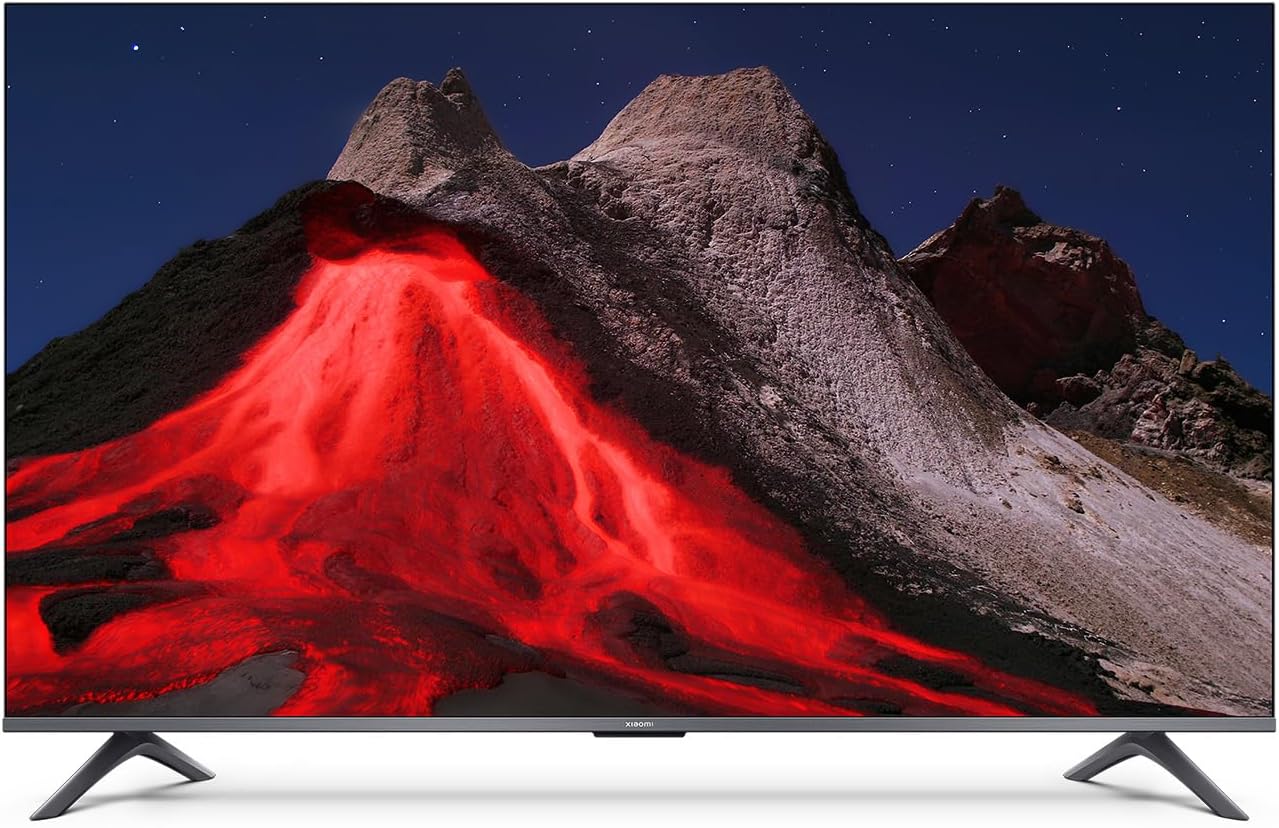
Image 1.1: Front view of the Xiaomi TV A Pro 2026 43-inch TV.
2. Safety Information
Always observe the following safety precautions to prevent electric shock, fire, or damage to the TV:
- Do not expose the TV to rain or moisture.
- Do not open the TV casing; refer all servicing to qualified personnel.
- Ensure proper ventilation around the TV.
- Keep the TV away from direct sunlight, heat sources, and open flames.
- Use only the power cord supplied with the TV.
- Unplug the TV during lightning storms or when unused for long periods.
3. Setup
3.1. Unpacking
Carefully remove the TV and all accessories from the packaging. The TV weighs approximately 31 kilograms. It is recommended that two people handle the TV during unpacking and installation.
3.2. Stand Installation (Table Mount)
To install the table stand:
- Place the TV face down on a soft, flat surface to prevent screen damage.
- Align the stand legs with the corresponding screw holes on the bottom of the TV.
- Secure the stand legs using the provided screws. Ensure they are tightened firmly.
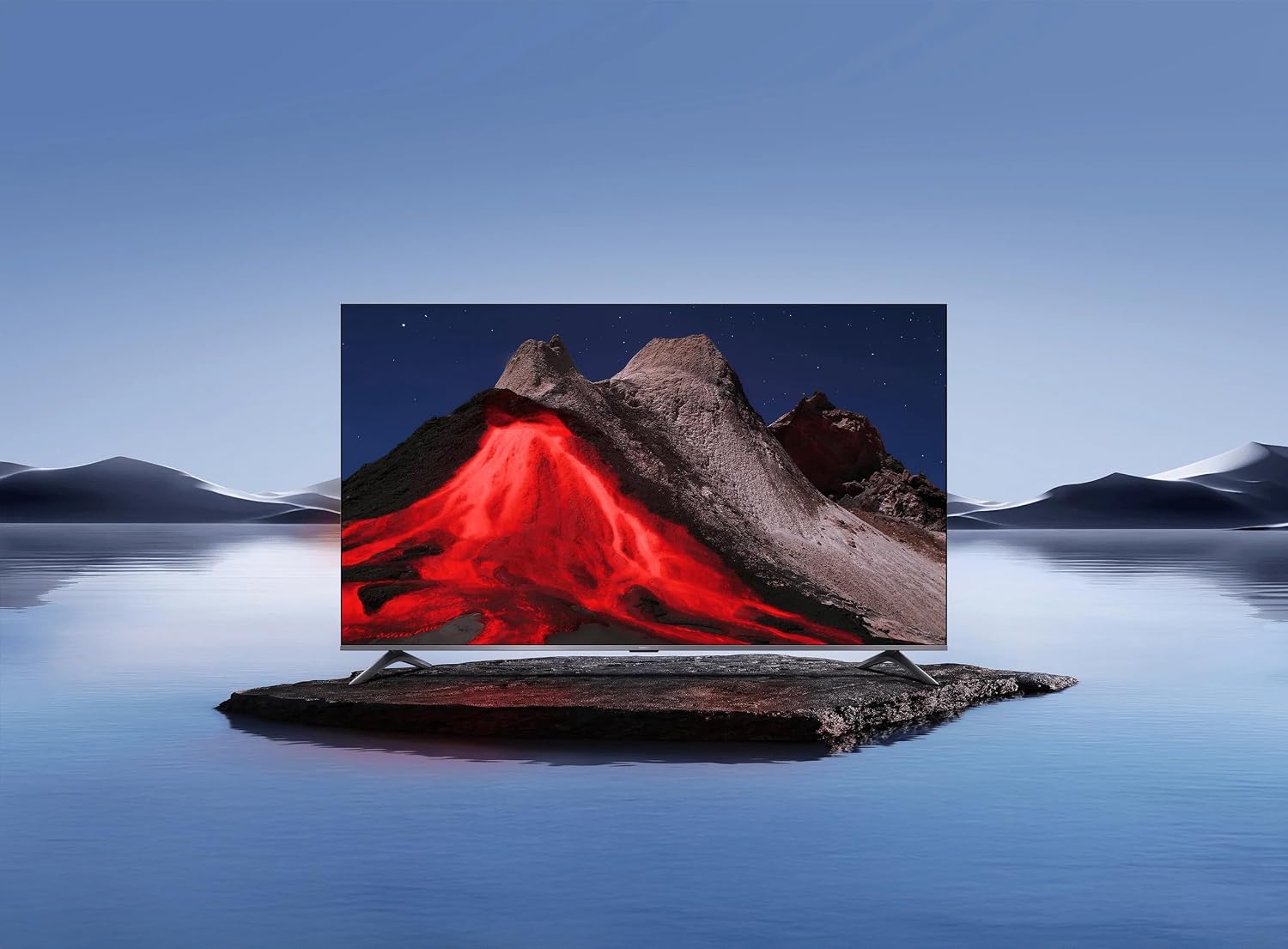
Image 3.1: Xiaomi TV A Pro 2026 43-inch mounted on its table stand.
3.3. Wall Mounting
If you choose to wall mount your TV, use a VESA-compliant wall mount kit (not included) that supports a 400 x 400 mm pattern. Follow the instructions provided with your wall mount kit. Ensure the wall can support the weight of the TV.

Image 3.2: Xiaomi TV A Pro 2026 43-inch wall-mounted.
3.4. Connecting Devices
Connect your external devices to the TV using the available ports:
- HDMI Ports: For connecting Blu-ray players, game consoles, set-top boxes, etc.
- USB Ports: For connecting USB storage devices (e.g., flash drives) to play media. There is 1 USB 3.0 port.
- Ethernet Port: For a wired internet connection.
- Infrared Port: For external IR blaster (if applicable).
- Power Cable: Connect the power cable to the TV and then to a power outlet.
3.5. Initial Power On
After connecting all cables, plug the TV into a power outlet. Press the power button on the remote control or on the TV itself. Follow the on-screen instructions to complete the initial setup, including language selection, network connection (Wi-Fi or Ethernet), and channel scanning.
4. Operating Your TV
4.1. Remote Control
The TV can be controlled using the provided remote control. It supports both traditional button input and voice control. Refer to the remote control guide for specific button functions.
4.2. Smart TV Features
Your Xiaomi TV A Pro 2026 runs on the Android operating system, providing access to a wide range of applications. Supported internet services include Netflix, Hulu, and Amazon Prime Video. Connect to the internet via Wi-Fi or Ethernet to access these features.
4.3. Voice Assistant Integration
Utilize the integrated voice assistant for hands-free control. Press the dedicated voice button on your remote and speak commands to search for content, control playback, or adjust settings.
4.4. Picture Settings
Access the picture settings menu to customize your viewing experience:
- Resolution: The TV supports 1080p resolution.
- Refresh Rate: Enjoy smooth motion with a 120Hz refresh rate.
- Aspect Ratio: The standard aspect ratio is 16:9.
- AI Upscaling: Enhances lower-resolution content to near 1080p quality.
- HDR/Quantum Dot Display: Provides enhanced contrast and color vibrancy.
4.5. Sound Settings
The TV features standard built-in speakers. Adjust volume, sound modes, and other audio settings through the sound menu.
5. Maintenance
5.1. Cleaning Your TV
- Screen: Gently wipe the screen with a soft, lint-free cloth. For stubborn marks, slightly dampen the cloth with water or a screen cleaner specifically designed for TVs.
- Body: Use a soft, dry cloth to wipe the TV casing. Do not use abrasive cleaners or solvents.
- Always unplug the TV before cleaning.
5.2. Software Updates
Periodically check for software updates to ensure optimal performance and access to the latest features. Navigate to the settings menu, then select 'About' or 'System Update' to check for and install available updates. Ensure a stable internet connection during updates.
6. Troubleshooting
If you encounter issues with your TV, refer to the following common solutions:
- No Power: Ensure the power cable is securely connected to both the TV and the power outlet. Try a different outlet.
- No Picture/Sound: Check the input source. Ensure external devices are powered on and connected correctly.
- Poor Picture Quality: Adjust picture settings. Check the signal source quality.
- Remote Control Not Working: Replace batteries. Ensure no obstructions between the remote and the TV's IR sensor.
- Network Connection Issues: Restart your router. Check Wi-Fi password. Try a wired Ethernet connection.
If problems persist, consult the Xiaomi support website or contact customer service.
7. Specifications
| Feature | Specification |
|---|---|
| Brand | XIAOMI |
| Model Name | A Pro 2026 |
| Screen Size | 43 Inches |
| Display Technology | LED |
| Resolution | 1080p |
| Refresh Rate | 120 Hz |
| Aspect Ratio | 16:9 |
| Special Features | AI Upscaling, Voice Assistant Integration, HDR or Quantum Dot Display |
| Connectivity Technology | HDMI, USB, Ethernet, Infrared, Wi-Fi |
| Supported Internet Services | Netflix, Hulu, Amazon Prime Video |
| Operating System | Android |
| Control Method | Remote, Voice |
| Item Weight | 31 Kilograms |
| VESA Mount Standard | 400 x 400 mm |
8. Warranty and Support
8.1. Warranty Information
Your Xiaomi TV A Pro 2026 is covered by a Limited Warranty. Please refer to the warranty card included with your product or visit the official Xiaomi website for detailed terms and conditions regarding warranty coverage and service.
8.2. Customer Support
For technical assistance, product inquiries, or warranty claims, please contact Xiaomi customer support through their official website or the contact information provided in your product documentation.


