
1. Introduction and Overview
This manual provides detailed instructions for the assembly, operation, and maintenance of your Yanosaku 55-inch Vanity Desk. This vanity desk is designed with a spacious desktop, 13 storage drawers, a lighted mirror with adjustable brightness and three color modes, and a built-in charging station.
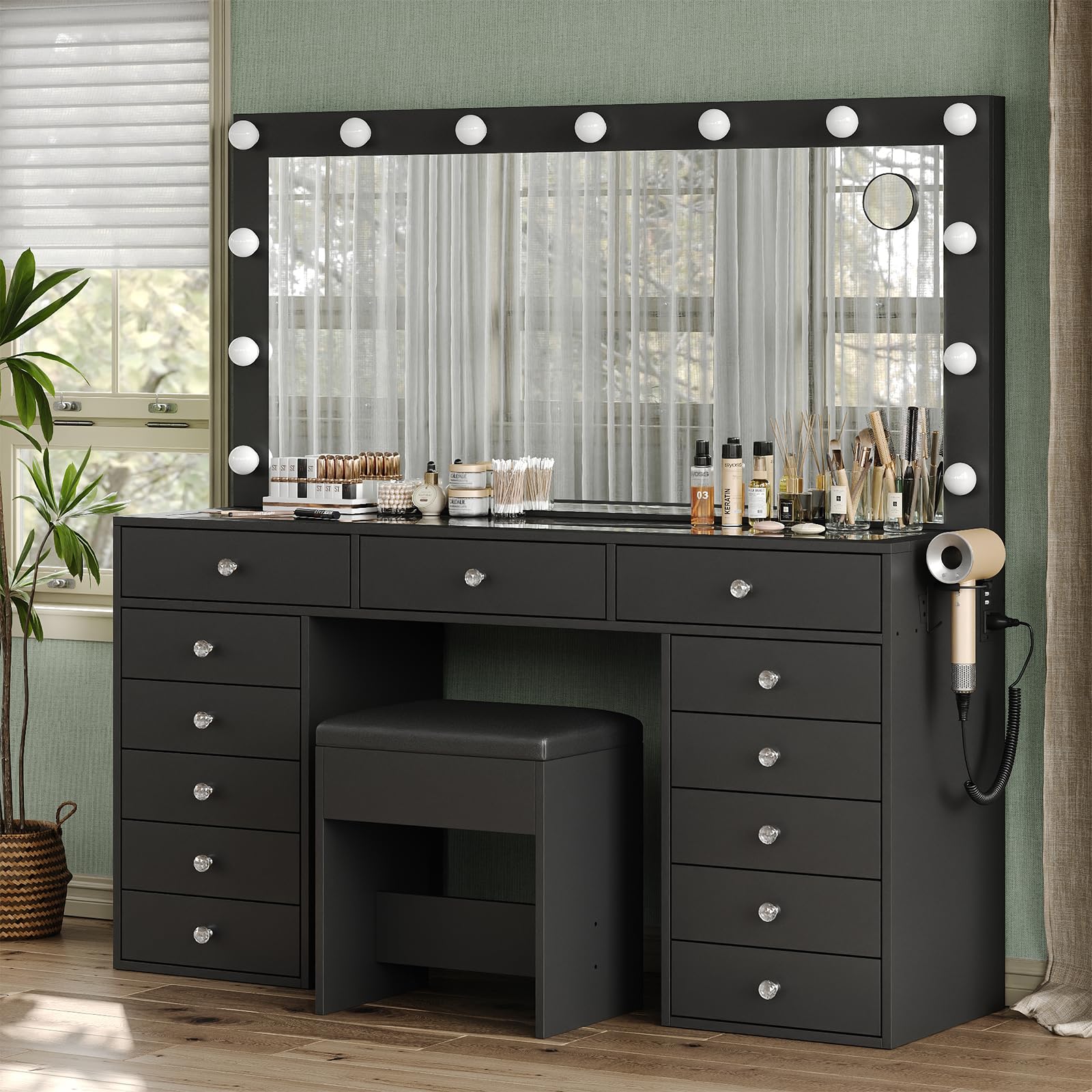
Figure 1: Overall view of the Yanosaku 55-inch Black Vanity Desk, showcasing its mirror, multiple drawers, and accompanying stool.
2. Package Contents
Your Yanosaku Vanity Desk set includes all necessary parts, a detailed instruction manual, and tools for assembly. Please note that the item typically ships in two separate boxes, which may not arrive simultaneously. Verify all components are present before beginning assembly.

Figure 2: The vanity desk packaging, indicating that the product is shipped in two separate boxes.
3. Assembly Instructions
Follow the step-by-step guide provided in the included instruction manual for effortless assembly. Assembly typically takes approximately 5 to 8 hours for one person. For certain steps, particularly when installing the mirror, a second person may be required for assistance to ensure safety and proper alignment.
Important: Before starting, carefully review all instructions and identify each component. Ensure all parts are accounted for and undamaged. If any parts are missing or broken, contact customer support immediately.
4. Operating Instructions
4.1 Mirror Lighting
The vanity mirror features 13 LED bulbs with three distinct lighting modes: warm, natural, and cool. To switch between these modes, briefly press the designated switch. To adjust the brightness within each mode, long-press the switch until the desired illumination level is achieved.

Figure 3: The vanity mirror displaying its three lighting modes (Cold, Natural, Warm) and the brightness adjustment control.
4.2 Charging Station
The vanity desk is equipped with a built-in power station for convenience. This includes two standard AC outlets (125V/12A) and two USB ports (5V/2A) for charging electronic devices. A dedicated hairdryer rack is also integrated for easy storage and access.

Figure 4: A close-up of the integrated power strip, showing the AC outlets, USB ports, and hairdryer holder.
4.3 Storage Features
The vanity desk offers extensive storage with 13 drawers. The enlarged desktop and embedded tempered glass tabletop allow for visible organization of cosmetics, skincare, and jewelry, making items easily accessible.

Figure 5: The vanity desk with multiple drawers open, illustrating the generous storage capacity for various beauty products and accessories.

Figure 6: Icons representing the types of items that can be stored, such as cosmetics, skincare, jewelry, hairdryers, clothing, and perfume.

Figure 7: Overhead view of the embedded tempered glass tabletop, allowing for easy visibility and organization of items in the top drawers.
4.4 Vanity Stool
The included makeup stool features a thick, comfortable seat made with flame-retardant sponge and fabric. Its ergonomic design and height are optimized for makeup application, and it can be conveniently tucked under the table to save space when not in use.
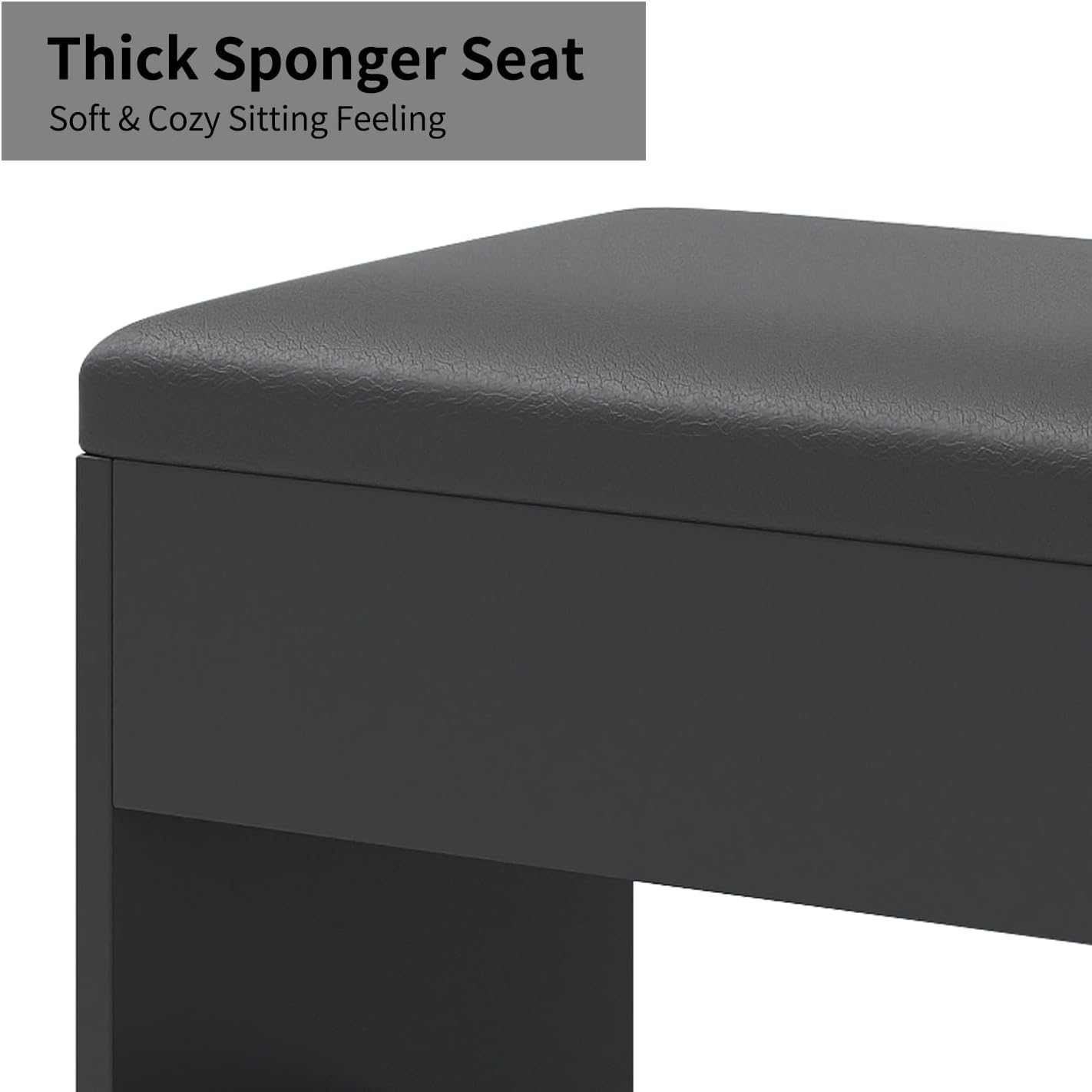
Figure 8: A close-up view of the vanity stool's soft and comfortable seating surface.
5. Maintenance
The vanity desk is designed for easy cleaning. For general maintenance, wipe surfaces with a soft, damp cloth. Avoid abrasive cleaners or harsh chemicals that could damage the finish or glass tabletop. Ensure the power station is unplugged before cleaning near electrical components.
6. Troubleshooting
- Missing or Damaged Parts: If you discover any missing or broken pieces upon delivery or during assembly, contact customer support immediately for assistance.
- Mirror Lights Not Working: Ensure the power cord is securely plugged into a functional outlet. Check the connection between the mirror and the vanity desk. If issues persist, contact customer support.
- Charging Station Not Functioning: Verify the vanity desk is properly connected to a power source. Test the outlets and USB ports with different devices to isolate the issue.
7. Specifications
| Feature | Detail |
|---|---|
| Model Number | VD016-BK |
| Color | Black |
| Size | 55 inches |
| Material | Engineered Wood |
| Product Dimensions (D x W x H) | 15.7"D x 55"W x 55.06"H |
| Item Weight | 168.7 pounds |
| Number of Drawers | 13 |
| Mirror Lighting Modes | 3 (Warm, Natural, Cool) with adjustable brightness |
| Charging Station | 2 AC Outlets (125V/12A), 2 USB Ports (5V/2A), Hairdryer Rack |
| Included Components | Vanity Desk, Stool, Instructions, Assembly Accessories |

Figure 9: Dimensional diagram of the Yanosaku 55-inch Vanity Desk and its accompanying stool.
8. Official Product Video
This video provides a visual overview of the Yanosaku Vanity Desk, highlighting its key features such as the mirror with LED lights and the integrated charging station.
Video 1: Overview of the Yanosaku Vanity Desk with Mirror, LED Lights, and Charging Station.
9. Support
For any questions, concerns, or assistance with your Yanosaku Vanity Desk, our dedicated customer support team is available to help. Please refer to the contact information provided in your product packaging or on the official Yanosaku website.


