
1. Introduction
Welcome to the pTron Tangent Rush user manual. This guide provides detailed instructions on how to set up, operate, and maintain your new wireless in-ear earphones. Please read this manual carefully before use to ensure optimal performance and longevity of your device.
What's in the Box
- pTron Tangent Rush Wireless Neckband Earphones
- USB Type-C Charging Cable
- Silicone Eartips (S/M/L sizes)
- User Manual
2. Key Features
- Extended Playtime: Up to 50 hours of non-stop playback on a single charge.
- Pristine Sound: Equipped with 13mm dynamic drivers for deep bass, crisp treble, and clear vocals.
- Advanced Connectivity: Bluetooth v5.4 for fast pairing and stable wireless connection up to 10 meters.
- Dual-Device Pairing: Connect to two devices simultaneously.
- Clear Calls: Built-in HD microphone ensures high-fidelity call quality.
- Convenient Controls: In-line multi-function buttons for easy music and call management.
- Voice Assistant Support: Activate your device's voice assistant instantly.
- Durable Design: IPX5 water and sweat resistance, lightweight, and magnetic earbuds for secure storage.
- Fast Charging: Type-C port for quick and efficient charging.
Product Overview Video
This video provides a quick overview of the pTron Tangent Rush earphones, highlighting key features such as playtime, sound quality, connectivity, and design. It demonstrates the product's appearance and basic functionalities.
3. Setup and Pairing
3.1 Charging the Earphones
Before first use, fully charge your pTron Tangent Rush earphones.
- Connect the provided USB Type-C charging cable to the charging port on the neckband.
- Connect the other end of the cable to a USB power adapter (5V/1A recommended) or a computer's USB port.
- The LED indicator will show charging status. A full charge takes approximately 1.5 hours.
- Once fully charged, the LED indicator will change or turn off, depending on the model. Disconnect the charging cable.
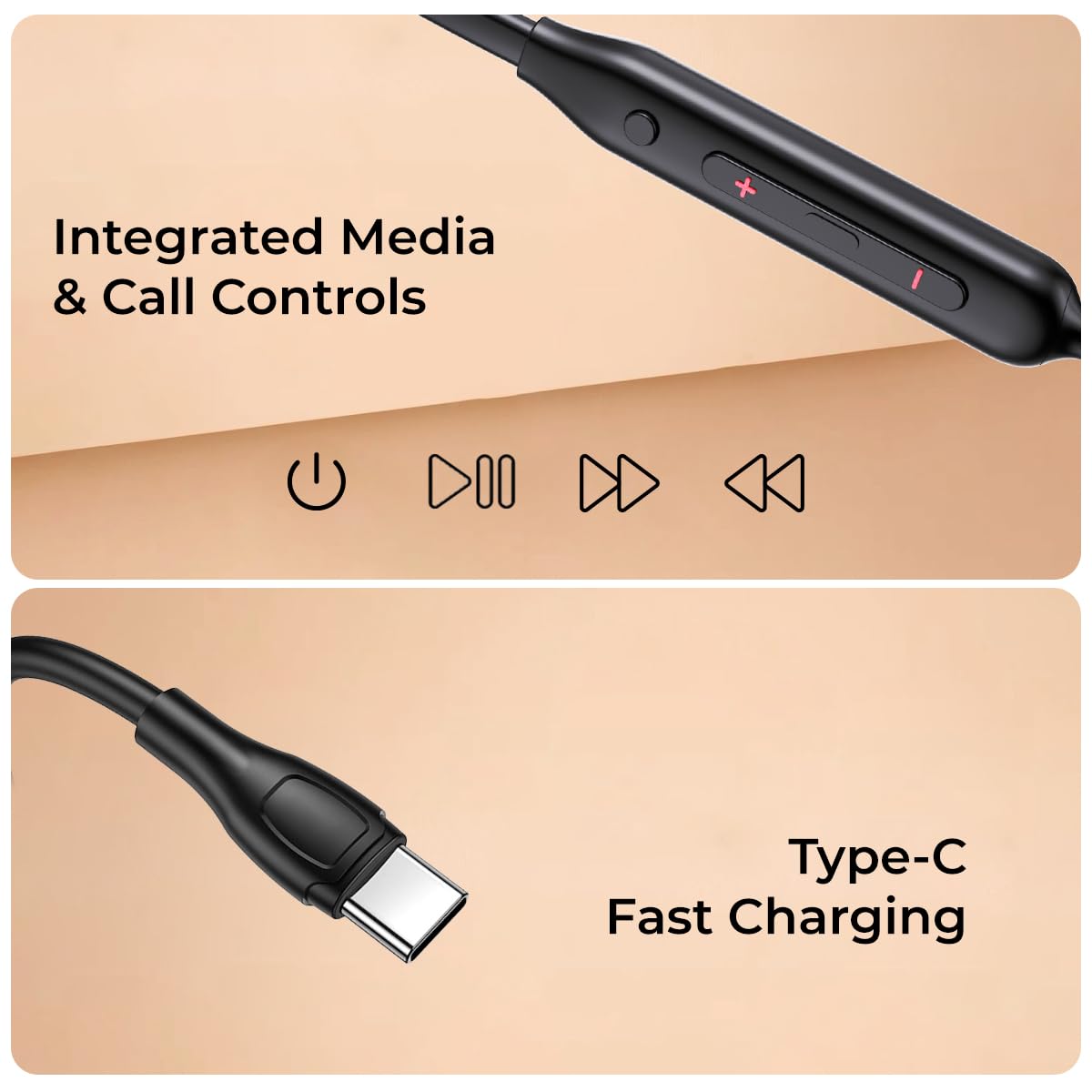
Image: The Type-C charging port on the pTron Tangent Rush neckband, illustrating where to connect the charging cable.
3.2 Bluetooth Pairing
Follow these steps to pair your earphones with your device:
- Ensure the earphones are charged and turned off.
- Press and hold the Multi-function button (usually the power button) on the neckband until the LED indicator flashes red and blue alternately, indicating pairing mode.
- On your smartphone, tablet, or laptop, enable Bluetooth.
- Search for available Bluetooth devices and select "pTron Tangent Rush" from the list.
- Once connected, the LED indicator will flash blue slowly or turn off, and you will hear a confirmation tone.
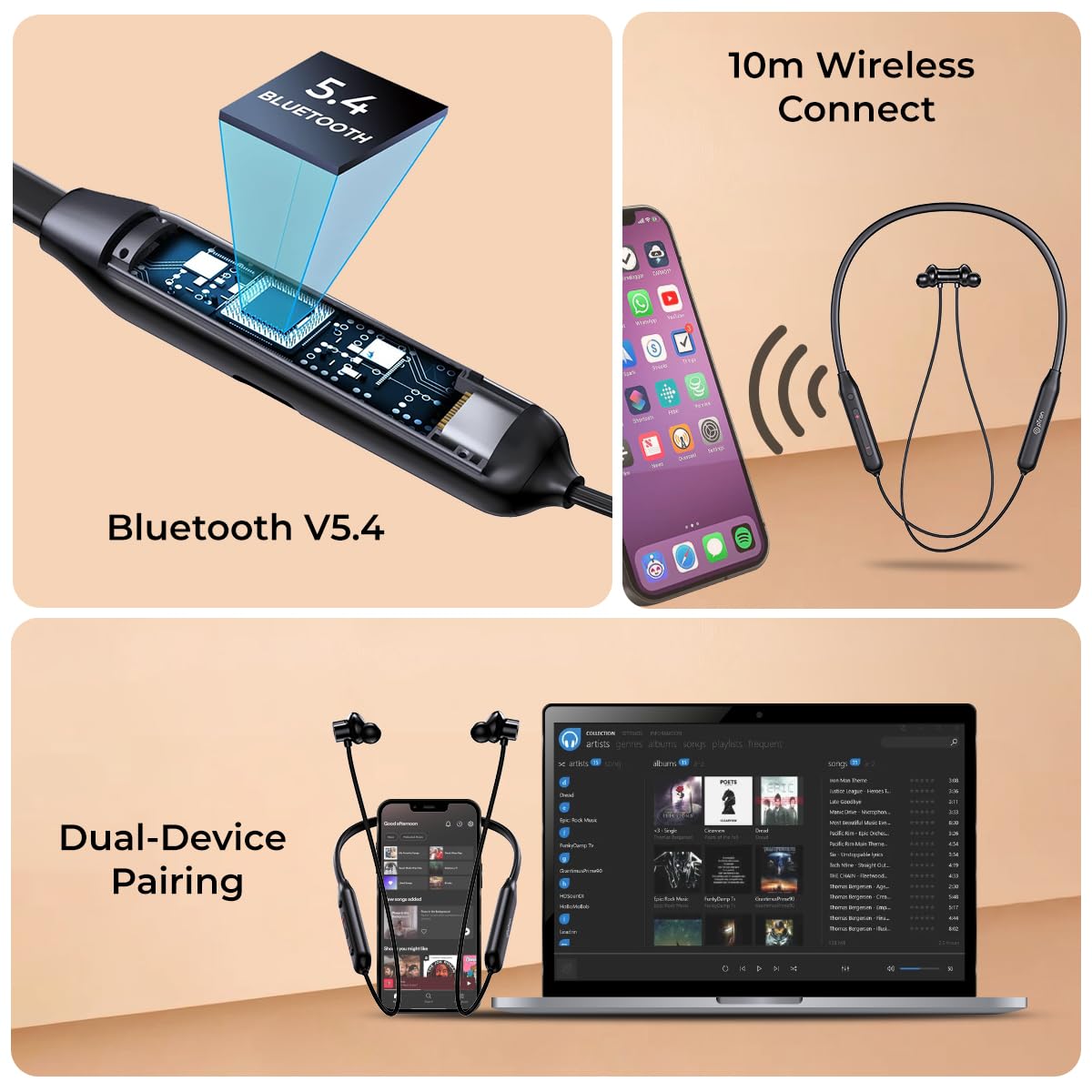
Image: Visual representation of Bluetooth V5.4 technology, 10-meter wireless range, and the ability to pair the earphones with two devices simultaneously (e.g., a phone and a laptop).
3.3 Dual-Device Pairing
The pTron Tangent Rush supports connecting to two devices simultaneously:
- Pair the earphones with the first device as described above.
- Disable Bluetooth on the first device. The earphones will re-enter pairing mode.
- Pair the earphones with the second device.
- Enable Bluetooth on the first device. The earphones should automatically connect to both devices.
4. Operating Instructions
4.1 Power On/Off
- Power On: Press and hold the Multi-function button for 3 seconds.
- Power Off: Press and hold the Multi-function button for 5 seconds.
4.2 Music Controls
- Play/Pause: Short press the Multi-function button.
- Next Track: Long press the '+' (Volume Up) button.
- Previous Track: Long press the '-' (Volume Down) button.
- Volume Up: Short press the '+' button.
- Volume Down: Short press the '-' button.
4.3 Call Controls
- Answer/End Call: Short press the Multi-function button.
- Reject Call: Long press the Multi-function button.
- Redial Last Number: Double-press the Multi-function button.
4.4 Voice Assistant
- Activate Voice Assistant: Triple-press the Multi-function button to activate your device's voice assistant (e.g., Google Assistant, Siri).
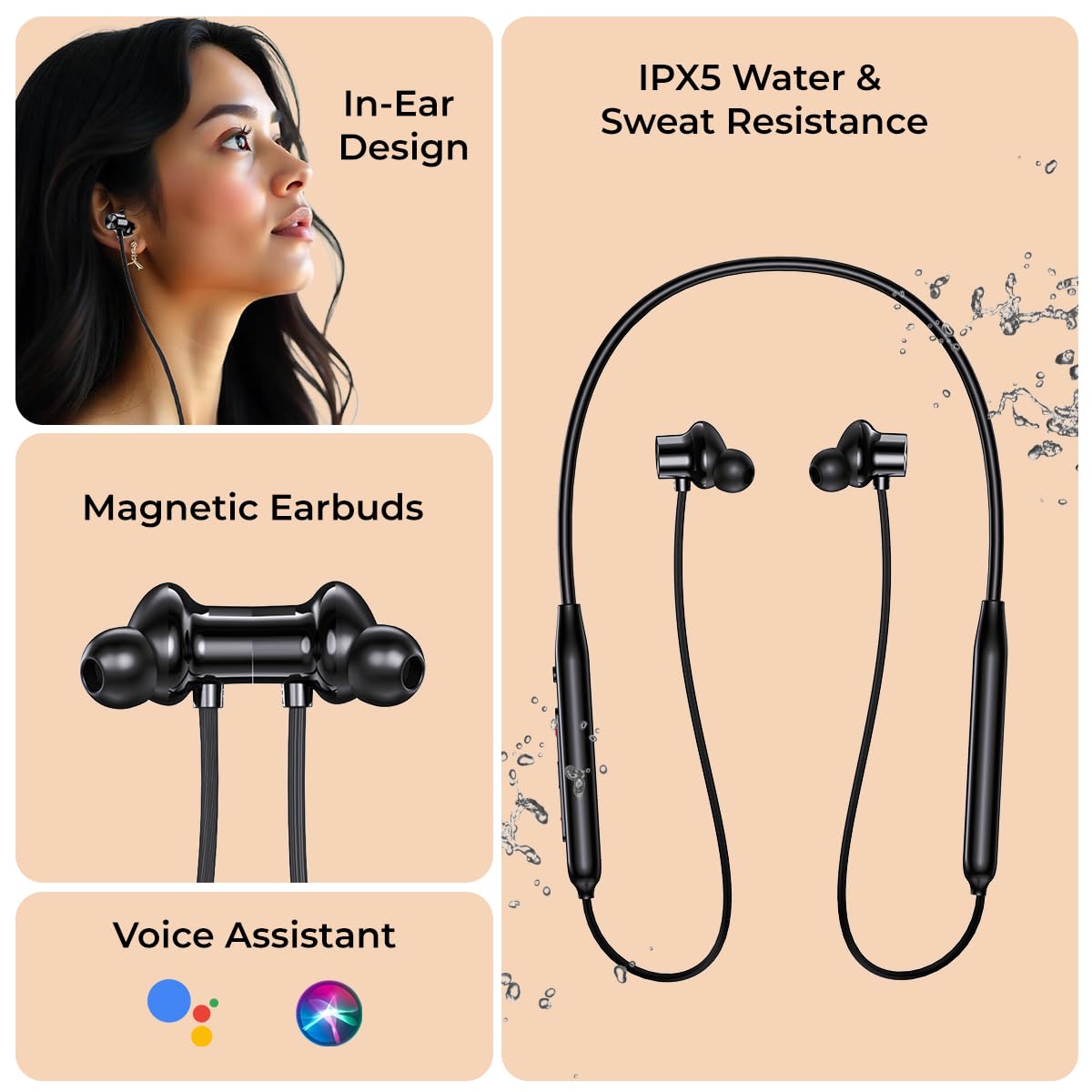
Image: The pTron Tangent Rush earphones highlighting the in-ear design, magnetic earbuds, and icons representing voice assistant compatibility (Google Assistant, Siri).
5. Maintenance and Care
5.1 Water Resistance
The pTron Tangent Rush earphones are IPX5 water and sweat resistant. This means they can withstand splashes of water and sweat, making them suitable for workouts and outdoor activities. However, they are not designed for submersion in water. Avoid exposing them to heavy rain or swimming.
Image: The pTron Tangent Rush earphones with water splash effects, indicating IPX5 water and sweat resistance.
5.2 Cleaning and Storage
- Clean the earphones regularly with a soft, dry cloth.
- Remove and clean the silicone eartips with mild soap and water, then dry thoroughly before reattaching.
- Store the earphones in a cool, dry place away from extreme temperatures and direct sunlight.
- The magnetic earbuds help prevent tangling and keep the earphones secure when not in use.
6. Troubleshooting
If you encounter issues with your pTron Tangent Rush earphones, try the following solutions:
- No Power: Ensure the earphones are fully charged.
- Cannot Pair: Make sure Bluetooth is enabled on your device and the earphones are in pairing mode (flashing red and blue). Try restarting both devices.
- No Sound: Check the volume levels on both your earphones and your connected device. Ensure the earphones are properly connected.
- Intermittent Connection / "Long Distance" Error: Ensure your device is within the 10-meter Bluetooth range. Avoid obstacles between the earphones and your device that might interfere with the signal.
- Poor Call Quality: Ensure the microphone is not obstructed. Check your device's network signal.
- One Earbud Not Working: Try resetting the earphones (refer to the full user manual for specific reset instructions if available). Ensure the earbud is clean and free from debris.
7. Specifications
| Feature | Detail |
|---|---|
| Model Name | Tangent |
| Connectivity Technology | Wireless (Bluetooth) |
| Wireless Communication Technology | Bluetooth 5.4 |
| Bluetooth Range | 10 Metres |
| Audio Driver Size | 13 Millimetres |
| Battery Life | 50 Hours |
| Charging Time | 1.5 Hours |
| Charging Port | Type-C |
| Water Resistance Level | IPX5 Water Resistant |
| Noise Control | Sound Isolation |
| Microphone | Built-in HD Microphone |
| Control Type | Push Button (Call Control, Music Control, Voice Assistant) |
| Material | Acrylonitrile Butadiene Styrene (ABS) |
| Item Weight | 28 Grams |
| Product Dimensions | 93 x 2 x 1.9 cm |
8. Warranty and Support
8.1 Manufacturer Warranty
The pTron Tangent Rush earphones come with a 6 Months Manufacturer Warranty from the date of purchase, covering manufacturing defects only. Please retain your proof of purchase for warranty claims.
8.2 Customer Support
For any queries, technical assistance, or warranty claims, please contact pTron customer care:
- Email: support@ptron.in
- Phone: 040-67138888
- Manufacturer: Palred Electronics Pvt. Ltd., SY.NO. 56, 1ST FLOOR, GUNDLAPOCHAMPALLY VILLAGE, TECH PARK MTP, TSIIC-IALA NACHARAM, HYDERABAD - 500076, TELANGANA, INDIA


