
Introduction
Welcome to the user manual for your new ANFIER W09 Language Translator Device. This manual provides comprehensive instructions on how to set up, operate, and maintain your device, ensuring you get the most out of its advanced translation capabilities. Please read this manual thoroughly before using the device.
Product Overview
The ANFIER W09 is a portable language translator designed to facilitate communication across language barriers. It features a user-friendly interface, supporting various translation modes including voice and photo translation, as well as offline capabilities for convenience on the go.

This image displays the ANFIER W09 Language Translator Device, showcasing its sleek design and user interface with icons for Voice Translation, Photo Translation, Offline Translation, and Settings.
What's in the Box
- A Translator Device
Setup
- Charging the Device: Before first use, fully charge the device using the provided charging cable. Connect the cable to the device's charging port and a compatible USB power adapter. The battery indicator on the screen will show charging progress.
- Powering On/Off: To power on, press and hold the power button located on the side of the device until the screen illuminates. To power off, press and hold the power button until a power-off option appears on the screen, then confirm.
- Initial Language Selection: Upon first startup, you will be prompted to select your preferred system language. Follow the on-screen instructions to choose your language.
- Connecting to Wi-Fi: For online translation features, navigate to the 'Settings' menu and select 'Wi-Fi'. Choose your desired network and enter the password to connect. A stable internet connection is recommended for optimal performance.

The image shows a hand holding the ANFIER W09 translator, with the screen displaying options for selecting the source and target languages for translation.
Operating Instructions
- Voice Translation:
- From the main screen, tap 'Voice Translation'.
- Select the source language (your language) and target language (the language you want to translate to).
- Press and hold the designated voice button (usually a large button on the front or side) and speak clearly into the device's microphone.
- Release the button, and the device will display and speak the translation.
- Photo Translation:
- Tap 'Photo Translation' from the main menu.
- Position the device's camera over the text you wish to translate, ensuring good lighting and clarity.
- Tap the capture button on the screen. The device will process the image and display the translated text.
- Offline Translation:
- Access 'Offline Translation' from the main screen.
- Ensure you have downloaded the necessary language packs for offline use in the 'Settings' menu.
- Proceed with voice translation as described above. Note that offline translation may have a more limited vocabulary compared to online translation.
- Settings:
- The 'Settings' menu allows you to adjust Wi-Fi, brightness, volume, system language, download offline language packs, and view device information.
This image illustrates the ANFIER W09 translator's screen during a dialogue translation, showing both the input and translated phrases.
Maintenance
- Cleaning: Use a soft, dry cloth to clean the device's screen and body. Avoid using abrasive cleaners or solvents.
- Battery Care: To prolong battery life, avoid fully discharging the device frequently. Charge it regularly and store it in a cool, dry place if not used for extended periods.
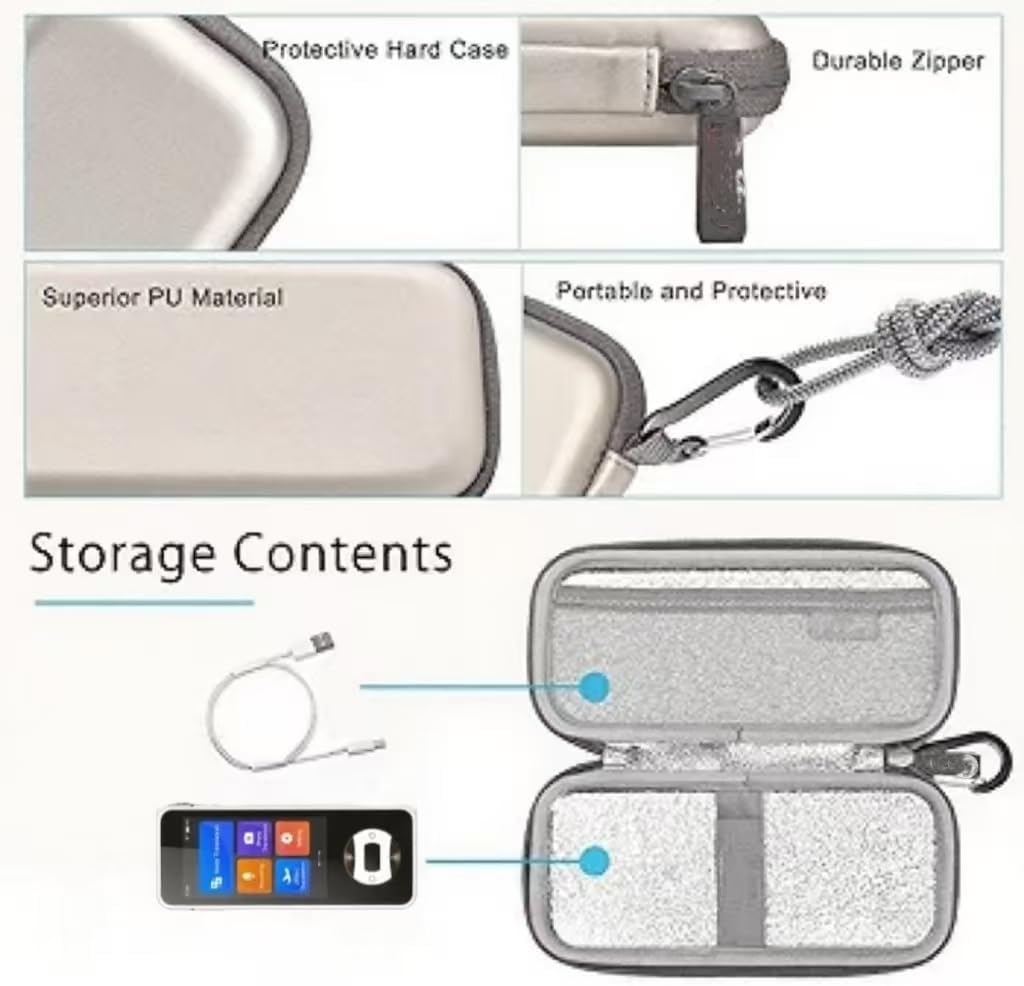
- Storage: Store the device in a protective case to prevent scratches and damage when not in use. Keep it away from extreme temperatures and direct sunlight.
Troubleshooting
| Problem | Possible Cause | Solution |
|---|---|---|
| Device does not turn on. | Low battery; device frozen. | Charge the device for at least 30 minutes. If still unresponsive, perform a hard reset (refer to specific device instructions if available, otherwise hold power button for 10-15 seconds). |
| Translation is inaccurate or slow. | Poor internet connection; unclear speech; outdated language packs. | Ensure a stable Wi-Fi connection. Speak clearly and at a moderate pace. Update offline language packs in settings. |
| Cannot connect to Wi-Fi. | Incorrect password; out of range; network issue. | Verify Wi-Fi password. Move closer to the Wi-Fi router. Restart the device and the router. |
Specifications
| Feature | Detail |
|---|---|
| Model Number | ANFIER-W09 |
| Package Dimensions | 6.3 x 3.5 x 1.7 inches |
| Item Weight | 9.6 ounces |
| Batteries | 1 Lithium Ion battery (included) |
| Manufacturer | ANFIER |
| Date First Available | July 2, 2025 |
Warranty and Support
For warranty information and technical support, please refer to the official ANFIER website or contact their customer service directly. Keep your purchase receipt as proof of purchase for any warranty claims.
For further assistance, visit the ANFIER Store on Amazon.