1. Introduction
This manual provides essential instructions for the safe and efficient operation, maintenance, and troubleshooting of your Cecotec Conga M70 Robot Vacuum and Mop. Please read this manual thoroughly before using the device and retain it for future reference.

Image 1.1: The Cecotec Conga M70 Robot Vacuum and Mop, a versatile cleaning device.
2. Safety Instructions
Always follow basic safety precautions when using electrical appliances to reduce the risk of fire, electric shock, and personal injury.
- Read all instructions before use.
- Do not operate the robot in wet environments or near water.
- Keep hair, loose clothing, fingers, and all parts of the body away from openings and moving parts.
- Do not use the robot to pick up large objects, sharp objects, or burning/smoking materials.
- Ensure the charging base is placed against a wall on a level surface.
- Supervise children and ensure they do not play with the appliance.
- Only use the original power adapter and charging base provided by Cecotec.
3. Package Contents
Verify that all components are present in the package:
- Cecotec Conga M70 Robot Vacuum and Mop
- Mop Cloth
- Charging Base
- Power Adapter
- Side Brushes (pre-installed or spare)
- High-Efficiency Filter (HEPA type)
- Cleaning Tool
- User Manual
4. Product Overview
Familiarize yourself with the main components of your Conga M70 robot.
Top View
The top panel features control buttons and the laser navigation sensor. The laser sensor allows the robot to create an interactive map of your home for precise and customized cleaning.

Image 4.1: The Conga M70 utilizing its laser navigation system to map and clean with precision.
Bottom View
The underside includes the main brush, side brushes, driving wheels, and the water/dust tanks. The anti-tangle silicone brush is designed for effective cleaning, especially in homes with pets.

Image 4.2: Underside components of the Conga M70, including the main brush and side brushes.
5. Setup
5.1 Charging Base Placement
Place the charging base against a wall in an open area, ensuring there are no obstacles within 1 meter to the sides and 2 meters in front. Connect the power adapter to the charging base and plug it into a power outlet.
5.2 Initial Charging
Place the robot on the charging base. Ensure the charging contacts on the robot align with those on the base. The robot will automatically begin charging. For first-time use, charge the robot completely (approximately 4-5 hours) before operation.

Image 5.1: The robot automatically returning to its charging base to ensure continuous operation.
5.3 App Connection (Cecotec App 3.0)
- Download the 'Cecotec' app from your smartphone's app store.
- Register an account and log in.
- Follow the in-app instructions to add your Conga M70 robot. The robot supports both 2.4 GHz and 5 GHz Wi-Fi networks, and Bluetooth for quick pairing.
- Once connected, you can define, plan, and schedule cleaning tasks.
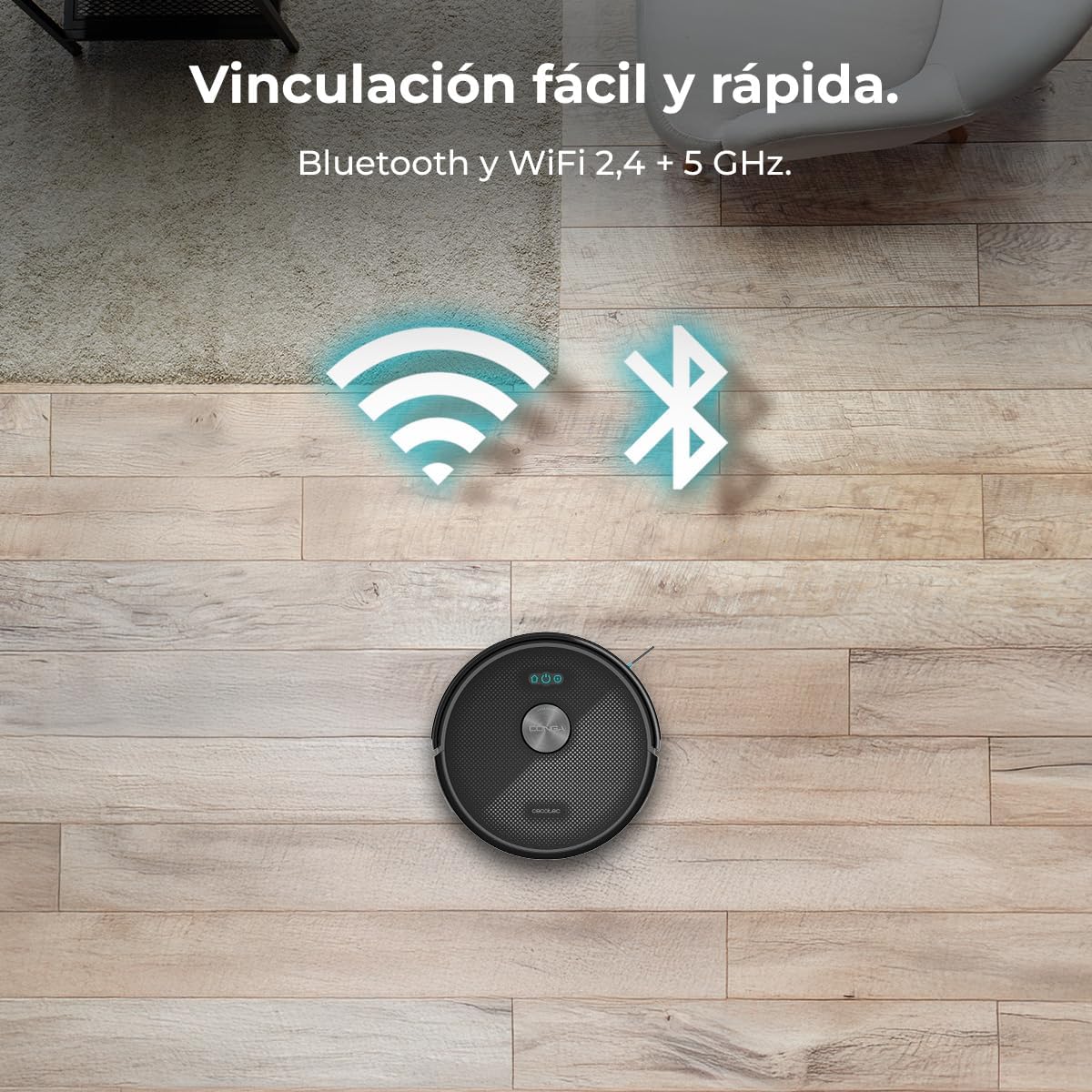
Image 5.2: The Conga M70 offers easy and fast pairing via Bluetooth and supports both 2.4 GHz and 5 GHz Wi-Fi networks.
6. Operating Instructions
6.1 Cleaning Modes
The Conga M70 offers multiple cleaning modes, including vacuuming, sweeping, mopping, and scrubbing, which can be combined for comprehensive cleaning.

Image 6.1: The Conga M70 performing a complete cleaning pass, combining vacuuming, sweeping, mopping, and scrubbing.
6.2 Suction Power
Equipped with an Ungravity motor, the robot delivers 20000 Pa of suction power, effectively removing dirt from various surfaces, including high-pile carpets.

Image 6.2: Visual representation of the Conga M70's 20000 Pa suction power, capable of lifting heavy debris.
6.3 Mopping Function
The robot features a mopping function with three adjustable water flow levels, allowing for customized cleaning based on floor type and dirt level.

Image 6.3: The Conga M70's mopping system, illustrating three customizable water flow levels for different floor types.
6.4 App Control and Scheduling
Use the Cecotec App 3.0 to control the robot remotely, define cleaning zones, set no-go areas, and schedule cleaning times. The app provides an interactive map of your home for precise control.

Image 6.4: Controlling the Conga M70 via the Cecotec App 3.0, allowing users to define, plan, and schedule cleaning by zones.
6.5 Coverage and Battery
The 4500 mAh battery allows the robot to clean areas up to 180 m² without interruption. The Total Surface 3.0 technology ensures the robot completes its cleaning plan by returning to the charging base when needed and resuming cleaning.
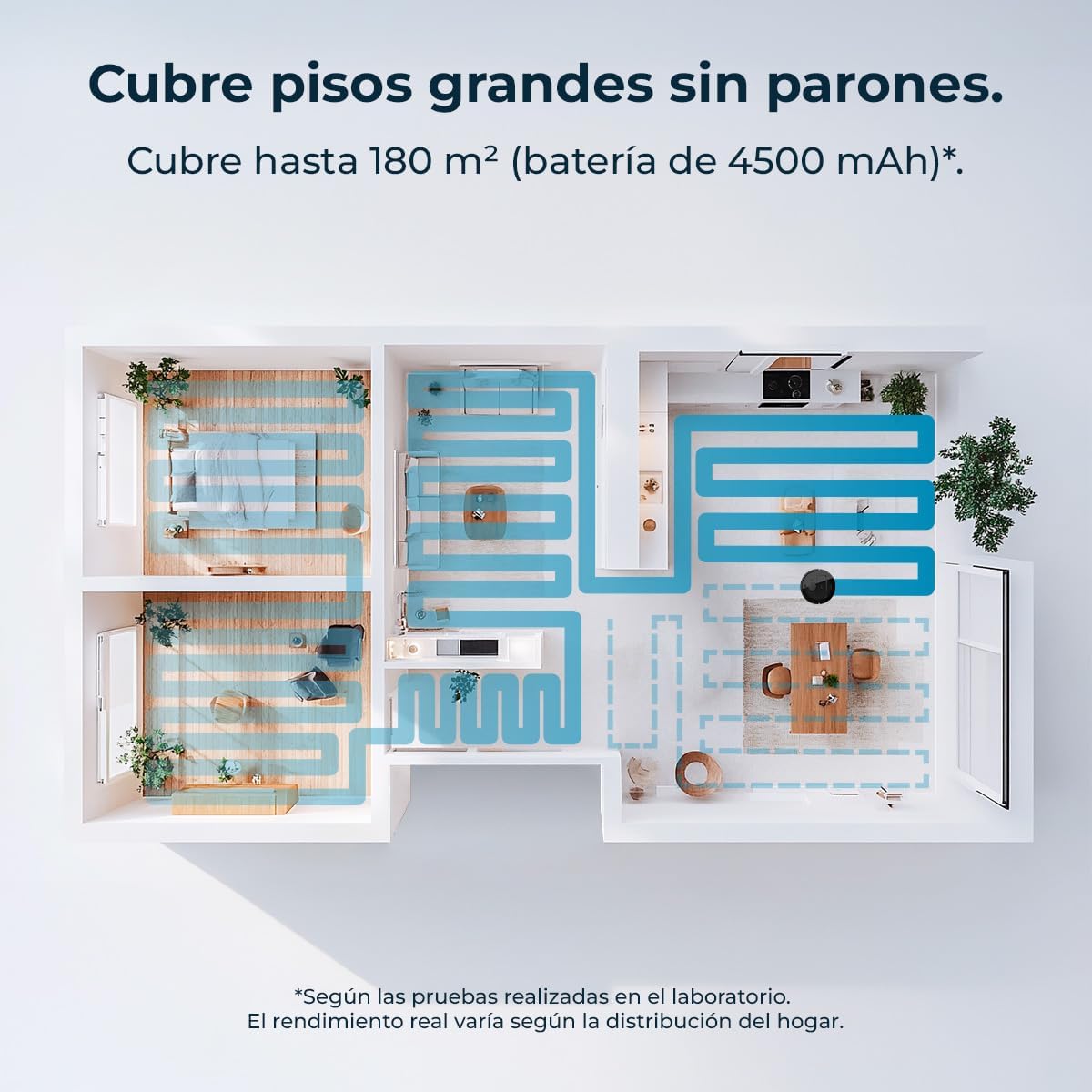
Image 6.5: An illustration of the Conga M70's cleaning coverage, capable of cleaning large areas up to 180 m².
7. Maintenance
Regular maintenance ensures optimal performance and extends the lifespan of your robot.
7.1 Dust and Water Tanks
The robot features dual tanks: a 400 ml dust tank and a 420 ml water tank. Empty the dust tank after each use and refill the water tank as needed for mopping. Clean both tanks regularly to prevent blockages and odors.

Image 7.1: The Conga M70's dual tanks for continuous cleaning without frequent emptying or refilling.
7.2 Main Brush and Side Brushes
Remove and clean the main anti-tangle silicone brush regularly, especially if you have pets. Use the provided cleaning tool to remove hair and debris. Inspect side brushes for wear and replace them if damaged.

Image 7.2: The anti-tangle silicone brush of the Conga M70, designed for effective cleaning in homes with pets.
7.3 Filters
Tap the HEPA filter to remove dust and debris. Do not wash the HEPA filter with water. Replace the filter every 3-6 months, depending on usage.
7.4 Sensors and Charging Contacts
Wipe all sensors and charging contacts on the robot and charging base with a dry cloth to ensure proper function and charging.
8. Troubleshooting
If you encounter issues with your Conga M70, refer to the following common problems and solutions:
| Problem | Possible Cause | Solution |
|---|---|---|
| Robot does not turn on | Low battery; Power button not pressed | Charge the robot; Press and hold the power button. |
| Robot does not charge | Charging contacts dirty; Charging base not powered | Clean charging contacts; Ensure charging base is plugged in. |
| Poor cleaning performance | Dust tank full; Brushes tangled; Filter clogged | Empty dust tank; Clean brushes; Clean/replace filter. |
| Robot gets stuck frequently | Obstacles on floor; Sensors dirty | Clear floor of cables/small objects; Clean sensors. |
| App connectivity issues | Incorrect Wi-Fi password; Router issues; Robot too far from router | Verify Wi-Fi credentials; Restart router; Move robot closer to router. |
9. Specifications
| Feature | Specification |
|---|---|
| Brand | Cecotec |
| Model Name | Conga M70 |
| Model Number | A01_EU01_114518 |
| Navigation Type | Laser Navigation |
| Suction Power | 20000 Pa |
| Battery Capacity | 4500 mAh |
| Coverage Area | Up to 180 m² |
| Dust Tank Capacity | 400 ml |
| Water Tank Capacity | 420 ml |
| Special Features | Automatic Mopping, Anti-tangle Silicone Brush, App Control |
| Connectivity | Bluetooth, Wi-Fi (2.4 + 5 GHz) |
| Voltage | 220 Volts |
| Filter Type | HEPA |
| Product Dimensions | 32l x 32w x 10h cm |
| Product Weight | 2.11 kg |
10. Warranty and Support
Your Cecotec Conga M70 Robot Vacuum and Mop comes with a standard manufacturer's warranty. For detailed warranty information, please refer to the warranty card included in your package or visit the official Cecotec website.
For technical support, spare parts, or service inquiries, please contact Cecotec customer service through their official channels. Keep your purchase receipt and product model number (Conga M70, A01_EU01_114518) handy when contacting support.


