
Introduction
Thank you for choosing the PROTEAR E6850 Bluetooth 5.4 Noise Canceling Safety Earmuffs. This manual provides essential information for the proper use, maintenance, and safety of your device. Please read it thoroughly before operation.
These earmuffs are designed to provide hearing protection in noisy environments while allowing for wireless audio streaming and hands-free communication.
Important Safety Information
- Always ensure the earmuffs are worn correctly to achieve the stated Noise Reduction Rating (NRR) of 25dB and Signal-to-Noise Ratio (SNR) of 30dB.
- Do not modify the earmuffs. Unauthorized modifications may compromise hearing protection and void the warranty.
- Clean the earmuffs regularly as described in the Maintenance section to ensure optimal performance and hygiene.
- The earmuffs are not water resistant. Avoid exposure to liquids.
- Use only the provided charging cable or a certified adapter for charging.
Package Contents
Verify that all items are present in the package:
- PROTEAR E6850 Bluetooth Safety Earmuffs
- USB Charging Cable
- User Manual

Image: PROTEAR E6850 Bluetooth Safety Earmuffs shown with included USB charging cable and user manual.
Product Overview
The PROTEAR E6850 earmuffs feature a robust design for demanding environments, combined with advanced audio capabilities.
Key Features:
- Bluetooth 5.4 Connectivity: For stable and efficient wireless audio.
- NRR 25dB / SNR 30dB: Certified hearing protection.
- Gel Ear Cushions: Enhanced comfort and improved noise isolation.
- Rechargeable Battery: 1200mAh capacity for extended use.
- Integrated Controls: Large, easy-to-operate buttons for audio and calls.
- USB-C Charging: Modern and convenient charging interface.
Components:
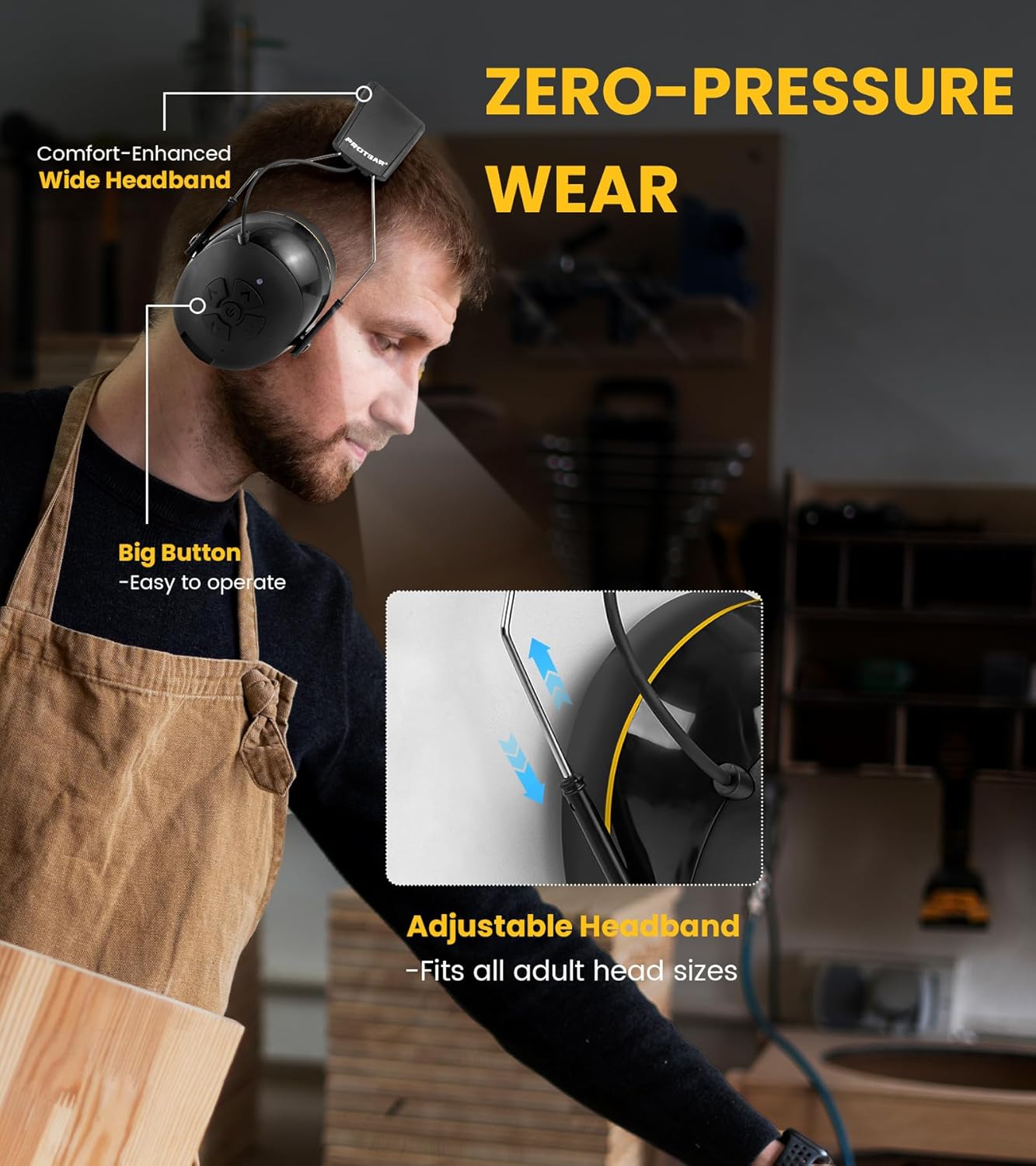
Image: A user wearing the PROTEAR E6850 earmuffs, highlighting the adjustable headband and large control buttons on the earcup.
- Adjustable Headband: For a secure and comfortable fit.
- Gel Ear Cushions: Soft, conforming ear pads for comfort and seal.
- Control Panel: Located on the right earcup, featuring power, volume, and track controls.
- Microphone: Integrated for hands-free calls.
- USB-C Charging Port: For battery recharging.
- 3.5mm AUX Input: For wired audio connection.
Product Demonstration:
Watch this video for a visual overview of the PROTEAR E6850 earmuffs, highlighting key features like Bluetooth 5.4 connectivity and the comfortable gel ear pads.
Video: A demonstration of the PROTEAR E6850 Bluetooth 5.4 Hearing Protection earmuffs, showcasing their design and gel earpads. (Duration: 0:50)
Setup
1. Charging the Earmuffs
Before first use, fully charge the earmuffs. A full charge typically takes approximately 2 hours.
- Locate the USB-C charging port on the bottom of the right earcup.
- Connect the provided USB-C charging cable to the port.
- Connect the other end of the cable to a USB power source (e.g., computer, wall adapter).
- The LED indicator will show charging status (e.g., red for charging, blue for fully charged).

Image: A close-up view of the PROTEAR E6850 earmuff, highlighting the USB-C charging port for power input.
2. Bluetooth Pairing
- Ensure the earmuffs are powered off.
- Press and hold the Power button (center button on the right earcup) until the LED indicator flashes blue and red, indicating pairing mode.
- On your device (smartphone, tablet, etc.), enable Bluetooth and search for available devices.
- Select "PROTEAR E6850" from the list.
- Once connected, the LED indicator will flash blue slowly.

Image: An illustration depicting the dual connection modes of the PROTEAR E6850 earmuffs, including Bluetooth 5.4 wireless connection and a 3.5mm AUX wired mode.
3. Wearing the Earmuffs
- Adjust the headband to fit comfortably over your head. The headband is designed to fit all adult head sizes.
- Ensure the gel ear cushions fully cover your ears and create a tight seal around them. This is crucial for effective noise reduction.
- The soft gel ear cushions are designed for extended wear comfort.
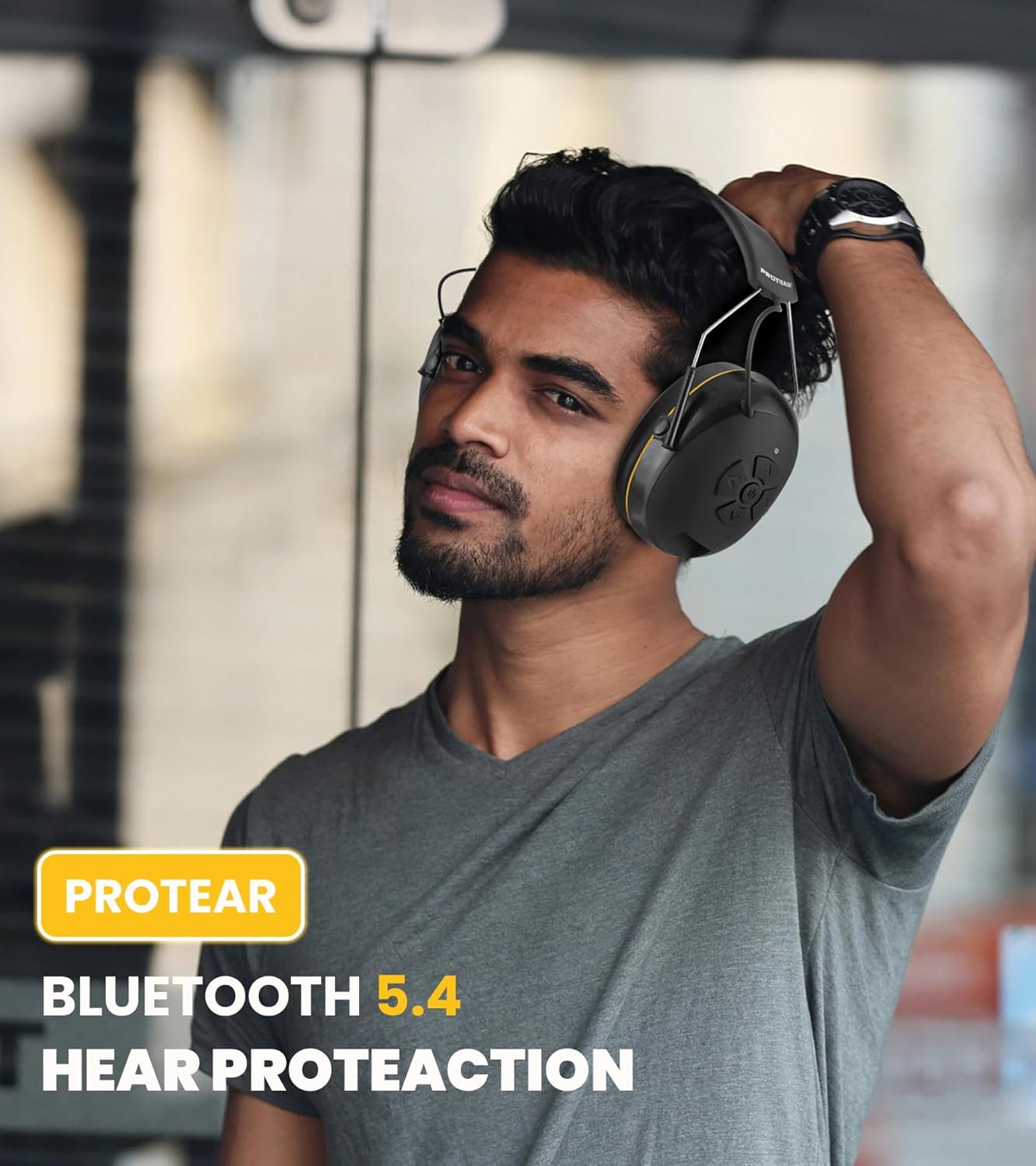
Image: A man wearing the PROTEAR E6850 earmuffs, demonstrating a proper fit for hearing protection in a work environment.
Operating Instructions
Controls Overview:
Image: A detailed view of the control panel on the right earcup of the PROTEAR E6850, showing the power button, volume up/down, and track navigation buttons.
- Power Button (Center): Press and hold to power on/off. Short press to play/pause music or answer/end calls.
- Volume Up (Top Arrow): Increase volume.
- Volume Down (Bottom Arrow): Decrease volume.
- Next Track (Right Arrow): Skip to the next song.
- Previous Track (Left Arrow): Go to the previous song.
Power On/Off:
- To power on, press and hold the Power button until the LED indicator lights up.
- To power off, press and hold the Power button until the LED indicator turns off.
Music Playback:
- Play/Pause: Short press the Power button.
- Volume Adjustment: Press the Volume Up or Volume Down buttons.
- Track Navigation: Press the Next Track or Previous Track buttons.
Call Management:
- Answer/End Call: Short press the Power button.
- Reject Call: Press and hold the Power button for 2 seconds.
- Redial Last Number: Double-press the Power button.
Wired Mode:
The earmuffs can also be used in wired mode with the included 3.5mm AUX cable. Simply connect the cable to the AUX input port on the earmuffs and your audio device. Bluetooth functionality will be disabled in wired mode.
Maintenance
Cleaning:
- Wipe the exterior of the earmuffs with a soft, damp cloth. Do not use abrasive cleaners or solvents.
- The gel ear cushions have a durable TPU leather surface that is easy to wipe clean.
- Ensure no moisture enters the charging port or AUX input.

Image: A close-up view of the PROTEAR E6850 gel ear cushions, highlighting their soft texture and design for comfort and hygiene.
Storage:
Store the earmuffs in a cool, dry place away from direct sunlight and extreme temperatures. The foldable design allows for compact storage.
Troubleshooting
| Problem | Possible Solution |
|---|---|
| Earmuffs do not power on. | Ensure the battery is charged. Connect to a power source using the USB-C cable. |
| Cannot pair via Bluetooth. | Ensure earmuffs are in pairing mode (flashing blue/red LED). Turn off and on Bluetooth on your device. Move closer to the earmuffs. |
| No sound or low volume. | Check volume levels on both earmuffs and connected device. Ensure earmuffs are properly paired or AUX cable is securely connected. |
| Poor call quality. | Ensure you are in a less noisy environment. Check device's microphone settings. |
Specifications
| Feature | Detail |
|---|---|
| Model | E6850 |
| Brand | PROTEAR |
| Bluetooth Version | 5.4 |
| Noise Reduction Rating (NRR) | 25dB |
| Signal-to-Noise Ratio (SNR) | 30dB |
| Battery Capacity | 1200mAh |
| Charging Port | USB-C |
| Connectivity | Wireless (Bluetooth), Wired (3.5mm AUX) |
| Ear Cushion Material | Gel (80% gel, 20% memory foam) with TPU leather surface |
| Weight | 1.1 pounds (approx. 0.5 kg) |
| Certifications | ANSI S3.19, CE EN352-1 |
Warranty and Support
PROTEAR products are manufactured to high-quality standards. For warranty information, technical support, or customer service inquiries, please refer to the contact details provided in your product packaging or visit the official PROTEAR website.
Contact Information:
- Email: protear@outlook.com
- Manufacturer: Joytoon Technologies Inc.


