
1. Introduction
This manual provides detailed instructions for the operation and maintenance of your Colorcool Portable MP3 Player, Model A3-pro. Please read this manual thoroughly before using the device to ensure proper function and longevity.

Image 1.1: The Colorcool Portable MP3 Player, designed for active use.
2. Package Contents
Verify that all items are present in the package:
- Colorcool Portable MP3 Player (Model A3-pro)
- USB Type-C Charging Cable
- Wired Headset
- User Manual (this document)
3. Product Overview
3.1 Device Layout
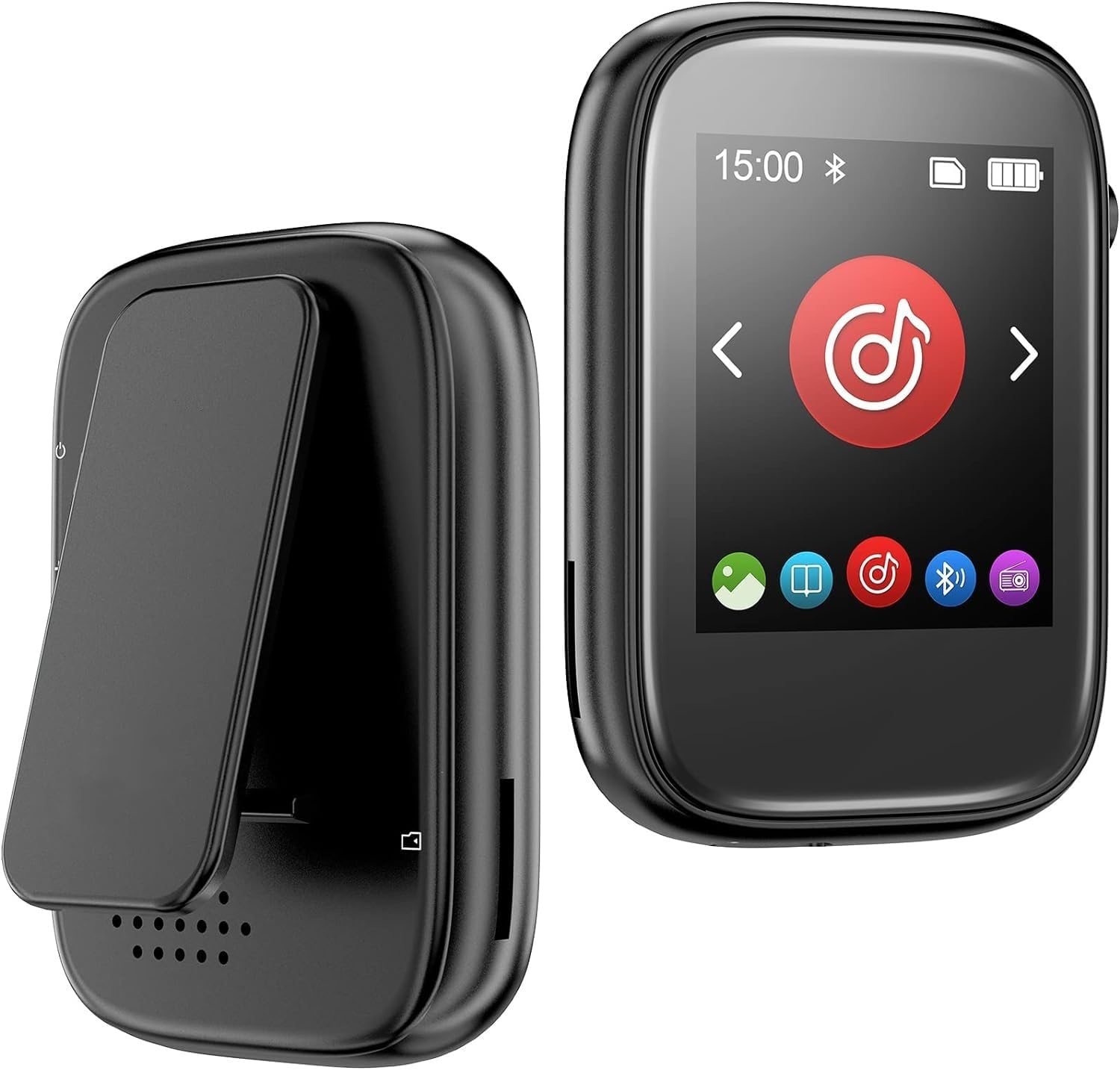
Image 3.1: Front and rear view of the MP3 player.
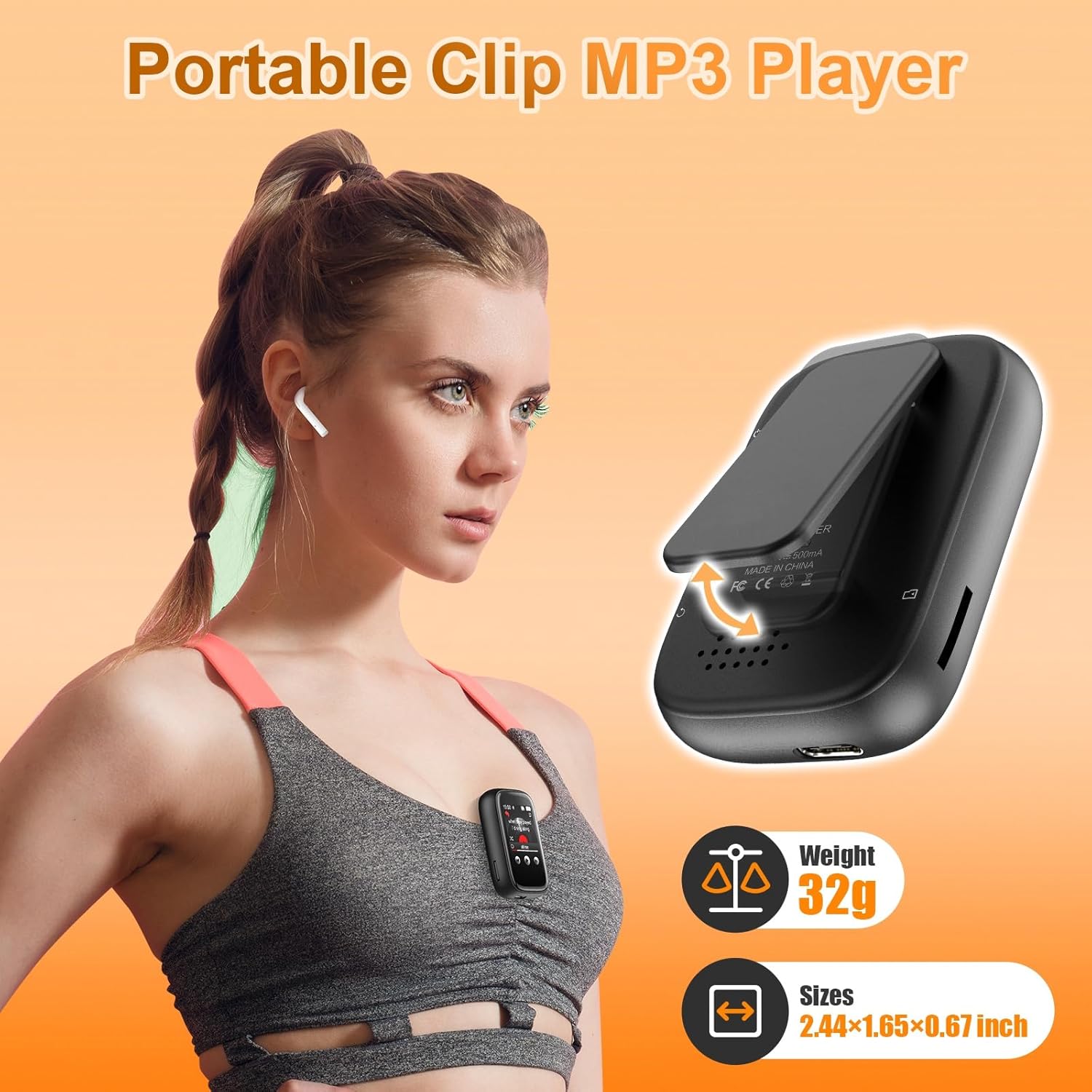
Image 3.2: The MP3 player features a built-in clip for portability, weighing approximately 32g.
3.2 Controls and Ports
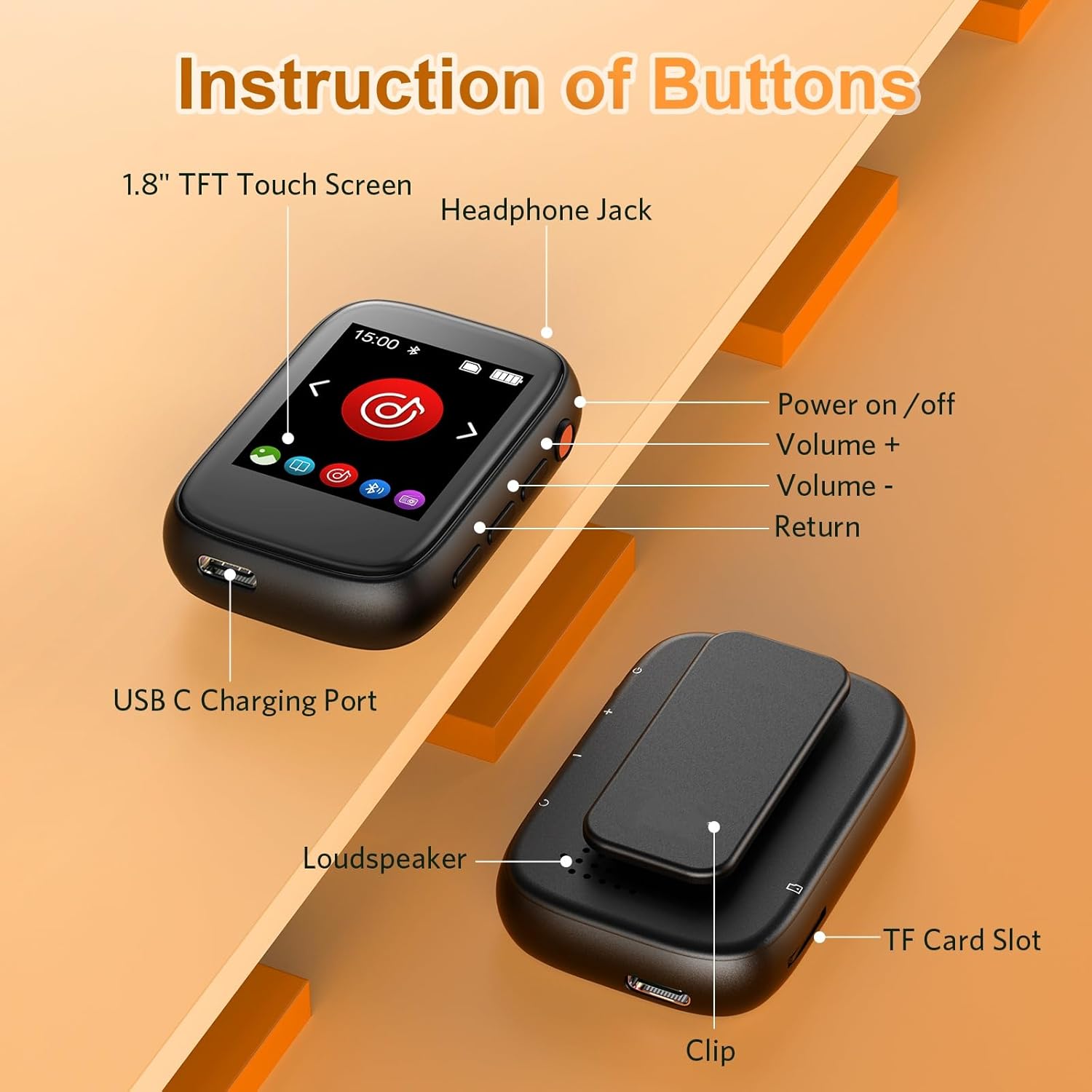
Image 3.3: Detailed view of the player's buttons and ports.
- 1.8" TFT Touch Screen: For navigation and interaction.
- Headphone Jack: 3.5mm port for wired headphones.
- Power On/Off Button: Located on the side.
- Volume + / Volume - Buttons: Adjust audio output.
- Return Button: Navigate back in menus.
- USB C Charging Port: For charging and data transfer.
- Loudspeaker: Built-in speaker for audio playback without headphones.
- TF Card Slot: For expandable storage (Micro SD card).
- Clip: Integrated for attaching to clothing or gear.
4. Setup
4.1 Charging the Device
Before first use, fully charge the MP3 player. Connect the provided USB Type-C cable to the player's charging port and the other end to a USB power adapter (not included) or a computer's USB port. The battery indicator on the screen will show charging status.
4.2 Inserting a Micro SD Card
The device has 32GB of built-in memory and supports Micro SD cards up to 512GB for expanded storage. To insert a Micro SD card, gently push the card into the TF Card Slot until it clicks into place. Ensure the card is oriented correctly.
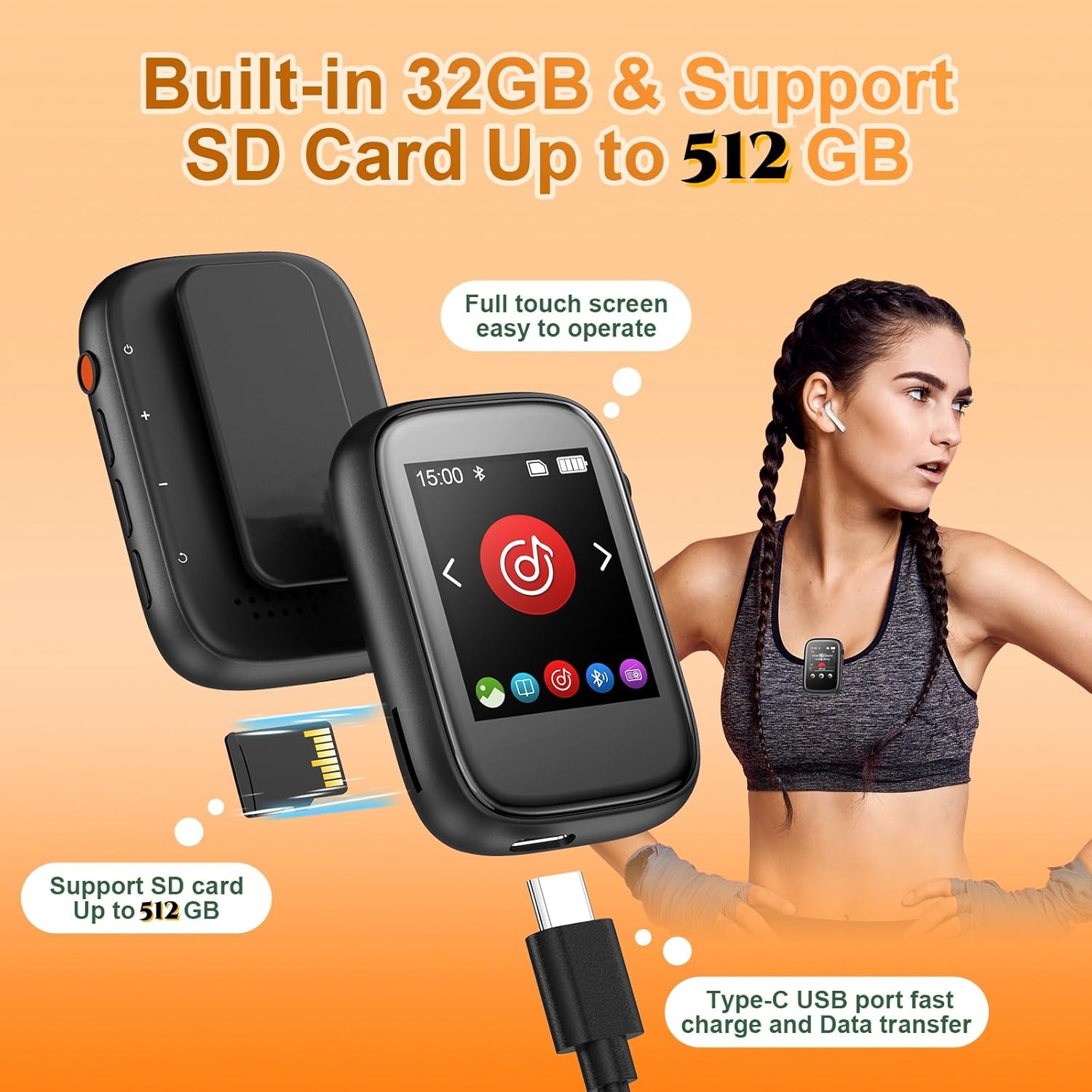
Image 4.1: Inserting a Micro SD card and connecting the USB-C cable.
4.3 Transferring Music and Files
Connect the MP3 player to a computer using the provided USB Type-C cable. The player will appear as a removable disk. You can then drag and drop music files (MP3, WMA, APE, FLAC, WAV, DRM, ACELP) and other supported media (AVI/AMV videos, TXT e-books) directly into the player's storage or the inserted Micro SD card. For Mac users, an OTG adapter may be required for file transfer.
Note: The player does not directly support Audiobook, M3U, or iTunes formats.
5. Operating Instructions
5.1 Power On/Off
- To Power On: Press and hold the Power button until the screen illuminates.
- To Power Off: Press and hold the Power button until the 'Power Off' option appears, then confirm on the touch screen.
5.2 Basic Navigation (Touch Screen)
The device features a full-touch screen for intuitive navigation. Swipe left/right to browse menus, tap icons to select functions, and use the physical 'Return' button or on-screen back arrow to go back.
5.3 Music Playback
From the main menu, select the 'Music' icon. You can browse by artist, album, genre, or all songs. Tap a song to begin playback. Use the on-screen controls for play/pause, skip tracks, and adjust volume. The player supports various audio formats including MP3, WMA, APE, FLAC, WAV, DRM, and ACELP.

Image 5.1: Music playback interface.
5.4 Bluetooth Connection
The MP3 player features Bluetooth 5.3 for connecting to wireless earbuds or speakers. It cannot connect to smartphones or tablets.
- Ensure your Bluetooth headphones or speaker are in pairing mode.
- On the MP3 player, navigate to the 'Bluetooth' menu.
- Turn Bluetooth 'On' and scan for available devices.
- Select your device from the list to pair.

Image 5.2: Bluetooth connectivity for wireless audio.
5.5 FM Radio
Plug in the wired headset (acts as an antenna) before using the FM Radio function. Navigate to the 'FM Radio' icon, then use the on-screen controls to scan for stations or manually tune.
5.6 Voice Recorder
Select the 'Recording' icon to access the voice recorder. Tap to start and stop recordings. Recorded files are saved internally and can be managed through the 'Folder' menu.
5.7 E-Book Reader
The player supports TXT format e-books. Transfer TXT files to the device and access them via the 'E-Book' icon. Use the touch screen to turn pages.
5.8 Video Playback
The player supports AVI/AMV video formats. Transfer compatible video files to the device and access them via the 'Video' icon.
5.9 Alarm Clock, Calendar, and Stopwatch
These utility functions are accessible from the main menu. Set alarms, view the calendar, or use the stopwatch for timing activities.
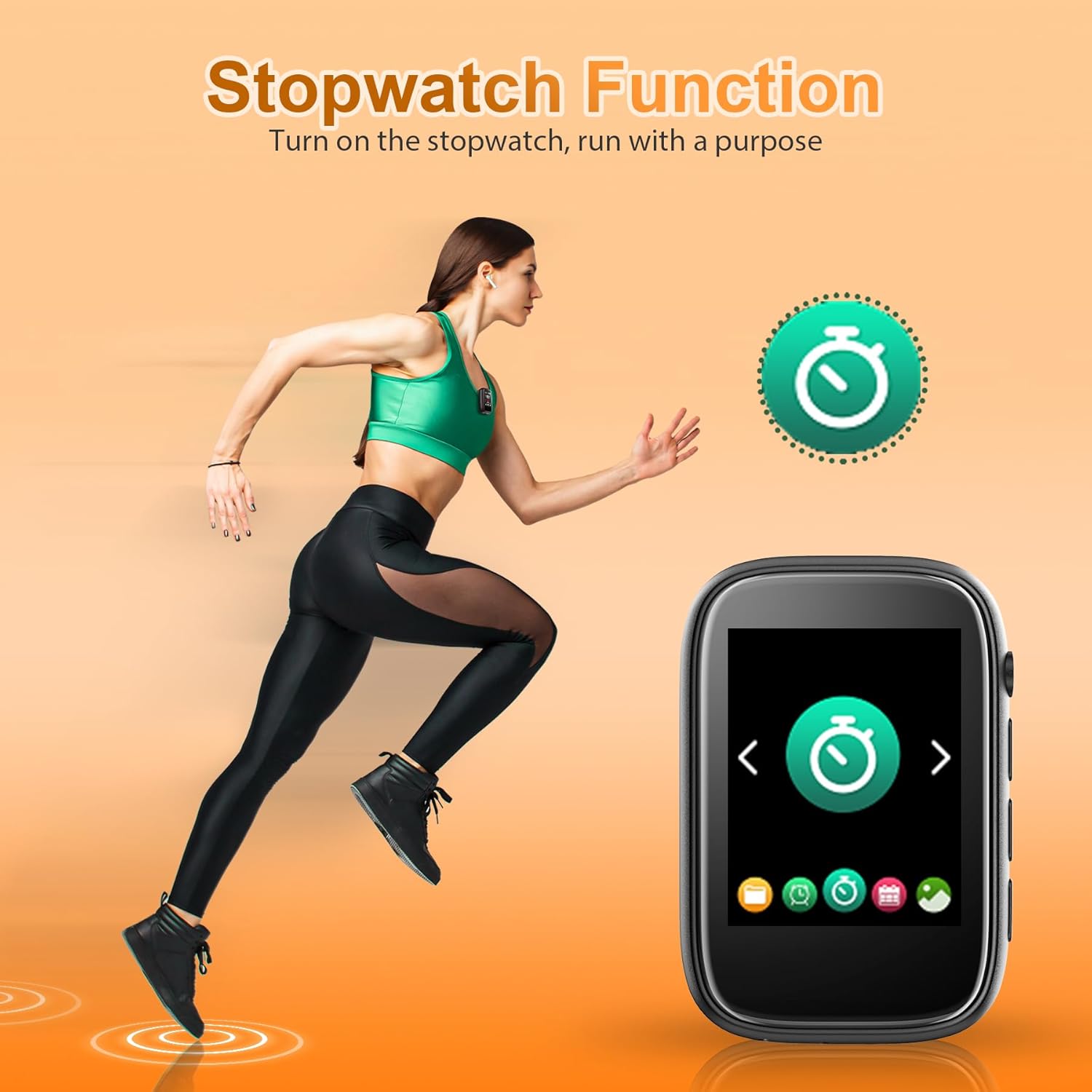
Image 5.3: Stopwatch function in use during exercise.
5.10 Built-in Speaker
The MP3 player includes a built-in speaker. This can be turned on or off via the settings menu, allowing for music playback without headphones.

Image 5.4: Overview of the multi-functional capabilities.
6. Maintenance
6.1 Cleaning
Wipe the device with a soft, dry cloth. Do not use liquid cleaners or abrasive materials, as these can damage the screen or casing.
6.2 Battery Care
To prolong battery life, avoid fully discharging the battery frequently. Charge the device regularly, even if not in use for extended periods. Store in a cool, dry place.
6.3 Storage
When not in use, store the MP3 player in a protective case or a safe environment to prevent scratches or damage from drops.
7. Troubleshooting
- Device will not power on: Ensure the battery is charged. Connect to a power source and try again.
- Cannot connect via Bluetooth: Ensure the MP3 player's Bluetooth is enabled and the receiving device (headphones/speaker) is in pairing mode. Remember, the player cannot connect to phones or tablets.
- Low speaker volume: Check the volume level using the physical buttons or on-screen controls. Ensure the built-in speaker option is enabled in settings if you are not using headphones.
- Files not playing: Verify that the file format is supported (MP3, WMA, APE, FLAC, WAV, DRM, ACELP for audio; AVI/AMV for video; TXT for e-books). Ensure files are transferred correctly.
- Screen unresponsive: Try restarting the device. If the issue persists, ensure the screen is clean and dry.
8. Specifications
| Feature | Specification |
|---|---|
| Model Number | A3-pro |
| Display | 1.8 Inches Touch Screen |
| Internal Storage | 32 GB |
| Expandable Storage | Micro SD up to 512 GB (card not included) |
| Bluetooth Version | 5.3 |
| Connectivity | Bluetooth, USB Type-C, 3.5mm Aux |
| Supported Audio Formats | MP3, WMA, APE, FLAC, WAV, DRM, ACELP |
| Supported Video Formats | AVI, AMV |
| Supported E-book Format | TXT |
| Special Features | Built-in Clip, Built-in Speaker, FM Radio, Voice Recorder, Alarm, Calendar, Stopwatch |
| Weight | Approximately 3.84 ounces (109 grams) |
| Dimensions | 7.48 x 5.2 x 1.06 inches (Package) |
9. Warranty and Support
For warranty information or technical support, please refer to the contact details provided with your purchase or visit the official Colorcool website. Our support team is available to assist with any questions or issues you may encounter.


