
Introduction
Thank you for choosing the Dreamegg YF03-DG-US Sunrise Alarm Clock & Sound Machine. This device is designed to enhance your sleep and wake-up experience by combining a natural sunrise simulation, a wide array of soothing sounds, and a versatile night light. Please read this manual carefully to ensure proper use and to fully enjoy all the features of your new device.

Image: The Dreamegg YF03-DG-US Sunrise Alarm Clock, featuring a circular light ring and a wooden-grain base with a digital display, placed on a bedside table.
Safety Information
Do not use in the bath or near water. Avoid high volume levels to prevent hearing damage. Not a toy - intended for adult use only.
Package Contents
- Dreamegg YF03-DG-US Sunrise Alarm Clock & Sound Machine
- Power Adapter
- User Manual
Product Overview
The Dreamegg YF03-DG-US features an intuitive design with easy-to-access controls for all its functions. The main unit includes a digital time display, a circular light ring, and control buttons on the top surface.

Image: A close-up view of the top surface of the Dreamegg YF03-DG-US, highlighting the touch-sensitive controls for light, sound, and other settings.
Setup
1. Power Connection
- Connect the provided power adapter to the DC 12V port on the back of the device.
- Plug the power adapter into a standard electrical outlet.
- The digital display will light up, indicating the device is powered on.
2. Setting Time
To set the current time:
- Tap the time icon on the display. The hour digits will start blinking.
- Use the '+' and '-' buttons (or rotate the dial if available) to adjust the hour.
- Tap the time icon again to switch to minute adjustment. The minute digits will blink.
- Use the '+' and '-' buttons (or rotate the dial) to adjust the minutes.
- Tap the time icon one more time to confirm the setting.
3. Setting Alarm(s)
The device supports multiple alarms. To set an alarm:
- Tap the alarm icon (e.g., 'A1' or 'A2') on the display. The alarm time will start blinking.
- Use the '+' and '-' buttons (or rotate the dial) to set the desired alarm hour.
- Tap the alarm icon again to switch to minute adjustment.
- Use the '+' and '-' buttons (or rotate the dial) to set the desired alarm minutes.
- Tap the alarm icon again to select the wake-up sound. Choose from 7 soothing tones, nature sounds, or white noise.
- Tap the alarm icon once more to set the sunrise light duration (10-60 minutes).
- Confirm the alarm setting by tapping the alarm icon one last time or waiting a few seconds.
Operating Instructions
1. Sunrise Wake-Up Light
The sunrise simulation gradually brightens over 10-60 minutes before your set alarm time, mimicking a natural sunrise to help you wake up gently.
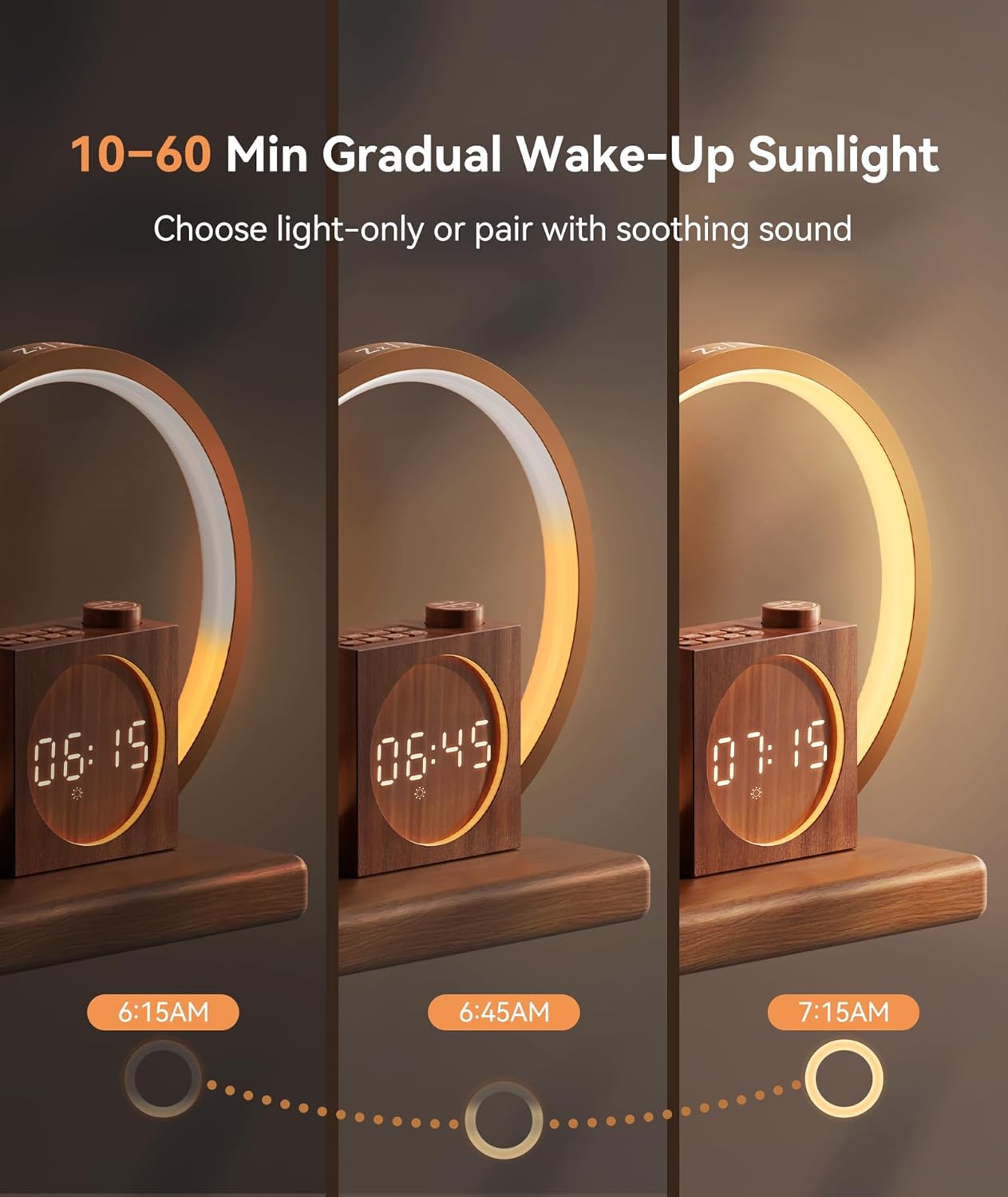
Image: A sequence of three images illustrating the Dreamegg YF03-DG-US light ring gradually increasing in brightness from dim to bright, simulating a sunrise.
2. Sound Machine (Sleep Sounds)
The device offers 25 soothing sounds for relaxation and sleep, including 7 nature sounds, 6 pink/brown/white noise, 6 lullabies, 2 meditation, 2 melodies, and 2 fan sounds.
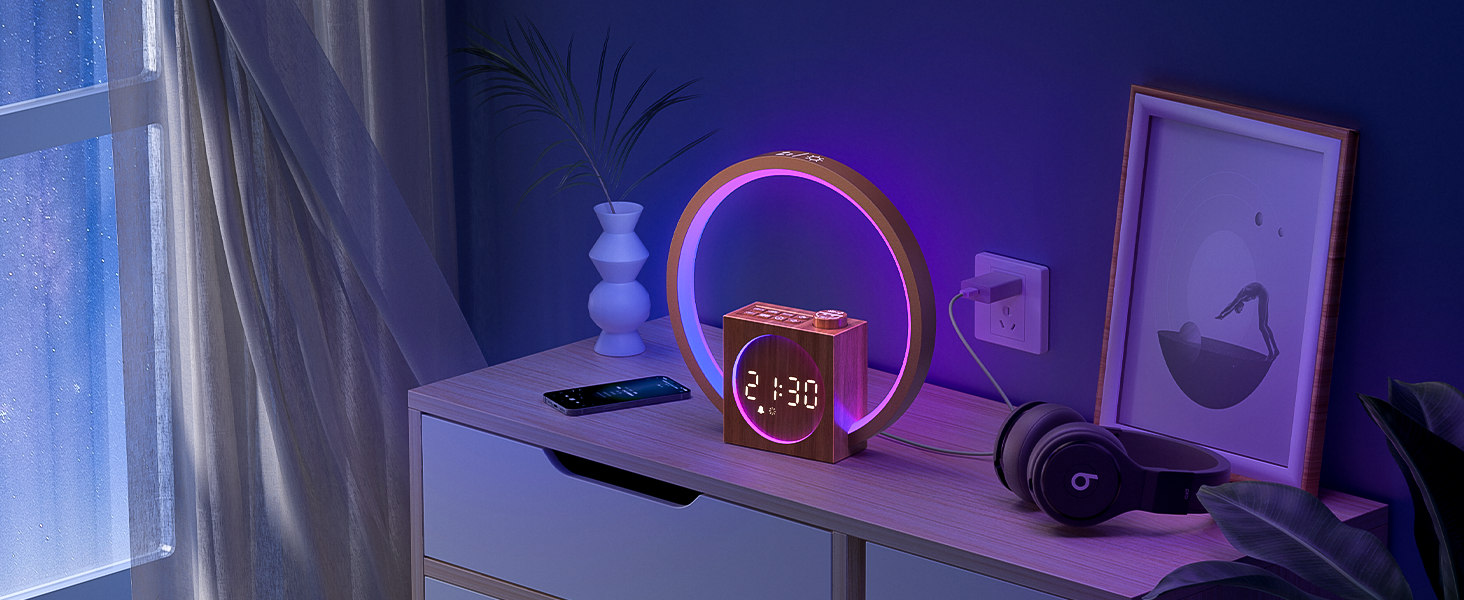
Image: The Dreamegg YF03-DG-US display showing a timer setting from 10 to 480 minutes, indicating the duration for sleep sounds.
- To activate sleep sounds: Tap the music note icon.
- To change sound: Tap the forward/backward buttons.
- To set a timer: Tap the timer icon and adjust the duration (10-480 minutes) using the '+' and '-' buttons.
3. Night Light (Ambient Colors)
The device functions as a bedside lamp with 12 ambient colors and 20 dimming levels.

Image: The Dreamegg YF03-DG-US emitting a warm, soft light, placed on a wooden table in a cozy room, demonstrating its function as an ambient night light.
- To turn on/off: Tap the light bulb icon.
- To change color: Tap the light bulb icon repeatedly to cycle through 12 ambient colors.
- To adjust brightness: Use the '+' and '-' buttons (or rotate the dial) to select from 20 dimming levels.
4. Snooze Function
When the alarm sounds, tap the top of the device to activate the snooze function, providing an additional 9 minutes of rest.
5. Volume Adjustment
The device features 32 adjustable volume levels for both alarm and sleep sounds. Use the '+' and '-' buttons to increase or decrease the volume.

Image: The Dreamegg YF03-DG-US displaying '32 levels' next to a volume icon, indicating the range of sound adjustment.
6. Display Brightness
The clock display offers 4 adjustable brightness levels or can be turned off completely. This ensures clarity during the day and comfortable dimness at night.
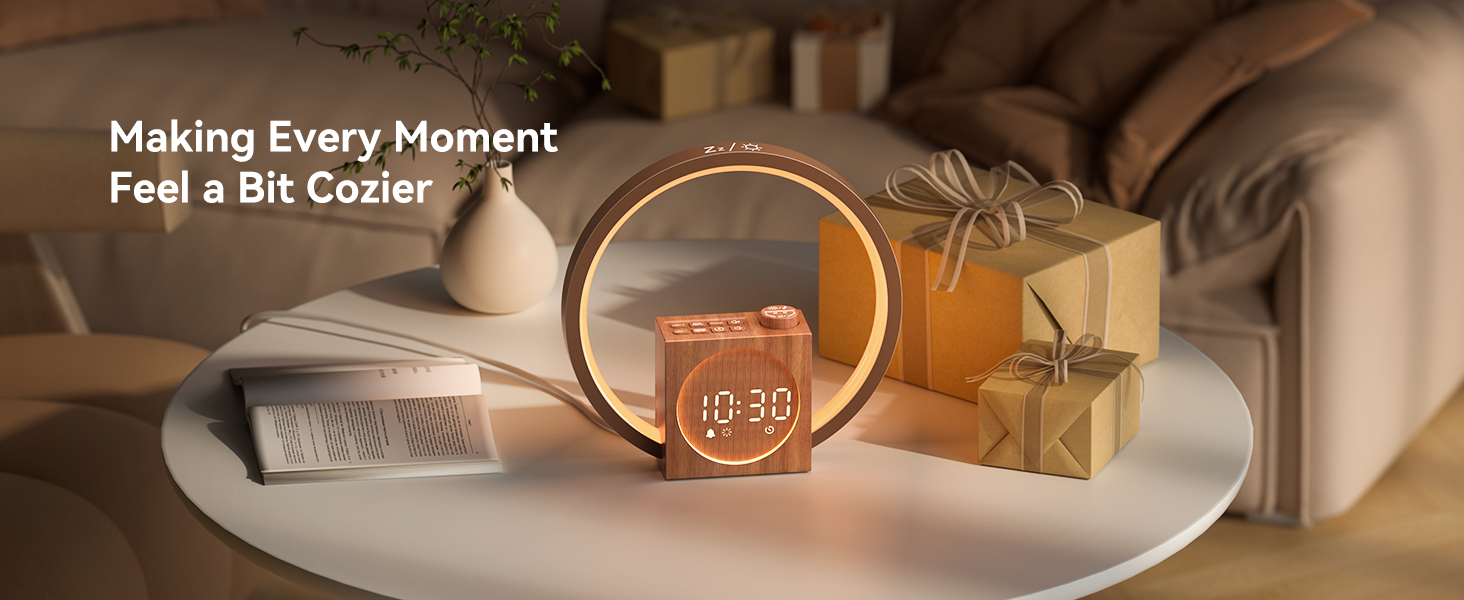
Image: The Dreamegg YF03-DG-US with its digital clock display showing '4 levels' of brightness, from bright to dim.
Maintenance
- Wipe the device with a soft, dry cloth.
- Do not use abrasive cleaners or solvents.
- Keep the device away from excessive heat or direct sunlight.
Troubleshooting
| Problem | Solution |
|---|---|
| Device does not power on. | Ensure the power adapter is securely connected to both the device and a working electrical outlet. |
| Alarm does not sound. | Verify that the alarm is enabled and the volume is not set to zero. Check that the alarm time is correctly set. |
| Light is too bright/dim. | Adjust the brightness levels using the '+' and '-' buttons or the dedicated dimmer control. |
| Sound quality is poor. | Ensure the device is placed on a stable surface and not obstructed. Adjust volume levels. |
Specifications
- Product Dimensions: 10.55 x 10.31 x 3.35 inches; 1.52 Pounds
- Item Model Number: YF03-DG-US
- Manufacturer: Dreamegg
- Color: Wood
- Material: Acrylonitrile Butadiene Styrene (ABS)
- Power Source: Corded Electric
Warranty & Support
The Dreamegg YF03-DG-US Sunrise Alarm Clock & Sound Machine is backed by an 18-month warranty for your peace of mind. For any support inquiries, troubleshooting assistance, or warranty claims, please contact Dreamegg customer service through the official website or your retailer's support channels.
