
1. Introduction
The MSXTTLY U2AC-01 is a compact wireless adapter designed to convert your car's existing wired CarPlay or Android Auto system into a wireless one. This device allows for seamless integration of your smartphone with your vehicle's infotainment system, providing access to navigation, music, voice assistants, and calls without the need for physical cable connections. It ensures a stable and fast connection, enhancing your driving experience with convenience and safety.

Image 1.1: The MSXTTLY U2AC-01 Wireless CarPlay & Android Auto Adapter.
2. Package Contents
Please verify that all items are present in the package:
- MSXTTLY U2AC-01 Wireless CarPlay & Android Auto Adapter
- USB-C to USB-A 3.0 Cable
- USB-A Extension Cable
- User Manual
- 3M Adhesive Pad

Image 2.1: Visual representation of the MSXTTLY U2AC-01 package contents, including the adapter, cables, and manual.
Video 2.1: An unboxing video demonstrating the contents of the MSXTTLY U2AC-01 package.
3. Compatibility
The MSXTTLY U2AC-01 adapter is designed for vehicles equipped with factory-wired CarPlay or Android Auto. Please review the following compatibility requirements:
- Vehicle Compatibility: Your car must have a factory-installed wired CarPlay or Android Auto system.
- Phone Compatibility:
- For CarPlay: iPhone running iOS 10+ (including iPhone 6-17 Pro MAX series).
- For Android Auto: Android phone running Android 11.0+.
- USB Ports: Compatible with both USB-A and USB-C ports in your vehicle.
Important Note: This adapter is not compatible with vehicles that do not have existing wired CarPlay or Android Auto. It is also not compatible with Tesla, BMW, motorcycles, or Zlink mirroring devices.
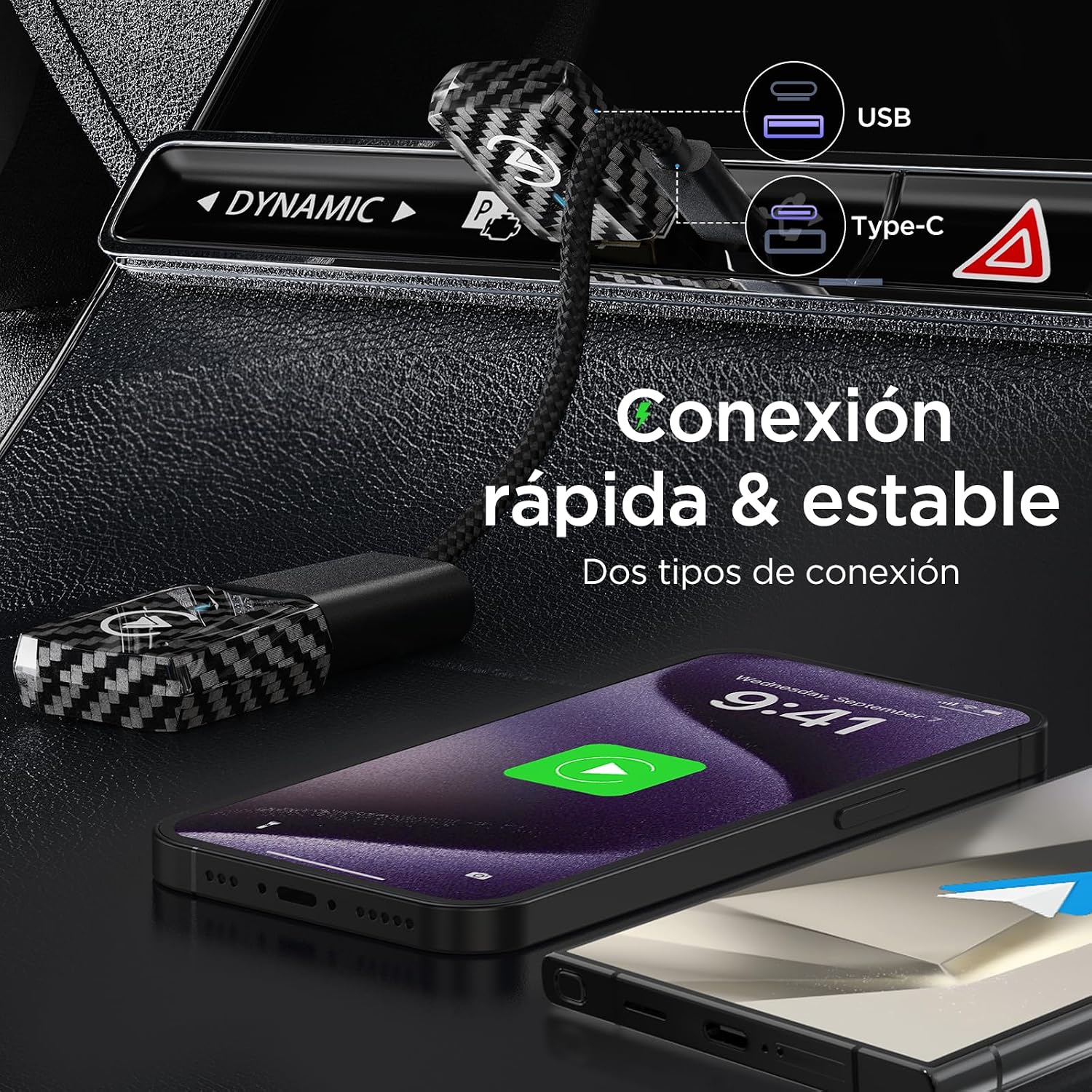
Image 3.1: Diagram illustrating the conversion from wired to wireless CarPlay and Android Auto, along with phone compatibility.

Image 3.2: A detailed list of compatible vehicle models and years for the MSXTTLY U2AC-01 adapter.
Video 3.1: A guide on how to verify if your vehicle is compatible with wired CarPlay.
4. Setup and Installation
4.1. Connecting the Adapter
- Locate the USB port in your vehicle that supports wired CarPlay or Android Auto.
- Plug the MSXTTLY U2AC-01 adapter into this USB port. Use the provided USB-C to USB-A cable or USB-A extension cable if needed for better placement or port type.
- The adapter's indicator light will illuminate, indicating it is powered on.
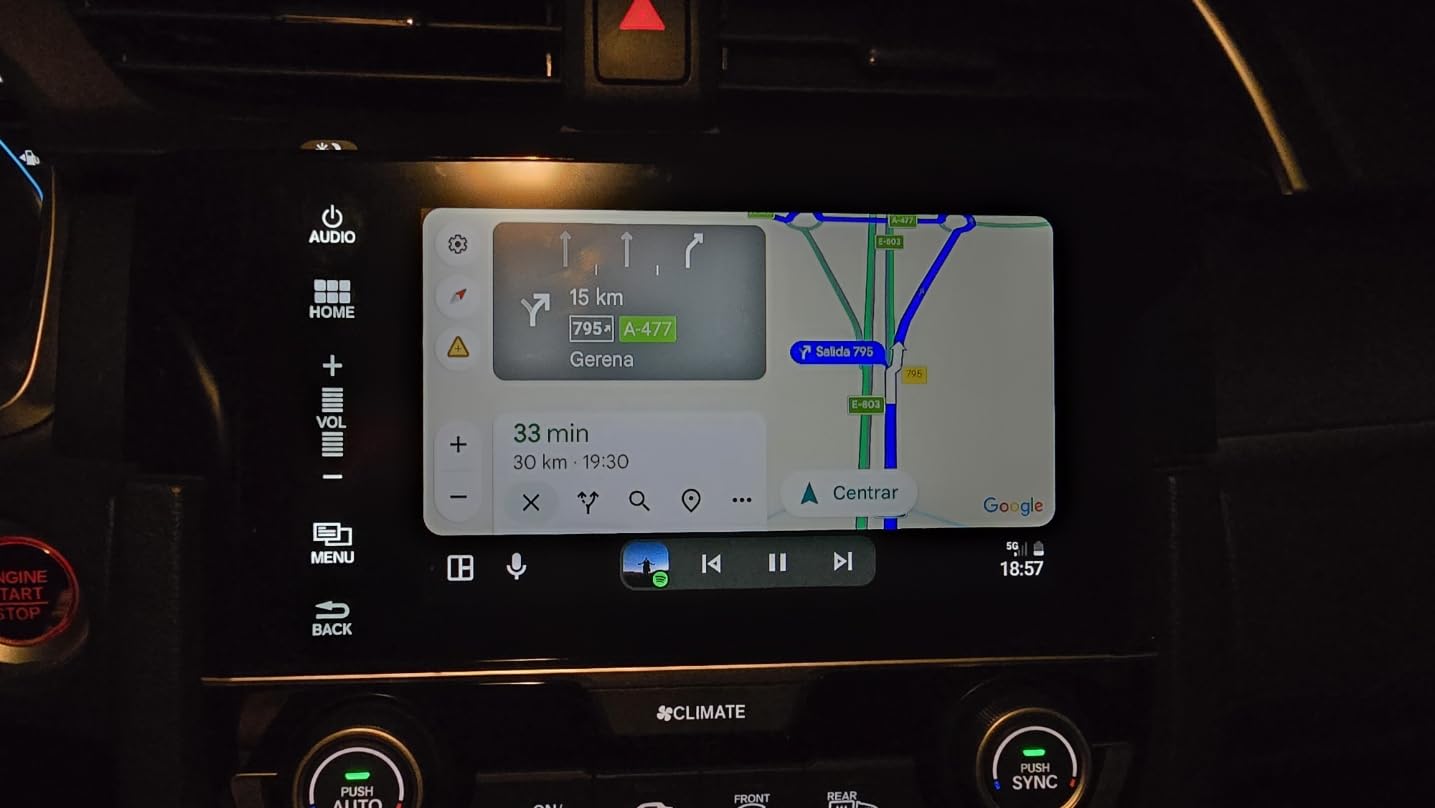
Image 4.1: The MSXTTLY U2AC-01 adapter discreetly plugged into a car's USB port.

Image 4.2: The adapter connected via a short USB-C cable, demonstrating flexible connection options.
4.2. Pairing for Wireless CarPlay
- Ensure the adapter is connected to your car's USB port.
- On your iPhone, go to Settings > Bluetooth and Wi-Fi, and turn them ON.
- In the Bluetooth device list on your iPhone, find and select "SmartBox-xxxx" (where xxxx is a unique identifier).
- A pairing request will appear on your iPhone. Confirm the pairing.
- A prompt to "Allow CarPlay" will appear. Tap "Allow".
- CarPlay should now launch wirelessly on your car's display.

Image 4.3: Step-by-step visual guide for connecting your iPhone to the adapter for wireless CarPlay.
Video 4.1: Demonstration of connecting an iPhone to the product for wireless functionality.
4.3. Pairing for Wireless Android Auto
- Ensure the adapter is connected to your car's USB port.
- On your Android phone, go to Settings > Bluetooth and Wi-Fi, and turn them ON.
- In the Bluetooth device list on your Android phone, find and select "SmartBox-xxxx".
- A pairing request will appear on your Android phone. Confirm the pairing.
- A prompt to "Connect to device" for Android Auto will appear. Tap "Connect".
- Android Auto should now launch wirelessly on your car's display.

Image 4.4: Step-by-step visual guide for connecting your Android phone to the adapter for wireless Android Auto.
5. Operating Instructions
5.1. Automatic Connection
Once initially paired, the MSXTTLY U2AC-01 adapter will automatically connect to your smartphone within 10-12 seconds of starting your vehicle, provided Bluetooth and Wi-Fi are enabled on your phone.
5.2. Using Car Controls
The adapter maintains the original functionality of your car's controls, allowing you to interact with CarPlay or Android Auto using:
- Steering wheel controls
- OEM rotary knob
- Car's touchscreen display
- Voice commands (Siri, Google Assistant)

Image 5.1: Illustration of using steering wheel controls, touch screen, and OEM knob to operate the car's infotainment system with the adapter.
5.3. Switching Between CarPlay and Android Auto
If multiple phones are paired or you wish to switch between CarPlay and Android Auto:
- Disconnect the currently connected phone by turning off its Bluetooth and Wi-Fi.
- On the desired phone, ensure Bluetooth and Wi-Fi are ON.
- Pair the desired phone with "SmartBox-xxxx" via Bluetooth settings.
- Wait 15-60 seconds for the system to switch to the new connection.

Image 5.2: Visual guide for switching the connection from Android Auto to CarPlay.

Image 5.3: Visual guide for switching the connection from CarPlay to Android Auto.
6. Maintenance
The MSXTTLY U2AC-01 adapter is designed for durability and stable performance. It features a pure copper USB with gold plating for reliable conductivity and a heat dissipation design for optimal performance.
- Keep the adapter clean and free from dust or debris.
- Avoid exposing the device to extreme temperatures or moisture.
- Ensure the USB connection is secure to prevent interruptions.

Image 6.1: Close-up of the adapter showcasing its heat dissipation design and gold-plated USB connector for enhanced durability and performance.
7. Troubleshooting
- Connection Issues: If the adapter fails to connect, ensure your phone's Bluetooth and Wi-Fi are active. Try restarting both your phone and the car's infotainment system.
- CarPlay/Android Auto Not Appearing: Verify that your car supports wired CarPlay/Android Auto. On iPhone, check Settings > General > CarPlay. Reconnect the device following the setup steps.
- Unstable Connection: Ensure the adapter is securely plugged into the USB port. Avoid using VPNs during operation as they can interfere with the connection.
- Slow Performance: Check for any available software updates for your phone and car's infotainment system.
8. Specifications
| Feature | Detail |
|---|---|
| Model Number | U2AC-01 |
| Dimensions | 13.5 x 9.1 x 1.7 cm |
| Weight | 70 g |
| Manufacturer | MSXTTLY |
| Country of Origin | China |
| Compatible Devices | Smartphones (Android 11.0+, iOS 10+), GPS |
| Connector Type | USB Type A, USB Type C |
| Color | Black |
| Number of Ports | 2 |
9. Warranty and Support
The MSXTTLY U2AC-01 adapter comes with a 12-month global warranty. Additionally, MSXTTLY provides lifetime technical support to ensure your adapter functions optimally. For any inquiries or assistance, please contact MSXTTLY customer service.


