
1. Introduction
This manual provides detailed instructions for the setup, operation, and maintenance of your DGTenk 96GB Android MP3 Player. Please read this manual thoroughly before using the device to ensure proper functionality and to maximize your user experience. Keep this manual for future reference.
2. What's in the Box
Verify that all items are present in the package:
- DGTenk MA377 MP3 Player
- Protective Case
- USB Cable (Type-C)
- Protective Film (Screen Protector)

3. Product Overview
The DGTenk Android MP3 Player features a 4-inch HD touchscreen and runs on Android 11 OS. It is designed for portable media consumption with extensive storage and connectivity options.
Physical Components
- 4-inch HD Touchscreen: Main display for interaction.
- Power Button: Located on the side, used to turn the device on/off and wake/sleep the screen.
- Volume Buttons: Located on the side, for adjusting audio volume.
- USB-C Port: For charging and data transfer.
- 3.5mm Headphone Jack: For wired audio output.
- Microphone: For audio input.
- Built-in Speaker: For audio output without headphones.
4. Setup
4.1 Charging the Device
Before first use, fully charge the MP3 player. Connect the provided USB-C cable to the device's USB-C port and the other end to a compatible USB power adapter (not included) or a computer's USB port. The battery indicator on the screen will show charging status. A full charge takes approximately 60 minutes.
4.2 Initial Power On
Press and hold the Power button on the side of the device until the screen lights up. Follow the on-screen prompts to select your language and region.
4.3 Wi-Fi Connection
To access online features, connect to a Wi-Fi network:
- Go to Settings > Network & internet > Wi-Fi.
- Toggle Wi-Fi On.
- Select your desired Wi-Fi network from the list.
- Enter the network password if prompted and tap Connect.
4.4 Bluetooth Pairing
To connect Bluetooth headphones or speakers:
- Go to Settings > Connected devices > Bluetooth.
- Toggle Bluetooth On.
- Ensure your Bluetooth device is in pairing mode.
- Select your device from the list of available devices and follow any on-screen pairing instructions.
4.5 Google Account Setup and Parental Controls
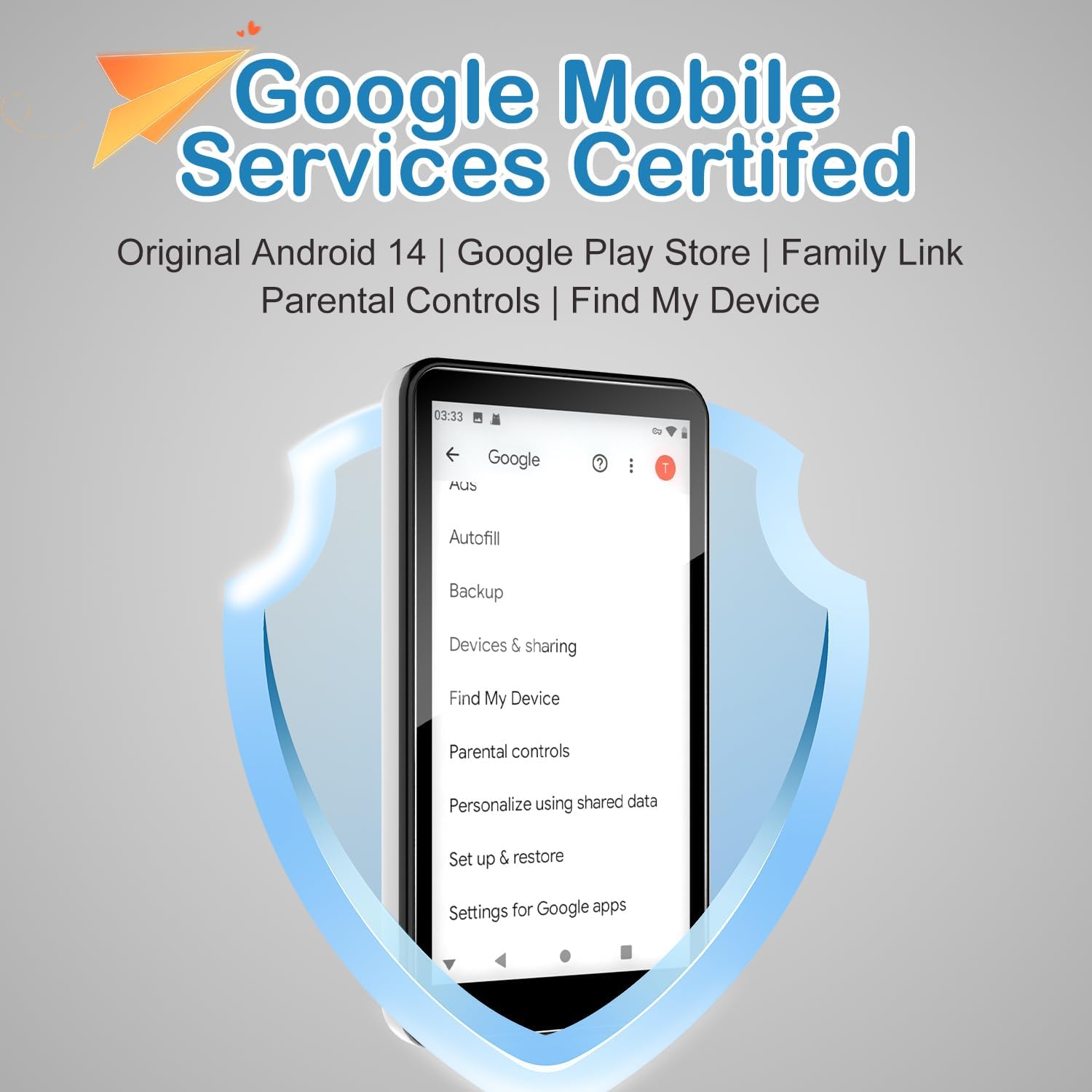
The DGTenk MP3 Player is Google Mobile Services (GMS) certified, allowing access to the Google Play Store and other Google services. Setting up a Google account is essential for downloading apps and utilizing parental controls.

To set up a Google account:
- During initial setup or later via Settings > Accounts, add your Google account.
- Follow the prompts to sign in or create a new account.
Parental Control Setup
The device includes parental control tools to manage content and screen time. These are typically managed through Google Family Link:

- Navigate to Settings > Digital Wellbeing & parental controls.
- Select Set up parental controls and follow the on-screen instructions to link a child's account and configure restrictions. This allows you to block apps, set screen time limits, and filter explicit content.
5. Operating Instructions
5.1 Basic Navigation
The device operates like a standard Android smartphone. Use touch gestures for navigation:
- Tap: To select an item or open an app.
- Swipe: To scroll through lists or switch between home screens.
- Pinch-to-zoom: To zoom in or out on images or web pages.
- Back Button: Navigates to the previous screen.
- Home Button: Returns to the home screen.
- Recent Apps Button: Shows recently opened applications.
5.2 Music Playback
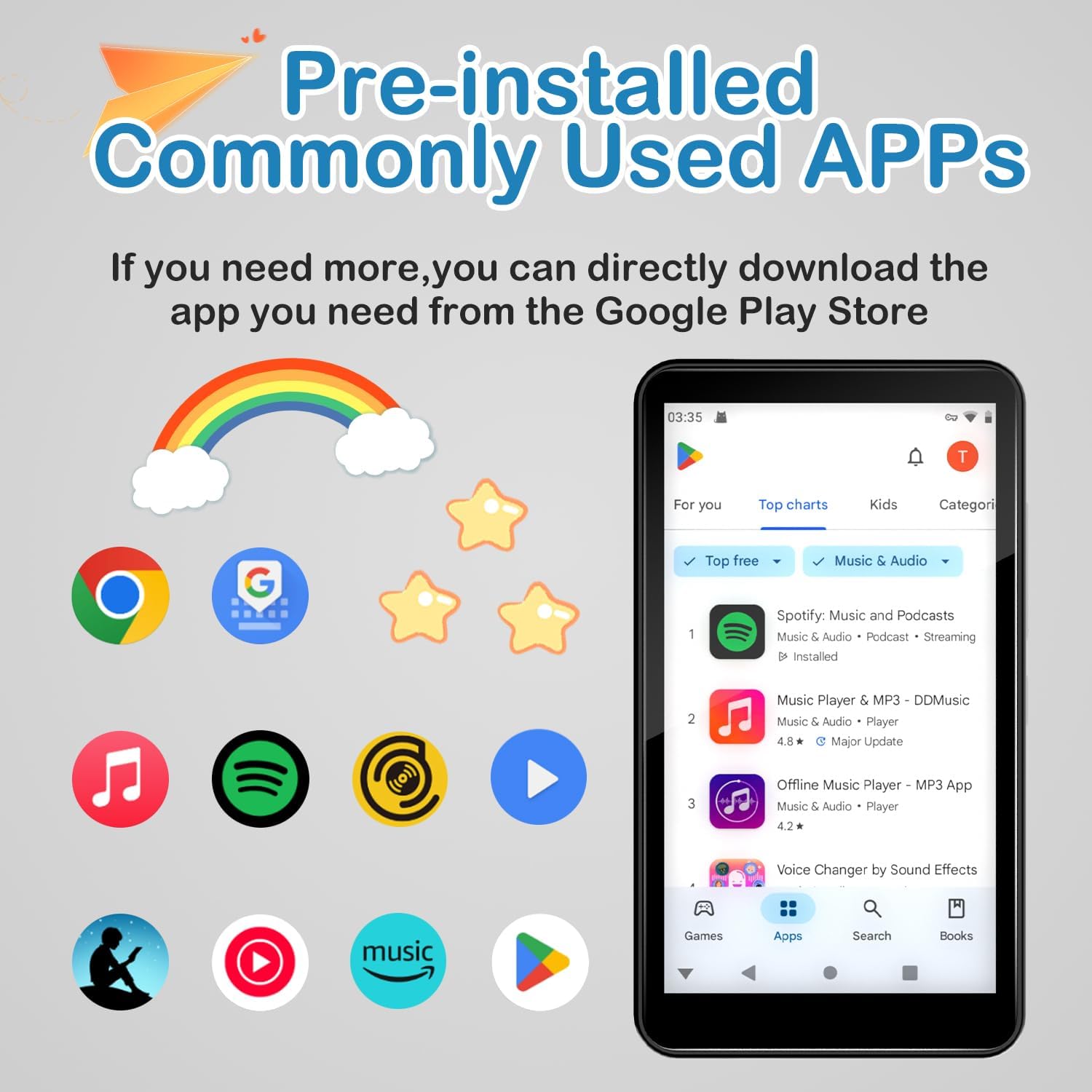
The device supports various music formats and comes with pre-installed music streaming apps like Spotify and YouTube Music, as well as a local music player.

- Streaming: Open Spotify, YouTube Music, or other installed streaming apps, log in, and select your desired audio.
- Local Files: Transfer music files to the device's internal storage or the installed 64GB Micro SD card. Use the pre-installed music player app to browse and play your local library.
5.3 Video Playback
Stream videos via apps like YouTube or Netflix (downloadable from Google Play Store), or play local video files.
- Streaming: Open a video streaming app, log in, and select content.
- Local Files: Transfer video files to the device. Use the pre-installed video player app to watch.
5.4 App Management (Google Play Store)
The device comes with several pre-installed applications. You can download additional apps from the Google Play Store.

- Open the Play Store app.
- Search for desired apps.
- Tap Install to download and install.
5.5 FM Radio
To use the FM Radio function:
- Connect wired headphones to the 3.5mm jack (they act as an antenna).
- Open the FM Radio app.
- Scan for available stations.
6. Maintenance
6.1 Cleaning
Use a soft, dry, lint-free cloth to clean the device. Avoid using harsh chemicals or abrasive materials, which can damage the screen or casing.
6.2 Storage
Store the device in a cool, dry place away from direct sunlight and extreme temperatures. If storing for an extended period, ensure the battery is partially charged (around 50%) to prolong its lifespan.
6.3 Battery Care
The device features a 2000mAh battery. To optimize battery life:

- Avoid fully discharging the battery frequently.
- Do not expose the device to extreme heat or cold.
- Use the provided USB-C cable for charging.
7. Troubleshooting
7.1 Device Not Turning On
- Ensure the battery is charged. Connect the device to a charger for at least 30 minutes.
- Press and hold the Power button for 10-15 seconds to perform a forced restart.
7.2 Screen Unresponsive
- Restart the device.
- Ensure the screen is clean and free of debris.
7.3 Cannot Connect to Wi-Fi/Bluetooth
- Ensure Wi-Fi/Bluetooth is enabled in Settings.
- Restart the device and your router/Bluetooth accessory.
- Forget the network/device in settings and try reconnecting.
7.4 Apps Crashing or Freezing
- Close and reopen the app.
- Clear the app's cache and data via Settings > Apps > [App Name] > Storage & cache.
- Ensure the app is updated to the latest version from the Google Play Store.
8. Specifications
The DGTenk Android MP3 Player is equipped with the following technical specifications:
| Feature | Specification |
|---|---|
| Model Number | 6.30_MA377_96 |
| Operating System | Android 11 (GMS Certified) |
| Processor | MTK 8-core 2.0GHz CPU |
| RAM | 3GB LPDDR4 |
| Internal Storage (ROM) | 32GB |
| Expandable Storage | 64GB Micro SD card included (Total 96GB) |
| Screen Size | 4.02 inches |
| Display Type | HD Touchscreen (IPS panel, 1136x640 resolution) |
| Connectivity | Wi-Fi (802.11), Bluetooth 5.0 |
| Battery | 2000mAh (1 C battery included) |
| Charging Port | USB-C |
| Audio Output | 3.5mm Headphone Jack, Built-in Speaker |
| Product Dimensions | 4.17 x 2.32 x 0.42 inches (112.8 x 62.5 x 11 mm) |
| Item Weight | 8.1 ounces |
9. Warranty and Support
For warranty information and customer support, please refer to the documentation included with your purchase or contact DGTenk customer service through the retailer where the product was purchased. Keep your proof of purchase for warranty claims.