
Introduction
This user manual provides detailed instructions for the MOVHEIYL Replacement Remote Control. This remote is designed to be compatible with various tower fan models, including Pelonis 36, 40, 42 inch, Pure Mate PM742, Russell Hobbs RHTWR3S, and Pro Breeze 40, 41 inch bladeless tower fans. Please read this manual carefully before use to ensure proper operation and to maximize the lifespan of your device.
Safety Information
- Keep the remote control away from water and excessive moisture.
- Avoid dropping the remote control or subjecting it to strong impacts.
- Do not expose the remote control to direct sunlight or high temperatures for extended periods.
- Do not attempt to disassemble or modify the remote control. This will void the warranty.
- Dispose of used batteries responsibly according to local regulations.
Product Overview
The MOVHEIYL replacement remote control is constructed from high-quality ABS material, ensuring durability and a comfortable grip. It features soft silicone buttons for easy and responsive operation.
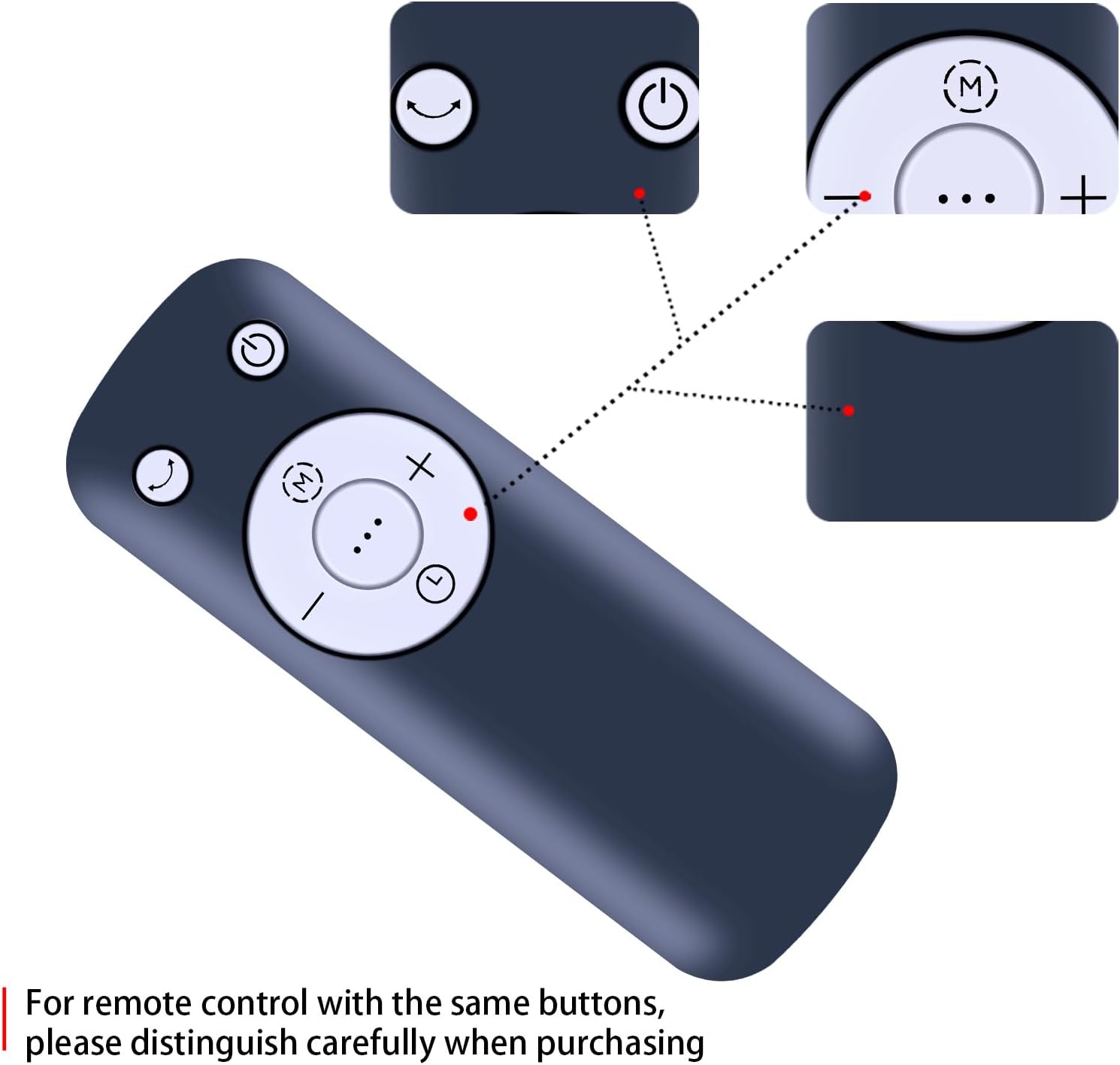
Figure 1: Front view of the MOVHEIYL remote control, highlighting the ABS environmental protection material and soft silicon buttons for quality and health protection.
Button Functions
Familiarize yourself with the buttons on your remote control:

Figure 2: Detailed view of the remote control buttons, showing Power, Mode, Oscillation, Speed Up (+), Speed Down (-), and Timer (clock icon) functions. Note: For remote controls with similar button layouts, ensure careful distinction during purchase.
- Power Button (⏻): Turns the fan On or Off.
- Mode Button (M): Cycles through different fan modes (e.g., Normal, Natural, Sleep).
- Oscillation Button (⏎): Activates or deactivates the fan's oscillation feature.
- Speed Up Button (+): Increases the fan speed.
- Speed Down Button (-): Decreases the fan speed.
- Timer Button (⏱): Sets the fan's timer function.
Setup
Battery Installation
The remote control requires two 1.5V AAA batteries (not included). Follow these steps to install the batteries:
- Locate the battery compartment cover on the back of the remote control.
- Slide the cover downwards or press the latch (if present) to open the compartment.
- Insert two AAA batteries, ensuring the positive (+) and negative (-) terminals match the markings inside the compartment.
- Close the battery compartment cover by sliding it back into place until it clicks securely.
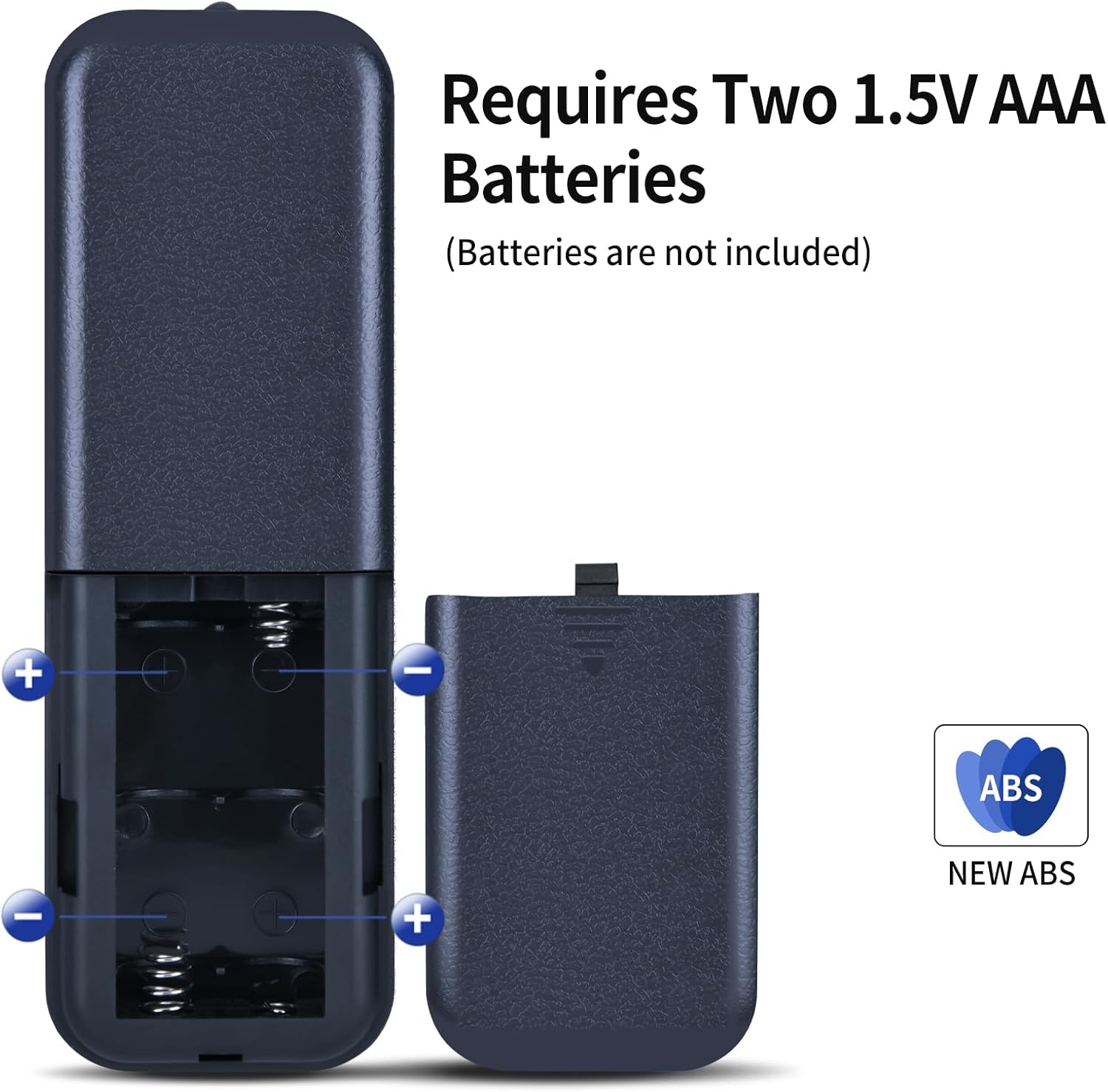
Figure 3: Illustration of the battery compartment, showing the correct orientation for inserting two 1.5V AAA batteries. Batteries are not included with the remote control.
Operation
Once batteries are installed, the remote control is ready for use. No programming or setup is required. Simply point the remote control towards your compatible tower fan and press the desired function button.

Figure 4: A hand demonstrating the use of the remote control to operate a tower fan.
Operational Distance
The remote control offers an extended transmission distance and stable performance. It can operate effectively up to 8 meters (approximately 26 feet) from the fan, provided there are no significant obstructions between the remote and the fan's infrared receiver.
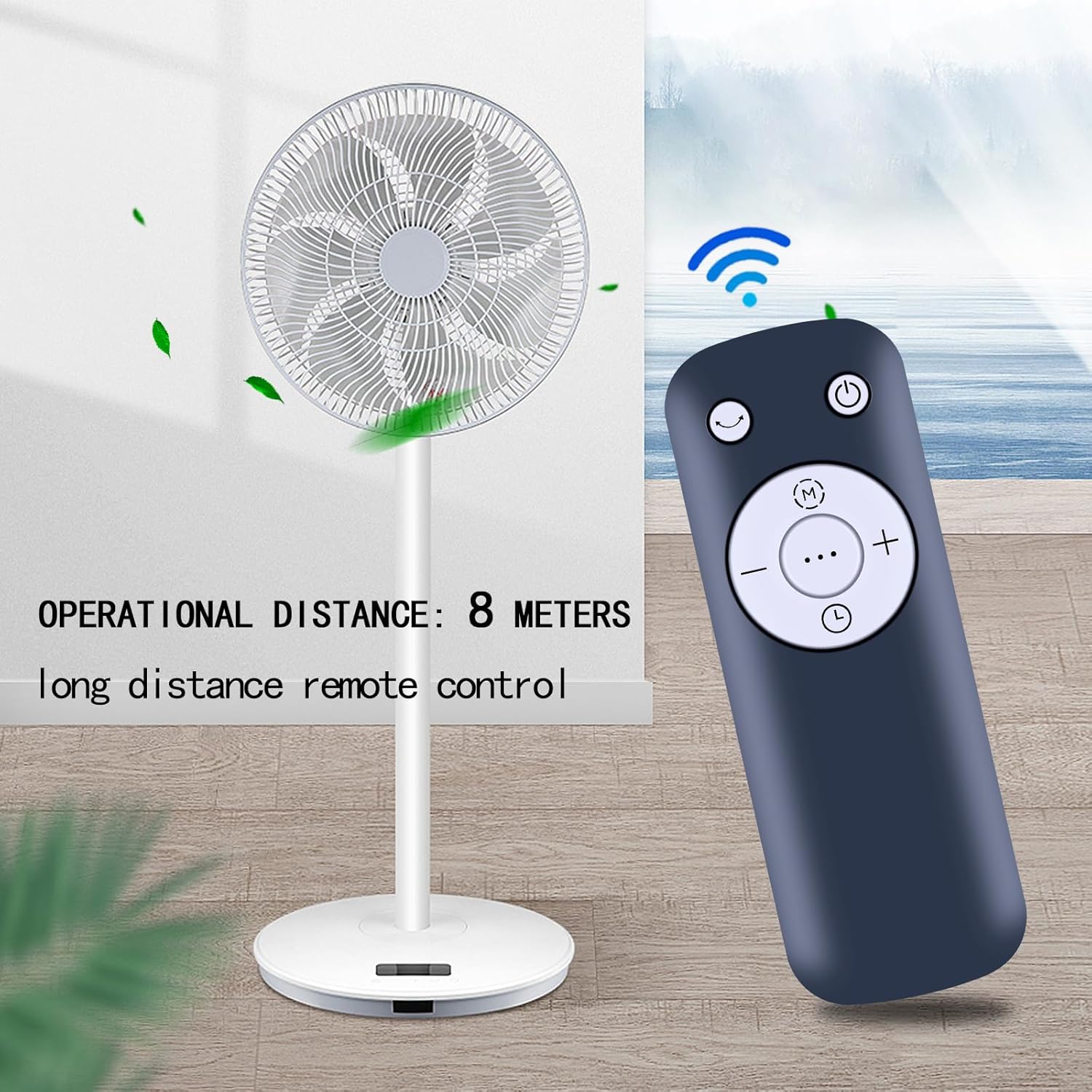
Figure 5: The remote control positioned near a tower fan, illustrating an effective operational distance of 8 meters for long-distance control.
Maintenance
Cleaning
To clean the remote control, gently wipe it with a soft, dry cloth. Do not use liquid cleaners, abrasive pads, or chemical solvents, as these may damage the surface or internal components.
Battery Replacement
Replace the batteries when the remote control's range decreases or if it stops responding. Always replace both batteries at the same time with new AAA batteries. Refer to the "Battery Installation" section for detailed steps.
Troubleshooting
| Problem | Possible Cause | Solution |
|---|---|---|
| Remote control not working. | Dead or incorrectly installed batteries. | Replace batteries with new ones, ensuring correct polarity (+/-). |
| Remote control range is short. | Low battery power; Obstruction between remote and fan. | Replace batteries. Ensure a clear line of sight to the fan's infrared receiver. |
| Fan does not respond to specific buttons. | Remote control not compatible with fan model; Button malfunction. | Verify fan model compatibility. If compatible, contact customer support. |
Specifications
- Brand: MOVHEIYL
- Compatible Devices: Tower Fans (Pelonis 36/40/42 Inch, Pure Mate PM742, Russell Hobbs RHTWR3S, Pro Breeze 40/41 Inch Bladeless)
- Connectivity Technology: Infrared
- Maximum Range: 12 meters (approx. 39 feet) - Note: Practical operational distance is typically up to 8 meters for optimal performance.
- Color: Black
- Special Feature: Ergonomic design
- Material: High-quality ABS
- Power Source: 2 x 1.5V AAA Batteries (not included)
- Dimensions: 17 x 3.8 x 1.4 cm
- Weight: 130 grams
Warranty and Support
This remote control comes with a 12-month warranty. We are committed to providing excellent after-sales service. If you encounter any issues with our product or service, please do not hesitate to contact us at any time. Our support team is available to assist you.
For warranty claims or technical assistance, please refer to the contact information provided with your purchase or visit our official website.