1. Introduction
This manual provides essential information for the proper use and maintenance of your MOMAX Smart Watch. Please read it thoroughly before operating the device to ensure optimal performance and longevity.
2. What's in the Box
- Smartwatch x 1
- User Manual x 1
- Magnetic Charging Cable x 1

The package includes the MOMAX Smart Watch, a magnetic charging cable, and this user manual. Ensure all components are present upon unboxing.
3. Setup
3.1 Initial Charging
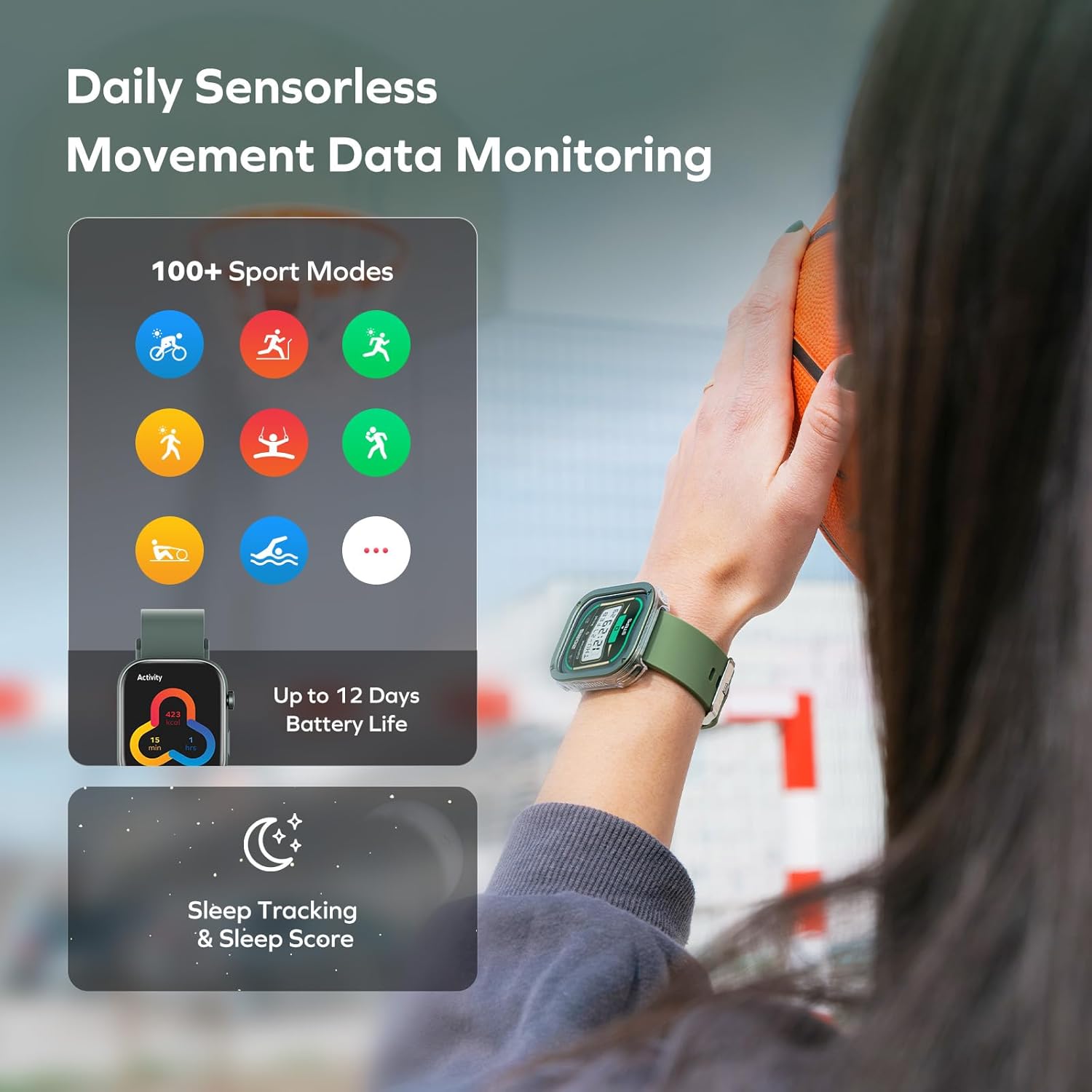
Before first use, fully charge your smartwatch. Connect the magnetic charging cable to the charging points on the back of the watch and to a USB power source. A 5-minute charge provides approximately one full day of use, while a full charge can last up to 12 days under typical usage conditions or 35 days in standby mode.

3.2 App Installation and Pairing
- Download the App: Scan the QR code displayed on the watch screen or refer to the manual for instructions to download the 'Momax Wear' app from your device's app store (Google Play for Android, App Store for iOS).
- Enable Bluetooth: Ensure Bluetooth is enabled on your smartphone.
- Pair Device: Open the 'Momax Wear' app, follow the on-screen instructions to search for and pair with your MOMAX Smart Watch. Confirm any pairing requests on both your phone and the watch.
3.3 Wearing the Smart Watch
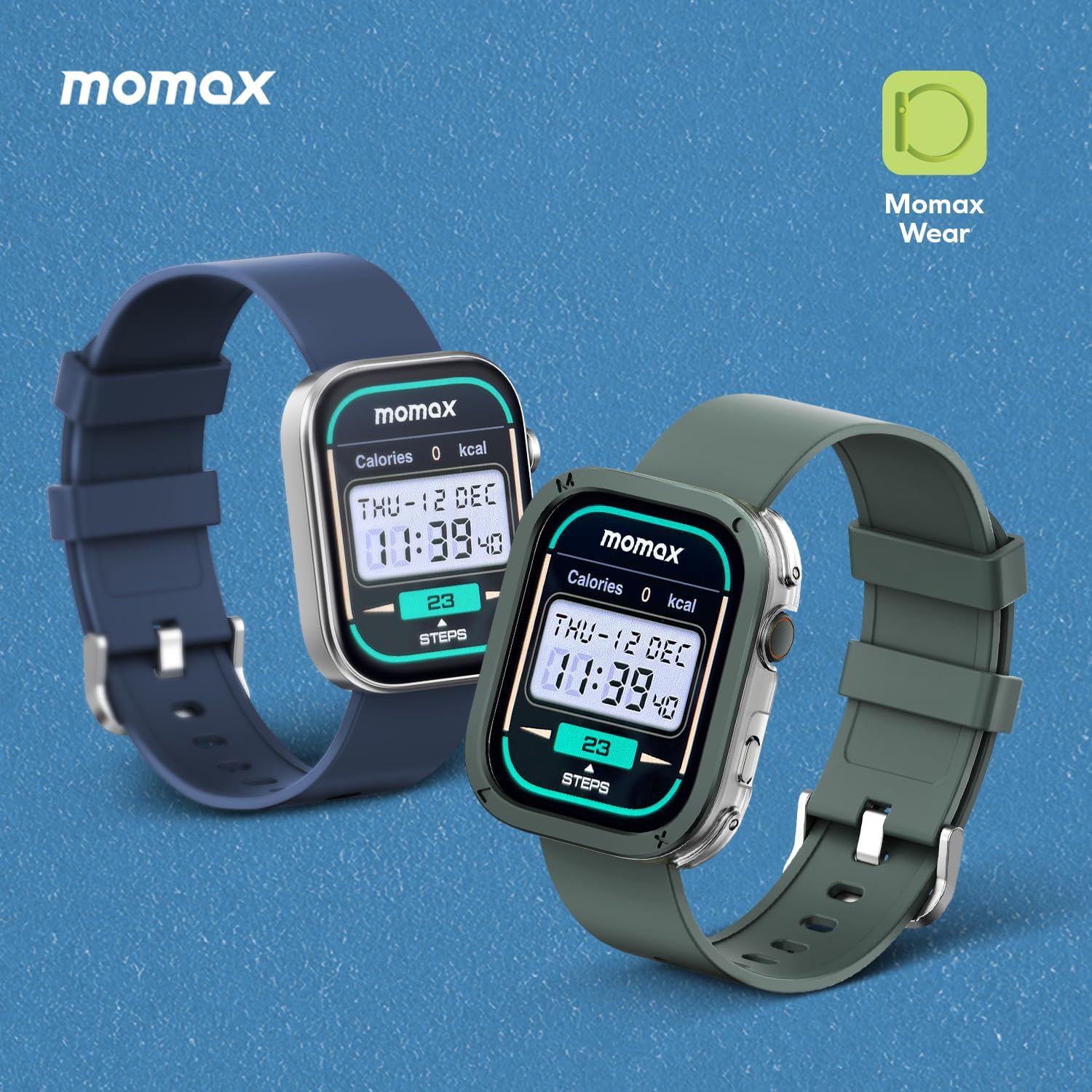
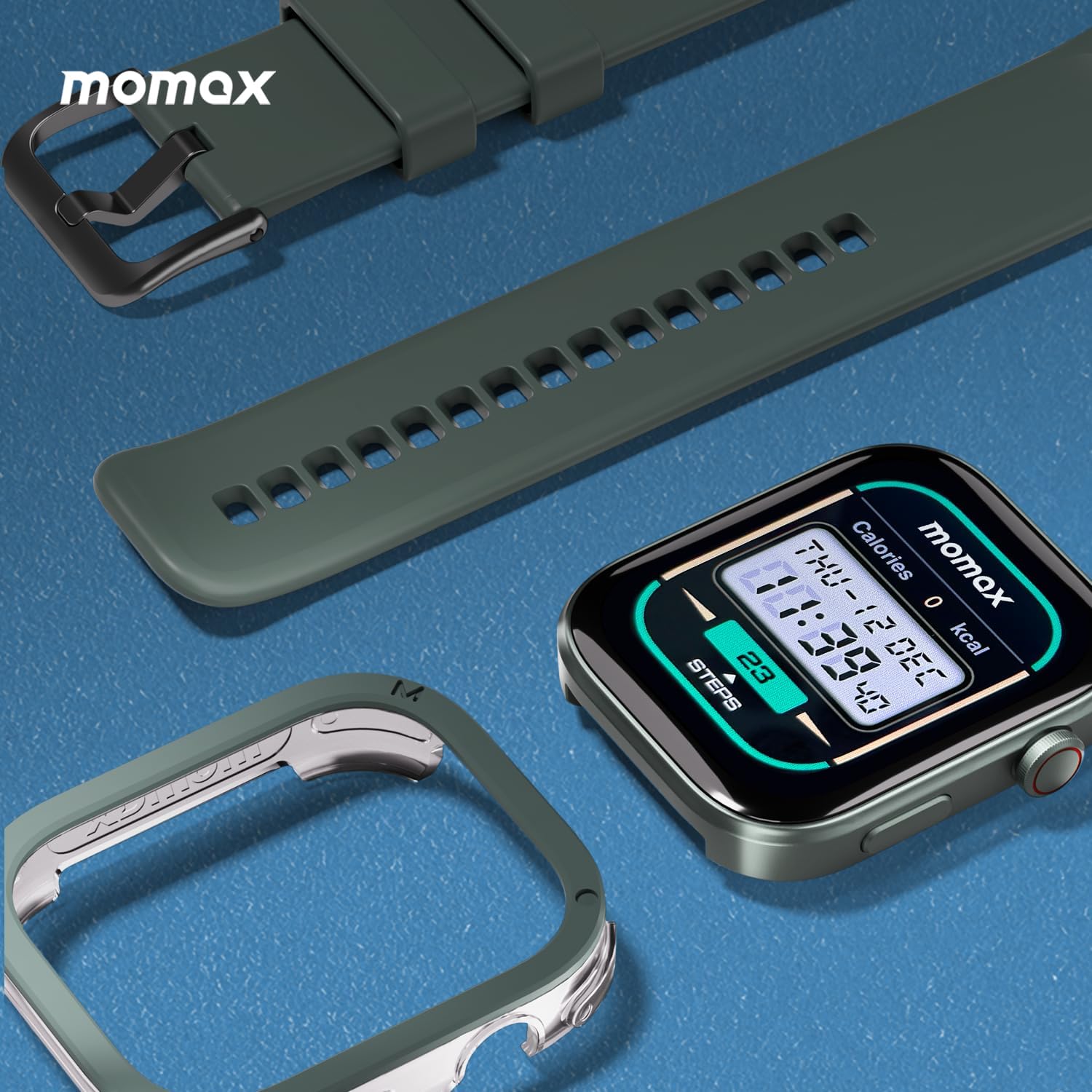
Wear the watch snugly on your wrist, about one finger's width above your wrist bone. Ensure the sensors on the back of the watch are in contact with your skin for accurate health monitoring. The watch is designed to be ultra-lightweight (38g) and features a skin-friendly, flexible band for comfortable all-day wear.

4. Operating the Smart Watch
4.1 Display and Navigation
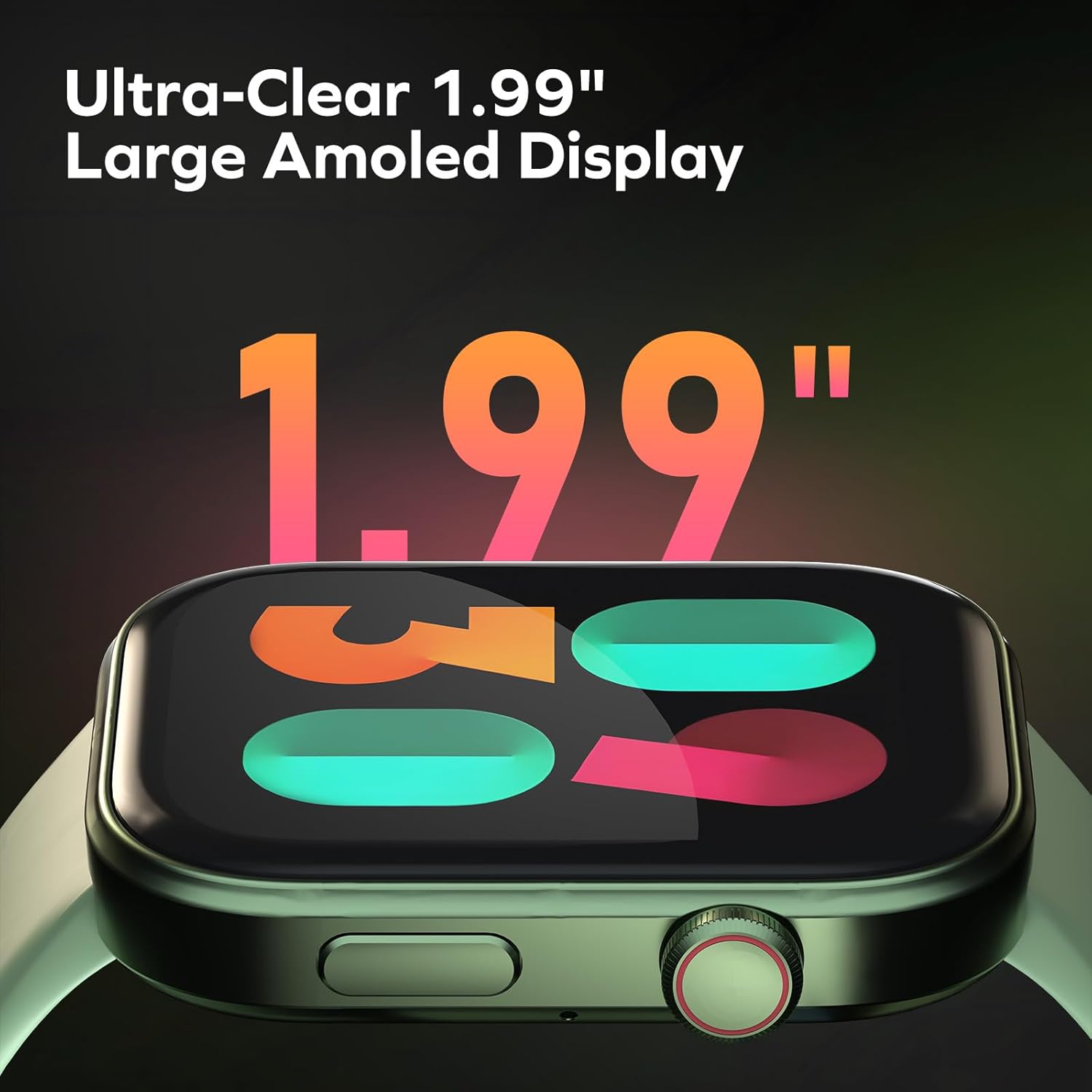
The MOMAX Smart Watch features a 1.99-inch AMOLED screen with 410x494 HD resolution, offering clear visibility even under direct sunlight. Navigate the interface using touch gestures (swipes, taps) and the physical button on the side.
4.2 Health Monitoring
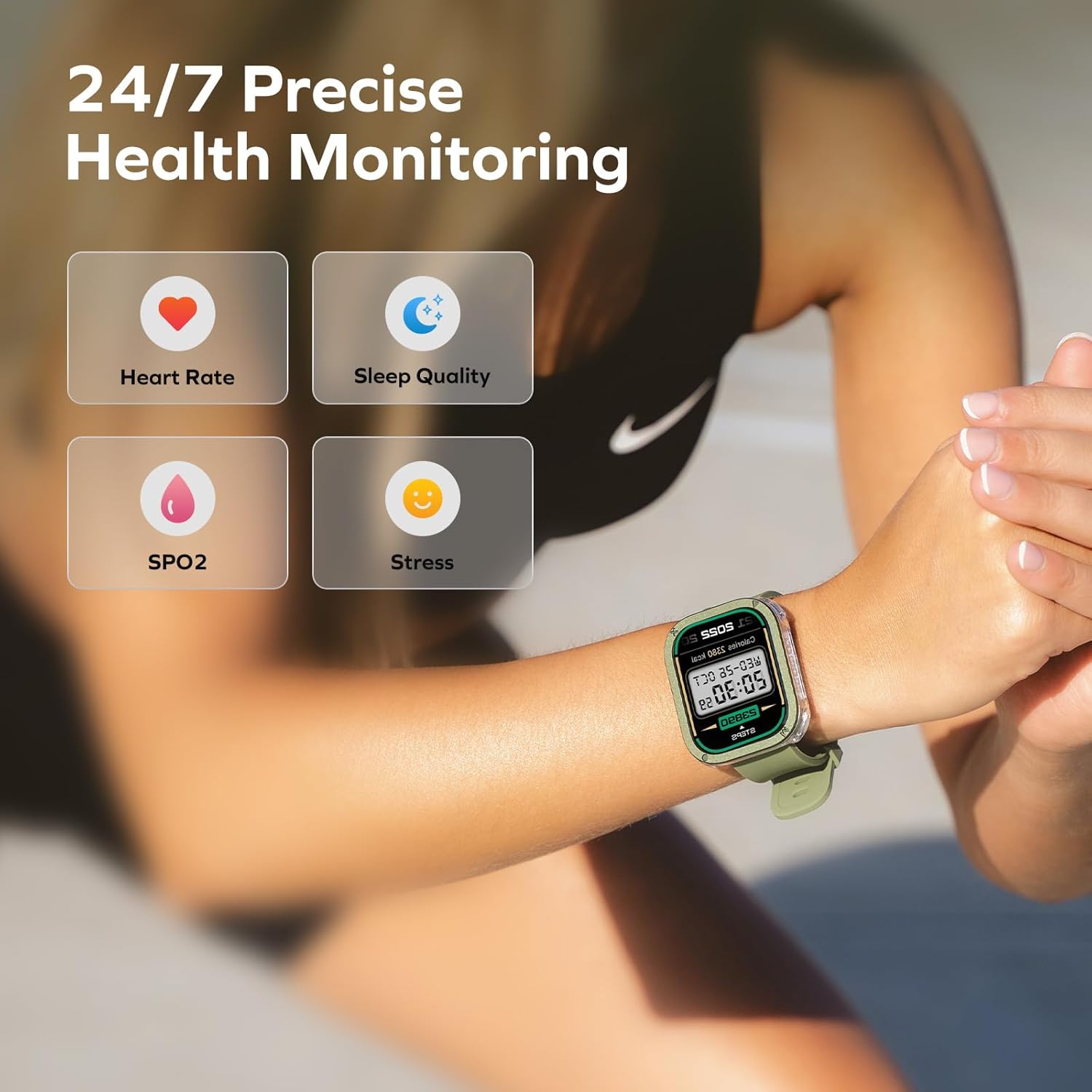
The watch provides comprehensive 24/7 health monitoring:
- Heart Rate: Continuous heart rate tracking with vibration alerts for abnormal readings.
- SpO2 (Blood Oxygen): Monitors blood oxygen saturation levels.
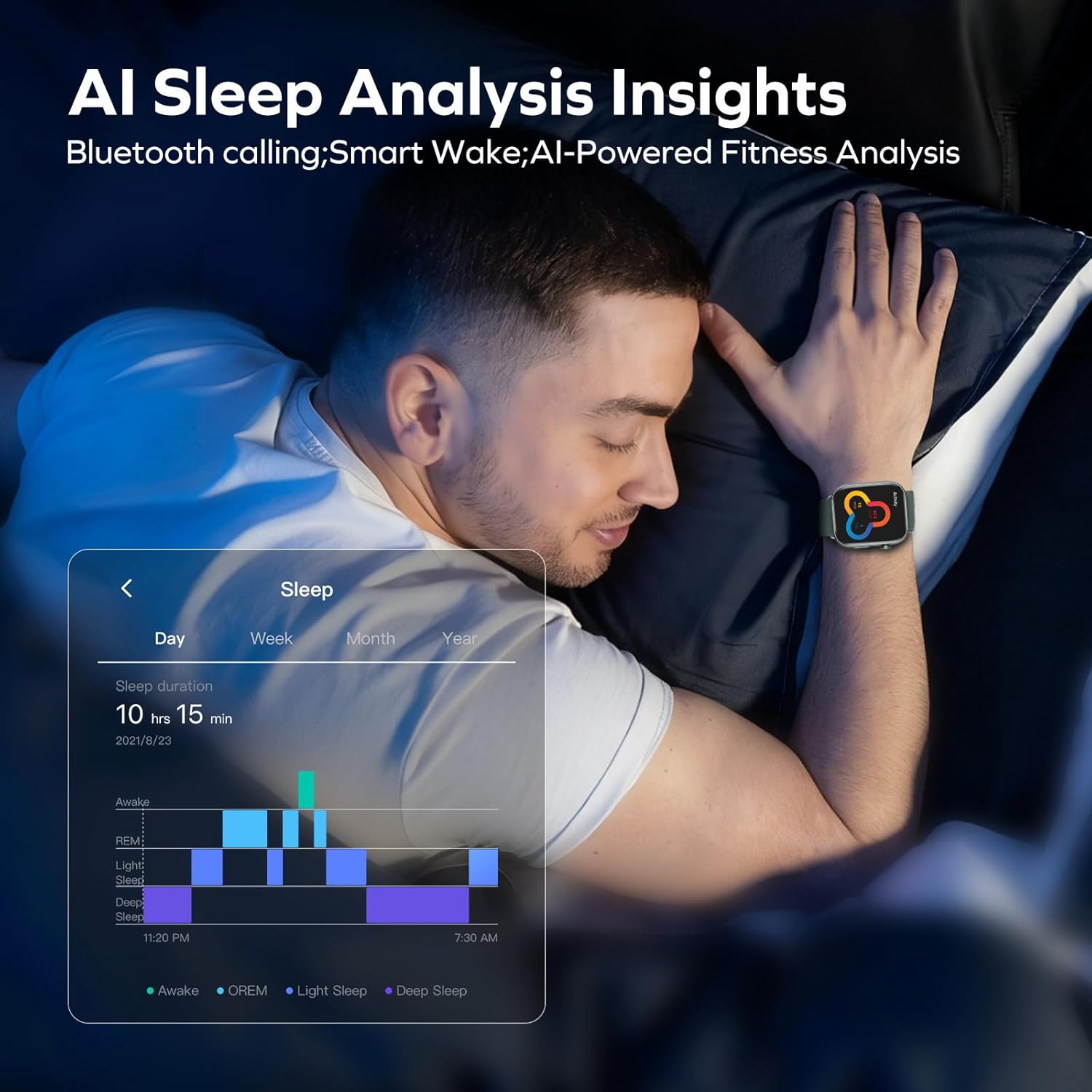
- Sleep Analysis: Tracks deep sleep, light sleep, and REM stages, offering suggestions for improvement.
- Stress Monitoring: Measures stress levels and HRV (Heart Rate Variability) with alerts.
- Women's Health Tracking: Provides features for tracking menstrual cycles.
4.3 Sports Modes and Activity Tracking
The watch supports over 100 sports modes. It can auto-recognize 5 major activities (running, swimming, rowing). It also provides an exclusive "Workout Effectiveness Score" based on heart rate, duration, and recovery, and advanced swim tracking (counts strokes for freestyle/breaststroke).
4.4 Communication Features
The MOMAX Smart Watch supports Bluetooth calling, allowing you to make and receive calls directly from your wrist when connected to your smartphone. It also delivers notifications for calls, messages, and app alerts.
Video 4.1: Product Introduction showcasing various features including Bluetooth calling and activity tracking.
4.5 Other Features
The watch includes additional functionalities such as music control, weather updates, a 'Find Phone' feature, alarm, and flashlight.
5. Maintenance
5.1 Water Resistance
The MOMAX Smart Watch has an IPX8 and 3ATM waterproof rating, meaning it is suitable for swimming, showering, and diving up to 30 meters without needing to be removed.
5.2 Cleaning and Care
To maintain the watch's appearance and sensor accuracy, regularly clean the device and its strap with a soft, damp cloth. Avoid using harsh chemicals or abrasive materials.
5.3 Battery Care
To prolong battery life, avoid exposing the watch to extreme temperatures. Charge the device using only the provided magnetic charging cable.
6. Troubleshooting
If you encounter issues with your MOMAX Smart Watch, consider the following common solutions:
- Connectivity Issues: Ensure Bluetooth is active on both devices and the watch is within range of your smartphone. Try restarting both the watch and your phone.
- Charging Problems: Verify that the magnetic charging cable is correctly aligned with the watch's charging points and that the USB power source is functional.
- App Synchronization: Check if the 'Momax Wear' app is updated to the latest version. Ensure the app has necessary permissions on your smartphone.
- Inaccurate Readings: Ensure the watch is worn snugly on your wrist and the sensors are clean and in direct contact with your skin.
For further assistance, refer to the 'Momax Wear' app's help section or contact MOMAX customer support.
7. Specifications
| Feature | Detail |
|---|---|
| Model Number | 4894222084131 |
| Screen Size | 1.99 Inches |
| Display Type | AMOLED (410x494 HD resolution) |
| Item Weight | 6.7 ounces (approx. 190g) |
| Battery Capacity | 300 Milliamp Hours |
| Battery Life | Up to 12 days (typical use), 35 days (standby) |
| Water Resistance | IPX8 & 3ATM (up to 30m) |
| Connectivity | Bluetooth, GPS (via Smartphone) |
| Operating System | Wear OS 1.4 |
| Special Feature | 2025 New Touch Color Screen |
8. Warranty and Support
For information regarding warranty coverage, returns, or technical support, please refer to the official MOMAX website or contact their customer service directly. Details may also be available on your purchase platform or within the 'Momax Wear' application.


