
1. Introduction
Thank you for choosing the Dyurwa ZY02 Portable Bluetooth Speaker. This manual provides essential information for the safe and efficient operation of your device. The speaker features 360° HD stereo sound, Bluetooth 5.3 connectivity, a built-in microphone for hands-free calls, dynamic RGB lighting, and an IPX7 waterproof rating, making it suitable for various environments. Enjoy up to 12 hours of continuous audio playback.
2. Package Contents
Please check the package for the following items:
- 1 x Dyurwa ZY02 Portable Bluetooth Speaker
- 1 x Type-C Charging Cable
- 1 x User Manual
3. Product Overview
Familiarize yourself with the speaker's components and controls.
3.1 Speaker Components
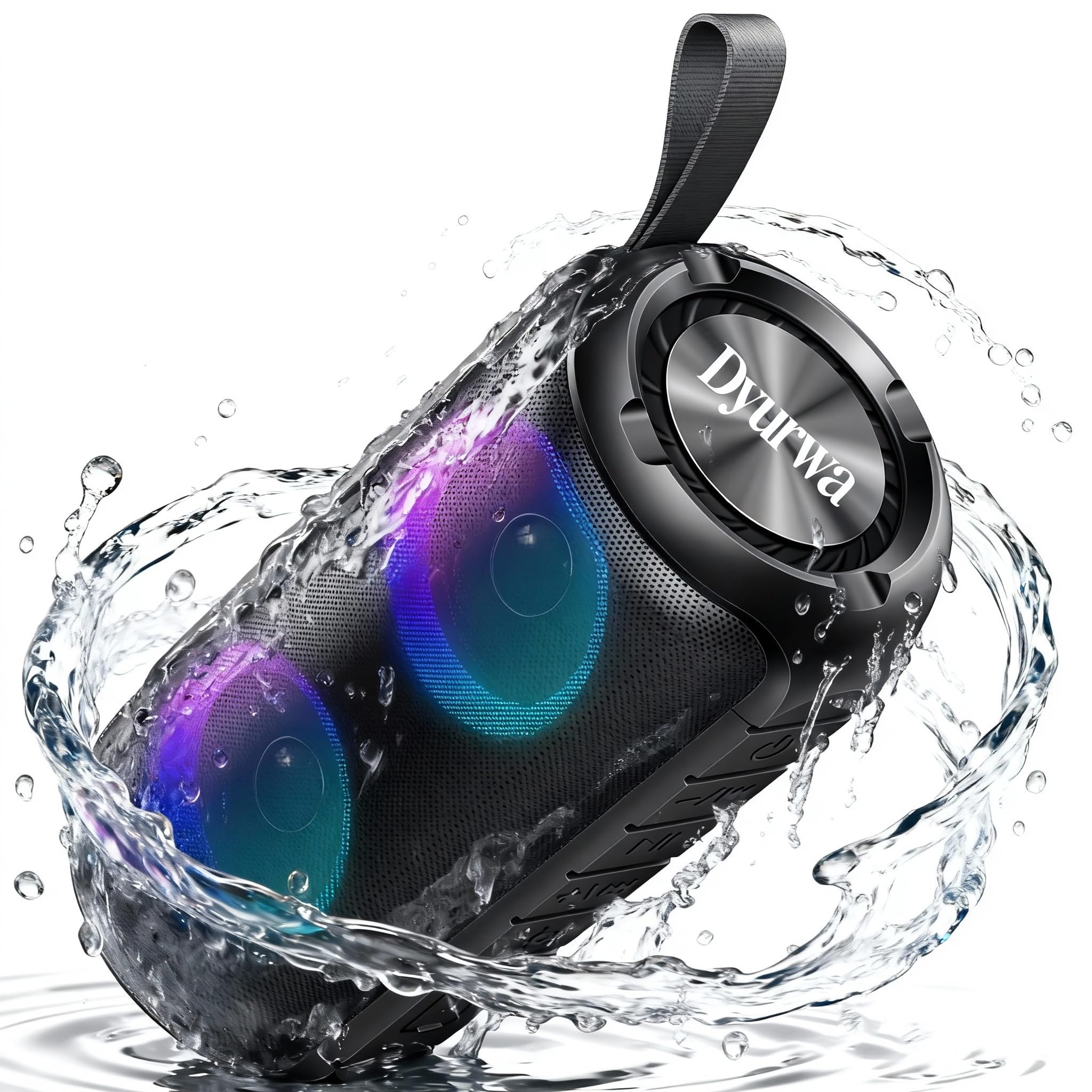
Figure 1: Front view of the Dyurwa ZY02 speaker, highlighting its design.

Figure 2: Side view of the speaker, showing the control panel.
3.2 Control Buttons
- Power Button: Press and hold to power on/off.
- Play/Pause Button: Press to play or pause music. Press to answer/end calls.
- Volume Up (+): Press to increase volume. Press and hold for next track.
- Volume Down (-): Press to decrease volume. Press and hold for previous track.
- Light Mode Button: Press to cycle through RGB light modes.
- Mode Button (M): Press to switch between Bluetooth and AUX modes.
4. Setup
4.1 Charging the Speaker
Before first use, fully charge the speaker. Use the provided Type-C charging cable to connect the speaker to a USB power adapter (not included) or a computer's USB port.
- The charging indicator light will illuminate during charging.
- Charging typically takes 2-3 hours.
- The indicator light will turn off or change color once fully charged.
4.2 Powering On/Off
- To Power On: Press and hold the Power Button for approximately 3 seconds until you hear an audible prompt and the RGB lights activate.
- To Power Off: Press and hold the Power Button for approximately 3 seconds until you hear an audible prompt and the lights turn off.
5. Operating Instructions
5.1 Bluetooth Pairing
The speaker will automatically enter Bluetooth pairing mode when powered on for the first time or if no device is connected.
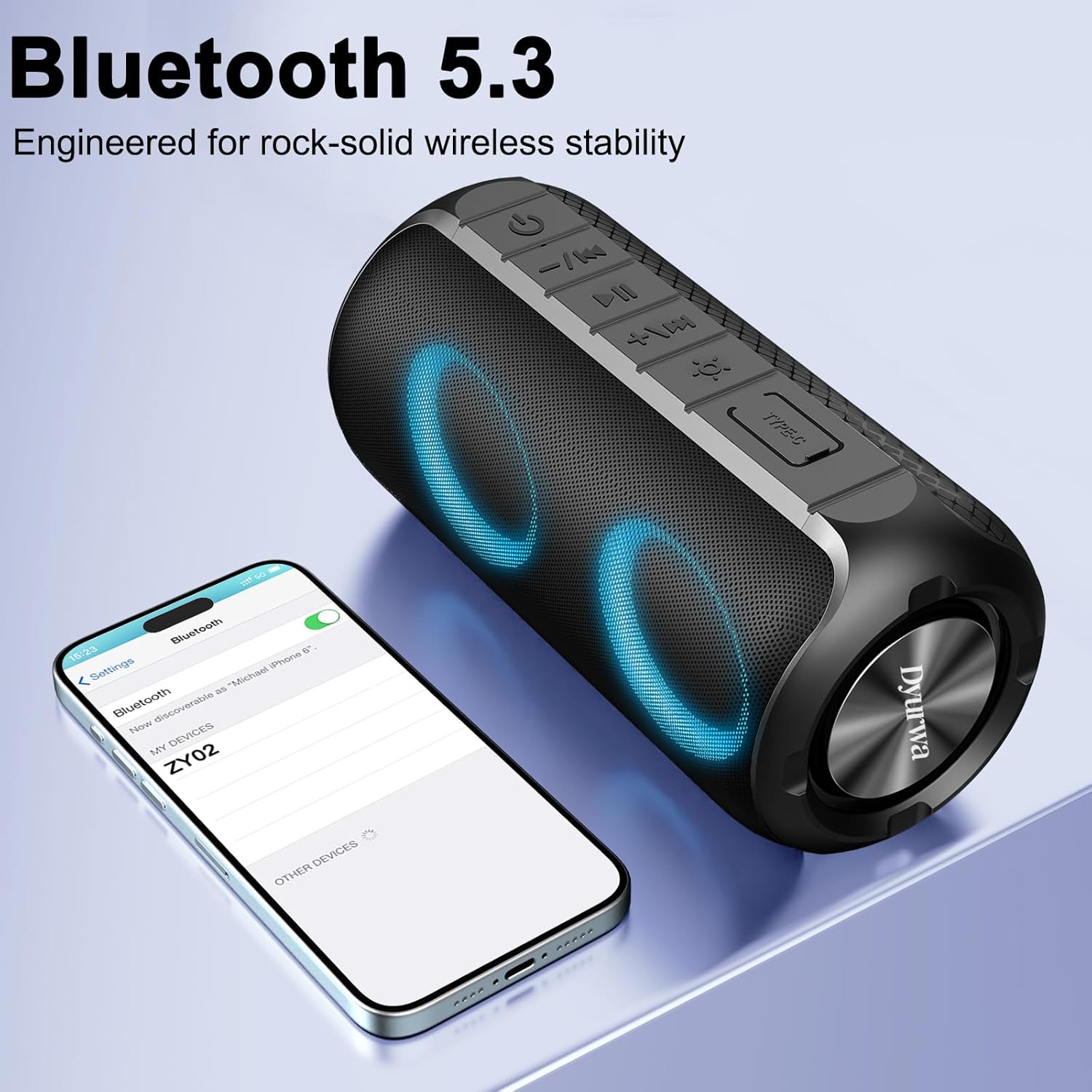
Figure 3: Bluetooth pairing process with a mobile device.
- Ensure the speaker is powered on and in Bluetooth pairing mode (indicated by a flashing blue light).
- On your device (smartphone, tablet, computer), enable Bluetooth.
- Search for available Bluetooth devices and select "ZY02" from the list.
- Once connected, you will hear an audible confirmation, and the blue light will become solid.
- The speaker will automatically reconnect to the last paired device when powered on, if available.
5.2 Music Playback
- Play/Pause: Press the Play/Pause button.
- Volume Adjustment: Press the '+' button to increase volume, '-' button to decrease volume.
- Next Track: Press and hold the '+' button.
- Previous Track: Press and hold the '-' button.
5.3 Hands-Free Calling
With the built-in microphone, you can answer calls directly through the speaker when connected via Bluetooth.
- Answer Call: Press the Play/Pause button once.
- End Call: Press the Play/Pause button once during a call.
- Reject Call: Press and hold the Play/Pause button for 2 seconds.
5.4 RGB Light Control
The speaker features dynamic RGB lighting that can be customized.

Figure 4: Speaker showcasing different RGB light patterns.
- Press the Light Mode button to cycle through different light effects.
- Continue pressing to find your preferred lighting or to turn the lights off.
5.5 AUX Mode
Connect an external audio device using a 3.5mm AUX cable (not included).
- Insert the 3.5mm AUX cable into the speaker's AUX port and the other end into your audio device.
- Press the Mode button (M) to switch to AUX mode.
- Control playback and volume from your connected device or the speaker's controls.
6. Maintenance
- Cleaning: Wipe the speaker with a soft, damp cloth. Do not use abrasive cleaners or solvents.
- Storage: Store the speaker in a cool, dry place away from direct sunlight and extreme temperatures.
- Water Resistance: The speaker is IPX7 waterproof, meaning it can be submerged in up to 1 meter of water for 30 minutes. Ensure the charging port cover is securely closed before exposure to water. Do not intentionally submerge for extended periods or in depths greater than specified.

Figure 5: Speaker demonstrating its IPX7 waterproof capability.
7. Troubleshooting
| Problem | Possible Cause | Solution |
|---|---|---|
| Speaker does not power on. | Low battery. | Charge the speaker fully. |
| Cannot pair via Bluetooth. | Speaker not in pairing mode; device Bluetooth off; too far from speaker. | Ensure speaker is in pairing mode. Turn device Bluetooth off/on. Move device closer to speaker (within 10m). |
| No sound. | Volume too low; incorrect mode; device not playing. | Increase speaker and device volume. Ensure correct mode (Bluetooth/AUX). Check if music is playing on your device. |
| Sound distortion. | Volume too high; low battery. | Reduce volume. Charge the speaker. |
8. Specifications
| Feature | Detail |
|---|---|
| Model Name | ZY02 |
| Brand | Dyurwa |
| Connectivity Technology | Bluetooth 5.3 |
| Speaker Type | Outdoor, Portable |
| Speaker Maximum Output Power | 180 Watts |
| Water Resistance Level | IPX7 Waterproof |
| Playtime | Up to 12 hours (varies by volume and light settings) |
| Charging Time | 2-3 hours |
| Product Dimensions | 2.54"D x 5"W x 4"H (approx. 6.45cm D x 12.7cm W x 10.16cm H) |
| Item Weight | 1.34 pounds (approx. 0.61 kg) |
| Batteries | 1 A battery required (included) |

Figure 6: Physical dimensions and weight of the Dyurwa ZY02 speaker.
9. Warranty and Support
For warranty information or technical support, please refer to the contact details provided with your purchase or visit the official Dyurwa website. Keep your purchase receipt as proof of purchase.
10. Product Video Demonstration
Watch this video for a visual overview of the Dyurwa ZY02 Portable Bluetooth Speaker's features and design.
Video 1: Dyurwa Bluetooth Speaker with Loud Sound, 2025 New Wireless Speaker. This video highlights the speaker's design, multiple color options, 20W Hi-Fi stereo sound, Bluetooth 5.3 connectivity, dynamic LED lighting effects, 1800mAh battery life, and IPX7 waterproof rating.