
Introduction
Thank you for choosing the SHGMEET X1 Smart Ring. This manual provides essential information for setting up, operating, and maintaining your device. Please read it carefully to ensure optimal performance and a long lifespan for your smart ring.
What's in the Box
Upon unboxing, please verify that all the following items are included:
- SHGMEET X1 Smart Ring
- Magnetic Charging Case
- USB Charging Cable
- User Manual

Image showing the contents of the SHGMEET X1 Smart Ring package, including the smart ring, magnetic charging case, USB charging cable, and user manual.
Setup Guide
1. Determine Your Ring Size
For accurate health tracking and comfort, selecting the correct ring size is crucial. It is highly recommended to use a SHGMEET sizing kit to find your ideal fit. The X1 Smart Ring has unique sizing specifications different from standard rings.
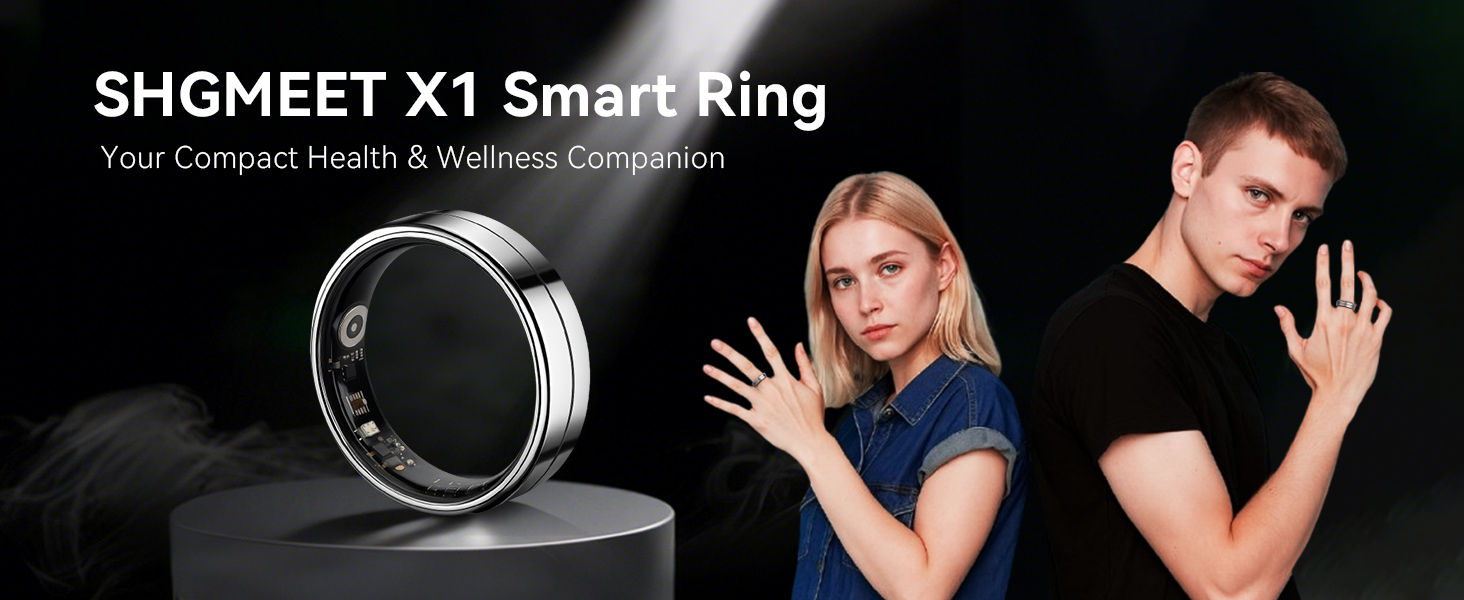
Image showing the SHGMEET X1 Smart Ring sizing kit with various ring sizes to help determine the perfect fit.
2. Charging the Smart Ring
Before first use, fully charge your SHGMEET X1 Smart Ring. Place the ring into the magnetic charging case and connect the USB cable to a power source. A single charge provides 3-5 days of battery life.
3. Download and Install the Da Rings App
The SHGMEET X1 Smart Ring requires the Da Rings app for full functionality. Download the app from your device's app store (compatible with Android 5.0+ and iOS 10.0+). The app offers lifetime free access to health analytics with no hidden fees.
Screenshot of the Da Rings app showing the device pairing process for the SHGMEET X1 Smart Ring.
4. Pairing Your Smart Ring
- Ensure Bluetooth is enabled on your smartphone.
- Open the Da Rings app.
- Follow the on-screen instructions to add a new device. Select your X1 Smart Ring from the list of available devices.
- Confirm the pairing request on both your phone and the app.
Image illustrating the correct placement of the SHGMEET X1 Smart Ring on a finger for optimal tracking.
Operating Instructions
The SHGMEET X1 Smart Ring continuously monitors various health and fitness metrics. All data is accessible and managed through the Da Rings app.
Health Monitoring
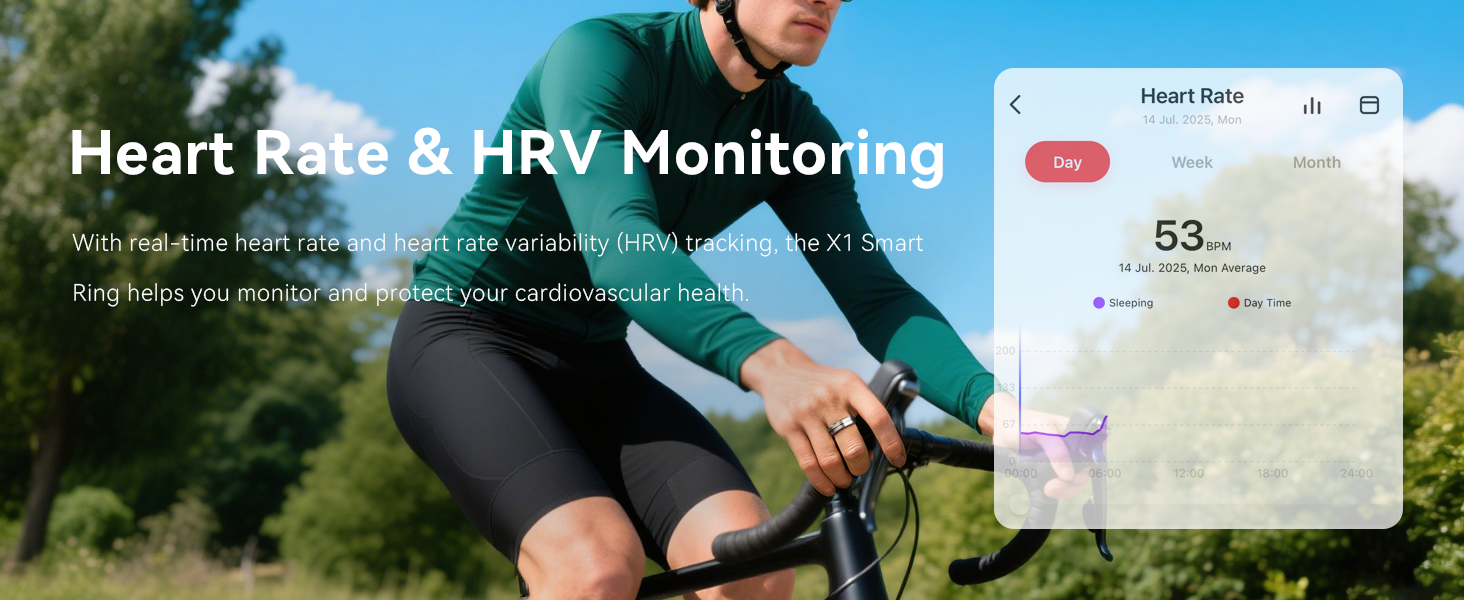
- Heart Rate & HRV: Monitors heart rate and heart rate variability 24/7 using clinical-grade sensors.
- Blood Oxygen: Tracks blood oxygen levels.
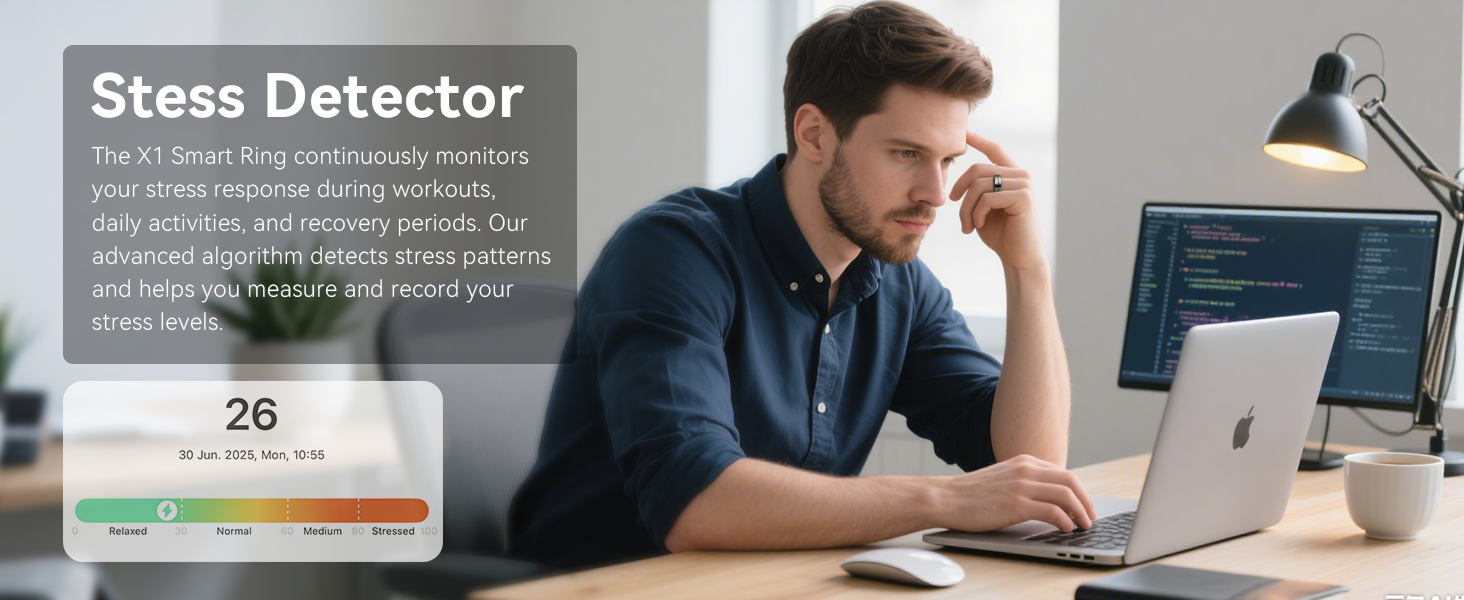
- Stress Levels: Assesses stress patterns during workouts and daily activities.
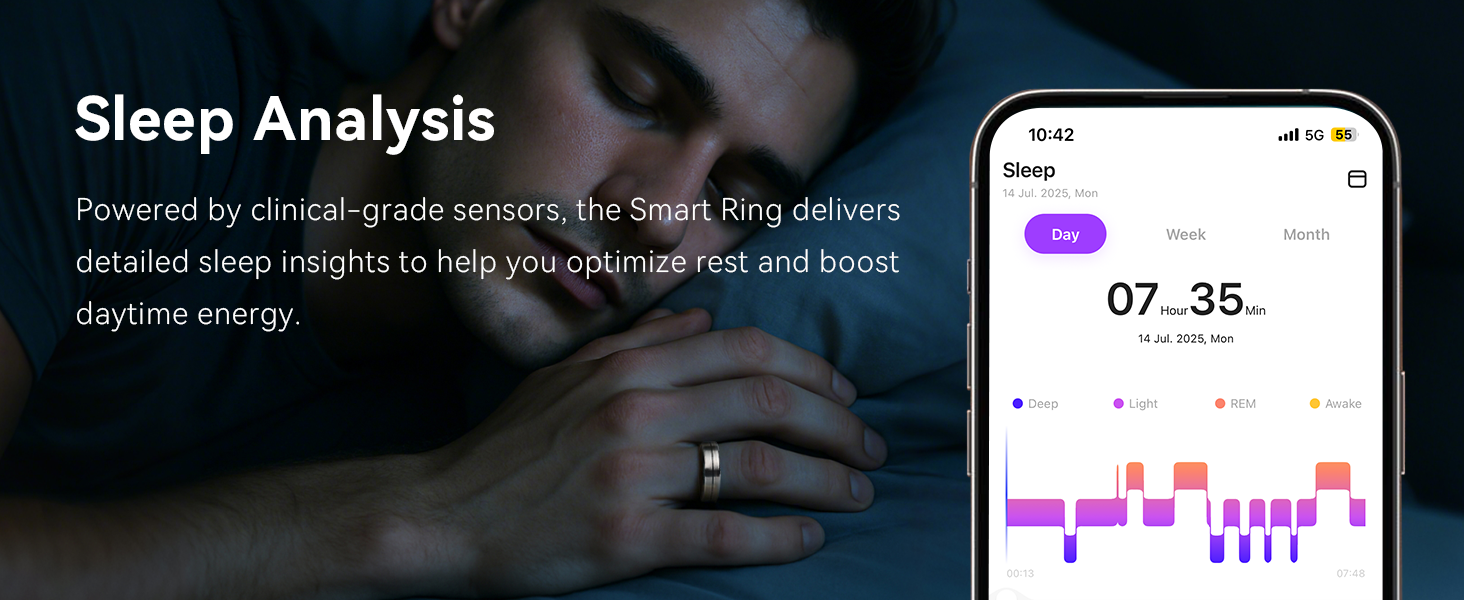
- Sleep Tracking: Automatically tracks sleep stages (deep, light, REM) and provides insights for improved rest.
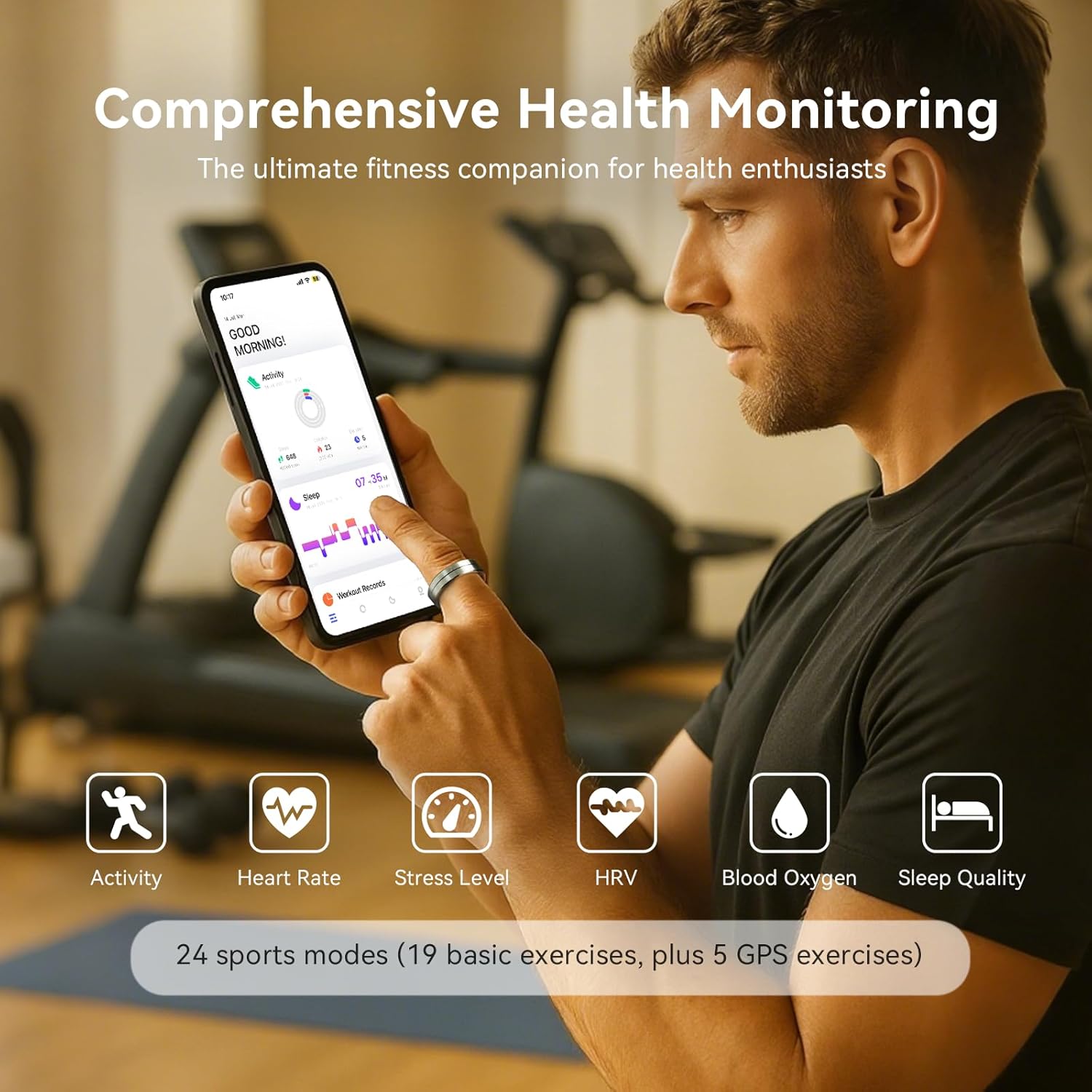
An image displaying a user interacting with the Da Rings app on a smartphone, showing various health metrics like activity, heart rate, stress, HRV, blood oxygen, and sleep quality, tracked by the SHGMEET X1 Smart Ring.
An image showing a person cycling while wearing the SHGMEET X1 Smart Ring, with a superimposed screenshot of the Da Rings app displaying heart rate and HRV data.
An image showing a person working on a laptop while wearing the SHGMEET X1 Smart Ring, with a superimposed graphic from the app indicating stress levels.
An image depicting a person sleeping with the SHGMEET X1 Smart Ring, alongside a screenshot of the Da Rings app showing detailed sleep analysis, including sleep stages and duration.
Activity Tracking
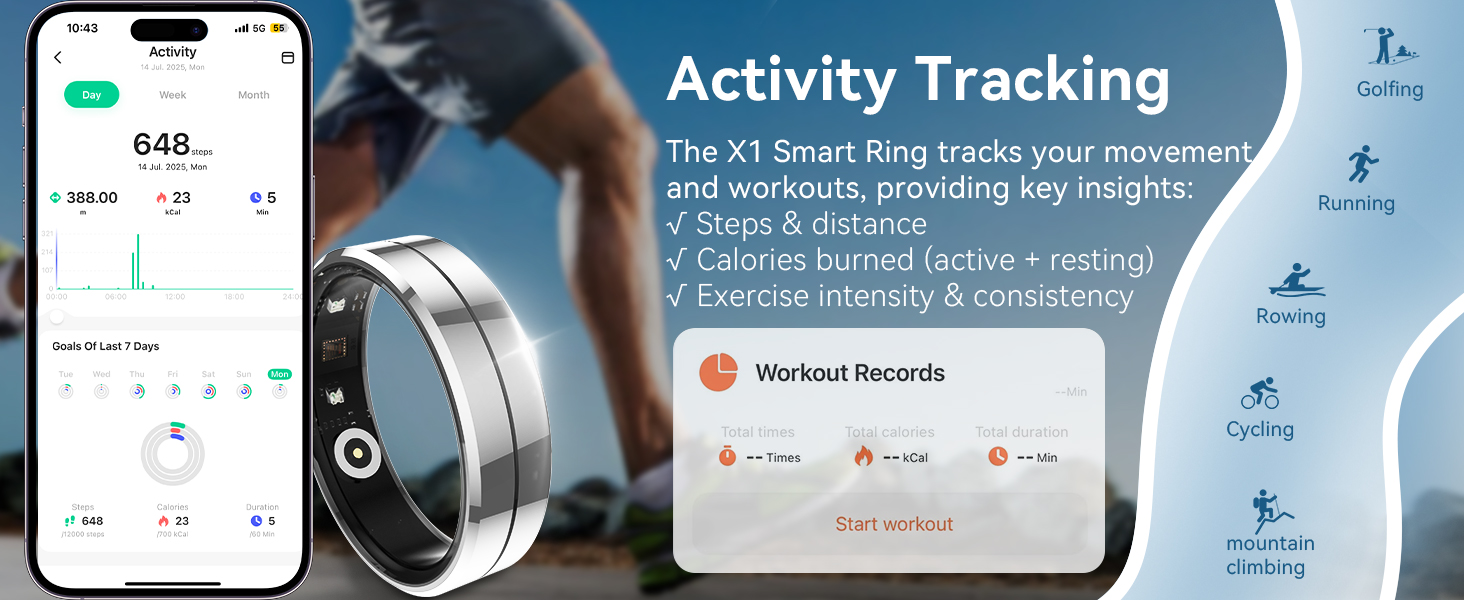
The smart ring supports 24 sports modes, including running, cycling, and GPS-based workouts. It records steps, distance, calories burned, and exercise intensity. Data can be synced with Strava and Apple Health.
An image showcasing the activity tracking capabilities of the SHGMEET X1 Smart Ring, with a smartphone displaying workout records, steps, distance, and calories burned, alongside icons for various sports modes.
Hands-Free Camera Control
Activate the remote camera feature in the Da Rings app. You can then capture photos remotely by shaking your ring-adorned finger within 3 seconds.

An image illustrating the hands-free camera control feature, where a user shakes their finger with the SHGMEET X1 Smart Ring to remotely capture a photo on a smartphone.
Care and Maintenance
Water Resistance
The SHGMEET X1 Smart Ring features a 5ATM waterproof rating, making it suitable for swimming, showering, and use in rainy conditions. Avoid prolonged submersion in hot water or exposure to high-pressure water jets.

An image demonstrating the 5ATM waterproof capability of the SHGMEET X1 Smart Ring, showing it being worn during rain, swimming, and bathing.
Cleaning
To clean your smart ring, wipe it with a soft, damp cloth. Avoid using harsh chemicals or abrasive materials, as these can damage the device's finish and sensors.
Storage
When not in use, store the smart ring in its charging case or a dry, cool place away from direct sunlight and extreme temperatures.
Troubleshooting
If you encounter issues with your SHGMEET X1 Smart Ring, please refer to the following common solutions:
- Device Not Connecting: Ensure Bluetooth is enabled on your phone and the ring is charged. Try restarting both the ring (by placing it in the charger) and your phone.
- Inaccurate Readings: Verify the ring is worn correctly and snugly on your finger. Ensure the sensors are clean.
- App Issues: Check for app updates in your device's app store. If problems persist, try reinstalling the Da Rings app.
- Battery Draining Quickly: Ensure the ring is fully charged. Background app usage or frequent data syncing can affect battery life.
For further assistance, please contact SHGMEET customer support.
Specifications
| Feature | Detail |
|---|---|
| Model | X1 |
| Brand | SHGMEET |
| Operating System | Android Wear 2.9 |
| Special Features | Activity Tracker, Lightweight, Multisport Tracker, Sleep Monitor |
| Battery Capacity | 18 Milliamp Hours |
| Battery Life | 3-5 days (single charge) |
| Connectivity Technology | Bluetooth 5.1 |
| Water Resistance Level | 5ATM (50 Meters) |
| Metrics Measured | Heart Rate, Sleep Duration, Stress, Blood Oxygen, HRV |
| Supported Application | Da Rings app, Strava, Apple Health |
| Compatible Devices | Android 5.0+ and iOS 10.0+ devices |
| Item Weight | 10 Grams |
| Material | Silicone (Band Material Type) |

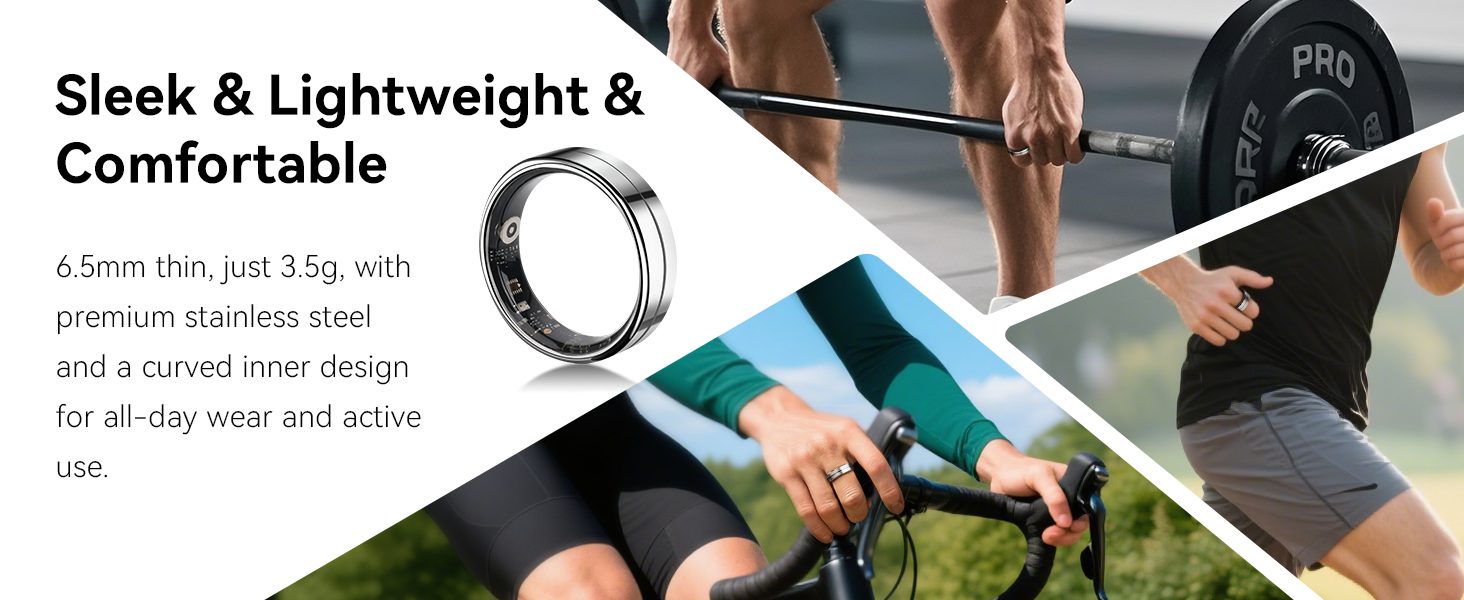
An image highlighting the sleek, lightweight, and comfortable design of the SHGMEET X1 Smart Ring, showing its thin profile and how it's worn during various activities.
Warranty and Support
Warranty Information
The SHGMEET X1 Smart Ring comes with a standard 1-year warranty from the date of purchase. This warranty covers manufacturing defects and malfunctions under normal use. It does not cover damage caused by misuse, accidents, or unauthorized modifications.
Customer Support
For technical support, warranty claims, or any questions regarding your SHGMEET X1 Smart Ring, please contact SHGMEET customer service. You can find more information and contact details on the official SHGMEET store page: SHGMEET Store.