
1. Introduction
This manual provides essential information for the safe and effective operation of your LEICESTERCN 1.1A Motorcycle Battery Maintainer, Model C11. This device is designed to charge and maintain 12V Lead-Acid (AGM, Gel, Wet) and 12V Lithium LiFePO4 batteries, ensuring optimal battery health and readiness for motorcycles, ATVs, scooters, and other powersport vehicles.
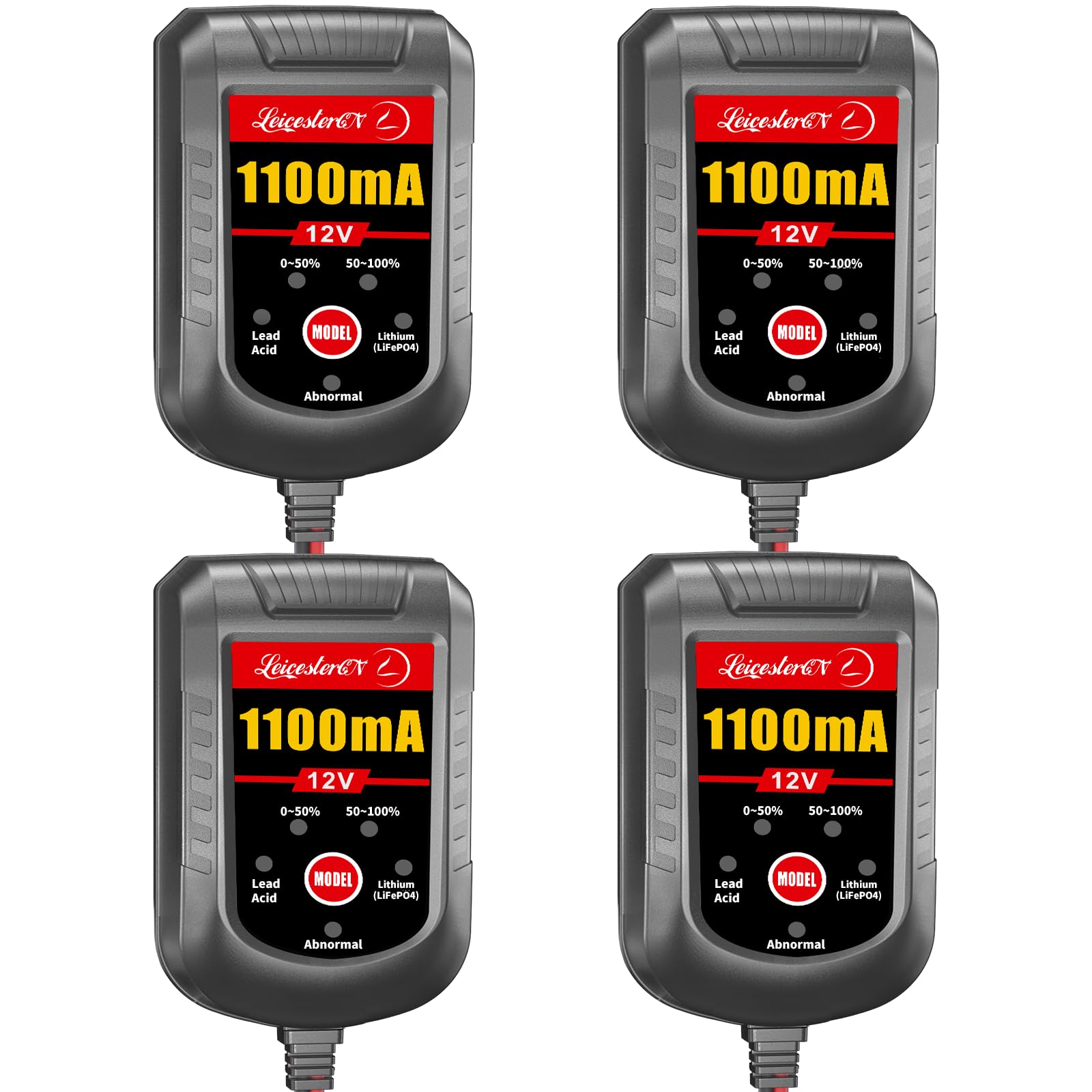
Image 1.1: LEICESTERCN 1.1A Motorcycle Battery Maintainer with included accessories.
2. Safety Information
Read all safety warnings and instructions before using this product. Failure to follow these instructions may result in electric shock, fire, or serious injury.
- Ventilation: Ensure adequate ventilation when charging. Batteries can produce explosive gases.
- Eye Protection: Always wear eye protection when working near batteries.
- Sparks: Avoid creating sparks near the battery. Do not connect or disconnect the charger while it is powered on.
- Polarity: Connect the positive (+) charger lead to the positive (+) battery terminal and the negative (-) charger lead to the negative (-) battery terminal. Reverse polarity protection is built-in, but correct connection is always recommended.
- Damaged Batteries: Do not attempt to charge frozen, damaged, or leaking batteries.
- Indoor Use: This charger is designed for indoor use. Do not expose to rain or excessive moisture.
- Children: Keep out of reach of children.
3. Package Contents
Verify that all items are present in your package:
- LEICESTERCN 1.1A Battery Maintainer (Model C11)
- Alligator Clip Harness
- Fused Ring Terminal Harness
- User Manual

Image 3.1: Charger unit with alligator clips and ring terminal connectors.
4. Product Features
The LEICESTERCN 1.1A Battery Maintainer offers advanced features for comprehensive battery care:
- Universal Compatibility: Supports 12V Lead-Acid (AGM, GEL, WET, EFB & Deep Cycle) and 12V Lithium LiFePO4 batteries with BMS.
- 1.1A Precision Charging: Tailored output for smaller amp-hour batteries found in motorcycles, ATVs, and scooters, preventing overheating.
- Smart Float Mode: Automatically switches to float mode once fully charged, maintaining optimal battery health without overcharging.
- Low-Voltage Recovery: Manual override function to initiate charging for 12V batteries discharged below 8V (but above 4V).
- Adaptive Weather Compensation: Adjusts charging parameters for optimal performance in cold (-4°F) and hot (104°F) conditions.
- Multi-Stage Charging: Utilizes a 4-stage charging process (Desulfation, Bulk Charge, Absorption, Float) to extend battery lifetime.
- Safety Protections: Includes spark-proof technology, reverse polarity protection, over-current, over-voltage, overheat, short-circuit protection, and automatic auto-stop.
- Extended Reach: 8FT total reach (6ft AC cord + 2ft DC cable) for flexible placement.
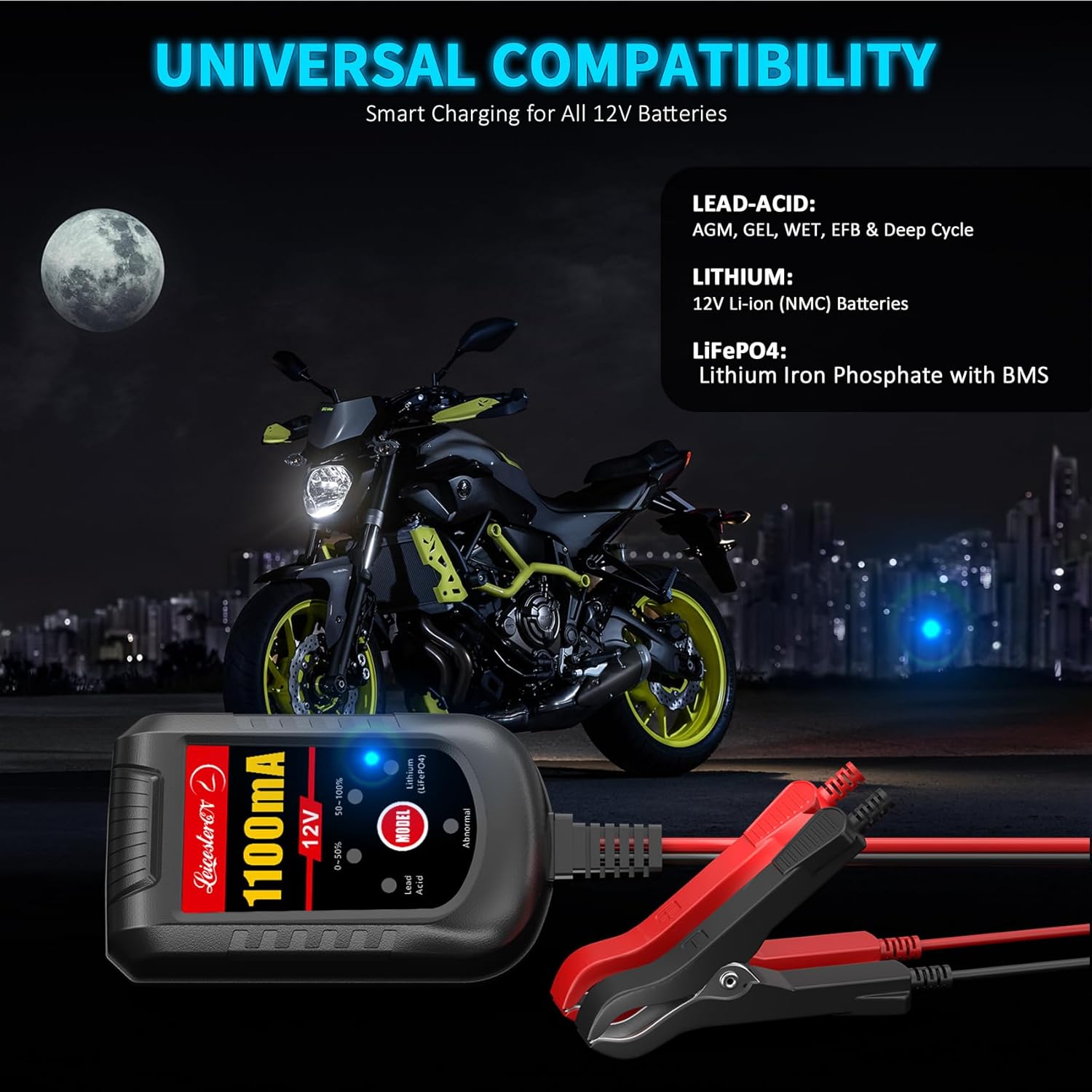
Image 4.1: Universal compatibility with various 12V battery types.

Image 4.2: Overview of the charger's safety and operational features.
5. Setup
Follow these steps to connect your battery maintainer:
- Choose Connection Method: Select either the alligator clip harness for temporary connections or the fused ring terminal harness for permanent installation.
- Connect to Battery:
- Connect the red (+) connector to the positive (+) battery terminal.
- Connect the black (-) connector to the negative (-) battery terminal.
Ensure a secure connection. The charger features spark-proof technology, but it is best practice to connect the battery leads before plugging the charger into an AC outlet.
- Select Battery Type: Once connected, plug the charger into a standard 110V AC outlet. The charger will power on. Press the MODE button to select the appropriate battery type (Lead-Acid or Lithium LiFePO4). The corresponding LED indicator will illuminate.

Image 5.1: Charger connected to a motorcycle battery for maintenance.
6. Operating Instructions
The LEICESTERCN 1.1A Battery Maintainer operates automatically once connected and the battery type is selected.
6.1 Charging Process
The charger will automatically detect the battery's state and begin the appropriate charging stage. The LED indicators will show the charging progress:
- 0-50% LED: Illuminates when the battery is charging from 0% to 50% capacity.
- 50-100% LED: Illuminates when the battery is charging from 50% to 100% capacity.
- Float Mode: Once 100% charge is reached, the charger automatically switches to float mode, indicated by the 50-100% LED remaining solid. In this mode, the charger monitors the battery and provides a gentle charge to maintain full capacity without overcharging.

Image 6.1: Charger's automatic revitalization and float mode capabilities.
6.2 Low-Voltage Recovery Mode
If your 12V battery is discharged below 8V, the charger may not initiate charging automatically. To activate the low-voltage recovery mode:
- Ensure the charger is connected to the battery and plugged into an AC outlet.
- Press and hold the MODE button for 3 seconds.
- Both the 0-50% and 50-100% LEDs will illuminate, indicating that forced charging has started. This mode bypasses standard detection to revive deeply discharged batteries.
Note: If a 12V battery is discharged below 4V, it may be permanently damaged and unrecoverable. Replacement is recommended for safety.

Image 6.2: Activating low-voltage recovery for deeply discharged batteries.
6.3 Adaptive Weather Compensation
The charger automatically adjusts its charging profile based on ambient temperature to prevent under-charging in cold conditions (Cold Mode: -4°F) and over-charging/overheating in hot conditions (Hot Mode: 104°F).

Image 6.3: Charger's adaptive weather compensation for optimal performance.
7. Maintenance
To ensure the longevity and optimal performance of your battery maintainer and batteries:
- Clean Connections: Periodically inspect and clean battery terminals and charger connectors to ensure good contact.
- Storage: Store the charger in a cool, dry place when not in use.
- Cable Inspection: Regularly check the AC and DC cables for any signs of damage. Do not use the charger if cables are damaged.
- Battery Level (Lead-Acid): For traditional lead-acid batteries, check electrolyte levels periodically and refill with distilled water if necessary, following battery manufacturer guidelines.
8. Troubleshooting
If you encounter issues with your LEICESTERCN 1.1A Battery Maintainer, refer to the following common problems and solutions:
| Problem | Possible Cause | Solution |
|---|---|---|
| Charger not turning on / No LEDs illuminated | No AC power; Faulty AC outlet; Damaged charger. | Check AC power connection. Test outlet with another device. Contact support if charger is damaged. |
| "Abnormal" LED is illuminated | Reverse polarity connection; Short circuit; Battery voltage too low (<4V); Internal fault. | Verify correct battery polarity. Check for short circuits in cables/connections. If battery is below 4V, it may be unrecoverable. Contact support if problem persists. |
| Battery not charging / Charging LEDs not progressing | Poor battery connection; Incorrect battery type selected; Battery severely discharged (<8V); Battery is faulty. | Ensure secure connections. Verify correct battery type selected with MODE button. Activate Low-Voltage Recovery Mode (Section 6.2). Test battery health. |
| Charger gets hot during operation | Normal operation; Poor ventilation; Overload. | Some warmth is normal. Ensure adequate ventilation around the charger. If excessively hot, disconnect and contact support. |
9. Specifications
| Specification | Value |
|---|---|
| Brand | LEICESTERCN |
| Model Number | C11 |
| Output Voltage | 12 Volts |
| Input Voltage | 110 Volts |
| Current Rating | 1100 Milliamps (1.1A) |
| Product Dimensions (D x W x H) | 3.2" x 1.7" x 1.3" |
| Connector Type | Alligator and Ring Terminals |
| Compatible Battery Types | 12V Lead-Acid (AGM, Gel, Wet, EFB, Deep Cycle), 12V Lithium LiFePO4 |
| Operating Temperature Range | -4°F to 104°F |
| UPC | 765147772592 |
10. Warranty and Support
Your LEICESTERCN 1.1A Battery Maintainer (Model C11) comes with a 3-Year Quality Assurance and a 12-Month Refund Guarantee.
For technical support, warranty claims, or any questions regarding your product, please contact LEICESTERCN customer service through the retailer's platform or visit the official LEICESTERCN store page: LEICESTERCN Store.

