
1. Introduction
This manual provides essential information for the proper use and maintenance of your DIVOAZBVO TG02 Smart Watch. Please read it thoroughly before operating the device to ensure optimal performance and longevity.
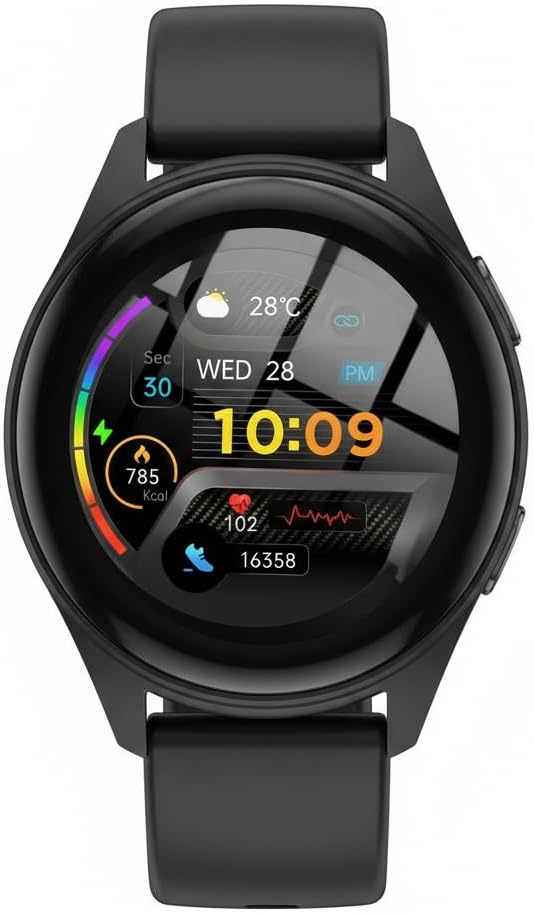
Figure 1: DIVOAZBVO TG02 Smart Watch
2. What's in the Box
Upon opening your DIVOAZBVO TG02 Smart Watch package, you should find the following items:
- Watch Dial
- Watch Strap
- Watch Charger (Magnetic USB)

Figure 2: Package Contents
3. Setup
3.1 Initial Charging
Before first use, fully charge your DIVOAZBVO TG02 Smart Watch. Connect the magnetic charger to the charging points on the back of the watch and plug the USB end into a power source. The watch display will indicate charging status.
3.2 App Installation and Device Pairing
- Download the App: Scan the QR code displayed on the watch screen or refer to the user manual for the correct app name (e.g., 'VeryFit' or similar, as indicated by the watch display). Download and install the app from the Google Play Store (for Android) or Apple App Store (for iOS).
- Enable Bluetooth: Ensure Bluetooth is enabled on your smartphone.
- Open the App: Launch the installed app on your smartphone.
- Add Device: Follow the in-app instructions to add a new device. Select 'TG02' or the appropriate model from the list of available devices.
- Confirm Pairing: A pairing request will appear on your watch. Confirm the pairing on the watch to establish the connection.
Video 1: How to Pair Your Smart Watch (Motive 7C shown, process is similar for TG02)
Note: Grant necessary permissions (e.g., location, notifications) to the app for full functionality.
3.3 Watch Face Customization
Customize your watch face through the companion app. Navigate to the 'Watch Face Market' or 'Watch Faces' section within the app to browse and apply various designs. Some watch faces may also be customizable directly on the watch by long-pressing the screen.
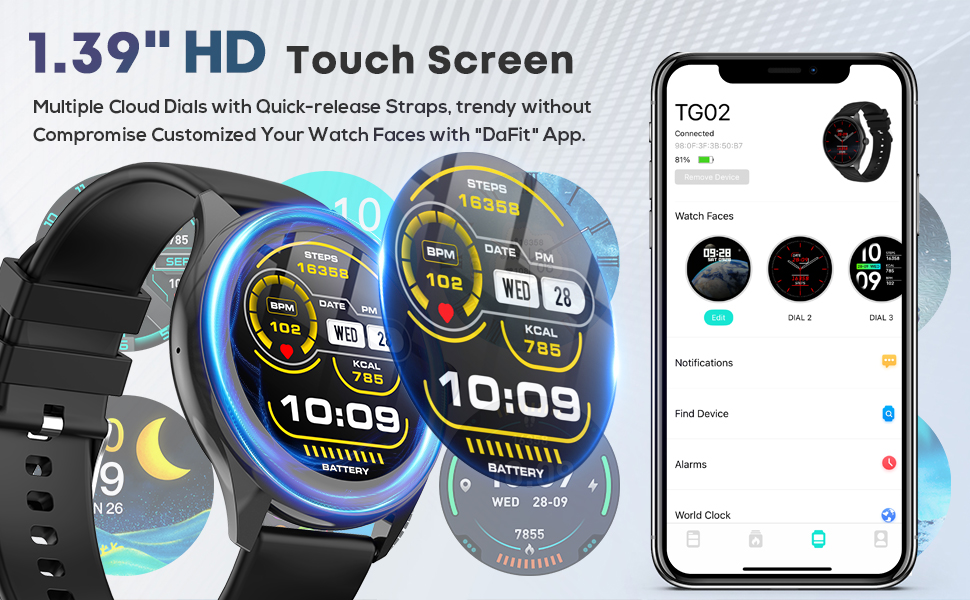
Figure 3: Watch Face Customization via App
4. Operating Instructions
4.1 Basic Navigation
- Swipe Up/Down: Scroll through menus and notifications.
- Swipe Left/Right: Access quick functions or different data screens.
- Tap: Select an item or open an application.
- Side Button: Typically used to wake the screen, return to the home screen, or access the main menu.
4.2 Call and Notification Management
Once paired, the TG02 Smart Watch supports Bluetooth calling and displays smart notifications from your connected smartphone.
- Incoming Calls: Answer or reject calls directly from your watch.
- Notifications: Receive alerts for messages, social media, and other app notifications.
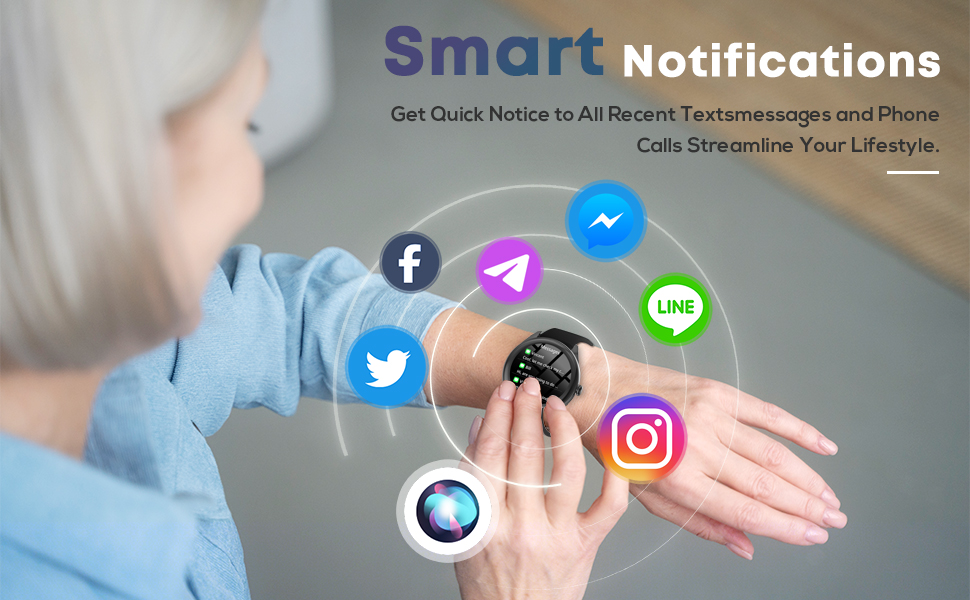
Figure 4: Smart Notifications on the Watch
4.3 Health Monitoring
The watch offers comprehensive health tracking features:
- Heart Rate Monitoring: Continuously track your heart rate. Access the heart rate function on the watch or app to view real-time data and historical trends.
- Blood Oxygen (SpO2) Monitoring: Measure your blood oxygen levels.
- Sleep Monitoring: Automatically track your sleep patterns, including deep sleep, light sleep, and wake times.
- Female Cycle Tracking: Monitor and predict menstrual cycles (requires setup in the app).
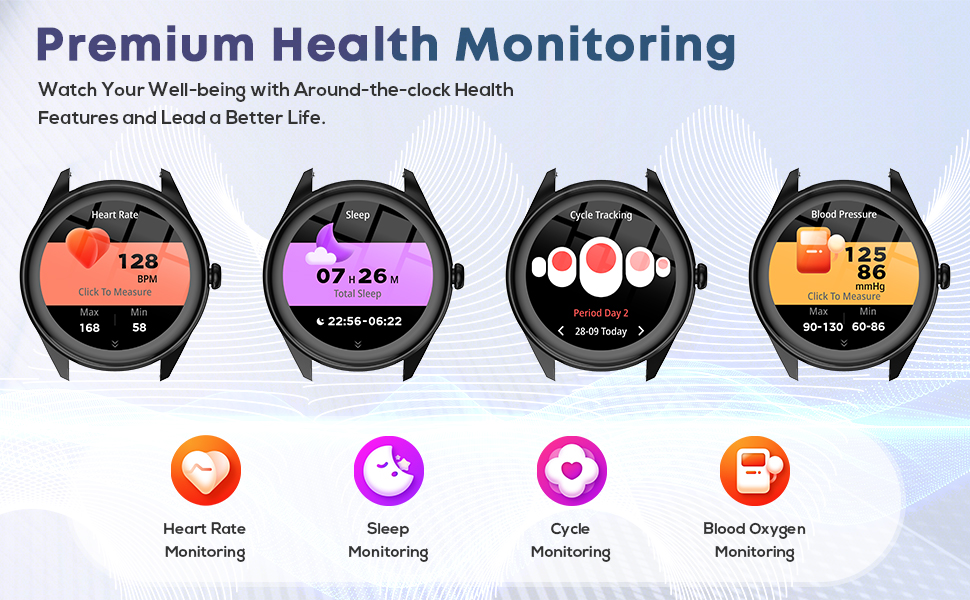
Figure 5: Premium Health Monitoring Features
4.4 Fitness Tracking (120 Sports Modes)
Engage in various activities with 120 diverse sports modes. The watch tracks steps, distance, calories burned, and heart rate during workouts. GPS functionality is available via smartphone connection for route mapping.

Figure 6: 120 Diverse Sports Modes
4.5 Utility Features
- Weather Forecast: Get real-time weather updates.
- Music Control: Control music playback on your smartphone.
- Camera Control: Use your watch as a remote shutter for your phone's camera.
- Stopwatch & Timer: Essential tools for timing activities.
- Alarm Clock: Set alarms directly on the watch or through the app.
- Find Your Phone: Locate your misplaced smartphone by triggering an alert sound.
- Sedentary Reminder: Receive alerts to move after periods of inactivity.
- Voice Assistant: Utilize the built-in AI voice assistant for hands-free commands.
- Calculator: Perform basic calculations directly on your wrist.
5. Maintenance
5.1 Charging
The DIVOAZBVO TG02 Smart Watch features a long-lasting battery, providing 5-7 days of active use and up to 30 days of standby time. Recharge using the provided magnetic charger when the battery is low.
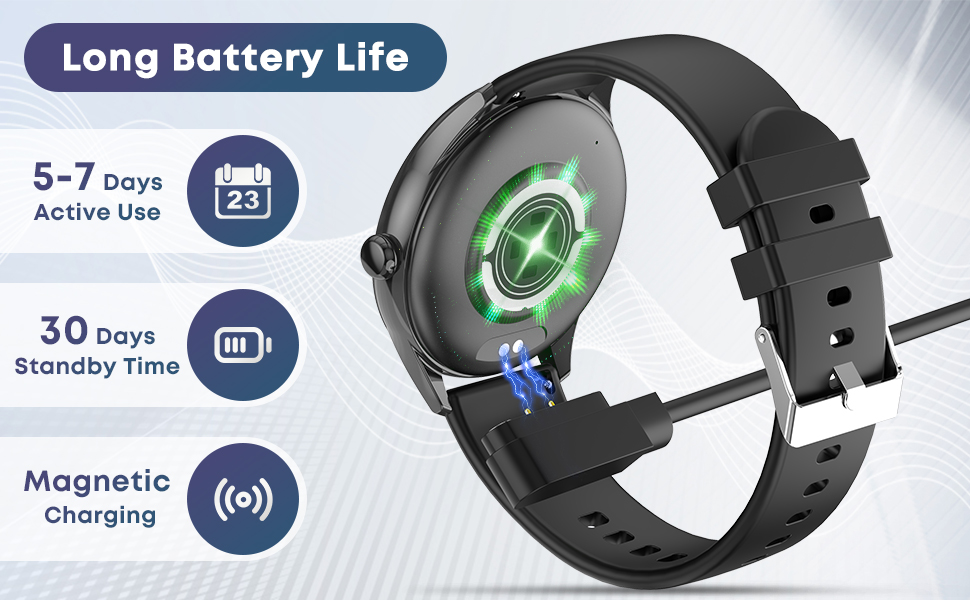
Figure 7: Magnetic Charging and Battery Life
5.2 Water Resistance (IP67)
The watch is IP67 waterproof, meaning it is resistant to splashes, rain, and can be worn during showering or swimming in shallow water. It is not recommended for diving, high-pressure water activities, or prolonged submersion.
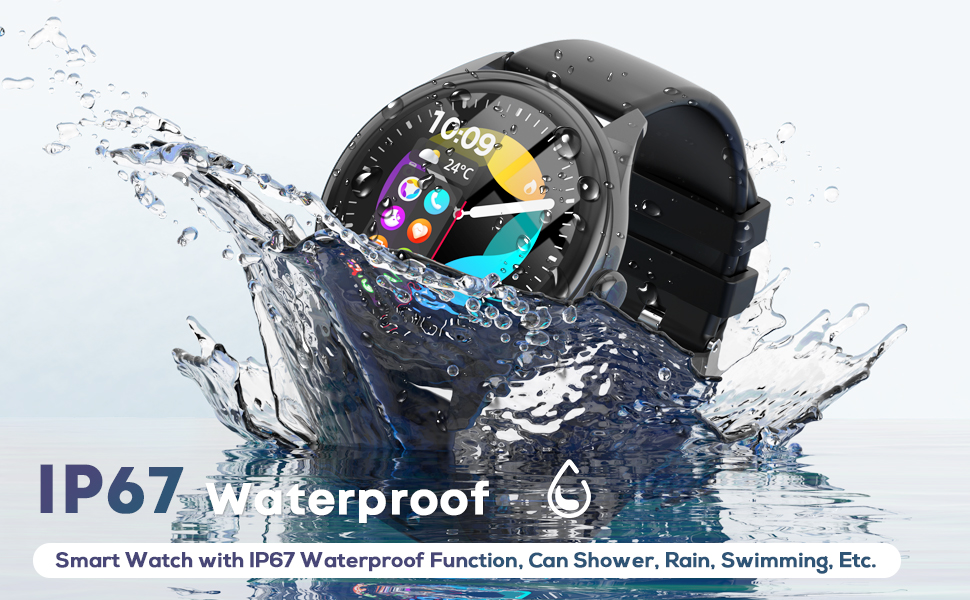
Figure 8: IP67 Water Resistance
5.3 Cleaning
Regularly clean your watch and strap with a soft, damp cloth. Avoid using harsh chemicals or abrasive materials that could damage the device.
6. Troubleshooting
- Watch not turning on: Ensure the watch is fully charged. Long-press the function button to power it on.
- Unable to pair with phone: Check that Bluetooth is enabled on your phone and the watch is within range. Restart both devices and try pairing again. Ensure the correct app is installed.
- Inaccurate health data: Ensure the watch is worn snugly on your wrist, not too tight or too loose. Clean the sensors on the back of the watch.
- Notifications not appearing: Verify that notification permissions are granted to the app on your phone and that notifications are enabled within the app settings for the desired applications.
- Short battery life: Reduce screen brightness, disable unnecessary features, and ensure background app refresh is optimized.
7. Specifications
- Model: TG02
- Screen Size: 1.39 Inches
- Operating System: iPhone (iOS 9.0+) & Android (5.0+)
- Memory Storage Capacity: 64 MB
- Battery Capacity: 350 Milliamp Hours
- Connectivity Technology: Bluetooth
- Water Resistance: IP67
- Special Features: Bluetooth Call, Message Reminder, Heart Rate/Sleep Monitoring, Fitness Tracker, Stopwatch, Alarm Clock, Find Your Phone, Sedentary Reminder, Music/Camera Control, Weather Forecast, Female Cycle Tracking, 1.39" HD Color Screen, Voice Assistant, Calculator, 120 Sports Modes.
8. Warranty and Support
For warranty information, technical support, or service inquiries, please refer to the contact details provided with your product packaging or visit the official DIVOAZBVO website. Keep your purchase receipt as proof of purchase.