
Important Safety Instructions
When using electrical appliances, especially when children are present, basic safety precautions should always be followed, including the following:
- DANGER: Keep away from water. As with most electrical appliances, electrical parts are electrically live even when the switch is off.
- Always unplug the appliance immediately after use.
- Do not use while bathing or in a shower.
- Do not place or store appliance where it can fall or be pulled into a tub or sink.
- Do not place in or drop into water or other liquid.
- If an appliance falls into water, unplug it immediately. Do not reach into the water.
- WARNING: To reduce the risk of burns, electrocution, fire, or injury to persons:
- An appliance should never be left unattended when plugged in.
- Close supervision is necessary when this appliance is used by, on, or near children or individuals with certain disabilities.
- Use this appliance only for its intended use as described in this manual. Do not use attachments not recommended by the manufacturer.
- Never operate this appliance if it has a damaged cord or plug, if it is not working properly, or if it has been dropped or damaged, or dropped into water. Return the appliance to a service center for examination and repair.
- Keep the cord away from heated surfaces. Do not wrap the cord around the appliance.
- Never use while sleeping.
- Never drop or insert any object into any opening.
- Do not use outdoors or operate where aerosol (spray) products are being used or where oxygen is being administered.
- Do not use an extension cord with this appliance.
- This appliance is hot when in use. Do not let eyes or bare skin touch heated surfaces.
- Do not place the heated unit directly on any surface while it is operating or cooling.
- Never block the air openings of the appliance or place it on a soft surface, such as a bed or couch, where the air openings may be blocked. Keep the air openings free of lint, hair, and the like.
- Do not touch hot surfaces. Use handles or knobs.
- Before plugging in, read the information about dual voltage.
Product Overview
The Neuro by Paul Mitchell Smooth+ 1.75" Ceramic Straightening & Styling Iron is designed for efficient and versatile hair styling. It features extra-wide CeraShine™ ceramic plates for faster styling, powered by NeutraHeat™ Technology to minimize damage by eliminating hotspots. The CurvEdge design allows for both straightening and curling, while a powerful ion generator helps neutralize static frizz for smooth, shiny results.

Image: The Neuro by Paul Mitchell Smooth+ 1.75" Ceramic Straightening & Styling Iron, shown in its open position, highlighting the wide ceramic plates and sleek black design.

Image: A close-up view of the iron's CurvEdge design, illustrating the rounded edges that enable versatile styling beyond just straightening.
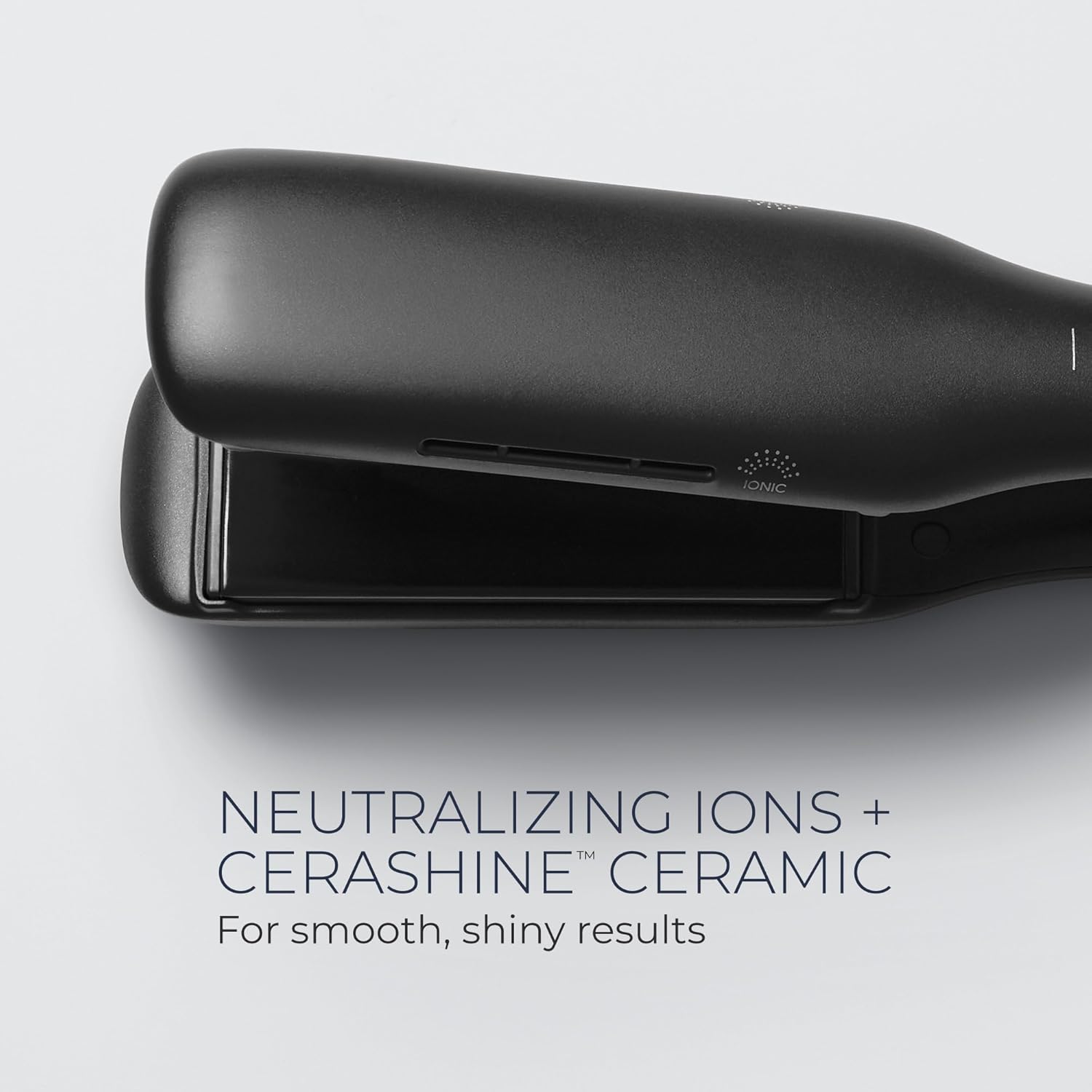
Image: A detailed shot of the iron's CeraShine ceramic plates and the ionic vent, indicating the technology for smooth, frizz-free results.
Setup
- Unpack the Appliance: Carefully remove the straightening iron from its packaging. Ensure all components are present and inspect the iron for any signs of damage.
- Power Connection: Plug the appliance into a suitable electrical outlet. This iron features dual voltage for worldwide use (100-240V), automatically adapting to the local voltage. No voltage converter is needed, but a plug adapter may be required for international travel.
- Initial Inspection: Before first use, ensure the plates are clean and free of any debris.
Operating Instructions
Powering On and Temperature Selection
To turn on the iron, press and hold the power button. The iron offers 6 heat settings, allowing for personalized styling up to 450°F. The SmartSense Microchip monitors heat hundreds of times per second to ensure consistent, even heat distribution.
- Press the power button once to turn on.
- Use the temperature adjustment buttons to cycle through the available heat settings.
- A dedicated button is available for the maximum 450°F setting.
- Allow the iron to heat up to the desired temperature before use. It heats up quickly.

Image: The control panel of the Neuro Smooth+ iron, displaying the power button, temperature adjustment buttons, and the dedicated 450°F setting button.
Straightening Hair
For straightening, ensure hair is clean, dry, and detangled. Apply a heat protectant if desired.
- Divide hair into small, manageable sections.
- Hold the iron horizontally.
- Place a section of hair between the plates, close to the roots.
- Gently glide the iron down the length of the hair section from roots to ends in a smooth, continuous motion. Avoid stopping the iron in one place to prevent heat damage.
- Repeat on all sections until desired straightness is achieved.

Image: A person using the Neuro Smooth+ iron to straighten a section of hair, demonstrating the smooth glide of the plates.
Curling Hair
The CurvEdge design allows for creating curls and waves.
- Divide hair into small, manageable sections.
- Hold the iron vertically.
- Place a section of hair between the plates, close to the roots.
- Rotate the iron 180 degrees away from your face, then slowly glide it down the hair shaft. The rounded edges will help create a curl.
- For looser waves, glide faster; for tighter curls, glide slower.
- Repeat on all sections. Allow curls to cool before styling further.
Locking Switch
The iron is equipped with a locking switch for convenient storage and travel. This switch keeps the plates closed together.
- To lock the plates, slide the switch to the locked position (indicated by a lock icon).
- To unlock, slide the switch to the open position.
- Important: Do not heat the device while it is in the locked position, as this can overheat the plates and potentially damage the unit.
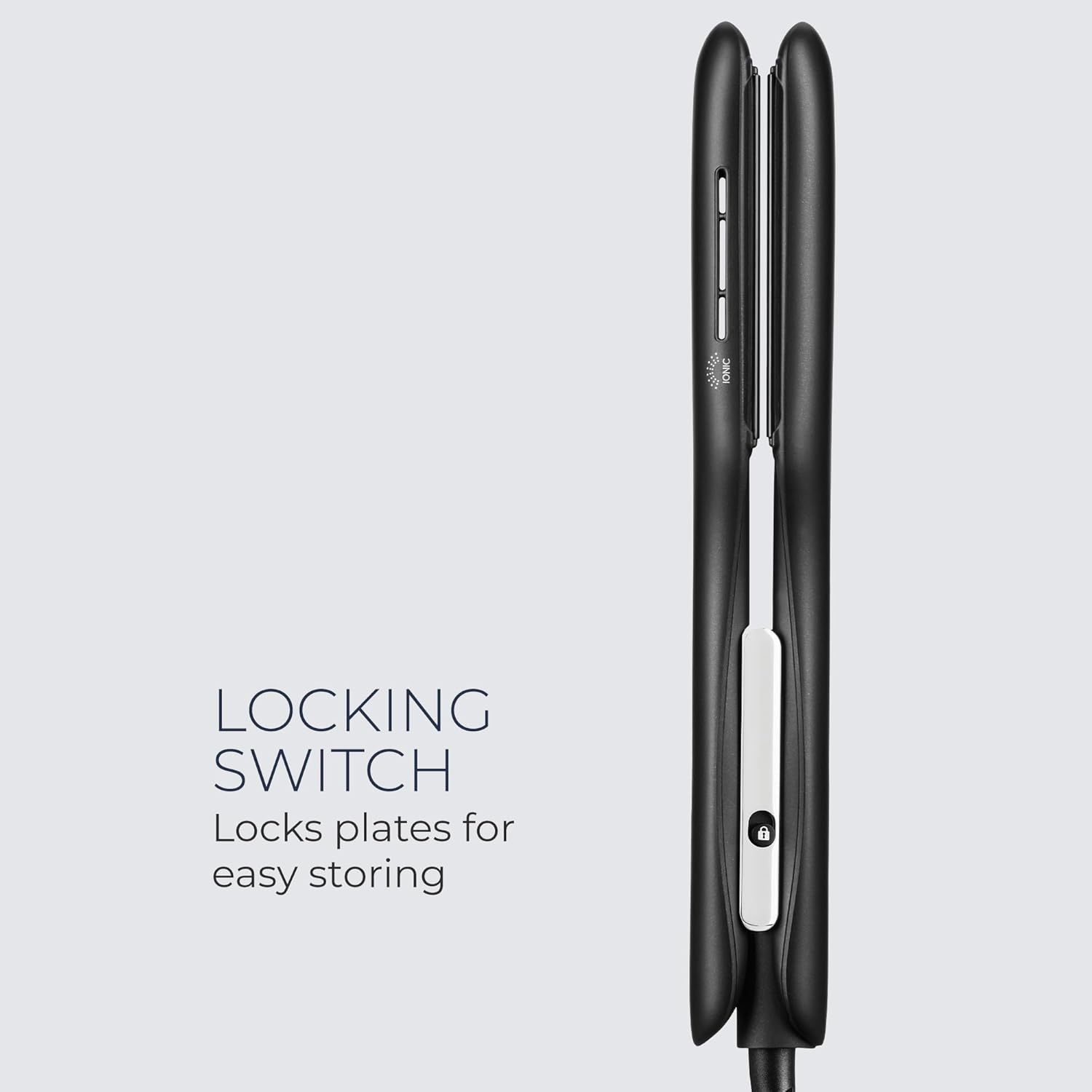
Image: A close-up view of the locking switch located on the handle of the Neuro Smooth+ iron, used for securing the plates during storage.
Maintenance
Cleaning
Regular cleaning helps maintain the performance and longevity of your straightening iron.
- Ensure the iron is unplugged and completely cool before cleaning.
- Wipe the ceramic plates and exterior surfaces with a soft, damp cloth.
- Do not use abrasive cleaners, harsh chemicals, or immerse the iron in water.
- Ensure the iron is thoroughly dry before storing or next use.
Storage
Proper storage protects your appliance from damage.
- Allow the iron to cool completely before storing.
- Engage the locking switch to keep the plates closed.
- Store the iron in a cool, dry place, away from moisture and direct sunlight.
- Do not wrap the power cord tightly around the appliance, as this can damage the cord.
Troubleshooting
If you encounter issues with your Neuro Smooth+ iron, refer to the following common solutions:
- Iron not heating: Ensure the iron is securely plugged into a working electrical outlet. Check if the power button has been pressed and held to turn the unit on.
- Uneven heat: The SmartSense Microchip is designed to provide even heat. If you suspect uneven heating, ensure the plates are clean and free of product buildup. If the issue persists, discontinue use.
- Power cord damage: If the power cord appears damaged, do not use the appliance. Contact customer support for assistance.
- Appliance not turning on: Verify the power connection. If the issue persists after checking the power source, the appliance may require servicing.
For issues not listed here, or if troubleshooting steps do not resolve the problem, please contact customer support.
Specifications
| Feature | Specification |
|---|---|
| Model Number | NSS17 |
| Plate Size | 1.75 inches |
| Plate Material | CeraShine™ Ceramic |
| Technology | NeutraHeat™ Technology, SmartSense Microchip, Ion Generator |
| Max Temperature | 450°F |
| Voltage | Dual Voltage (100-240V) |
| Product Dimensions | 13.75 x 4.75 x 4.75 inches |
| Weight | 2 Pounds |
| UPC | 009531140810 |
| Manufacturer | John Paul Mitchell Systems |
Warranty and Support
For information regarding the product warranty, please refer to the official Neuro by Paul Mitchell website or the warranty card included with your purchase. Warranty terms and conditions may vary.
If you require technical assistance, have questions about product operation, or need to report a defect, please contact the manufacturer:
- Manufacturer: John Paul Mitchell Systems
- Refer to the product packaging or the official brand website for the most current contact information (phone number, email, or support portal).


