1. Introduction
This manual provides detailed instructions for the safe and effective use of your Generic M10 TWS Wireless Earbuds. Please read this manual thoroughly before using the product and retain it for future reference. The M10 earbuds offer a high-quality audio experience with advanced features for daily use.
2. Package Contents
Verify that all items listed below are present in your product package:
- M10 TWS Wireless Earbuds (Left and Right)
- Charging Case
- USB Charging Cable
- Eartips (various sizes)

Image: All components included in the M10 TWS Wireless Earbuds package.
3. Product Overview
The Generic M10 TWS Wireless Earbuds consist of two independent earbuds and a portable charging case. The charging case features an LED display to indicate battery levels and charging status.

Image: The M10 earbuds securely placed within their charging case, displaying the digital battery indicator.
4. Setup
4.1. Charging the Earbuds and Case
- Charging the Case: Connect the provided USB charging cable to the charging port on the case and a compatible USB power source (e.g., computer, wall adapter). The LED display will show the charging progress. A full charge typically takes approximately 2 hours.
- Charging the Earbuds: Place the earbuds into their respective slots in the charging case. Ensure they are properly seated. The earbuds will automatically begin charging. The LED display on the case will indicate the charging status of the earbuds.
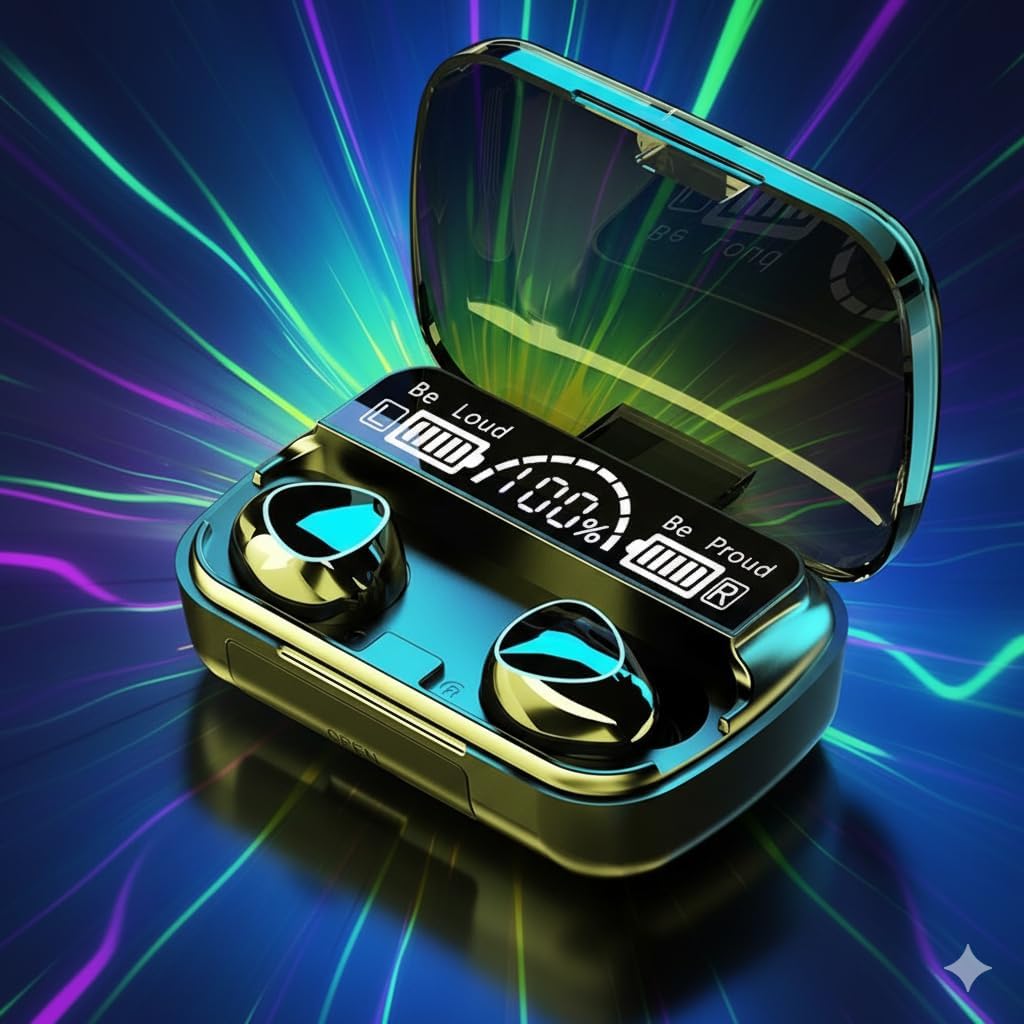
Image: The M10 charging case with earbuds inside, connected to a power source for charging.
4.2. Pairing with a Bluetooth Device
- Power On: Open the charging case. The earbuds will automatically power on and enter pairing mode. You may hear an audible prompt.
- Activate Bluetooth: On your smartphone, tablet, or other Bluetooth-enabled device, navigate to the Bluetooth settings and ensure Bluetooth is turned on.
- Select Device: In the list of available Bluetooth devices, locate and select "M10" (or similar name).
- Confirm Connection: Once connected, you will hear a confirmation sound from the earbuds, and the device will show "Connected" next to "M10".
- Automatic Reconnection: After initial pairing, the earbuds will automatically connect to the last paired device when removed from the charging case, provided Bluetooth is active on the device.
5. Operating Instructions
5.1. Touch Controls
The M10 earbuds feature intuitive touch controls on the outer surface of each earbud. The functions are as follows:
- Single Touch: Play/Pause audio.
- Tap Once: Answer/End a call.
- Double Tap (Left Earbud): Previous track.
- Double Tap (Right Earbud): Next track.
- Triple Tap (Left Earbud): Decrease volume.
- Triple Tap (Right Earbud): Increase volume.
- Press & Hold (2 seconds): Activate voice assistant (Siri, Google Assistant).
- Press & Hold (5 seconds): Power On/Off.
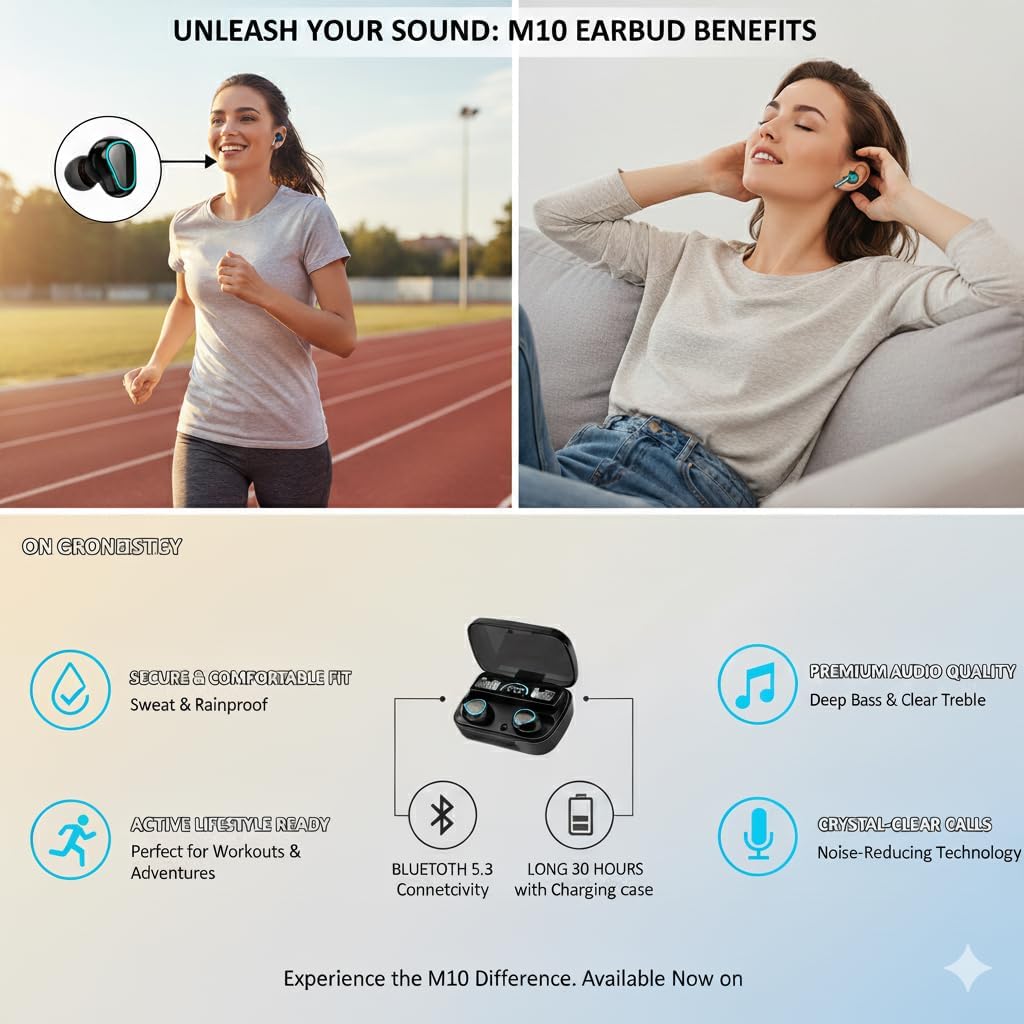
Image: Visual guide to the touch control gestures for music playback, calls, and voice assistant activation.
5.2. Wearing the Earbuds
For optimal sound quality and comfort, select the appropriate eartip size and insert the earbuds into your ears. Gently twist them to ensure a secure and comfortable fit. The ergonomic design helps them stay in place during various activities.

Image: Examples of individuals wearing the M10 earbuds, highlighting their ergonomic design and comfortable fit.
6. Maintenance
- Cleaning: Regularly clean the earbuds and charging case with a soft, dry, lint-free cloth. Do not use harsh chemicals or abrasive materials.
- Water Resistance: The earbuds are IPX7 waterproof, meaning they can withstand sweat and splashes. However, they are not designed for swimming or prolonged submersion. Ensure the charging port is dry before charging.
- Storage: When not in use, store the earbuds in their charging case to protect them and keep them charged. Store in a cool, dry place away from extreme temperatures.
- Battery Care: To prolong battery life, avoid fully discharging the earbuds and charging case frequently. Charge them regularly, even if not in constant use.
7. Troubleshooting
If you encounter issues with your M10 TWS Wireless Earbuds, refer to the following common solutions:
| Problem | Solution |
|---|---|
| Earbuds not pairing | Ensure earbuds are charged. Turn off and on Bluetooth on your device. Forget "M10" from your device's Bluetooth list and re-pair. |
| Only one earbud working | Place both earbuds back in the charging case, close the lid, wait a few seconds, then open and try pairing again. Ensure both earbuds are charged. |
| No sound | Check device volume. Ensure earbuds are connected. Try playing different audio sources. |
| Charging case not charging | Verify USB cable connection and power source. Try a different cable or adapter. |
| Touch controls unresponsive | Ensure earbuds are clean and dry. Restart earbuds by placing them in the case and taking them out. |
8. Specifications
Detailed technical specifications for the M10 TWS Wireless Earbuds:
| Feature | Specification |
|---|---|
| Model Number | M10 |
| Bluetooth Version | 5.3 |
| Connectivity Technology | Bluetooth 5.3, Wireless |
| Wireless Communication Technology | Bluetooth |
| Noise Control | Hybrid Noise Cancellation |
| Frequency Response | 20 Hz |
| Sensitivity | 98 dB |
| Headphones Jack | Wireless |
| Charging Time | Approximately 2 Hours |
| Music Playtime (Earbuds) | Approximately 5 Hours |
| Total Playback with Case | Up to 30 Hours |
| Standby Time | 280 Hours |
| Control Type | Touch Control |
| Water Resistance Rating | IPX7 |
| Compatible Devices | Laptops, Smartphones, Tablets (iPhone, Samsung, Android) |
| Item Weight | 0.353 ounces (earbuds) |
| Carrying Case Weight | 50 Grams |
| Bluetooth Range | 33 Feet (10 Meters) |
| Audio Driver Size | 10 Millimeters |
| Impedance | 32 Ohm |

Image: Product packaging showing a summary of the M10 earbuds' technical specifications.
9. Warranty and Support
For warranty information and customer support, please refer to the documentation provided at the point of purchase or contact the retailer. Keep your proof of purchase for any warranty claims.


