
FOSA fosa0kb4d372zw-12
FOSA Wireless Earbuds User Manual
Model: fosa0kb4d372zw-12
1. Introduction
Thank you for choosing FOSA Wireless Earbuds. This manual provides detailed instructions on how to set up, operate, maintain, and troubleshoot your new earbuds. Please read this manual carefully before use to ensure optimal performance and longevity of your device.
2. Safety Information
- Do not expose the earbuds or charging case to extreme temperatures or direct sunlight.
- Avoid dropping or applying excessive force to the device.
- Keep out of reach of children and pets.
- Do not attempt to disassemble or modify the device. This will void the warranty.
- Use only the provided charging cable or a certified equivalent.
- Prolonged listening at high volume levels may cause hearing damage.
3. Package Contents
Verify that all items are present in your package:
- 1 x Charging Case
- 4 x Earphones (2 pairs)
- 4 x Ear Tips (various sizes)
- 1 x Charging Cable
- 1 x User Manual

Image 3.1: Contents of the FOSA Wireless Earbuds package, showing the charging case, two pairs of earbuds, and musical notes indicating sound.
4. Setup
4.1 Charging the Earbuds and Case
Before first use, fully charge the earbuds and the charging case. Place the earbuds into the charging case. Connect the charging cable to the charging case and a USB power source. The indicator lights on the case will show the charging status.
- Earbud Battery Capacity: 30mAh (per earbud)
- Charging Case Battery Capacity: 300mAh
- Fast Charging Time: Approximately 0.8 hours for a full charge.
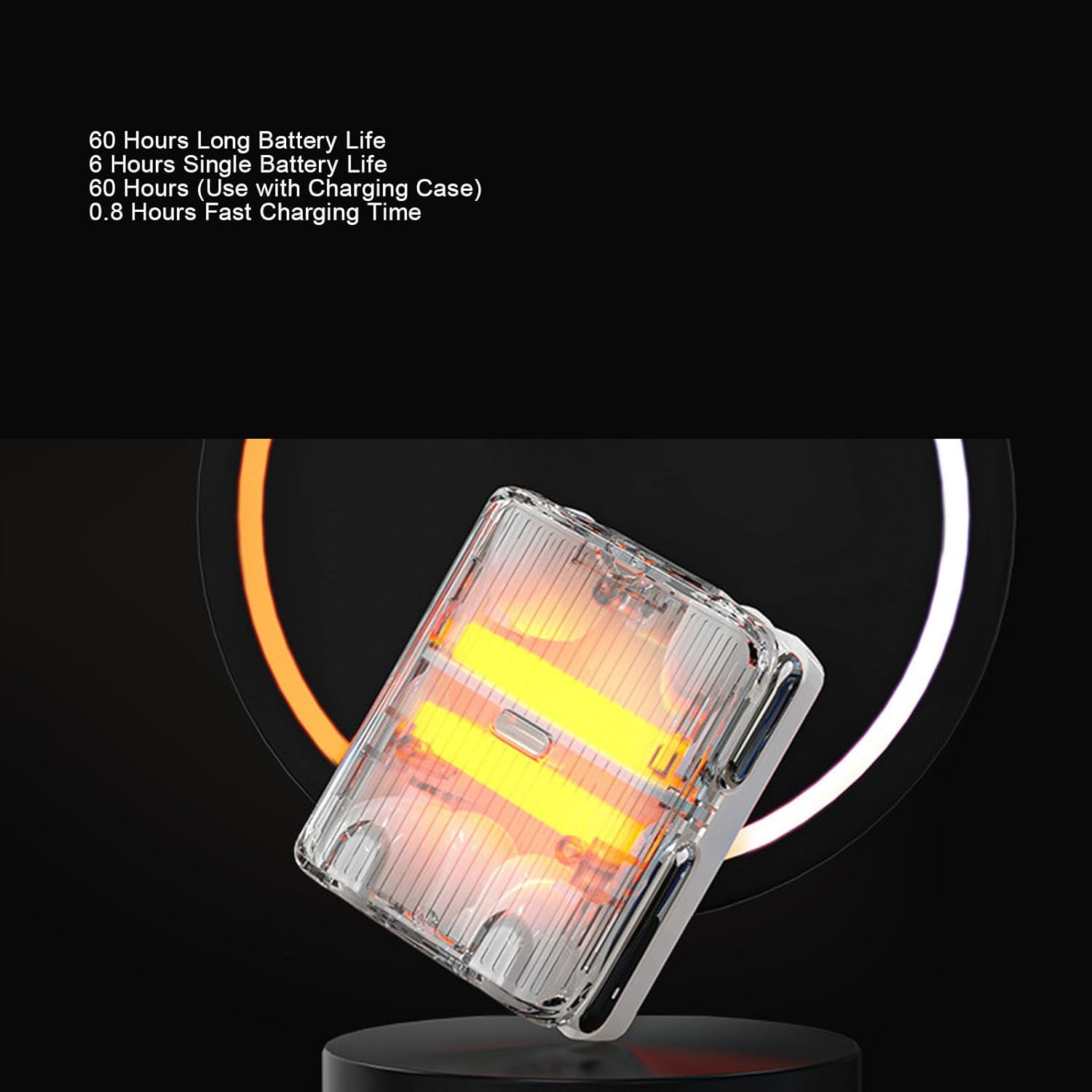
Image 4.1: The FOSA charging case, illustrating its long battery life of 60 hours total and 6 hours for a single earbud, with a fast charging time of 0.8 hours.
4.2 Pairing with a Device
- Ensure the earbuds are charged and placed in the charging case.
- Open the charging case. The earbuds will automatically enter pairing mode.
- On your mobile phone, tablet, or computer, enable Bluetooth.
- Search for available Bluetooth devices and select "FOSA Earbuds" (or similar name) from the list.
- Once connected, a voice prompt will confirm successful pairing.
The earbuds utilize Bluetooth 5.4 for a fast and stable connection with minimal latency.

Image 4.2: FOSA earbuds and charging case shown alongside a smartphone and laptop, demonstrating their compatibility and wireless connection capabilities via Bluetooth 5.4.
5. Operating the Earbuds
5.1 Touch Control Functions
Both earbuds feature independent touch control. The following actions can be performed by tapping the touch sensitive area on either earbud:
- Single Tap: Play/Pause music, Answer/End call.
- Double Tap (Left Earbud): Previous song.
- Double Tap (Right Earbud): Next song.
- Triple Tap: Activate voice assistant.
- Long Press: Reject call.
5.2 Sound Quality and Listening Experience
The FOSA Wireless Earbuds are equipped with a 14.2MM kinetic energy resonance large diaphragm and HF diaphragm enhancement technology. This design delivers a dynamic sound experience. Advanced acoustic technology creates an independent, leakproof listening zone, effectively blocking external noise and ensuring up to 99% clarity for both music and calls, even in noisy environments.

Image 5.1: An FOSA earbud positioned in an ear, illustrating the directional sound transfer and acoustic isolation technology that minimizes sound leakage and external disturbance.
6. Maintenance
6.1 Cleaning
Regularly clean your earbuds and charging case to maintain optimal performance and hygiene.
- Use a soft, dry, lint-free cloth to wipe the surfaces of the earbuds and charging case.
- Gently remove any earwax or debris from the ear tips and speaker mesh using a small, soft brush or cotton swab.
- Do not use abrasive cleaners, solvents, or aerosol sprays.
6.2 Water and Sweat Resistance
The FOSA Wireless Earbuds feature an IPX5 water and sweat-proof rating, thanks to a special coating and hydrophobic structure. This protection helps extend the service life of the earphones and reduces maintenance costs. While resistant to sweat and light splashes, they are not designed for submersion in water.
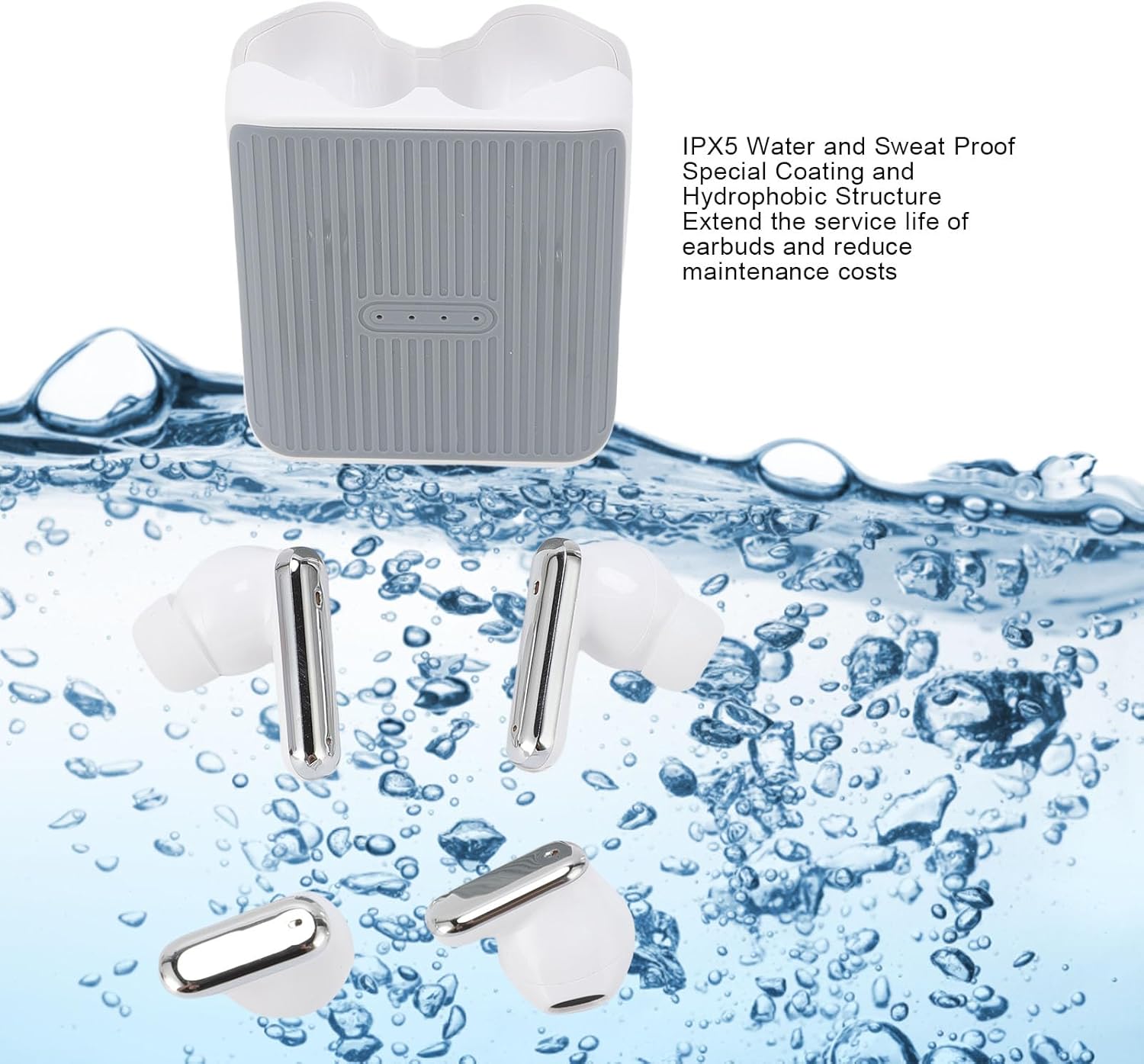
Image 6.1: FOSA earbuds and charging case shown above water, illustrating their IPX5 water and sweat-proof capabilities, designed for durability.
7. Troubleshooting
If you encounter issues with your FOSA Wireless Earbuds, please refer to the following common solutions:
- No Sound:
- Ensure earbuds are charged.
- Check if the earbuds are properly paired with your device.
- Adjust the volume on both your device and the earbuds.
- Pairing Issues:
- Turn off Bluetooth on your device and turn it back on.
- Forget the device in your Bluetooth settings and attempt to re-pair.
- Ensure the earbuds are fully charged.
- Earbuds Not Charging:
- Ensure the charging cable is securely connected to both the case and the power source.
- Check if the charging contacts on the earbuds and inside the case are clean and free of debris.
- Try a different charging cable or power adapter.
- Poor Sound Quality:
- Ensure the earbuds are clean.
- Check for interference from other wireless devices.
- Ensure you are within the effective transfer distance (approx. 10m).
8. Specifications
| Feature | Specification |
|---|---|
| Product Type | Wireless Earbuds |
| Model Number | fosa0kb4d372zw-12 |
| Material | ABS |
| Bluetooth Version | 5.4 |
| Transfer Distance | ≥10m / 32.8ft |
| Single Earbud Battery | 30mAh |
| Charging Case Battery | 300mAh |
| Total Battery Life (with case) | Up to 60 hours |
| Single Earbud Playtime | Up to 6 hours |
| Fast Charging Time | 0.8 hours |
| Diaphragm Size | 14.2MM Kinetic Diaphragm |
| Water Resistance Rating | IPX5 (Water and Sweat Proof) |
| Item Weight | 3.92 ounces |
| Package Dimensions | 3.94 x 3.94 x 1.57 inches |
9. Warranty and Support
9.1 Warranty Information
FOSA products are designed and manufactured to the highest quality standards. For specific warranty details, please refer to the warranty card included in your product packaging or contact FOSA customer support.
9.2 Customer Support
If you have any questions, require technical assistance, or need further support, please contact FOSA customer service through the retailer where you purchased the product or visit the official FOSA website for contact information.
Ask a question about this manual
Ask about setup, troubleshooting, compatibility, parts, safety, or missing instructions. Manuals+ will review the question and use this page’s manual context to help answer it.