
Introduction
This manual provides essential instructions for the safe and efficient operation and maintenance of your FOTING 18in Sand Filter Pump, Model FT-CLP8005AF-18in. Designed for above-ground pools up to 20,000 gallons, this system features a powerful 1HP 5000GPH pump, an 18-inch sand filter tank, a 6-way valve, and a smart 24-hour dual-mode timer. Please read this manual thoroughly before installation and use to ensure proper function and longevity of your equipment.
Safety Information
Always observe basic safety precautions when installing and operating this electrical equipment. Failure to follow these instructions could result in injury or property damage.
- Read all instructions before using this product.
- Ensure the power supply matches the pump's voltage rating.
- Do not operate the pump if the power cord or plug is damaged.
- Keep children and pets away from the pump and filter system during operation.
- Never operate the pump dry; ensure it is primed with water before starting.
- Disconnect power before performing any maintenance or cleaning.
- Install the pump on a solid, level surface, away from the pool edge.
- Consult a qualified electrician for electrical connections if unsure.
- Do not bury the electrical cord.
Package Contents
Verify that all components are present and undamaged before beginning installation.
- Sand Filter Tank (18-inch)
- Pool Pump (1HP, 5000GPH)
- 6-Way Multi-Port Valve
- Pressure Gauge
- Filter Base
- Hose Adapters and Clamps
- Drain Plug with O-ring
- Filter Media (e.g., Filter Balls, Sand - check specific model for included media)
- Instruction Manual
Setup and Installation
Follow these steps carefully for proper assembly and installation. Refer to the installation video for visual guidance.
Video: FOTING Sand Filter Pump Installation Guide. This video demonstrates the step-by-step assembly process for the sand filter pump system.
- Secure the Base and Sand Filter Tank: Place the filter base on a firm, level surface. Position the sand filter tank securely onto the base.
- Secure the Drain Valve: Install the drain valve at the bottom of the tank, ensuring a tight seal with the provided O-ring.
- Install the Filter Assembly: Carefully insert the internal filter assembly (standpipe with laterals) into the center of the sand filter tank.
- Secure the Neck Fitting: Place the neck fitting over the top of the filter assembly, ensuring it sits flush with the tank opening. This prevents filter media from entering the water pipe.
- Add Filter Media: Slowly add the recommended amount of filter media (e.g., filter balls or sand) into the tank. Ensure the filter assembly remains centered during this process.
- Install the 6-Way Valve: Remove the neck fitting. Place the O-ring onto the valve. Carefully position the 6-way multi-port valve onto the top of the sand filter tank, aligning the "align" arrow on the valve with the corresponding mark on the tank.
- Secure the Flange Clamp: Attach the flange clamp around the valve and tank opening. Insert and tighten the screws evenly to create a secure, watertight seal.
- Secure the Pressure Gauge: Thread the pressure gauge into the designated port on the 6-way valve. Use Teflon tape on the threads for a tight seal.
- Install Hose Adapters: Wrap all threaded hose connections with Teflon tape for a tight seal. Install the hose fittings with O-rings at the pump inlet and outlet.
- Connect and Fix Hoses: Connect the hoses between the pump, filter, and pool. Secure all connections with hose clamps, tightening them firmly with a drill or screwdriver. Ensure the pump is placed on the base.


Operating Instructions
Understand the functions of the 6-way valve and the timer settings for optimal pool filtration.
Video: Sand Filter Pump for Above Ground Pool with Timer. This video provides an overview of the pump's features and operation, including the timer and valve functions.
6-Way Valve Functions
The multi-port valve allows you to select different modes of operation. Always turn off the pump before changing valve positions.
- Filter: Normal filtering mode. Water passes through the filter media and returns to the pool.
- Backwash: Cleans the filter by reversing water flow, sending debris to waste.
- Rinse: Used after backwashing to flush out any remaining debris from the valve and filter before returning to filter mode.
- Recirculate: Circulates water through the pump and valve, bypassing the filter. Useful for chemical distribution.
- Waste: Drains water directly from the pool to waste, bypassing the filter. Useful for lowering pool water level or vacuuming heavy debris directly to waste.
- Closed: Shuts off all flow to the filter and pump. Never operate the pump in this position.
- Winter: Position for winterizing the system, allowing for drainage and preventing damage from freezing.


Timer Operation
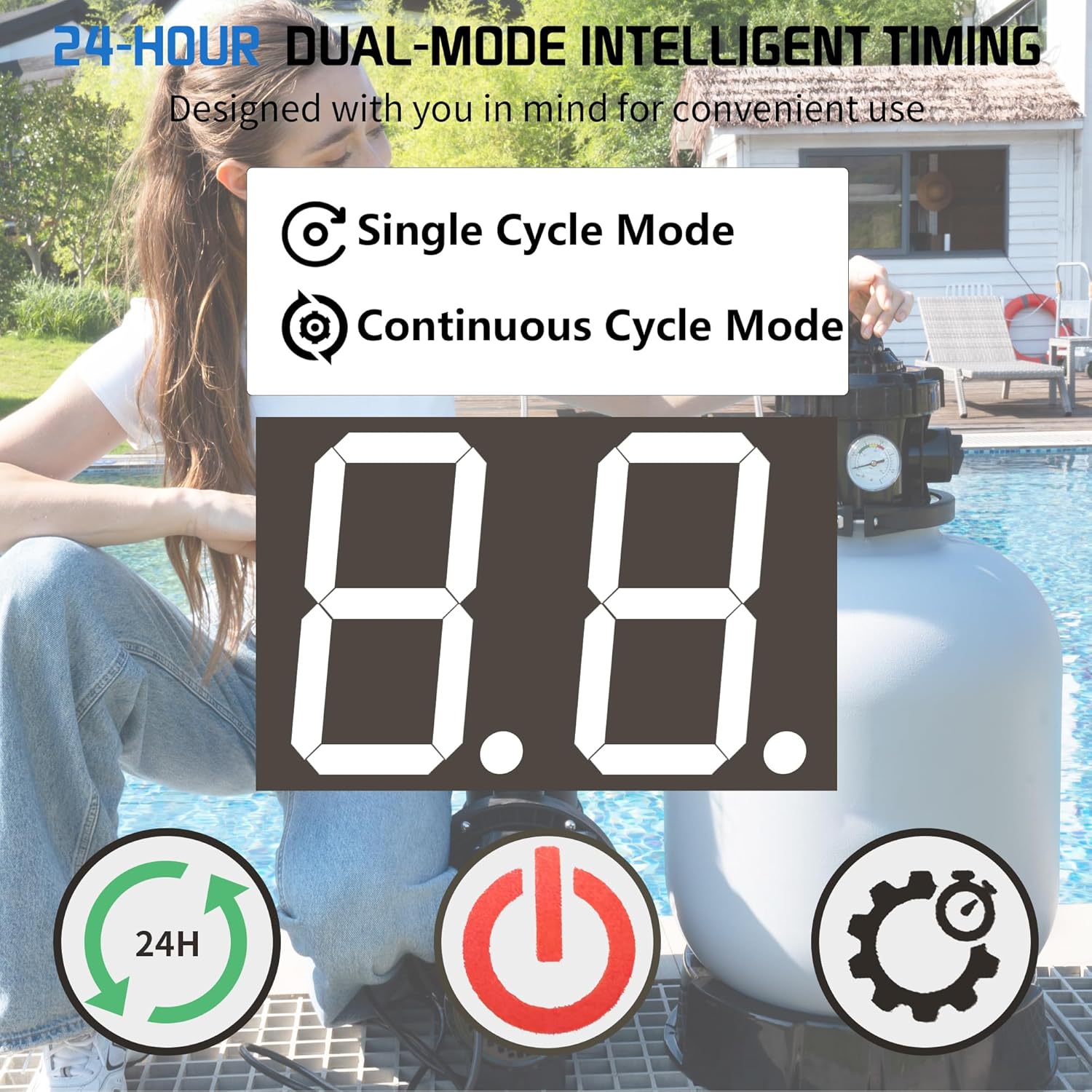
The integrated 24-hour dual-mode timer allows for automated filtration cycles.
- Single Cycle Mode: Program the pump to run for a specific duration once per 24-hour period.
- Continuous Cycle Mode: Program the pump to run continuously for a set number of hours each day.
- Refer to the control panel image and the video for setting the timer.

Maintenance
Regular maintenance ensures efficient operation and extends the life of your sand filter pump.
- Backwashing: When the pressure gauge reads 8-10 PSI above the clean operating pressure, it's time to backwash. Turn off the pump, set the valve to "Backwash", turn on the pump, and run until water runs clear in the sight glass (if available). Turn off the pump, set to "Rinse", run for 30-60 seconds, then turn off and set to "Filter".
- Cleaning the Filter Basket: Periodically check and clean the pump's pre-filter basket to remove large debris. Turn off the pump, close necessary valves, unscrew the clear lid, remove and clean the basket, then reassemble.
- Winterization: Before freezing temperatures, drain all water from the pump and filter system. Unscrew the bottom drain plug on the pump to ensure all remaining water is removed. Set the 6-way valve to the "Winter" position. Store the pump and filter in a dry, protected area if possible.

Troubleshooting
Refer to this section for common issues and their solutions.
| Problem | Possible Cause | Solution |
|---|---|---|
| Pump not starting | No power, clogged impeller, air lock | Check power connection, clear impeller, prime pump |
| Low water flow | Clogged filter, dirty pump basket, air leak, low water level | Backwash filter, clean basket, check connections, add water to pool |
| High pressure gauge reading | Dirty filter media | Perform backwash and rinse cycle |
| Water not clearing | Insufficient filtration time, chemical imbalance, dirty filter | Increase run time, test and adjust chemicals, backwash filter |
Specifications
| Feature | Detail |
|---|---|
| Model Number | FT-CLP8005AF-18in |
| Pump Horsepower | 1 HP |
| Flow Rate | 5000 GPH |
| Filter Tank Size | 18 inches |
| Sand Capacity | 150 lbs |
| Max Pool Capacity | Up to 20,000 gallons |
| Valve Type | 6-Way Multi-Port Valve |
| Timer | 24-Hour Dual-Mode Timer |
| Hose Connections | 1.5" or 1.25" |
| Item Weight | 25.4 pounds |
| Package Dimensions | 21.25 x 17.32 x 13.38 inches |


Warranty and Support
FOTING is committed to customer satisfaction. Your product is covered by a standard manufacturer's warranty. For specific warranty details, please refer to the documentation included with your purchase or contact FOTING customer service.
For technical support, troubleshooting assistance, or parts inquiries, please contact FOTING customer service. Our professional technical support team is available to help ensure your water system remains stable and worry-free.
Contact information can typically be found on the FOTING official website or through your retailer.