
1. Introduction
This manual provides detailed instructions for the setup, operation, and maintenance of your NBCP Wireless PC Guitar Controller. Designed for an immersive gaming experience, this controller is compatible with various rhythm games on Windows PC, including Clone Hero, Guitar Hero III, World Tour, Rock Band 2/3, and Fortnite Festival.
2. Safety Information
- Keep the device away from water and moisture.
- Do not attempt to disassemble or repair the controller yourself. Refer to qualified personnel for service.
- Use only specified batteries (4 x AA/LR6). Ensure correct polarity when inserting batteries.
- Remove batteries if the controller will not be used for an extended period to prevent leakage.
- Avoid dropping or subjecting the controller to strong impacts.
3. Package Contents
Verify that all items are present in your package:
- NBCP Wireless PC Guitar Controller (Model KT610W)
- 2.4G USB Wireless Receiver Dongle
- Shoulder Strap
- Instruction Manual (this document)
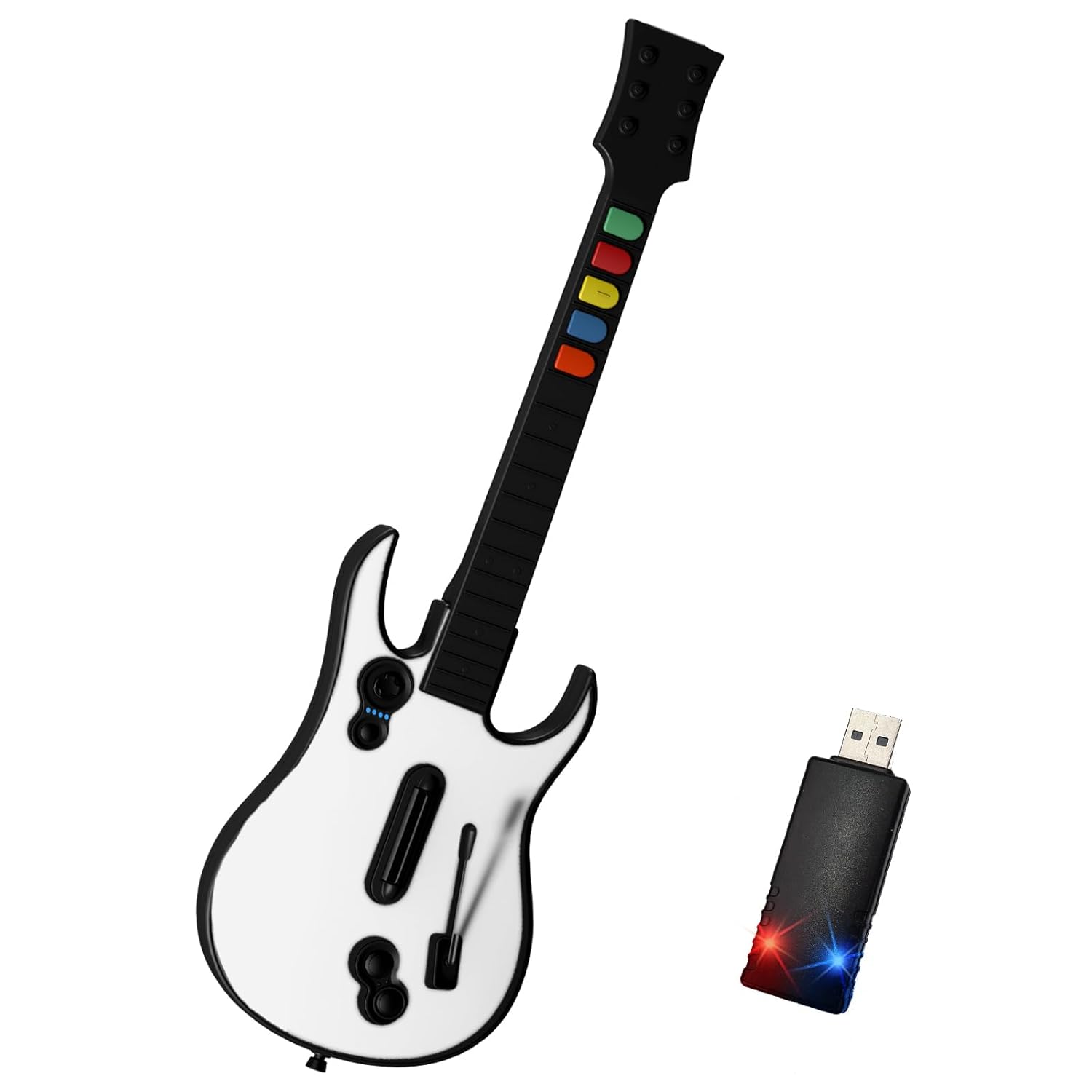
Image: The NBCP Wireless PC Guitar Controller in white, shown alongside its compact USB wireless receiver dongle.
4. Product Overview
Familiarize yourself with the components of your guitar controller:
- Fret Buttons: Color-coded buttons (Green, Red, Yellow, Blue, Orange) on the neck for note input.
- Strum Bar: Located on the body, used to strum notes up or down.
- Whammy Bar: A spring-loaded lever used to modify sustained notes.
- Start/Select Buttons: For game menu navigation.
- D-Pad: Directional pad for menu navigation.
- Power Button/Indicator: To turn the controller on/off and show connection status.
- Detachable Neck: The neck can be separated from the body for easier storage and transport.

Image: A close-up view illustrating the detachable neck feature of the guitar controller, showing how the neck slides into the body for secure connection.

Image: An internal view of the guitar controller's neck, highlighting the classic rubber membrane fret buttons designed for an authentic feel.
5. Setup
5.1. Battery Installation
- Locate the battery compartment on the back of the guitar controller.
- Open the battery compartment cover.
- Insert 4 x AA (LR6) batteries, ensuring correct polarity (+/-). Batteries are not included.
- Close the battery compartment cover securely.
5.2. Connecting the USB Wireless Receiver
- Plug the 2.4G USB wireless receiver dongle into an available USB port on your Windows PC.
- The PC will automatically detect and install the necessary drivers. This is a plug-and-play device, so no manual driver installation is typically required.
5.3. Pairing the Controller
- Turn on the guitar controller by pressing the power button. The indicator light on the controller should begin to flash.
- The controller will automatically attempt to pair with the USB receiver. Once successfully connected, the indicator light on both the controller and the USB receiver will remain solid.
- If connection is not established, ensure the receiver is properly plugged in and the controller has fresh batteries. You may need to briefly press the small pairing button on the USB receiver (if present) and then the power button on the guitar to initiate pairing.
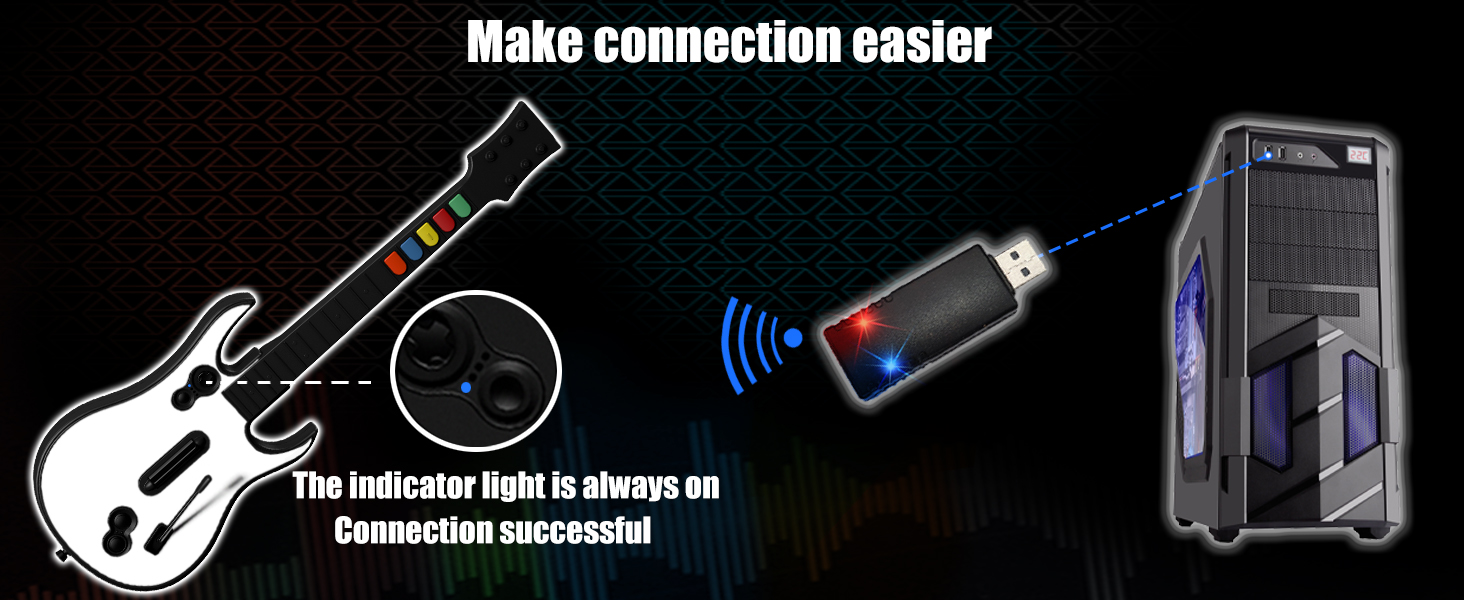
Image: A visual representation of the wireless connection process, showing the guitar controller wirelessly linked to the USB receiver plugged into a PC, with indicator lights confirming a successful connection.
6. Operating Instructions
6.1. Game Compatibility
The NBCP Wireless PC Guitar Controller is designed for use with Windows PC and supports the following rhythm games:
- Clone Hero
- Guitar Hero III
- Guitar Hero World Tour
- Rock Band 2/3
- Fortnite Festival
- Other compatible PC rhythm games

Image: The guitar controller displayed alongside game screenshots and logos, indicating compatibility with titles such as Rock Band 2, Clone Hero, and Fortnite Festival on PC.
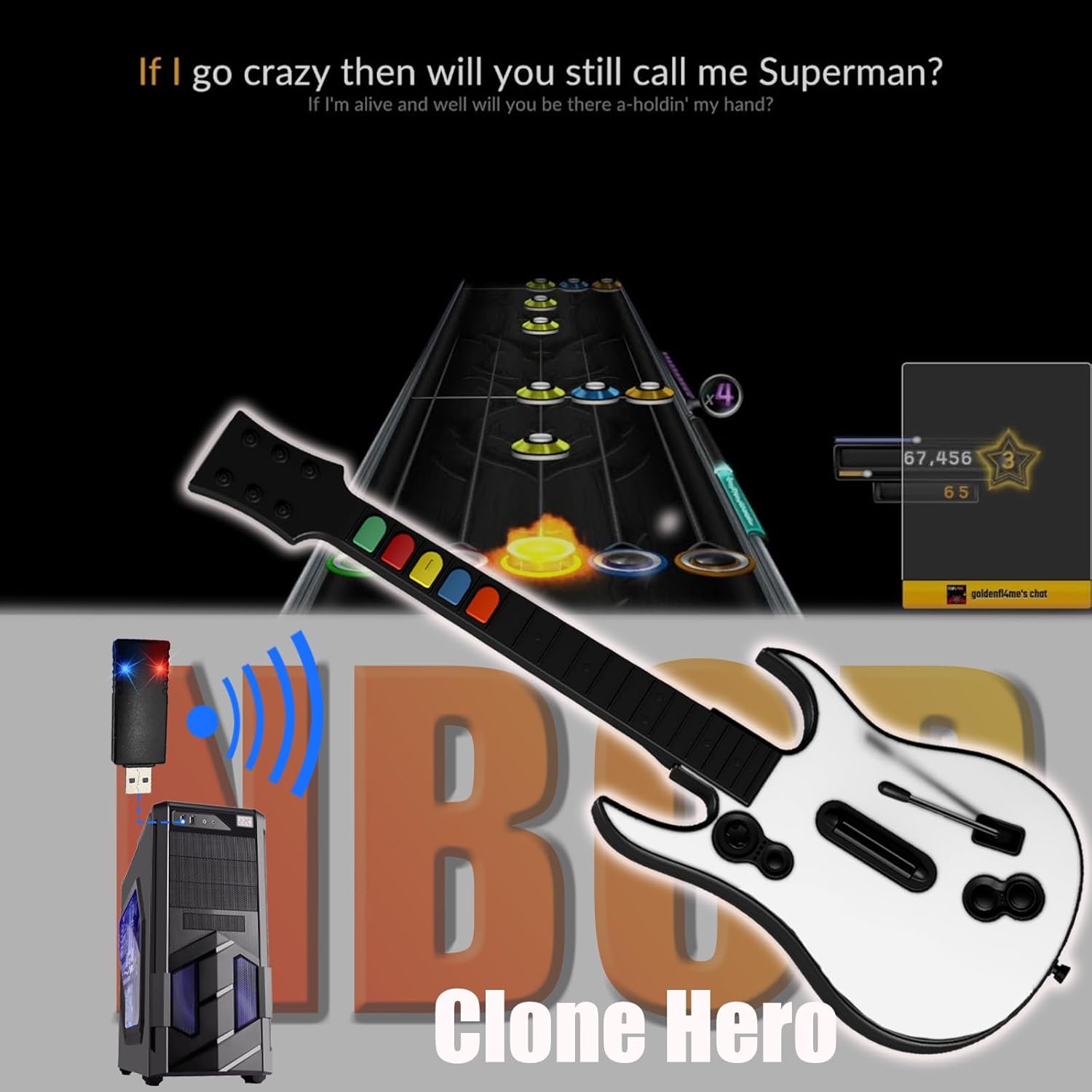
Image: A screenshot of Clone Hero gameplay featuring the NBCP guitar controller, demonstrating its use within the game environment.
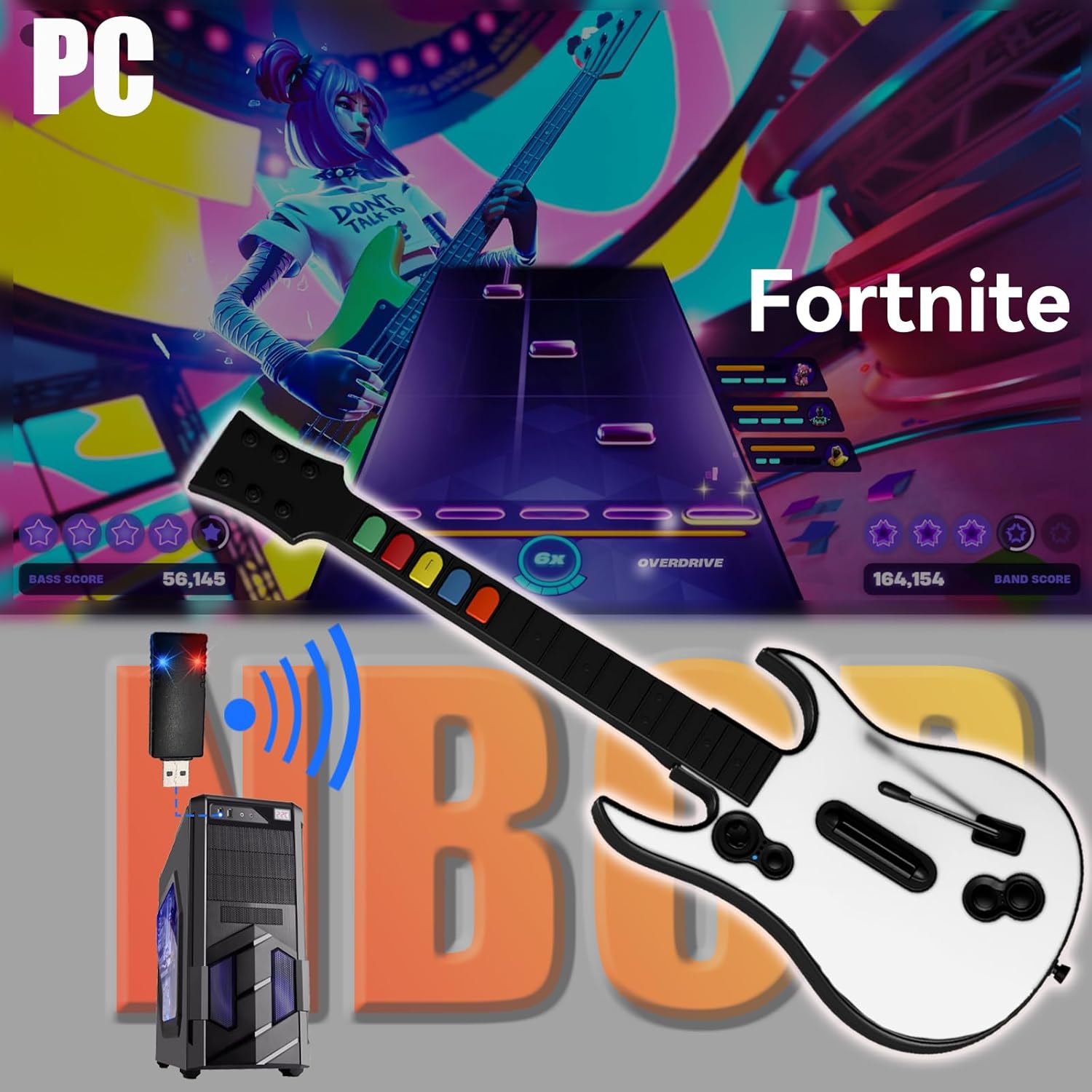
Image: A screenshot of Fortnite Festival gameplay featuring the NBCP guitar controller, illustrating its functionality within the game.
6.2. Basic Gameplay
- Fret Buttons: Press the corresponding color fret button as notes scroll down the screen.
- Strum Bar: While holding down the correct fret button(s), strum the bar up or down to hit the note.
- Whammy Bar: For sustained notes, press and hold the fret button, strum, and then manipulate the whammy bar to alter the pitch and earn extra points.
- Star Power/Overdrive: Activate Star Power or Overdrive by tilting the guitar upwards or pressing the designated button when the meter is full.
6.3. Detachable Design
The guitar controller features a detachable neck for convenient storage and portability. To detach, locate the release mechanism on the back of the guitar body, typically a switch or button, and slide the neck out. To reattach, align the neck with the body and slide it in until it clicks securely into place.
7. Maintenance
7.1. Cleaning
- Wipe the controller with a soft, dry cloth.
- For stubborn dirt, slightly dampen the cloth with water. Avoid using harsh chemicals or abrasive cleaners.
- Ensure no liquid enters the internal components.
7.2. Storage
- Store the controller in a cool, dry place away from direct sunlight and extreme temperatures.
- If storing for an extended period, remove the batteries to prevent potential damage from leakage.
- Consider detaching the neck for more compact storage.
8. Troubleshooting
| Problem | Possible Cause | Solution |
|---|---|---|
| Controller does not turn on. | Dead or incorrectly inserted batteries. | Replace batteries with new AA (LR6) batteries, ensuring correct polarity. |
| Controller does not connect to PC. | USB receiver not plugged in; pairing issue; interference. | Ensure USB receiver is firmly plugged into PC. Re-initiate pairing process (Section 5.3). Try a different USB port. Move closer to the PC. |
| Buttons or strum bar are unresponsive. | Connection issue; game settings; physical obstruction. | Verify connection. Check in-game controller settings and key bindings. Ensure no debris is obstructing buttons or strum bar. |
| Lag or input delay. | Wireless interference; PC performance; game settings. | Reduce distance to PC. Ensure no other 2.4Ghz devices are causing interference. Adjust in-game calibration settings. Close unnecessary background applications on PC. |
9. Specifications
- Model: KT610W
- Connectivity: 2.4G Wireless USB
- Compatibility: Windows PC (Clone Hero, Guitar Hero III, World Tour, Rock Band 2/3, Fortnite Festival)
- Power Source: 4 x AA (LR6) batteries (not included)
- Dimensions: Approximately 44 x 4.5 x 8 inches (assembled)
- Weight: Approximately 2.8 pounds
10. Warranty and Support
NBCP is committed to providing high-quality gaming accessories. For any questions, technical assistance, or warranty inquiries, please contact our customer support team. We offer 24/7 service with replies typically within 24-48 hours.
For support, please visit the official NBCP store or contact us through the platform where you purchased the product.