
1. Introduction
The LEIPUT X6 Smart HD Wireless Otoscope is an advanced ear wax removal tool designed to provide a clear, magnified view of the ear canal. Equipped with a 1080P HD camera and 6 LED lights, it allows for effective and precise ear cleaning. This device is compatible with both iOS and Android devices, offering a safe and convenient way to manage ear hygiene. It can also be used to inspect other body parts such as teeth, nose, throat, and scalp roots.

Image: The LEIPUT X6 Smart HD Wireless Otoscope, showcasing its all-in-one design and different ear scoop curvatures (high arc, middle arc, low arc) for varied cleaning needs. It highlights WiFi signal, picture taking, and video recording capabilities.
2. Safety Information and Precautions
Please read all safety instructions carefully before using the LEIPUT X6 Otoscope. Improper use can lead to injury.
- Always ensure the silicone ear scoop cover is tightly fitted onto the ear scoop before use to prevent scratching the ear canal.
- Do not attempt to break the earpick with your hands.
- Children should only use the Visual Ear Endoscope under strict adult supervision.
- This product is not recommended for children under 6 years old or for use on pets that are in motion.
- Keep the device out of reach of children.
- For first-time users, approach the ear canal gently and slowly.
- Do not use metal earpicks directly to clean earwax without the camera's guidance.
- Use a regular 5V 1A charging plug to charge the product.
- Do not use the product while it is charging.
- Do not charge the product continuously for more than 1.5 hours.
- Do not place the product near a fire source under any circumstances.
- The otoscope, ear spoon, and lens are IP67 waterproof and can be washed with water or wiped with alcohol cotton. However, do not immerse the entire otoscope in water.
3. Package Contents
Verify that all items are present in your package:
- Earwax Removal Kit with Light (Otoscope) x 1
- Silicone Earplug Cover x 5
- Earplug Cover Storage Bottle x 1
- Traditional Ear Scoop Kit x 7
- Charging Cable x 1
- Instruction Manual x 1
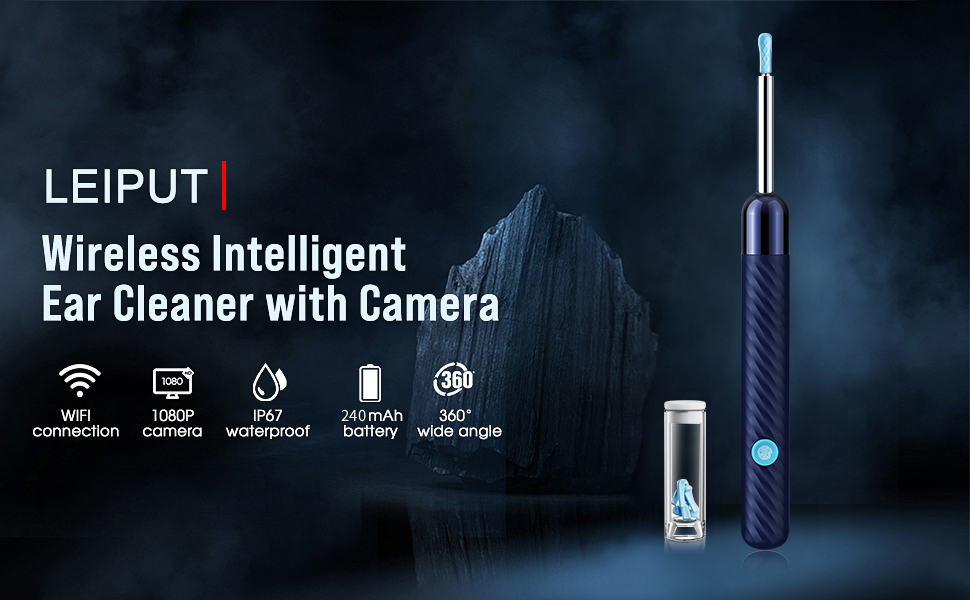
Image: A comprehensive view of the LEIPUT X6 Earwax Removal Kit, including the otoscope, various traditional ear scoops, silicone covers, and charging cable.
4. Product Overview
Familiarize yourself with the main components of your LEIPUT X6 Otoscope.

Image: Detailed view of the LEIPUT X6 Wireless Ear Wax Removal Endoscope, highlighting key features such as the Power Button, Type-C Charging Port, Silicone Ear Spoons, and the 6 LEDs & Camera at the tip.
5. Setup Guide
5.1 Charging the Device
Before first use, fully charge the otoscope.
- Connect the provided Type-C charging cable to the charging port on the device.
- Plug the other end of the cable into a standard 5V 1A USB power adapter (not included).
- The device has a built-in 240mAh rechargeable battery, providing approximately 90 minutes of use after a full charge and up to 30 days of standby time.
- If the device is not used frequently, charge it once a month to maintain battery health.

Image: Close-up of the Type-C charging port on the LEIPUT X6 Otoscope, showing how to connect the charging cable.
5.2 App Installation and Connection
The LEIPUT X6 Otoscope requires a companion app for operation.
- Scan the QR code provided in the physical instruction manual or on the product packaging to download the official app. The app is compatible with both iOS and Android devices.
- Install the app on your smartphone or tablet.
- Press and hold the switch button on the otoscope to turn it on.
- On your device, go to your Wi-Fi settings and connect to the Wi-Fi network broadcast by the otoscope (usually named something like 'LEIPUT-XXXX').
- Open the installed app. The camera feed from the otoscope should now be visible.
- Ensure your phone has granted the necessary permissions for the app to connect to abnormal Wi-Fi networks.

Image: The LEIPUT X6 Otoscope demonstrating wide compatibility with iPhone, Android, and iPad devices, showing the live camera feed on a smartphone screen.
6. Operating Instructions
6.1 Using the Ear Camera
The 1080P HD camera with 6 LED lights provides a clear view inside the ear canal.
- Once connected to the app, gently insert the otoscope tip into the ear canal.
- Observe the live feed on your smartphone or tablet to guide your movements.
- The camera's temperature is designed to be close to human body temperature for comfort during use.
- The device is suitable for adults and can also be used to inspect other areas like teeth, nose, throat, and scalp roots.

Image: The LEIPUT X6 Otoscope displaying a 360-degree free view on a smartphone screen, showing a clear image inside the ear canal.

Image: A close-up view of the LEIPUT X6 Otoscope's tip, highlighting the integrated 6 LED lights that illuminate the ear canal for clear visibility.
6.2 Attaching and Using Ear Scoops
The kit includes various ear scoops and silicone covers for safe and effective earwax removal.
- Select a silicone ear scoop cover with the desired curvature (high, middle, or low arc) that suits your needs.
- Carefully place the chosen silicone ear scoop cover over the end of the otoscope's ear scoop, ensuring it fits tightly. This prevents direct contact of hard surfaces with the ear canal.
- Using the live camera feed as a guide, gently maneuver the ear scoop to dislodge and remove earwax.
- For stubborn wax, consider softening it with ear drops or after a warm shower before attempting removal.
6.3 Recording and Saving Media
The app allows you to capture images and videos during use.
- Within the app interface, locate the buttons for taking photos or recording videos.
- Captured photos and videos will be stored in the app's album.
- To save these media files directly to your phone's gallery, ensure you grant the app permission to access your photo album.
7. Maintenance
7.1 Cleaning the Device
Proper cleaning ensures hygiene and extends the life of your device.
- The otoscope's ear spoon and lens are IP67 waterproof. After each use, carefully wash them with water or wipe them with an alcohol cotton swab.
- Do not immerse the entire otoscope body in water. Only the tip with the camera and ear spoon is designed to be waterproof.
- Ensure the device is completely dry before storing it or charging.

Image: The LEIPUT X6 Otoscope demonstrating its IP67 waterproof camera lens, showing the 4.0mm camera lens submerged in water, highlighting its 6 LED lights and 360-degree wide-angle view.
7.2 Storage
Store the device and its accessories in a clean, dry place away from direct sunlight and extreme temperatures. Keep all small parts, especially ear scoops and covers, in their designated storage bottle to prevent loss.
8. Troubleshooting
If you encounter issues with your LEIPUT X6 Otoscope, refer to the following troubleshooting steps:
8.1 Device Won't Charge, Turn On, or Light Up
- Battery Depleted: Ensure the item is fully charged. Connect it to a power source and allow sufficient time for charging.
- Charging Cable Issue: Try using a different data cable to rule out a faulty cable.
- Infrequent Use: If you do not use the device often, charge it at least once a month to prevent deep discharge.
8.2 Product Wi-Fi Connection Does Not Work
- Interference: Strong Wi-Fi coverage from other networks in the area can affect the product's signal. Try changing your environment to a location with less Wi-Fi interference.
- Existing Connections: Confirm that no other mobile phones are currently connected to the product's Wi-Fi.
- App Permissions: Ensure your mobile phone has granted the necessary permissions for the app to connect to unusual Wi-Fi networks.
8.3 App Display Abnormality (Lens Blur/Black Screen)
- App Permissions: Verify that your phone has the permission to open the app and connect to the device's Wi-Fi.
- App Reinstallation: Uninstall and then reinstall the app. Make sure you select the correct app version for your device.
- Lens Cleanliness: Wipe the lens of the product with a dry, soft towel to remove any dust or debris that might be obstructing the view.
9. Specifications
Technical details of the LEIPUT X6 Smart HD Wireless Otoscope:
- Model Number: X6
- Camera Resolution: 1080P HD
- Lighting: 6 LED Lights
- Battery: 240mAh Lithium Polymer (rechargeable)
- Battery Life: Approximately 90 minutes of continuous use
- Standby Time: Up to 30 days
- Charging Port: Type-C
- Waterproof Rating: IP67 (for ear spoon and lens)
- Compatibility: iOS & Android devices
- Package Dimensions: 6.73 x 2.6 x 0.75 inches
- Item Weight: 1.76 ounces

Image: An illustration detailing the 1080P HD clear video image capabilities of the LEIPUT X6 Otoscope, showing the lens structure and a 6-axis gyroscope for stable imaging. Also depicted is the 240mAh battery, indicating its capacity.

Image: A comparison chart highlighting key features of the LEIPUT X6 Otoscope, including 90 minutes battery life, USB Type-C port, 4.0mm lens, one-step assembly, non-breakable design, and 1080P resolution, contrasting it with older or inferior models.