
Introduction
Thank you for choosing the Gueray Mini MP3 Player HJGMP3SXJK. This device is designed to provide a versatile multimedia experience, combining music playback, recording, photography, video, and more in a compact form factor. This manual will guide you through the setup, operation, and maintenance of your new MP3 player to ensure optimal performance and longevity.
Product Overview
The Gueray Mini MP3 Player HJGMP3SXJK is a multifunctional device featuring a touch screen, Bluetooth 5.3, a built-in camera, FM radio, voice recorder, and e-book capabilities. It supports various audio and image formats and offers expandable storage.
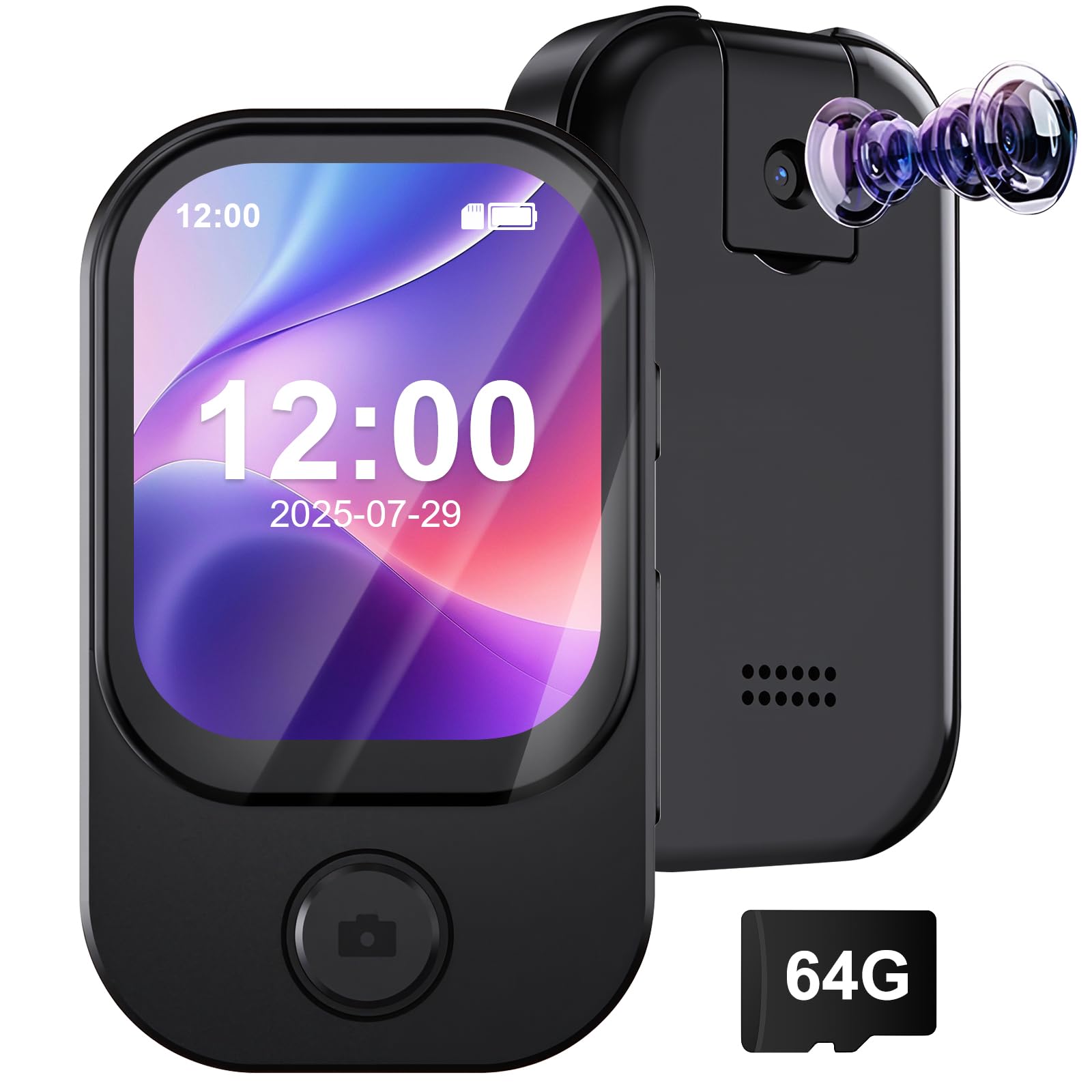
Image: Front and side view of the Gueray Mini MP3 Player HJGMP3SXJK, highlighting its compact size (39.5mm width, 90.5mm height, 10mm thickness) and light weight (31g). The screen displays icons for Music, Bluetooth, FM, Camera, Alarm, and Record. The side view shows the power button and volume controls.
Key features include:
- Lossless Music Playback
- Bluetooth 5.3 Connectivity
- Integrated Camera and Camcorder functions
- Voice Recorder
- FM Radio
- E-Book Reader
- Alarm, Stopwatch, and Calendar functions
Setup
1. Charging the Device
Before first use, fully charge the MP3 player. Connect the included USB cable to the device's charging port and the other end to a USB power adapter (not included) or a computer's USB port. The battery indicator on the screen will show charging status. A full charge typically takes approximately 2 hours.
2. Inserting a TF Card (Optional)
The device has 64GB of internal storage. To expand storage, you can insert a TF (Micro SD) card up to 128GB. Locate the TF card slot on the side of the device. Gently insert the TF card with the gold contacts facing down until it clicks into place. To remove, push the card in slightly until it springs out.

Image: The Gueray Mini MP3 Player HJGMP3SXJK displaying the text "Up to 128GB with the TF Card", illustrating the device's capability to expand storage using a TF card.
3. Transferring Files
Connect the MP3 player to your computer using the provided USB cable. The device will appear as a removable disk. You can then drag and drop music, video, image, and e-book files into the appropriate folders on the device or the inserted TF card.
Operating Instructions
1. Power On/Off
- Power On: Press and hold the power button on the side of the device until the screen lights up.
- Power Off: Press and hold the power button until the power-off options appear, then select 'Power Off'.
2. Basic Navigation
The device features a touch screen for navigation. Swipe left/right or up/down to browse menus and tap icons to select functions. Use the back button (if present) or swipe gestures to return to the previous screen or the main interface.
3. Music Playback
Tap the 'Music' icon on the main screen. You can browse your music by artist, album, genre, or folder. The player supports MP3, WAV, WMA, APE, and FLAC formats. During playback, you can adjust volume, skip tracks, and access playback modes (repeat all, random, repeat one song) and EQ settings (Normal, Pop, Rock, Jazz, Classic, Dance, Country).

Image: The Gueray Mini MP3 Player HJGMP3SXJK in use, with a person enjoying music. The image highlights supported audio formats including APE, FLAC, MP3, WMA, WAV, and AAC-LC, emphasizing "HiFi Sound Quality".

Image: The Gueray Mini MP3 Player HJGMP3SXJK being used in a social setting, demonstrating its built-in speaker function. The text "Built-in Speaker" is visible, indicating the ability to play audio without headphones.
4. Bluetooth Connection
Tap the 'Bluetooth' icon. Turn on Bluetooth and search for available devices. Select your Bluetooth headphones or speaker from the list to pair. Once connected, audio will stream wirelessly to the paired device. The player uses Bluetooth 5.3 for stable and fast connections.

Image: The Gueray Mini MP3 Player HJGMP3SXJK with a large Bluetooth symbol, indicating Bluetooth 5.3 connectivity. It shows compatibility with various Bluetooth audio devices like headphones and speakers.
5. Camera Function
Tap the 'Camera' icon to access the integrated 1-megapixel camera. You can take photos (1280x720 resolution) or record videos (1280x720 resolution). Tap the screen to focus or take a picture/start recording. The camera is useful for quick captures when a phone is not accessible.
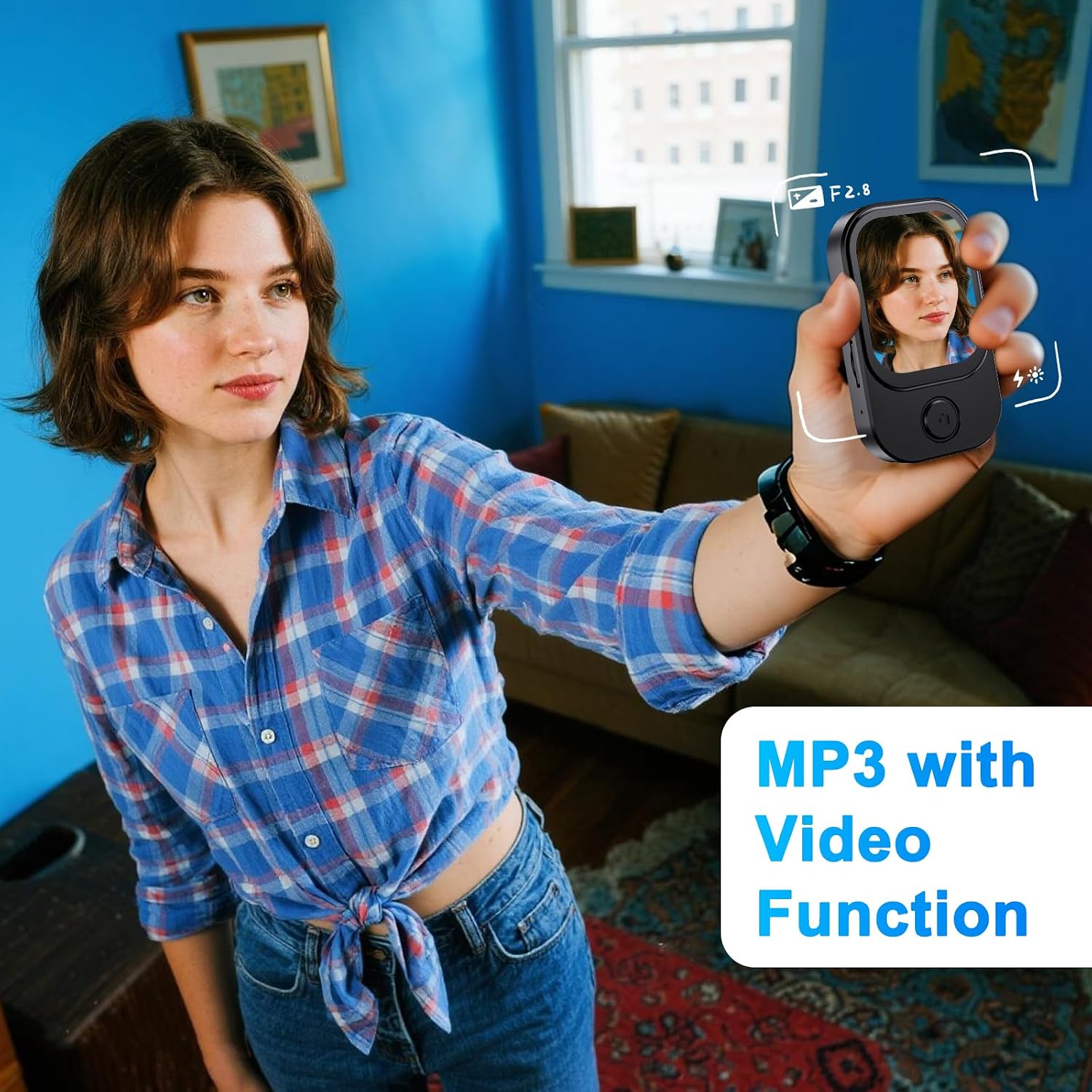
Image: A person holding the Gueray Mini MP3 Player HJGMP3SXJK, using its integrated camera function. The screen shows a live preview, demonstrating its capability as an "MP3 with Video Function" and camera.
6. Voice Recorder
Select the 'Record' icon to use the voice recorder. Tap to start and stop recording. Recorded files are saved in WAV format. This feature is ideal for lectures, meetings, or personal notes.

Image: The Gueray Mini MP3 Player HJGMP3SXJK displaying its recording interface, with a timer and waveform. The image shows various scenarios where the recorder function can be used, such as in a classroom or during an interview.
7. FM Radio
Tap the 'FM Radio' icon. Ensure headphones are connected as they often act as the antenna. You can auto-scan for stations or manually tune to your preferred frequencies.
8. E-Book Reader
Access the 'E-Book' function to read TXT format files. You can adjust font size and navigate through pages using the touch screen.
9. Other Functions
The device also includes a calendar, stopwatch, and alarm clock. Access these features from the main menu or dedicated icons.
Maintenance
- Cleaning: Use a soft, dry cloth to clean the device. Avoid liquid cleaners or abrasive materials.
- Storage: Store the device in a cool, dry place away from direct sunlight and extreme temperatures.
- Battery Care: To prolong battery life, avoid fully discharging the battery frequently. Charge the device regularly, even if not in use for extended periods.
- Software Updates: Check the manufacturer's website for any available firmware updates to ensure optimal performance and new features.
Troubleshooting
| Problem | Possible Cause | Solution |
|---|---|---|
| Device does not power on. | Low battery. | Charge the device for at least 30 minutes. |
| Cannot connect to Bluetooth device. | Bluetooth is off or device is out of range. | Ensure Bluetooth is enabled on both devices and they are within pairing range. Try restarting both devices. |
| No sound from headphones. | Headphones not properly connected or faulty. | Check headphone connection. Try different headphones. Ensure volume is not muted. |
| Files not appearing on device. | Incorrect file format or transfer error. | Ensure files are in supported formats (e.g., MP3, WAV). Reconnect to computer and re-transfer files. Check if files are in the correct folders. |
| Screen is unresponsive. | Temporary software glitch. | Press and hold the power button for 10-15 seconds to force a restart. |
Specifications
| Feature | Detail |
|---|---|
| Model Number | HJGMP3SXJK |
| Dimensions | 67.5 x 41 x 13.5 mm |
| Screen Size | 2.01 inches |
| Net Weight | 53 g |
| Internal Storage | 64 GB |
| TF Card Expansion | Up to 128 GB |
| Audio Formats | MP3, WAV, WMA, APE, FLAC |
| Recording Format | WAV |
| Image Formats | JPG, JPEG, BMP |
| E-book Format | TXT |
| Bluetooth Version | 5.3 |
| Battery Capacity | 2000 mAh |
| Charging Time | Approx. 2 hours |
| Battery Life (Music) | 7-8 hours |
| Camera Resolution | 1 Megapixel |
| Photo Resolution | 1280 x 720 |
| Video Recording Resolution | 1280 x 720 |
| Video Playback Resolution | 240 x 288 (AVI) |
| Connectivity | USB 2.0 |
| Included Components | MP3 Player, USB Cable |
Warranty and Support
Gueray products are designed for reliability and performance. For warranty information, please refer to the warranty card included in your product packaging or visit the official Gueray website. If you encounter any issues or require technical assistance, please contact Gueray customer support through their official channels. Keep your purchase receipt for warranty claims.