
1. Introduction
This manual provides essential information for setting up, operating, maintaining, and troubleshooting your Vivo T4 Lite 5G smartphone. Please read this guide thoroughly to ensure optimal performance and longevity of your device.
The Vivo T4 Lite 5G is a powerful smartphone featuring a 6000 mAh battery, a 50MP + 2MP rear camera system, a 5MP front camera, and a 17.12 cm (6.74 inch) HD+ display. It is powered by the Dimensity 6300 5G Processor and comes with 4GB RAM and 128GB internal storage, expandable up to 2TB.
2. Setup
2.1 What's in the Box
Your Vivo T4 Lite 5G package includes the following items:
- Vivo T4 Lite 5G Smartphone
- Power Adapter
- USB Cable
- SIM Tray Ejector
- Phone Case
- Screen Protector (pre-applied or in box)
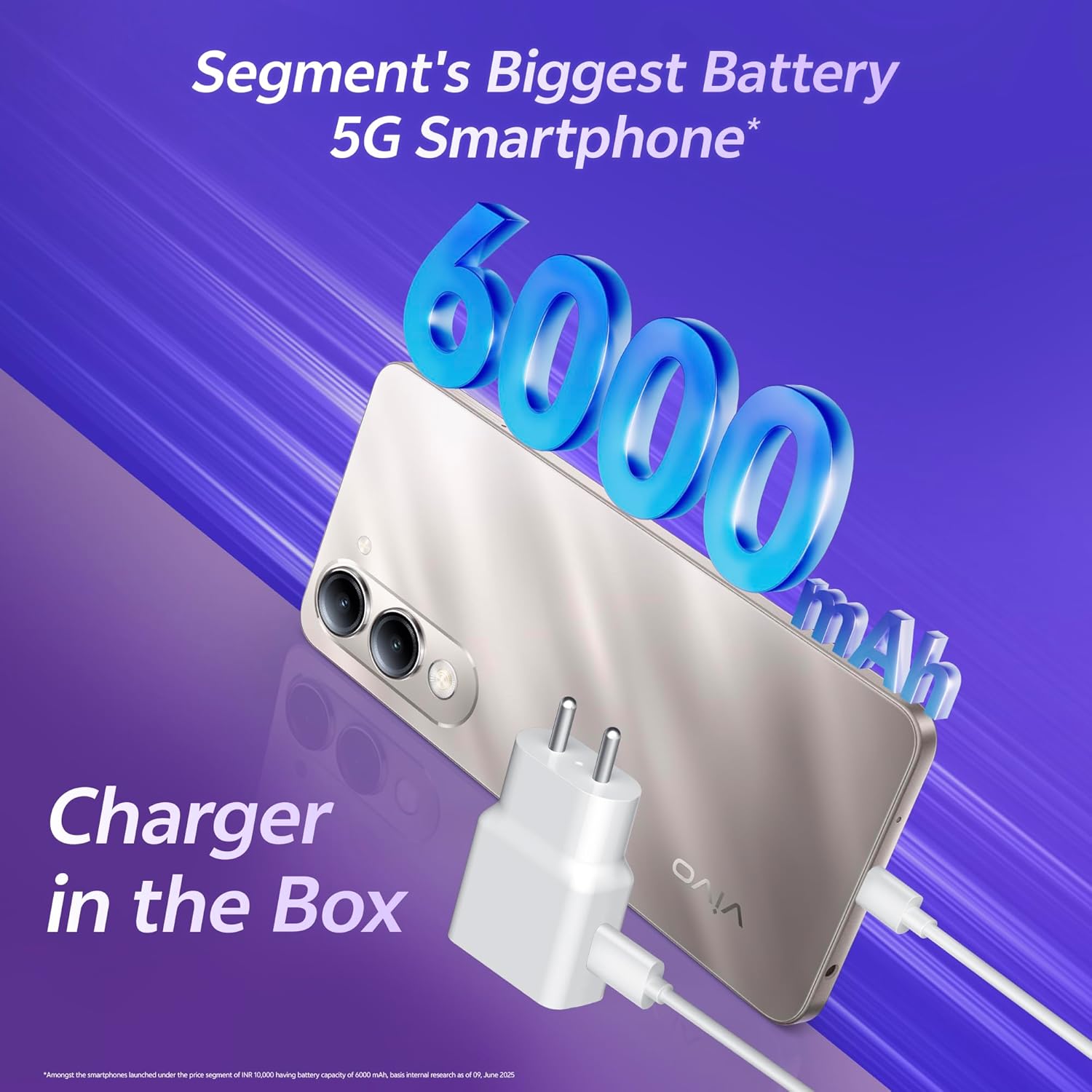
Image: The Vivo T4 Lite 5G smartphone shown alongside its power adapter and USB charging cable, highlighting the included accessories.
2.2 Device Overview
Familiarize yourself with the physical components of your smartphone.
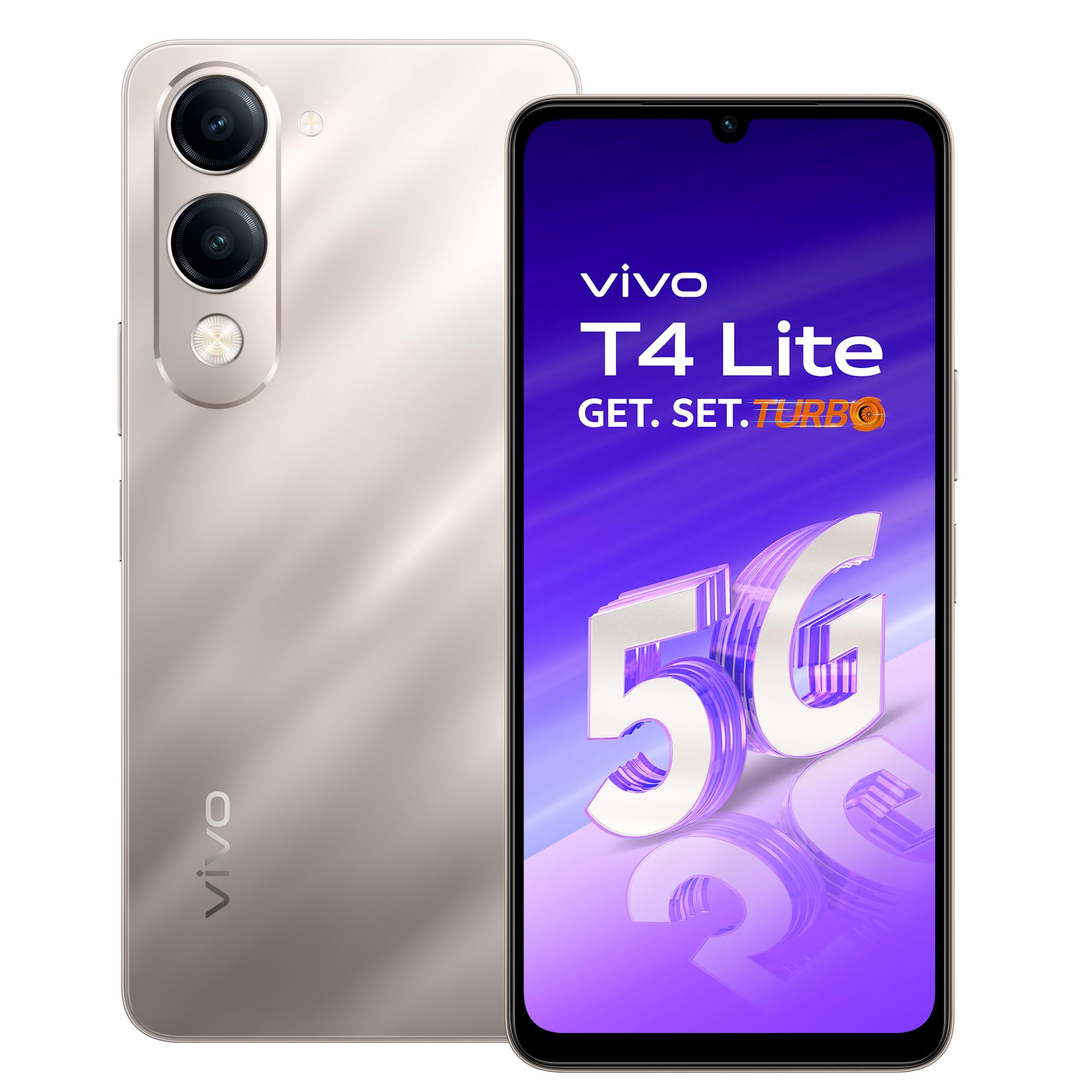
Image: A clear view of the Vivo T4 Lite 5G smartphone, showcasing its front display and the rear camera module in Titanium Gold.

Image: Top and bottom edges of the Vivo T4 Lite 5G, illustrating the USB Type-C port, speaker grille, and microphone.
2.3 SIM Card and Storage Installation
- Locate the SIM card tray on the side of your device.
- Insert the SIM tray ejector tool into the small hole next to the tray and press gently until the tray pops out.
- Place your Nano-SIM card(s) and/or microSD card (for expandable storage) into the designated slots on the tray. Ensure the gold contacts face downwards.
- Carefully reinsert the tray into the phone until it clicks into place.
2.4 Initial Power On and Setup
- Press and hold the Power button until the Vivo logo appears.
- Follow the on-screen prompts to select your language, region, connect to Wi-Fi, and set up your Google account.
- You will be guided through setting up security features like fingerprint unlock or face unlock.
3. Operating Your Device
3.1 Basic Functions
- Making Calls: Open the Phone app, enter the number, and tap the call icon.
- Sending Messages: Open the Messages app, tap 'Start chat', enter recipient and message, then send.
- Internet Connectivity: Connect to Wi-Fi via Settings > Network & internet > Wi-Fi, or enable mobile data via Settings > Network & internet > Mobile network.
3.2 Camera Features
The Vivo T4 Lite 5G features a versatile camera system:
- Rear Camera: 50MP Main Camera + 2MP Bokeh Camera for detailed photos and portrait effects.
- Front Camera: 5MP for selfies and video calls.

Image: A detailed view of the Vivo T4 Lite 5G's rear camera setup, highlighting the 50MP main sensor and the secondary lens.
The device also includes intelligent AI camera features:
- AI Erase: Remove unwanted objects or people from your photos.
- AI Photo Enhance: Automatically improves photo quality for stunning results.
- AI Document Mode: Converts physical documents into digital format with enhanced clarity.

Image: Visual examples of the AI Erase, AI Photo Enhance, and AI Document Mode functionalities available on the smartphone.
3.3 Battery Management
Your Vivo T4 Lite 5G is equipped with a large 6000 mAh battery. To optimize battery life:
- Adjust screen brightness.
- Close unused apps running in the background.
- Enable power-saving modes when needed.
- Use the provided power adapter and USB cable for charging.
3.4 Display Features
The 17.12 cm (6.74 inch) HD+ LCD display offers a resolution of 720 x 1600 pixels and up to 1000 nits brightness. It also features TÜV Rheinland Eye Protection to reduce blue light emission and minimize eye strain.
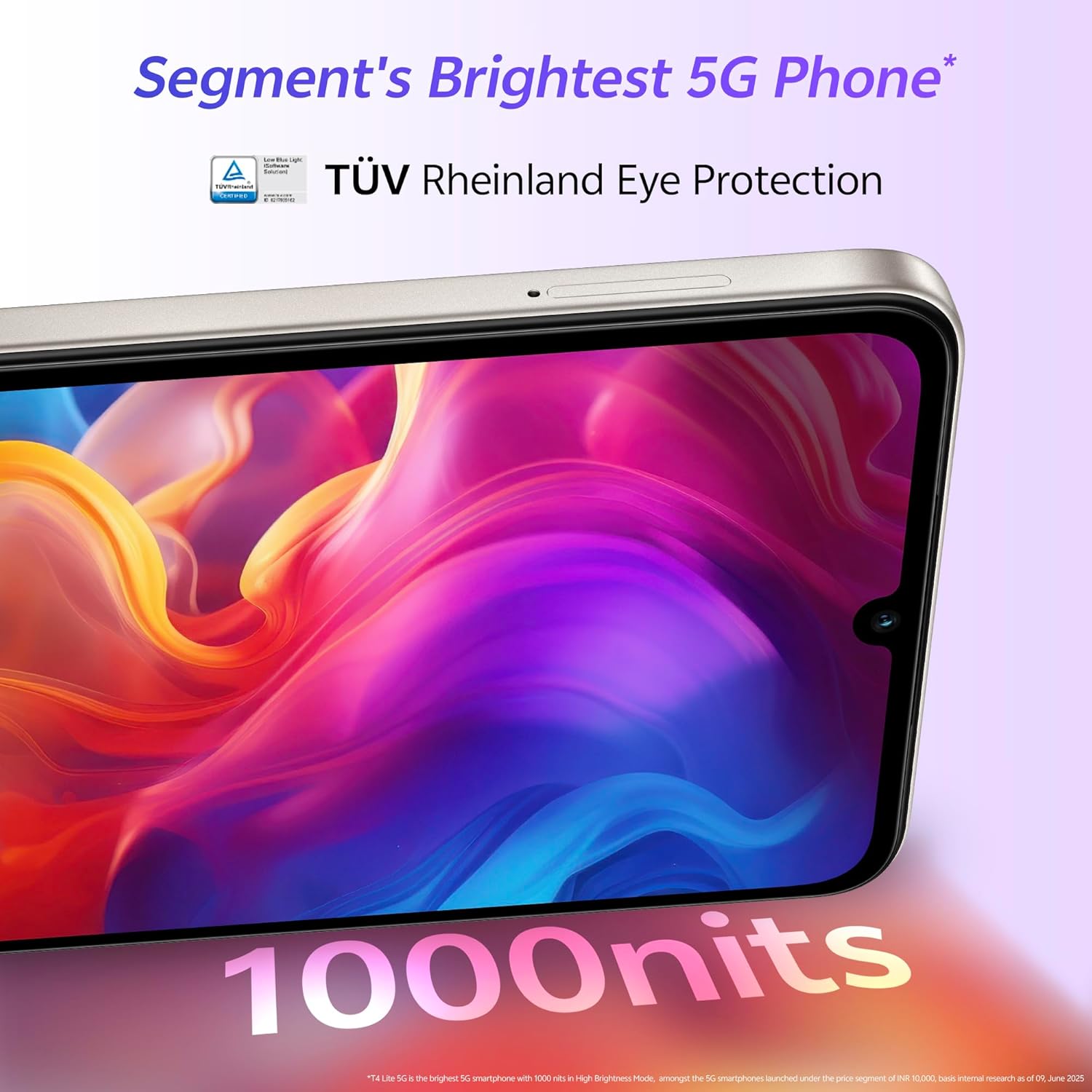
Image: The vibrant display of the Vivo T4 Lite 5G, highlighting its brightness and eye protection certification.
3.5 Performance and Storage
The device is powered by the MediaTek Dimensity 6300 5G Processor, ensuring smooth performance for daily tasks and 5G connectivity. It comes with 4GB RAM and 128GB internal storage, which can be expanded up to 2TB using a microSD card.
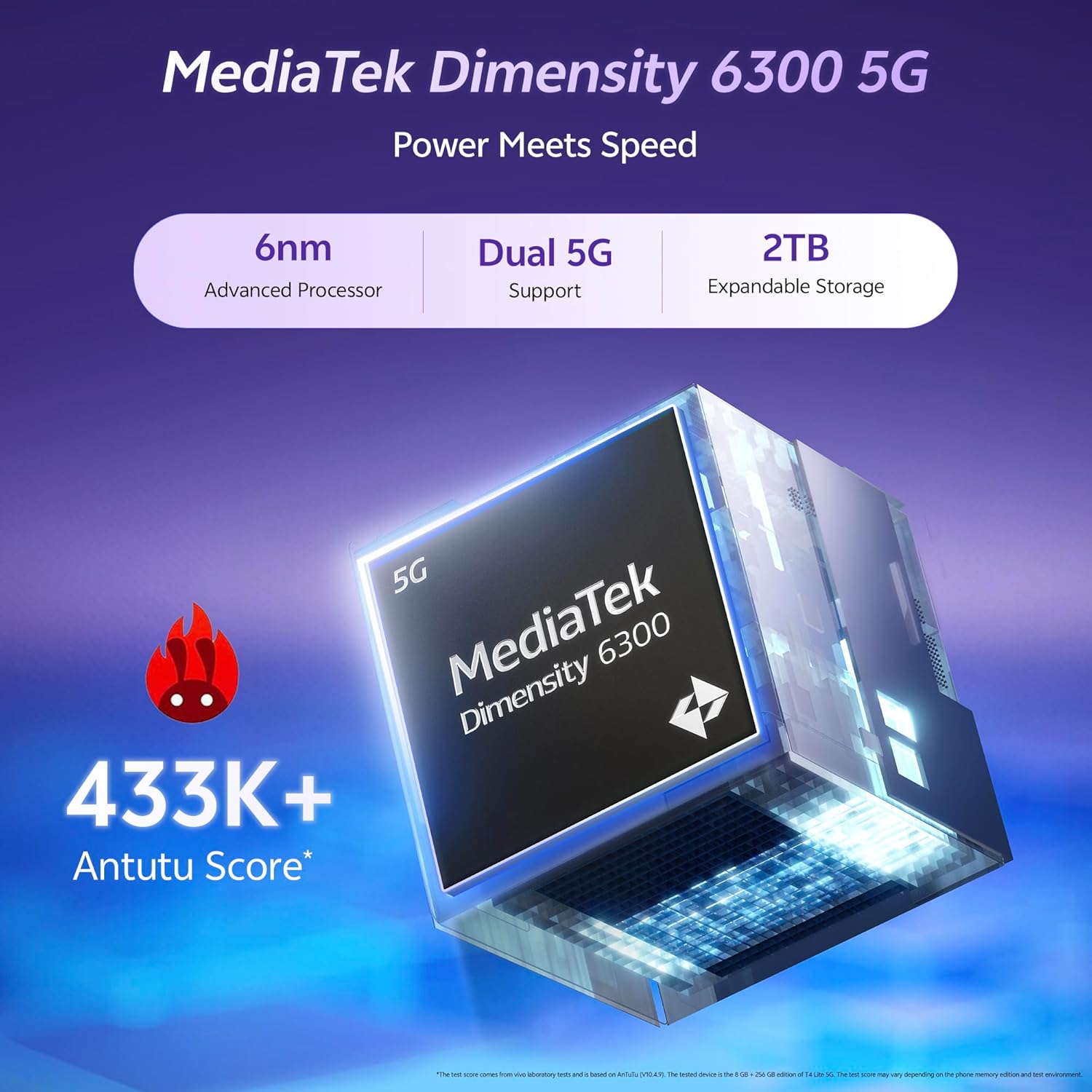
Image: A visual representation of the MediaTek Dimensity 6300 5G processor, emphasizing its 6nm advanced architecture and dual 5G support.

Image: A diagram illustrating the expandable RAM feature, showing how the device can utilize additional virtual RAM for enhanced performance.
3.6 Funtouch OS 15
The Vivo T4 Lite 5G runs on Funtouch OS 15, based on Android 15, providing a user-friendly interface and various customization options.
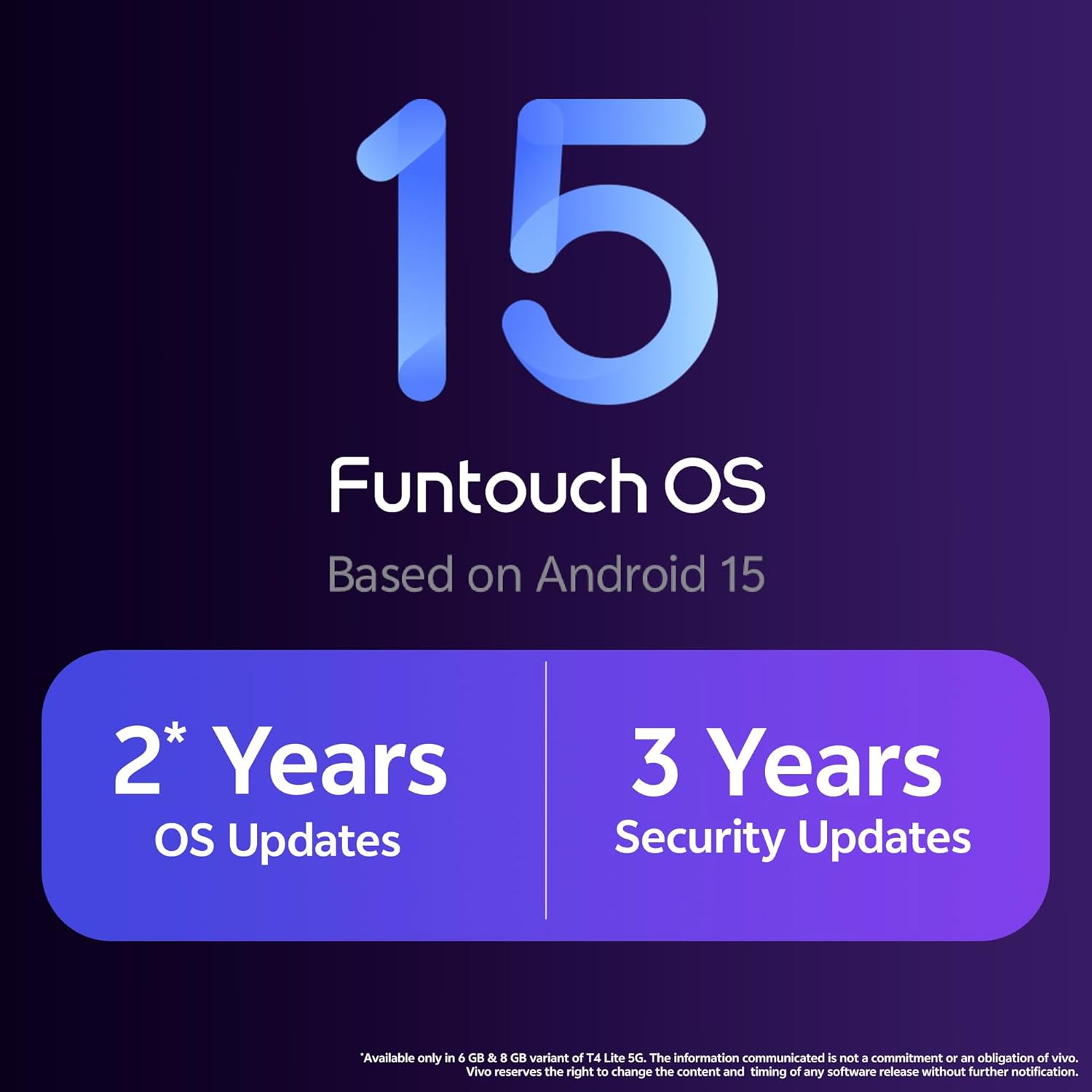
Image: The Funtouch OS 15 branding, indicating that the operating system is based on Android 15 and detailing the commitment to 2 years of OS updates and 3 years of security updates.
4. Maintenance and Care
4.1 Cleaning Your Device
To keep your phone clean, gently wipe it with a soft, lint-free cloth. Avoid using harsh chemicals or abrasive materials.
4.2 Software Updates
Regular software updates are provided to enhance performance, add new features, and improve security. Your device is eligible for 2 years of OS updates and 3 years of security updates. Ensure your device is connected to Wi-Fi and has sufficient battery before performing updates.
4.3 Durability Features
The Vivo T4 Lite 5G is designed for durability, featuring IP64 dust and water resistance and Military Grade Shock Resistance (MIL-STD-810H certified).
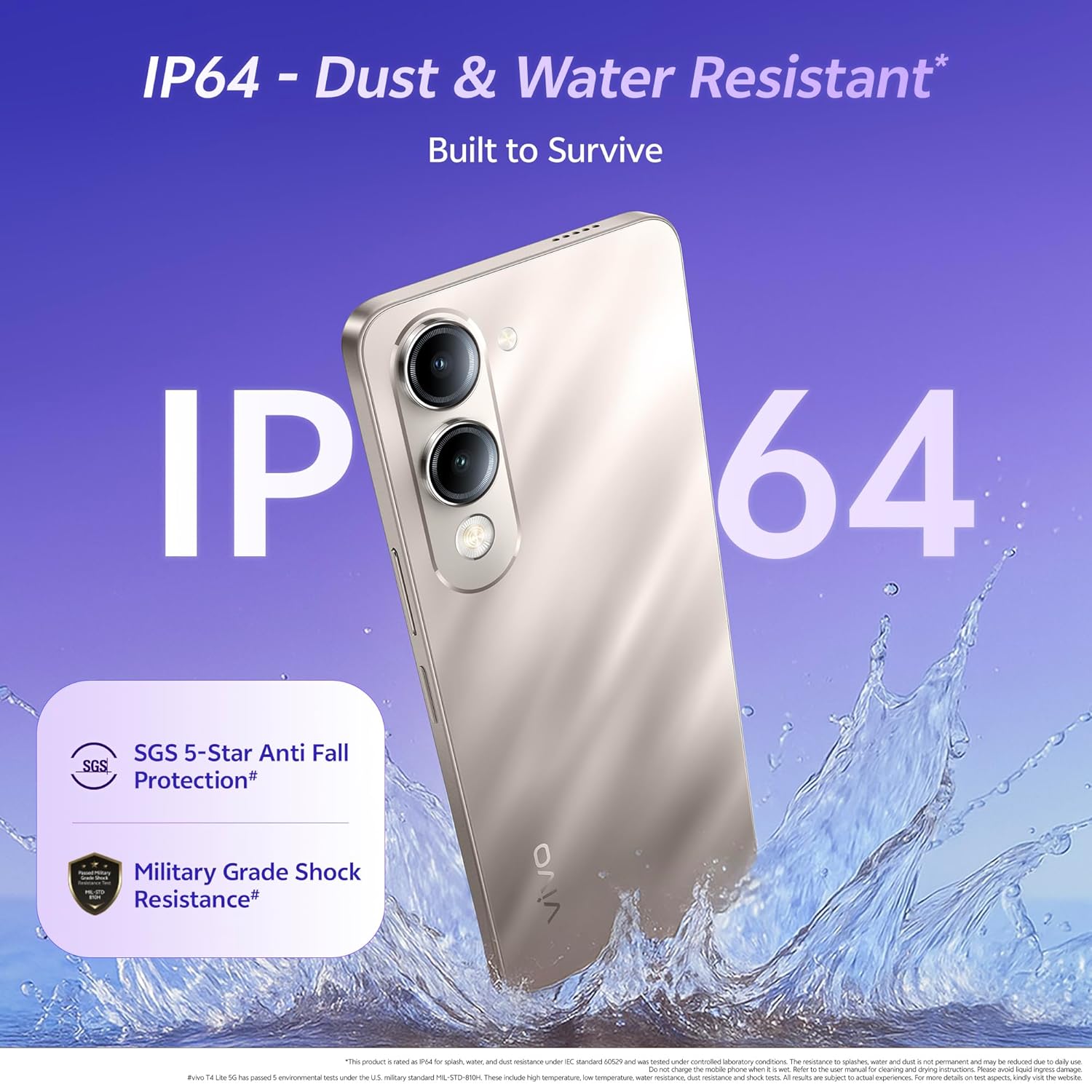
Image: The Vivo T4 Lite 5G being splashed with water, illustrating its IP64 dust and water resistance rating.
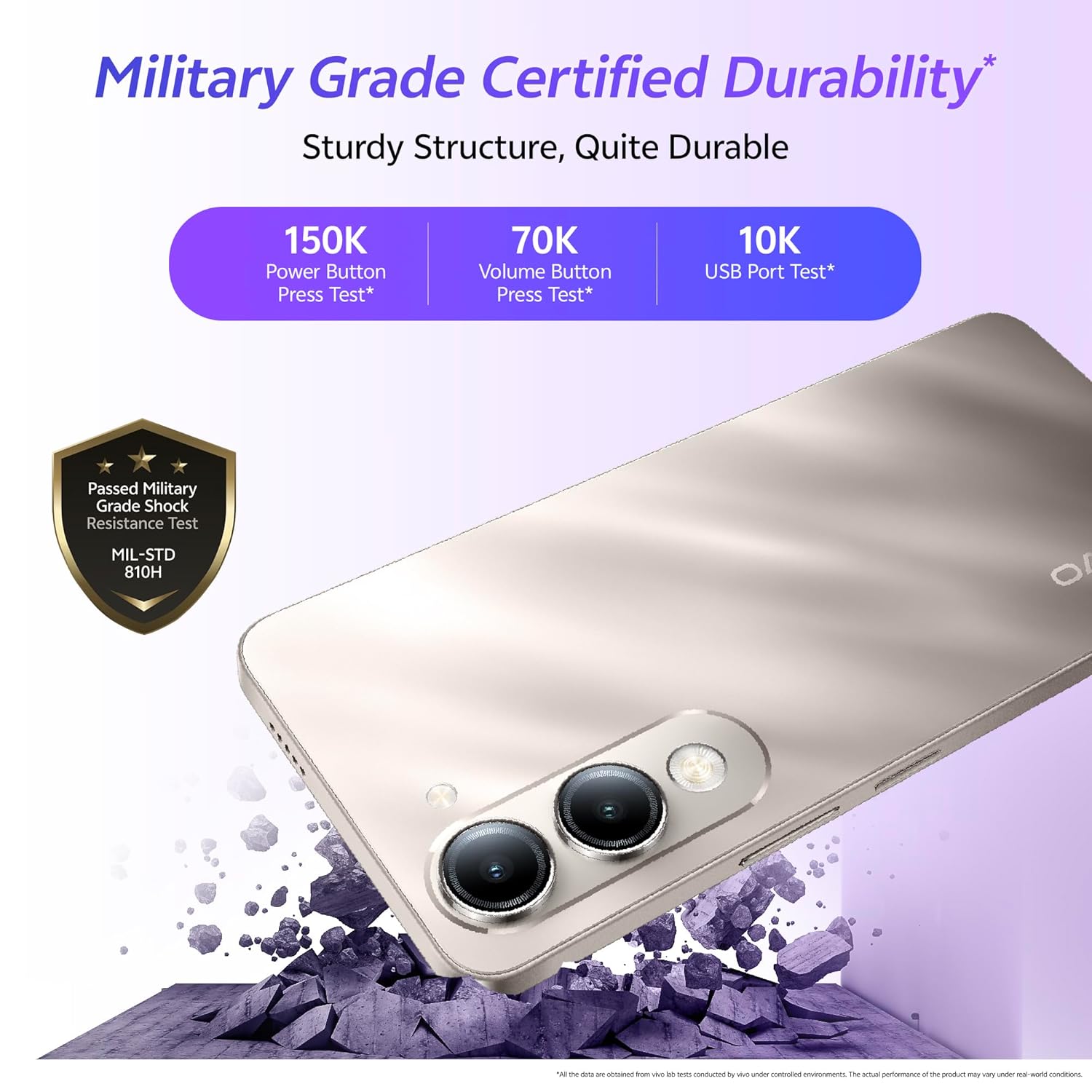
Image: The Vivo T4 Lite 5G with a shield icon indicating Military Grade Certified Durability, highlighting its robust construction.
5. Troubleshooting
If you encounter issues with your device, try the following basic troubleshooting steps:
- Device not responding: Press and hold the Power button for about 10-15 seconds to force restart.
- App crashes: Clear the app's cache and data in Settings > Apps, or reinstall the app.
- Network issues: Toggle Airplane Mode on and off, or reset network settings in Settings > System > Reset options.
- Slow performance: Close background apps, clear storage, or restart your device.
For more complex issues, refer to the official Vivo support website or contact customer service.
6. Specifications
| Feature | Detail |
|---|---|
| Brand | vivo |
| Model | T4 Lite 5G |
| Operating System | Funtouch OS 15 (based on Android 15) |
| Processor | Dimensity 6300 5G (2.4 GHz) |
| RAM | 4 GB |
| Internal Storage | 128 GB (Expandable up to 2 TB) |
| Display Size | 17.12 cm (6.74 inch) |
| Display Type | HD+ LCD (720 x 1600 Pixels) |
| Rear Camera | 50 MP + 2 MP |
| Front Camera | 5 MP |
| Battery Capacity | 6000 mAh |
| Connectivity | 5G, Bluetooth, USB Type-C, Wi-Fi |
| SIM Card Slot Count | Single SIM |
| Dimensions | 16.6 x 7.6 x 0.8 Centimeters |
| Weight | 202 Grams |
| Durability | IP64 Dust & Water Resistant, Military Grade Shock Resistance |
| Headphones Jack | No headphone jack |
| Country of Origin | India |
7. Warranty and Support
7.1 Warranty Information
Your Vivo T4 Lite 5G comes with a 1-year manufacturer warranty for the device and 6 months warranty for in-box accessories from the date of purchase. Please retain your purchase receipt for warranty claims.
7.2 Customer Support
For technical assistance, service, or further inquiries, please contact Vivo customer support. You can find contact details on the official Vivo website or through the support section in your device settings.
Manufacturer: vivo Mobile India Pvt Ltd Plot No 08, Sector 24, Yamuna Expressway Area, Gautam Buddha Nagar, Uttar Pradesh, 201310


