
Introduction
Thank you for choosing the VNMN S19 Open Ear Earbuds. These wireless earphones are designed to provide a comfortable listening experience while allowing you to remain aware of your surroundings. Featuring Bluetooth 5.4 connectivity, IPX7 waterproofing, and a lightweight, flexible clip-on design, the S19 earbuds are suitable for various activities, from daily commutes to intense workouts.
Key features include:
- Deep Immersion Audio: Experience rich bass and clear sound for an immersive audio experience.
- Comfort Open-Ear Design: Pressure-free ear canal design for natural sound staging and all-day comfort.
- Stereo Sound & Clear Call: 16.3mm drivers for natural vocal range and crystal-clear calls, even in noisy environments.
- Long Lasting Battery Life: Up to 36 hours of total playtime with the charging case, with a quick 60-minute full charge.
- Reliable IPX7 Waterproof: Designed to withstand sweat, rain, and splashes, making them ideal for sports and outdoor activities.
Setup
1. What's in the Box
Before you begin, please ensure all components are present:
- 2 x Open Ear Earbuds (S19)
- 1 x User Manual
- 1 x USB-C Charging Cable
- 1 x Portable Charging Case
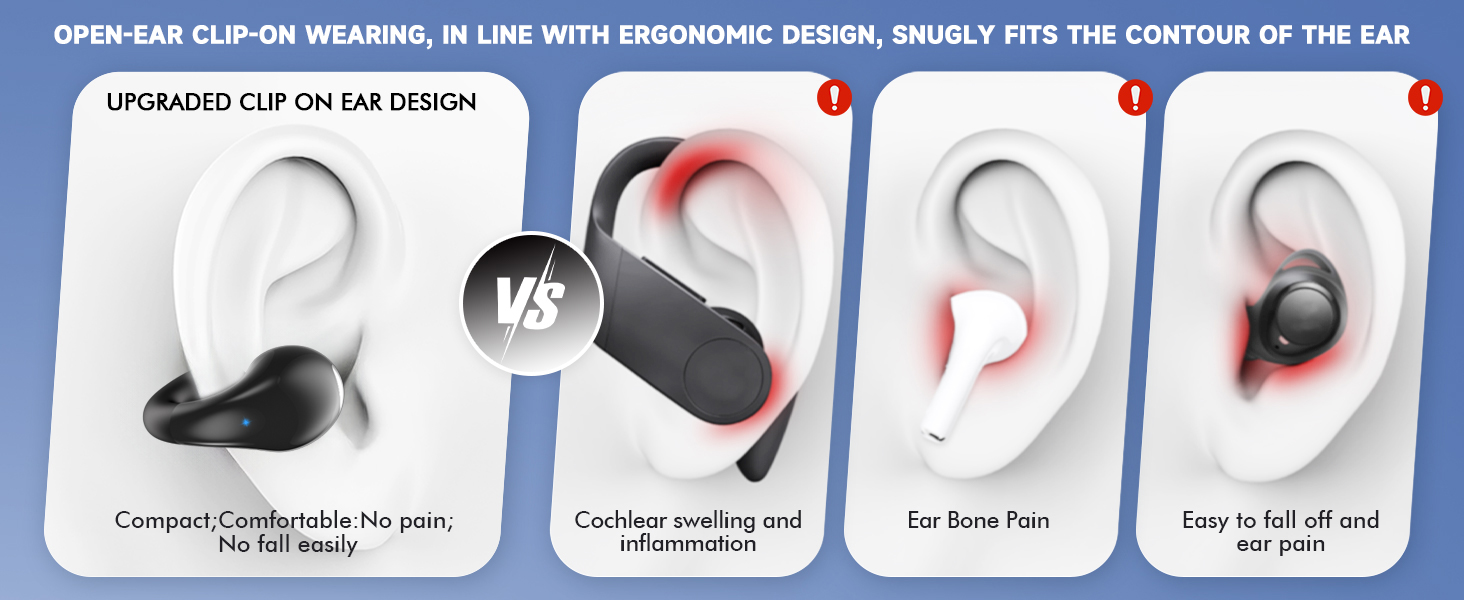
Image: All items included in the product packaging.
2. Charging the Earbuds and Case
For optimal performance, fully charge your earbuds and charging case before first use.
- Connect the provided USB-C charging cable to the charging port on the case.
- Plug the other end of the cable into a compatible USB power adapter (not included).
- The LED display on the charging case will show the battery percentage. A full charge takes approximately 1 hour.
- Place the earbuds into the charging case. The case will automatically charge the earbuds.

Image: Earbuds and charging case illustrating battery life and quick charge feature.
3. Pairing with Your Device
The S19 earbuds utilize Bluetooth 5.4 for a stable and efficient connection.
- Open the charging case. The earbuds will automatically enter pairing mode.
- On your device (smartphone, tablet, etc.), go to Bluetooth settings and enable Bluetooth.
- Look for "S19" in the list of available devices and select it to connect.
- Once connected, you will hear an audio prompt, and the earbuds will be ready for use.
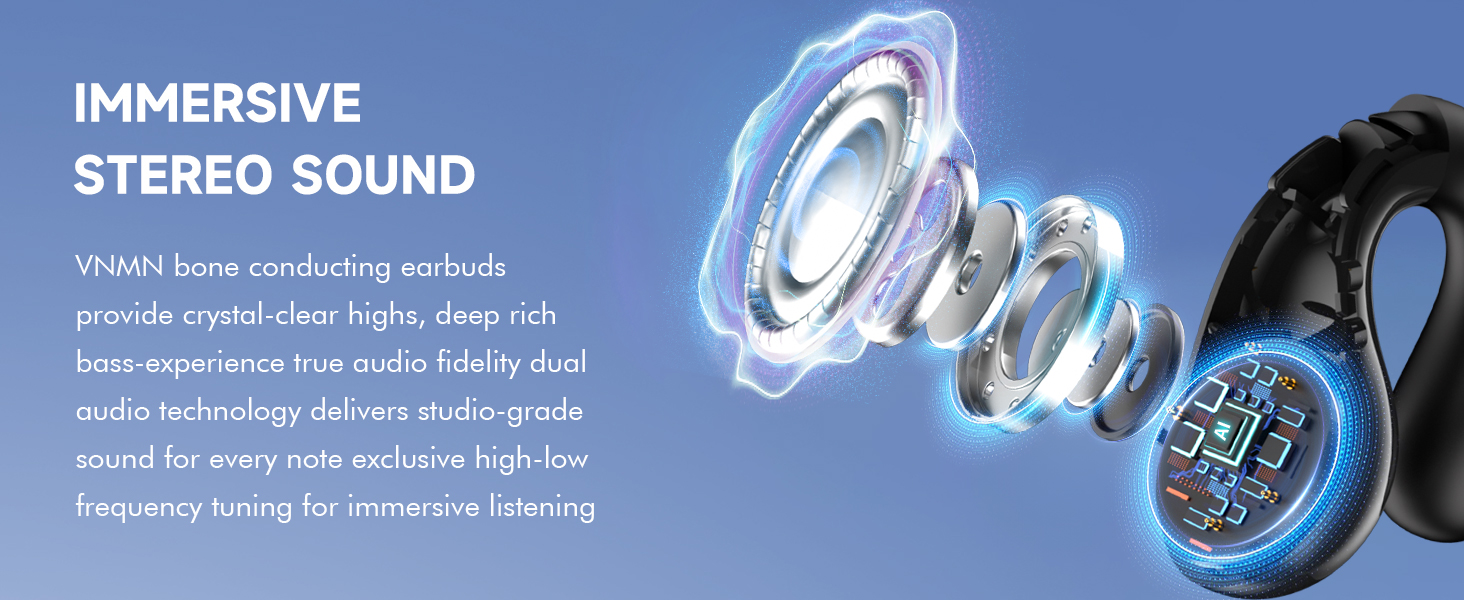
Image: Visual representation of the Bluetooth 5.4 AI chipset.
4. Wearing the Earbuds
The S19 earbuds feature a flexible clip-on design for a secure and comfortable fit.
- Gently open the ear clip.
- Position the earbud over your ear, ensuring the speaker is aligned with your ear canal.
- Adjust the flexible clip to comfortably secure the earbud to your outer ear.
- The open-ear design allows you to hear ambient sounds, enhancing safety during outdoor activities.
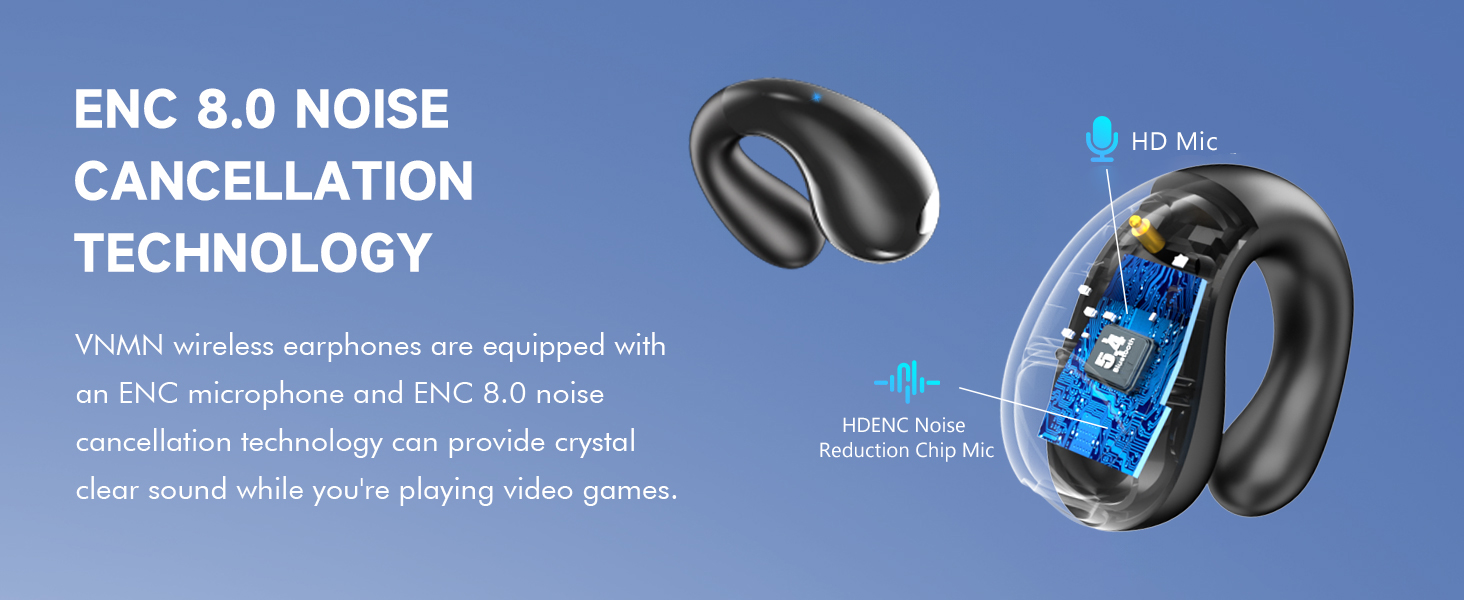
Image: Illustration of the adjustable clip-on design for a comfortable fit.
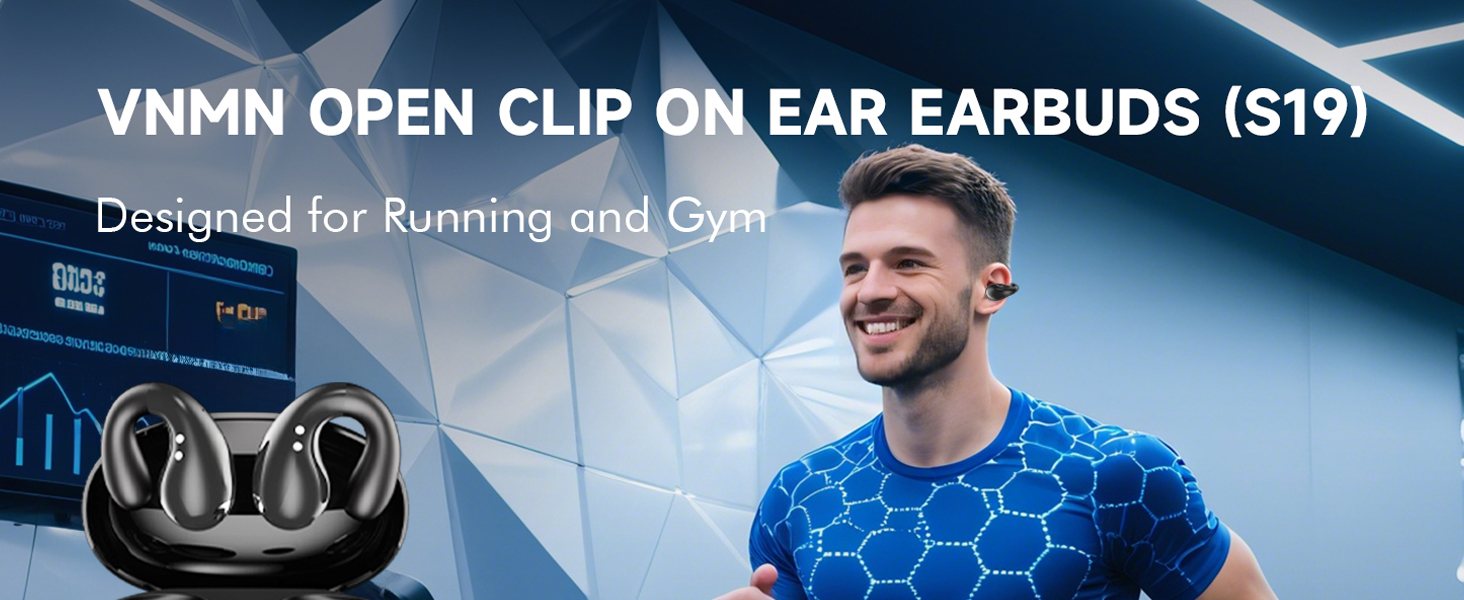
Image: Ergonomic design comparison for comfort.
Operating Instructions
1. Basic Controls (Touch Control)
The S19 earbuds feature intuitive touch controls on each earbud.
- Play/Pause: Tap either earbud once.
- Answer/Hang Up Call: Tap either earbud once.
- Next Song: Tap either earbud twice.
- Previous Song: Tap either earbud three times.
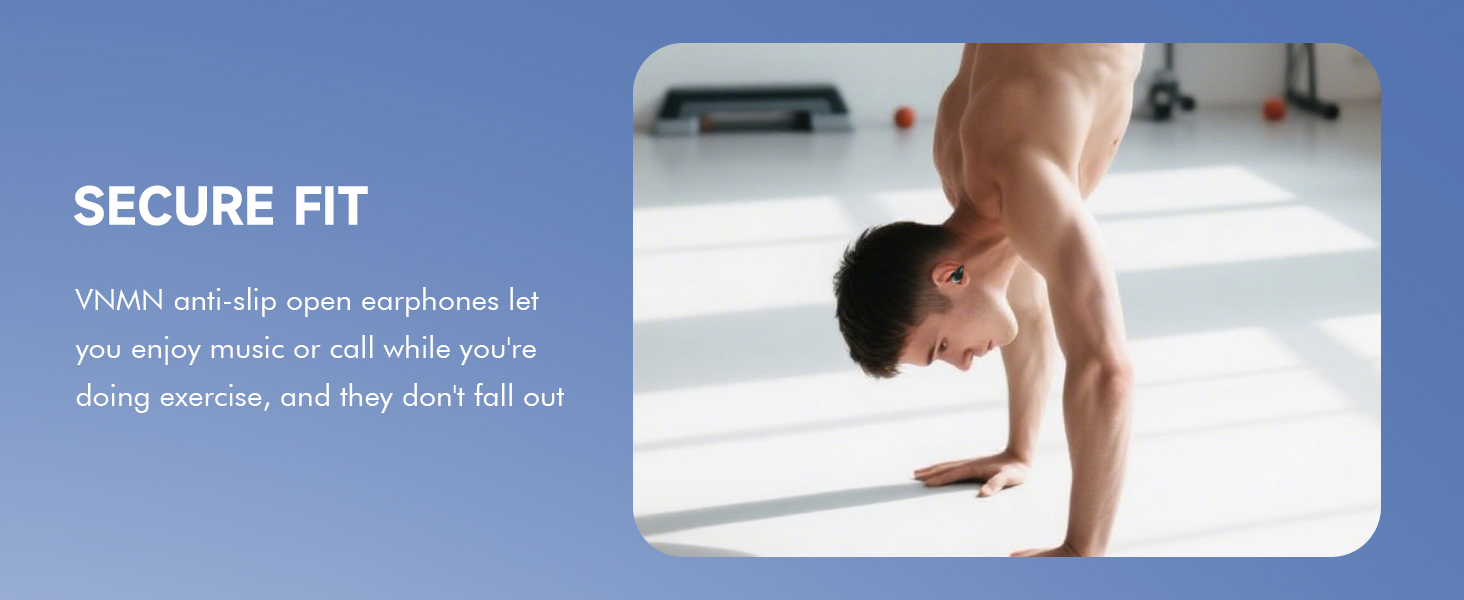
Image: Touch control gestures for music and calls.
2. Power On/Off
- Power On: Open the charging case, or press and hold the touch area on both earbuds for 3 seconds.
- Power Off: Place the earbuds back into the charging case and close the lid, or press and hold the touch area on both earbuds for 5 seconds.
3. Call Functions
The S19 earbuds provide clear call quality with noise reduction features.
- Answer/End Call: Tap either earbud once.
- Reject Call: Press and hold either earbud for 2 seconds.
Maintenance
1. IPX7 Waterproofing
The S19 earbuds are IPX7 waterproof, meaning they can withstand immersion in water up to 1 meter for 30 minutes. This makes them suitable for:
- Protection against sweat during workouts.
- Use in rainy conditions.
- Protection against accidental splashes.
Note: The charging case is NOT waterproof. Do not expose the charging case to water or moisture.
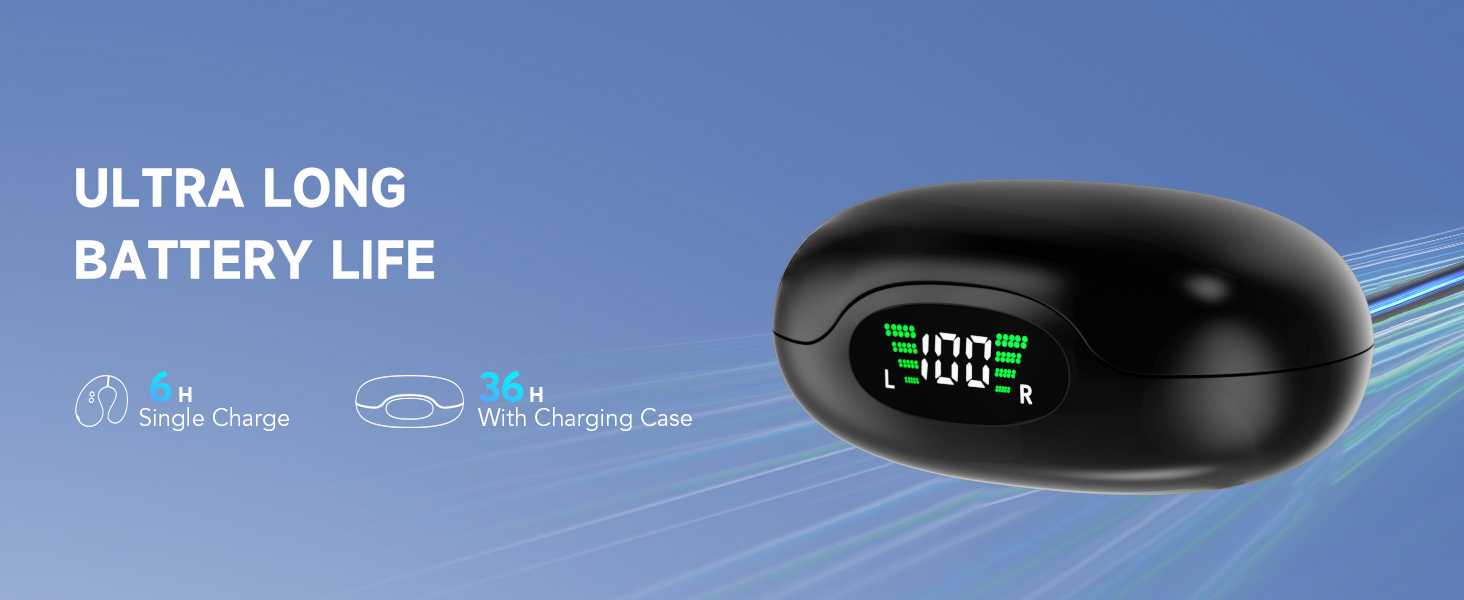
Image: IPX7 Waterproof feature for active use.
2. Cleaning and Storage
- Wipe the earbuds with a soft, dry cloth after each use, especially after workouts.
- Ensure the charging contacts on both the earbuds and the case are clean and dry before charging.
- Store the earbuds in their charging case when not in use to protect them and keep them charged.
- Avoid exposing the earbuds to extreme temperatures or direct sunlight for prolonged periods.
Troubleshooting
If you encounter any issues, please refer to the following common solutions:
- Earbuds not connecting/pairing:
- Ensure the earbuds are charged.
- Turn off and on your device's Bluetooth.
- Forget the "S19" device in your Bluetooth settings and try pairing again.
- Reset the earbuds (refer to the full manual for specific reset instructions if needed).
- Music skipping or intermittent connection:
- Ensure there are no obstructions between the earbuds and your device.
- Move closer to your device (within 33 feet/10 meters).
- Avoid environments with strong Wi-Fi or other wireless interference.
- Earbuds not charging:
- Check if the charging cable is securely connected to both the case and the power source.
- Ensure the charging contacts on the earbuds and inside the case are clean and free of debris.
- Try a different USB-C cable or power adapter.
- No sound from one earbud:
- Place both earbuds back into the charging case, close the lid, and then take them out again to re-sync.
- Try resetting the earbuds.
Specifications
| Brand | VNMN |
| Model Name | S19 |
| Connectivity Technology | Wireless (Bluetooth 5.4) |
| Wireless Communication Technology | Latest Bluetooth 5.4 |
| Bluetooth Range | 33 Feet (10 meters) |
| Water Resistance Level | IPX7 Waterproof |
| Ear Placement | Open Ear |
| Form Factor | Open Ear |
| Control Type | Touch Control |
| Audio Driver Size | 14.2 Millimeters |
| Charging Time | 1 Hour |
| Battery Life (Earbuds) | Approx. 10 hours (single charge) |
| Total Playtime (with Case) | Approx. 36 hours |
| Item Weight | 3.84 ounces |
| Product Dimensions | 5.12 x 4.68 x 1.22 inches |
Warranty Information
Your VNMN S19 Open Ear Earbuds come with a standard manufacturer's warranty. Please refer to the product packaging or contact customer support for specific warranty terms and conditions.
Customer Support
If you have any questions, concerns, or require assistance with your VNMN S19 Open Ear Earbuds that are not covered in this manual, please do not hesitate to contact our customer service department.
Email: vipsrvice@amazonteam.work
Product Videos
VNMN Open Ear Headphones Overview
Video: An overview of the VNMN Open Ear Headphones, demonstrating their design and features.
VNMN Bluetooth Earbuds Features
Video: Detailed look at the features and functionality of the VNMN Bluetooth Earbuds.
VNMN Clip On Earbuds Usage Guide
Video: A guide on how to properly wear and use the VNMN Clip On Earbuds for optimal comfort and sound.
VNMN Wireless Bluetooth Earbuds Demonstration
Video: A demonstration of the VNMN Wireless Bluetooth Earbuds in action, showcasing their performance.
VNMN Open Ear Earbuds Review
Video: A comprehensive review of the VNMN Open Ear Earbuds, highlighting user experience and benefits.