Introduction
This manual provides comprehensive instructions for the Redragon M817 Wired Gaming Mouse. It covers setup, operation, customization, maintenance, and troubleshooting to ensure optimal performance and user experience. Please read this manual thoroughly before using the product.
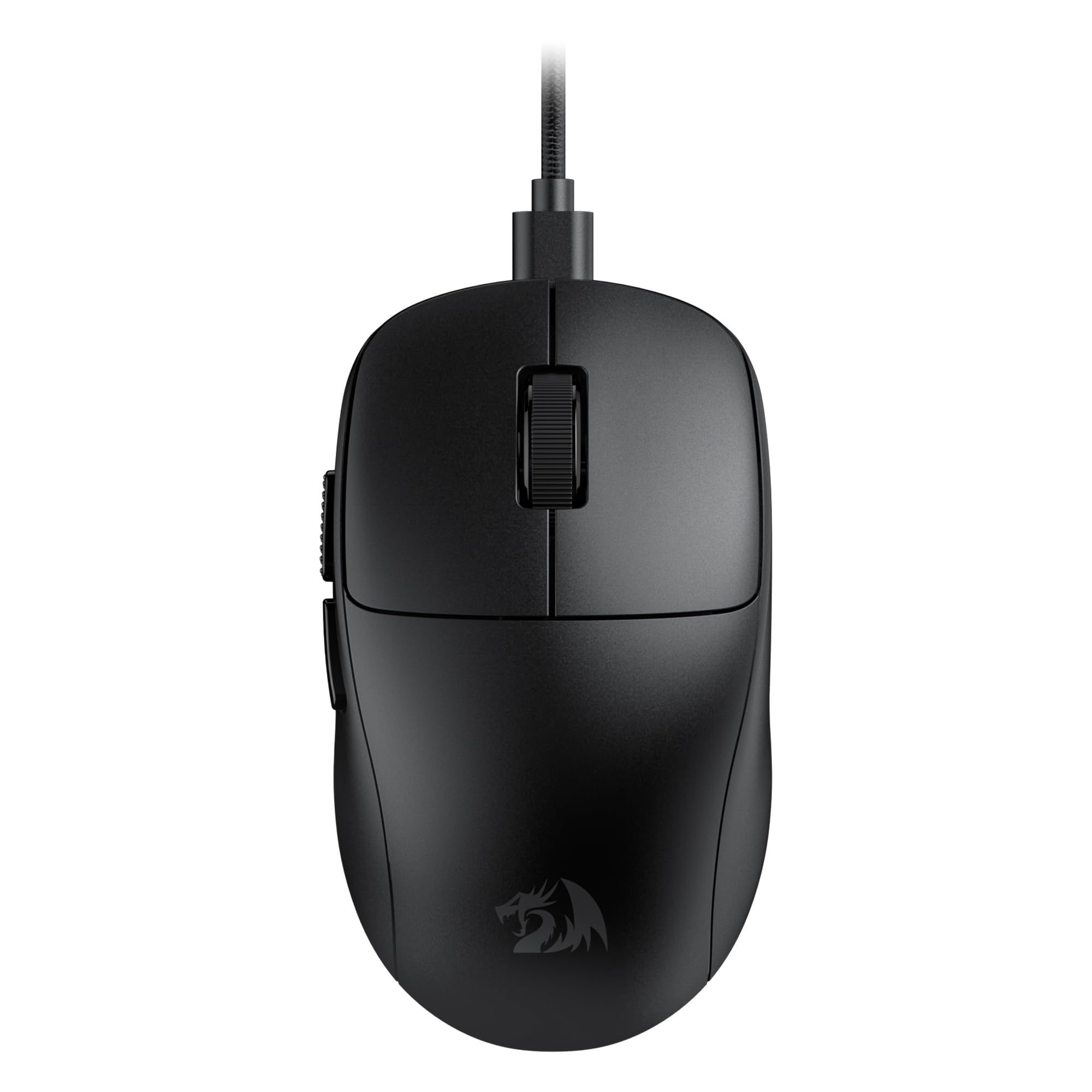
Image: Redragon M817 Wired Gaming Mouse, black.
Package Contents
- Redragon M817 Wired Gaming Mouse
- User Manual
Product Features
The Redragon M817 mouse is designed with several features to enhance your gaming and computing experience:
- High Precision Sensor: Equipped with an SG8960 optical sensor, offering up to 24000 DPI.
- Adjustable DPI: Five redefinable DPI levels (default: 400/800/1600/2400/3200) with software support for 100-24000 DPI.
- Programmable Buttons: Five customizable buttons for personalized keybinds and macros.
- Ultra-Lightweight Design: Weighs approximately 37 grams for faster, more accurate movements.
- Ergonomic Comfort: Designed for a comfortable grip, reducing wrist fatigue during extended use.
- Durable Switches: Features switches rated for 50 million clicks.
- Swift Response Rate: 1000 Hz polling rate, 300 IPS, and 80G acceleration for lag-free communication.

Image: Overview of Redragon M817 features.
Setup Guide
Connecting the Mouse
- Locate an available USB port on your computer.
- Plug the USB connector of the Redragon M817 mouse into the USB port.
- The mouse will be automatically detected and installed by your operating system.
Software Installation
For advanced customization, including DPI settings, button remapping, and macro creation, download the official Redragon software.
- Visit the official Redragon website.
- Navigate to the support or downloads section.
- Locate and download the software specific to the M817 model.
- Follow the on-screen instructions to install the software.

Image: Redragon M817 software interface for customization.
Operating Instructions
DPI Adjustment
The M817 mouse features a dedicated DPI button, typically located on the underside of the mouse, to cycle through preset DPI levels. Each level is indicated by a specific LED color.
| DPI Level | LED Color |
|---|---|
| 400 | Red |
| 800 | Blue |
| 1600 | Green |
| 2400 | Cyan |
| 3200 | Yellow |
You can customize these DPI levels and their corresponding colors using the Redragon software.

Image: DPI indicator and color codes.
Programmable Buttons
The M817 features 5 programmable buttons. These buttons can be assigned various functions, keybinds, or complex macros through the Redragon software. This allows for quick execution of in-game commands or productivity shortcuts.
Ergonomic Design
The mouse is designed with an ergonomic shape to fit comfortably in your hand, reducing strain during prolonged use. The skin-friendly frosted coating provides a secure grip and prevents fingerprints.
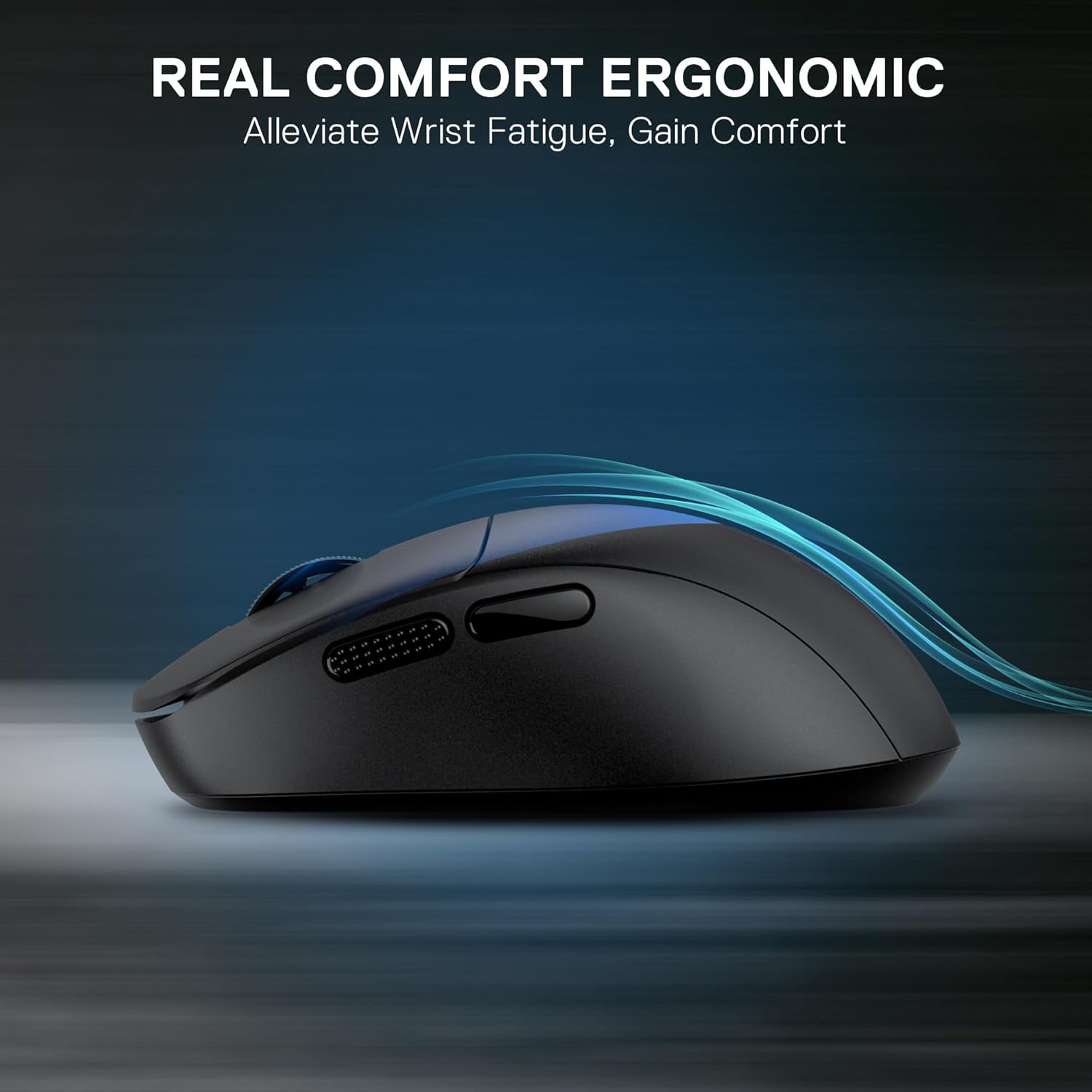
Image: Ergonomic design for comfort.
Image: M817 dimensions and grip suitability.
Lightweight Design
Weighing only 37 grams, the M817's ultra-lightweight construction allows for quick, precise movements, which is beneficial in fast-paced gaming scenarios.

Image: M817 highlighting its 37-gram lightweight design.
Maintenance
Cleaning
- Disconnect the mouse from your computer before cleaning.
- Use a soft, lint-free cloth lightly dampened with water or a mild cleaning solution to wipe the surface of the mouse.
- Avoid using harsh chemicals, abrasive cleaners, or excessive moisture.
- Use a soft brush or compressed air to clean dust and debris from around the scroll wheel and sensor area.
Storage
Store the mouse in a dry, cool environment away from direct sunlight and extreme temperatures when not in use for extended periods.
Troubleshooting
- Mouse Not Responding:
Ensure the USB cable is securely connected to your computer. Try plugging the mouse into a different USB port. Restart your computer. - DPI Not Changing:
Press the DPI button on the underside of the mouse to cycle through settings. If using custom settings, ensure the Redragon software is installed and running correctly. - Buttons Not Working:
Check the Redragon software to ensure buttons are correctly mapped. If the issue persists, try resetting the mouse settings to default via the software. - Erratic Cursor Movement:
Clean the optical sensor on the underside of the mouse. Ensure you are using the mouse on a suitable surface (e.g., a mouse pad).
Specifications
| Feature | Specification |
|---|---|
| Brand | Redragon |
| Model Number | 137367735 |
| Connectivity Technology | USB Wired |
| Movement Detection Technology | Optical (SG8960 Sensor) |
| Max DPI | 24000 |
| Default DPI Levels | 400/800/1600/2400/3200 |
| Programmable Buttons | 5 |
| Polling Rate | 1000 Hz |
| IPS | 300 |
| Acceleration | 80G |
| Switch Durability | 50 Million Clicks |
| Item Weight | 37 grams (approx. 7 ounces packaged) |
| Color | Black |
| Package Dimensions | 7.52 x 4.96 x 1.93 inches |
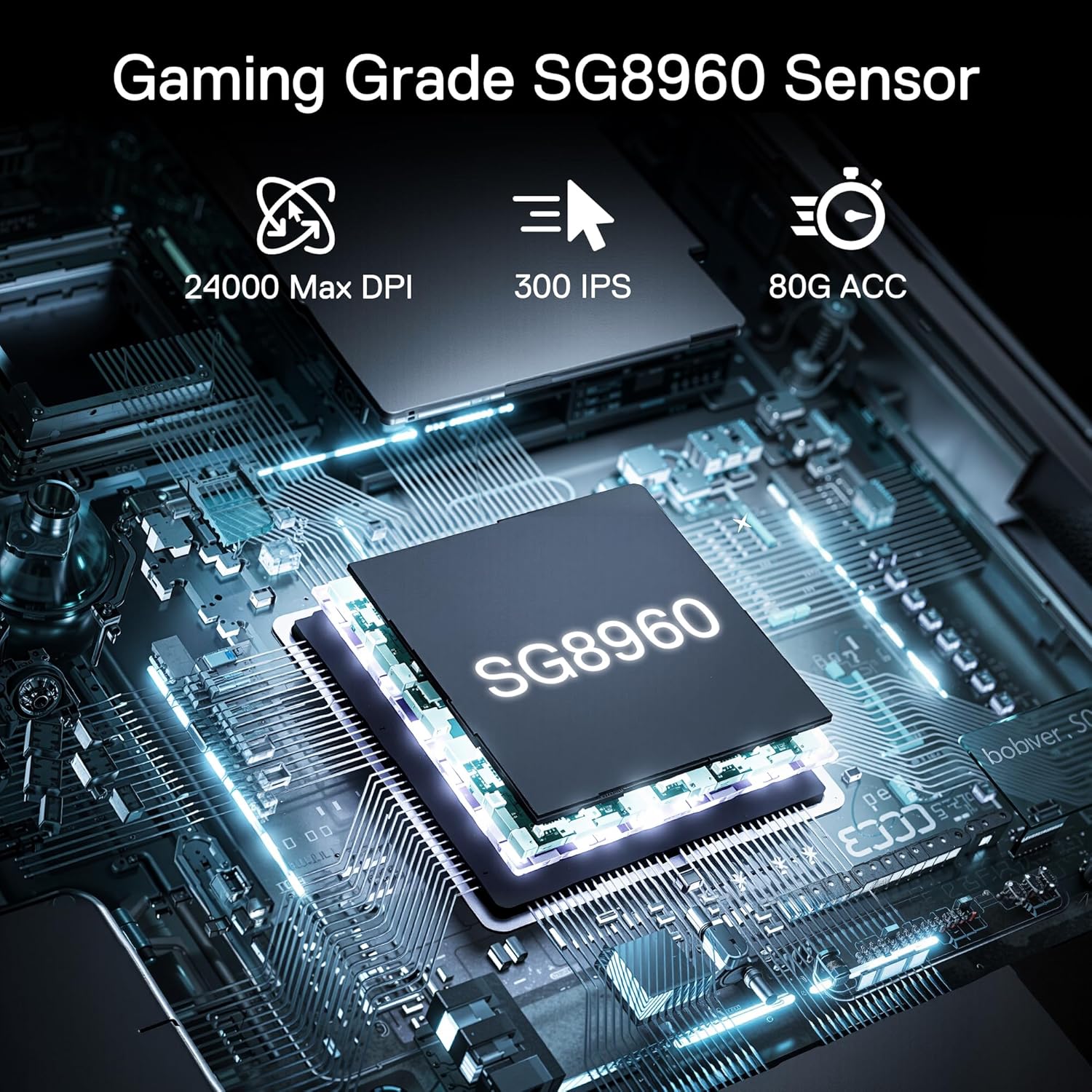
Image: SG8960 Gaming Grade Sensor.
Warranty and Support
Redragon products typically come with a limited warranty. For specific warranty terms and conditions, please refer to the warranty card included with your product or visit the official Redragon website. For technical support, driver downloads, or further assistance, please visit the Redragon support page or contact their customer service directly.
Official Redragon Website: www.redragonusa.com


