
1. Introduction
The NGTeco NG-TC2 is a cloud-based time clock designed for efficient employee attendance management in small businesses. It features advanced fingerprint and RFID card recognition, dual-band 2.4G & 5G WiFi connectivity, and remote control capabilities via a user-friendly mobile app and web portal. This manual provides detailed instructions for setting up, operating, and maintaining your NG-TC2 time clock.
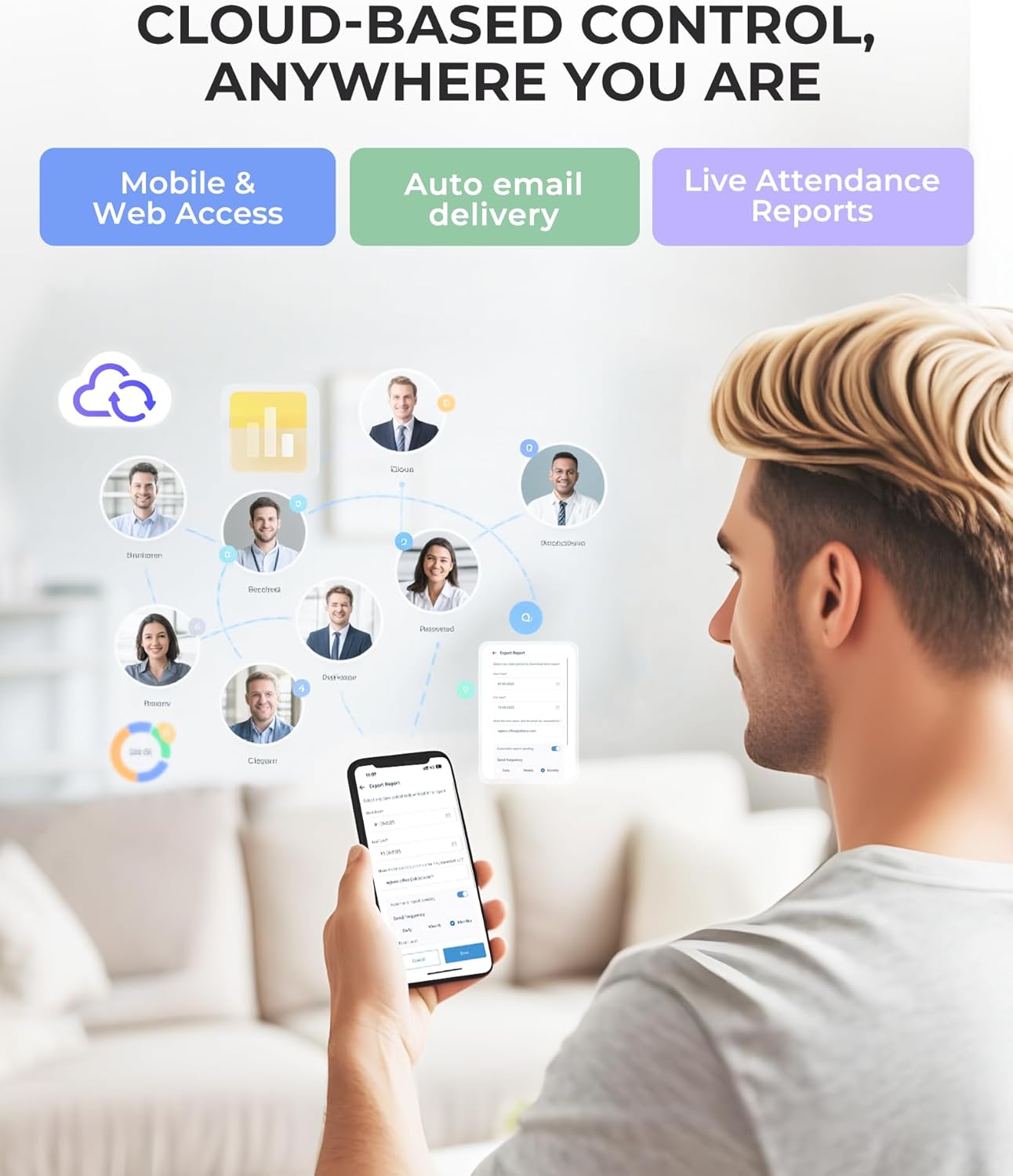
Image: NGTeco NG-TC2 Cloud-Based Time Clock, showcasing its compact design and digital display.
2. What's in the Box
Upon unboxing your NGTeco NG-TC2, you should find the following items:
- NGTeco NG-TC2 Time Clock Device
- Quick Start Guide
- Detailed User Manual
- Mounting Template for Wall Installation
- Power Adapter
- Screws and Wall Plugs for Mounting
- Wall Mounting Bracket
- RFID Cards (for verification)
Video: NGTeco NG-TC2 Unboxing & Installation Guide. This video demonstrates the contents of the product packaging and provides a visual overview of each component.
3. Device Overview
Front Panel
The front of the NG-TC2 features a digital screen for displaying time and status, a fingerprint sensor for biometric authentication, and a card reader for RFID verification.
Rear Panel
On the back of the device, you will find the On/Off button, a DC 12-Volt power input port, and an Ethernet (LAN) port for wired network connection. The device also supports 2.4GHz and 5GHz Wi-Fi for wireless connectivity.

Image: Front view of the NGTeco NG-TC2 Time Clock, highlighting the screen, fingerprint sensor, and card reader.
4. Setup Guide (App & Device)
The NGTeco NG-TC2 is managed primarily through the NGTeco Office mobile application or web portal. Follow these steps to set up your device and begin managing attendance.
4.1 App Download & Account Creation
- Download the NGTeco Office app from Google Play Store (for Android) or Apple App Store (for iOS).
- Open the app. If you have an existing account, log in. Otherwise, sign up by providing your details.
- Create an organization or select an existing one.
4.2 Device Connection
- In the app, navigate to the 'Quick Start' section and select 'Add Site'. Enter your site name and time zone.
- Turn on the NG-TC2 device.
- In the app, select 'Add Device'. You can either scan the QR code displayed on the device screen or use Bluetooth to find the device.
- Once connected, configure the network settings (Wi-Fi or LAN). For Wi-Fi, select your network and enter the password.
- Bind the device to your organization and confirm.
4.3 Employee & Timesheet Setup
- In the app, go to 'Add Employee' and enter the employee's details. Save them.
- Proceed to 'Add Timesheet'. Provide a name and description for the timesheet. Configure schedule rules, including working hours, break times, and overtime. Save the timesheet.
- In 'Add Schedule', select the employee, the timesheet, and specify the start and end dates. Assign the device(s) the employee will use to clock in/out. Save the schedule.
Video: NGTeco NG-TC2 Cloud-Based Time Clock App Setup & Operation Guide. This video demonstrates the step-by-step process of setting up the app and connecting the device.
5. Operating the Time Clock
5.1 Fingerprint Registration
- In the app, go to 'Device' -> 'Device Control' -> 'Person in this device'.
- Select the employee and choose 'Fingerprint' for remote registration.
- Specify which finger you want to register (e.g., Left Thumb, Right Index Finger).
- Place the selected finger on the device's scanner three times until successful registration is confirmed.
5.2 Card Registration
- In the app, go to 'Device' -> 'Device Control' -> 'Person in this device'.
- Select the employee and choose 'Card' for remote registration.
- Hold the RFID card under the fingerprint scanner on the device. Repeat the process once more.
- The device will confirm successful registration with an audible

